Can MacBook Air M3 Run Counter-Strike 2? Real Performance Review
Explore the MacBook Air M3's ability to run Counter-Strike 2, including hardware limits, software compatibility, and gaming performance.
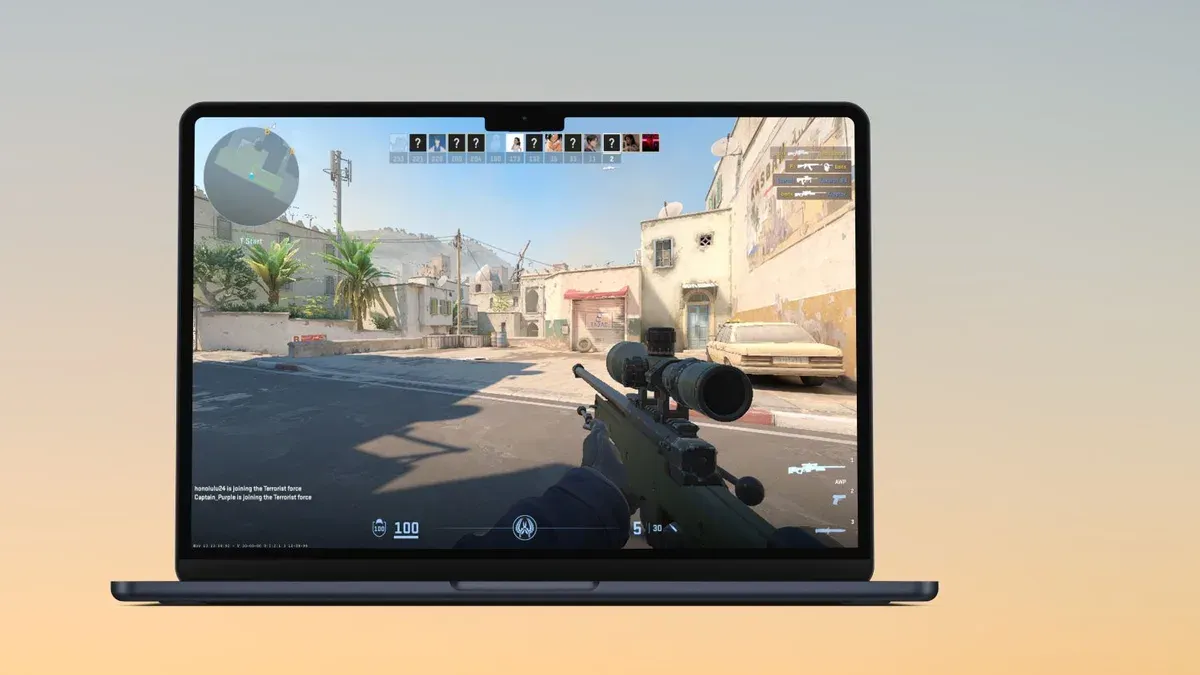
Gamers often ask if the MacBook Air M3 can run Counter-Strike 2 smoothly and competitively. This article examines the laptop's hardware, software compatibility, and gameplay considerations to provide a clear picture beyond raw specifications and generic benchmarks.
Understanding Counter-Strike 2’s System Requirements and Game Engine
Counter-Strike 2 is built on a modernized engine requiring specific hardware and software support. Official minimum and recommended system requirements emphasize a multi-core CPU, dedicated GPU, and support for advanced graphics APIs.
- Minimum specs typically include a quad-core processor, at least 8GB RAM, and a DirectX 12 compatible GPU.
- Recommended specs require a more powerful CPU and GPU to maintain higher frame rates and visual quality.
- The game engine uses DirectX 12 and Vulkan APIs for efficient rendering and performance optimizations.
macOS supports Metal as its graphics API, differing from DirectX and Vulkan. This difference creates compatibility challenges because native Counter-Strike 2 versions primarily target Windows with DirectX 12, limiting macOS native support.
MacBook Air M3 Hardware and macOS Compatibility with Counter-Strike 2
The MacBook Air M3 uses Apple’s latest M3 chip, featuring an efficient CPU and integrated GPU built on an architecture optimized for macOS. This architecture differs from traditional x86-based PCs common in gaming.
- The M3’s integrated GPU improves graphics throughput over previous generations but remains less powerful than many dedicated gaming GPUs.
- No native macOS version of Counter-Strike 2 is officially released by Valve. Running the game requires workarounds such as virtualization or cloud gaming.
- The MacBook Air’s thermal design prioritizes quiet operation and slimness over sustained high-performance cooling, which can cause thermal throttling during extended gaming sessions.
- Boot Camp is not available on Apple Silicon Macs, so Windows cannot be installed natively. Virtualization software can run Windows but with performance overhead that impacts gaming.
Running Counter-Strike 2 on the MacBook Air M3 mostly involves cloud gaming services, which offload processing to remote servers, or virtualization with performance compromises.
Gameplay Performance: Frame Rates, Visual Settings, and User Experience
Running Counter-Strike 2 natively on MacBook Air M3 is currently unfeasible without significant workarounds. Cloud gaming services provide the most playable experience, delivering smooth frame rates with minimal input lag if network conditions are optimal.
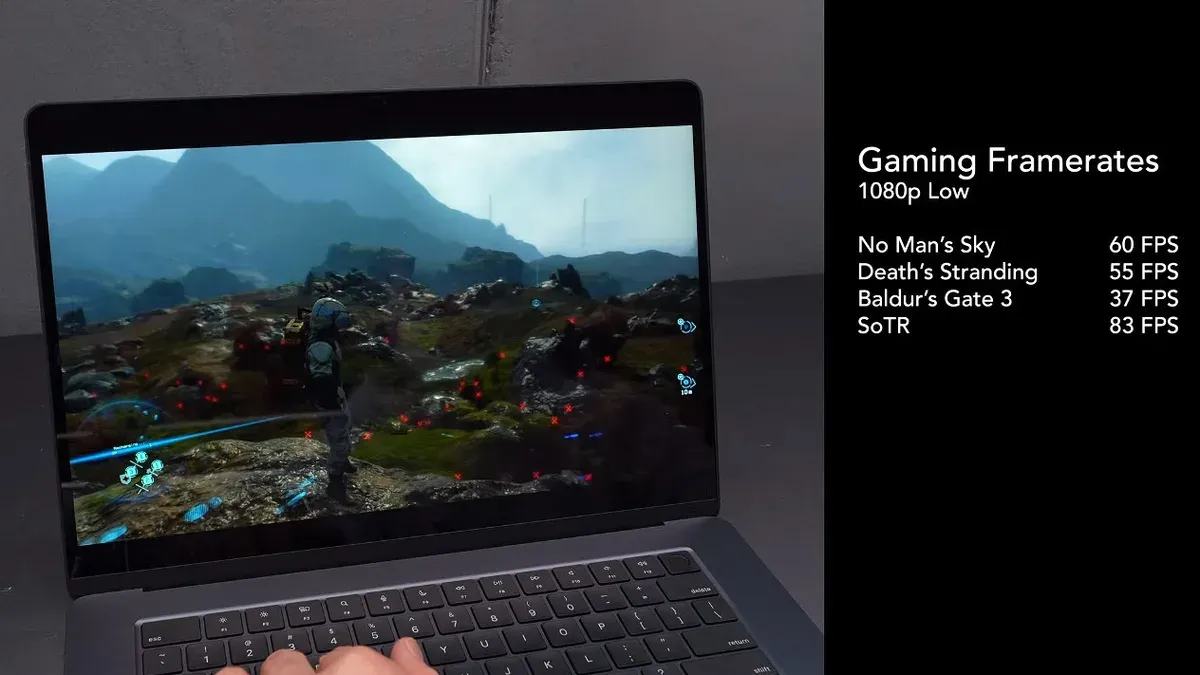
- Using virtualization, frame rates at low to medium settings tend to be inconsistent and may drop below competitive thresholds.
- Visual quality often must be reduced to maintain playable frame rates, affecting clarity and detail important for competitive gameplay.
- Input latency can increase when using workarounds or cloud gaming, but using wired peripherals and minimizing wireless interference helps reduce local input delays.
- Compared to Windows laptops with dedicated GPUs or MacBook Pro models with higher thermal headroom and GPU cores, the MacBook Air M3 shows clear limitations for this game.
Optimizing Counter-Strike 2 on MacBook Air M3: Tips and Best Practices
For the best experience with Counter-Strike 2 on the MacBook Air M3, consider the following:
- Adjust in-game settings: Lower graphics quality to low or medium, disable shadows and post-processing effects, and reduce resolution to improve frame rates.
- Manage macOS resources: Use Activity Monitor to identify and quit background apps consuming CPU or RAM before launching the game or cloud gaming client.
- Use high-quality peripherals: Connect a wired gaming mouse with low latency and consider an external display with a higher refresh rate and lower input lag.
- Opt for cloud gaming: Services like NVIDIA GeForce NOW can stream Counter-Strike 2 with minimal local hardware requirements, provided the internet connection is stable and fast.
Step-by-step to optimize cloud gaming on MacBook Air M3:
- Subscribe to a cloud gaming service supporting Counter-Strike 2.
- Install the service’s macOS client or use a compatible browser.
- Connect the MacBook Air to a high-speed wired Ethernet connection or a strong 5GHz Wi-Fi network; note that Ethernet requires a compatible adapter.
- Close all unnecessary applications and background processes using Activity Monitor.
- Adjust streaming quality settings within the cloud gaming client to balance visual quality and latency; lowering resolution can reduce input lag.
- Use a wired gaming mouse and external display, if possible, to improve responsiveness and reduce input lag.
Who Should Consider a MacBook Air M3 for Counter-Strike 2 and Who Should Not
The MacBook Air M3 suits casual gamers who prioritize portability and general computing over hardcore competitive gaming. Casual or moderate players willing to use cloud gaming can enjoy Counter-Strike 2 without investing in bulky hardware.
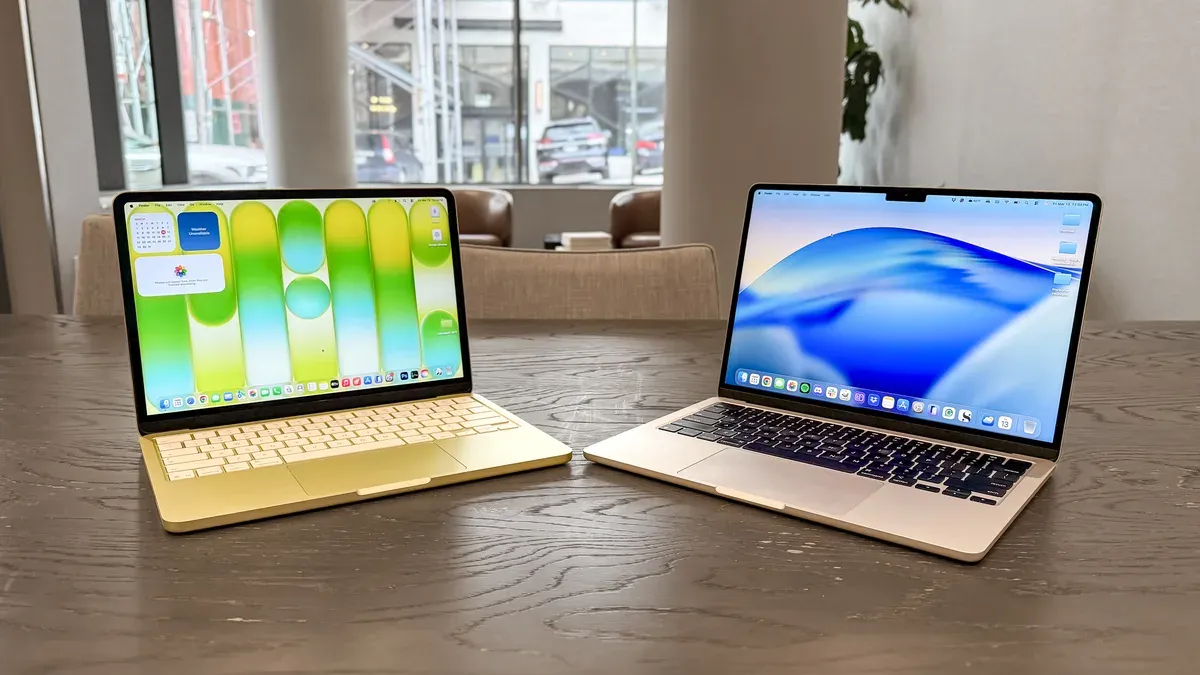
Players demanding high frame rates, ultra-low latency, and native Windows support should consider alternative devices. Dedicated gaming laptops or desktops with Windows and discrete GPUs offer more consistent performance for competitive play.
Cloud gaming is a viable alternative for users who cannot or do not want to invest in dedicated gaming hardware but have access to strong internet connections.
Caveats and Limitations
This article focuses on the MacBook Air M3 and does not cover older MacBooks or Windows laptops. Performance varies depending on system configurations, software updates, and network conditions. The absence of a native macOS Counter-Strike 2 version significantly affects direct gameplay on this hardware.
Frequently Asked Questions
Does Counter-Strike 2 have a native macOS version compatible with MacBook Air M3?
Currently, Valve has not released a native macOS version of Counter-Strike 2 compatible with Apple Silicon. The game primarily targets Windows platforms.
Can I use Boot Camp or virtualization to run Counter-Strike 2 on MacBook Air M3?
Boot Camp is unavailable on Apple Silicon Macs like the MacBook Air M3. Virtualization solutions exist but introduce performance overhead that limits smooth gameplay.
What graphics settings should I use on MacBook Air M3 for smooth Counter-Strike 2 gameplay?
Lower graphics settings such as low or medium, disabling shadows and post-processing effects, and reducing resolution help improve frame rates if running the game through virtualization or cloud gaming.
Is cloud gaming a viable option for playing Counter-Strike 2 on MacBook Air M3?
Yes. Cloud gaming is currently the most practical way to play Counter-Strike 2 on this hardware, provided you have a fast and stable internet connection.