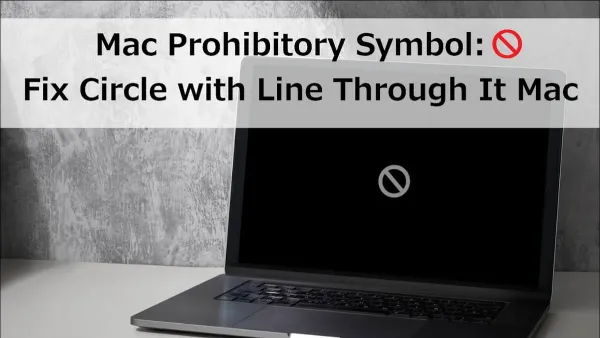
How to Fix the Prohibitory Sign at Startup on Mac
Discover how to fix the prohibitory sign at startup on Mac by repairing disk errors and reinstalling macOS without losing your data.


Discover how to fix the prohibitory sign at startup on Mac by repairing disk errors and reinstalling macOS without losing your data.
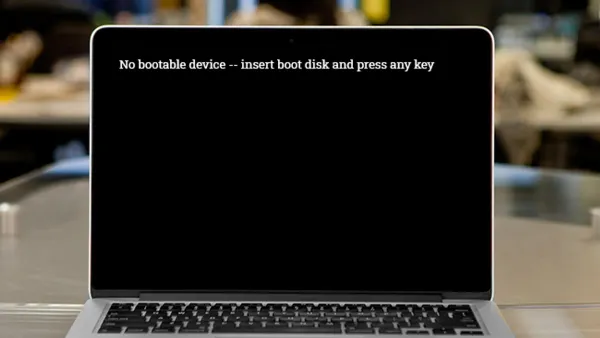
Resolve the no bootable device on Mac error by selecting the correct startup disk, repairing boot volumes, and adjusting security settings effectively.
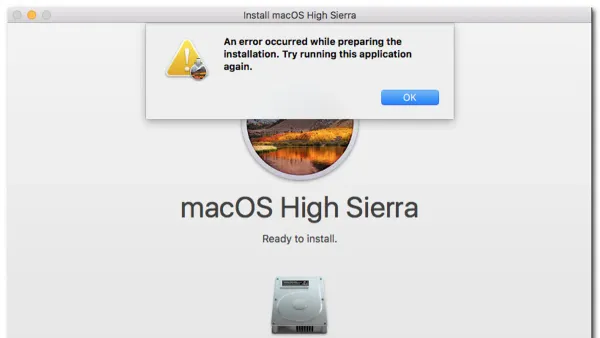
Learn how to fix ‘An Error Occurred While Preparing the Installation’ on Mac by adjusting date/time settings and repairing your startup disk.
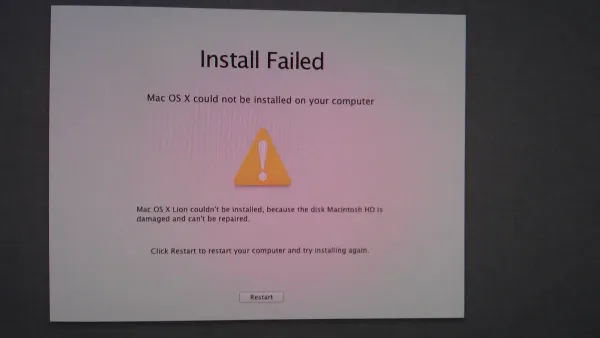
Resolve the 'macOS could not be installed on your computer' error with easy steps to check compatibility, free space, and fix installer issues.
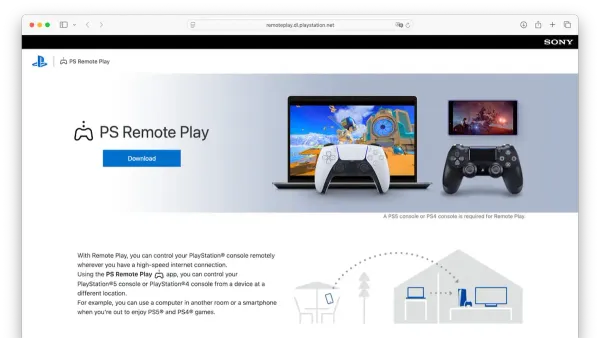
Discover how to install and set up PlayStation Remote Play on your Mac with easy steps and tips for smooth gaming performance.
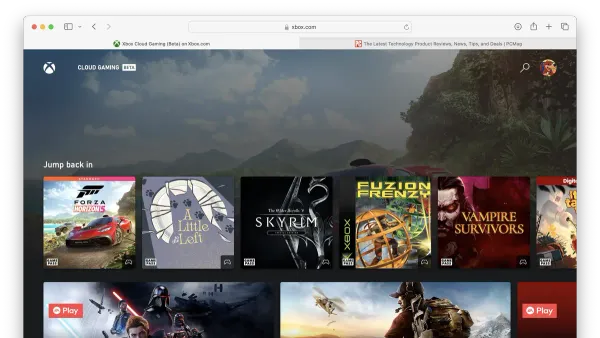
Discover how to install and set up Xbox Cloud Gaming on your Mac using browser methods and improve your gaming experience.
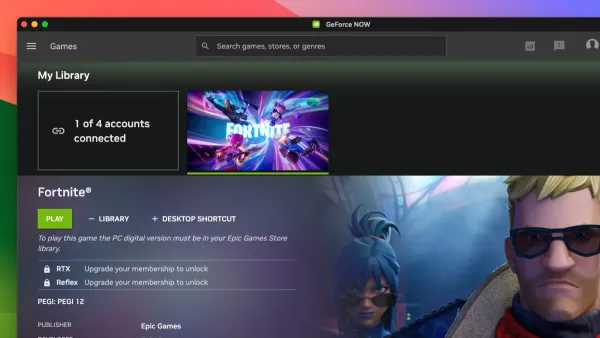
Discover how to play Fortnite on Mac using GeForce Now with easy steps to set up accounts and stream the game without local installation.
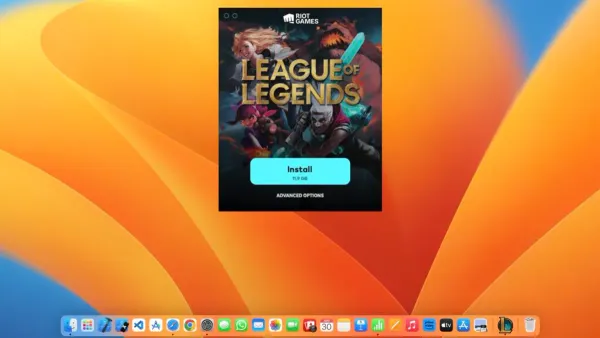
Step-by-step guide to install League of Legends on your Mac with tips on compatibility, download, installation, and troubleshooting.
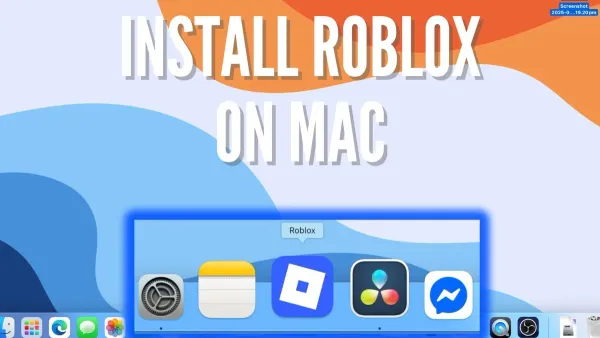
Follow this clear step-by-step guide to install Roblox on your Mac, covering Apple Silicon and Intel Macs with tips for smooth gameplay and troubleshooting.
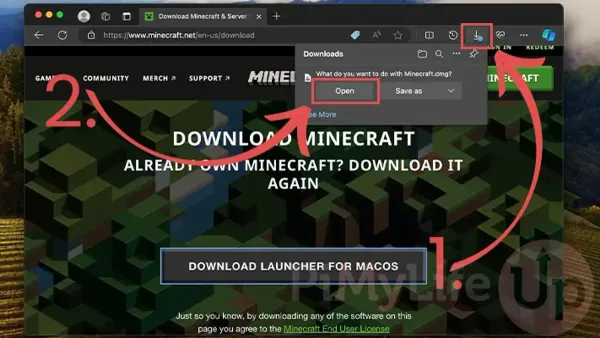
Step-by-step guide to downloading and installing Minecraft Java Edition on your Mac, including Java setup and troubleshooting tips.
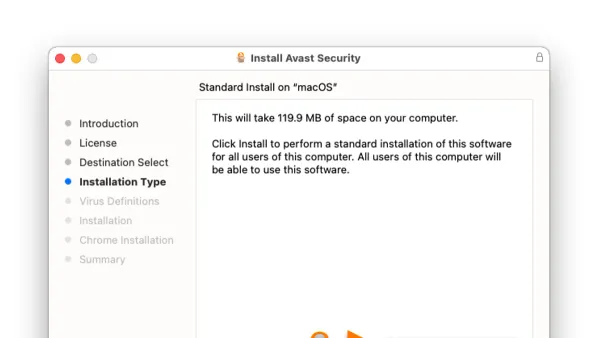
This guide clearly explains how to install Avast on Mac, covering key steps, processor differences, permissions, and setup tips.
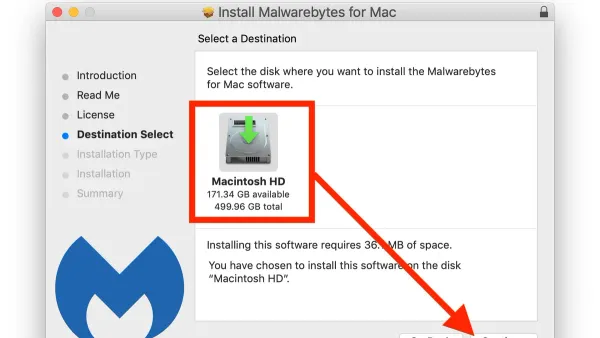
Follow this clear step-by-step guide to install Malwarebytes on your Mac and keep your device secure from malware threats.