Video Editing
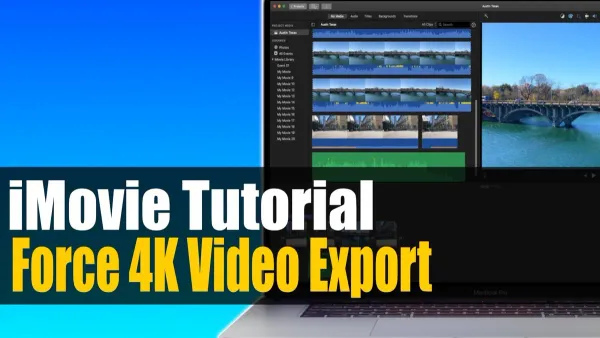
How to Export Your iMovie Project in 4K: A Step-by-Step Guide
Follow this step-by-step guide to export your iMovie project in 4K resolution, ensuring crisp, high-quality videos on Mac, iPhone, and iPad.

Video Editing
Follow this step-by-step guide to export your iMovie project in 4K resolution, ensuring crisp, high-quality videos on Mac, iPhone, and iPad.
Video Editing
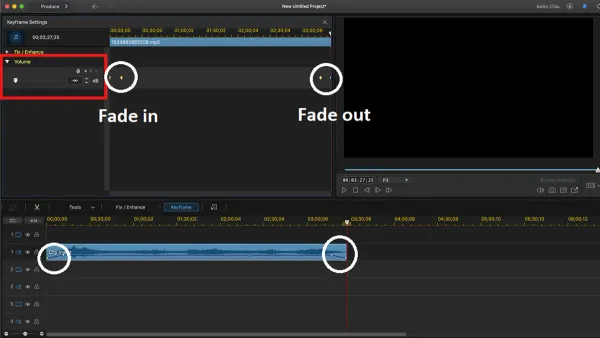
Master fading out audio in iMovie with simple steps for smooth, professional-sounding video transitions on Mac and iPhone.
Video Editing
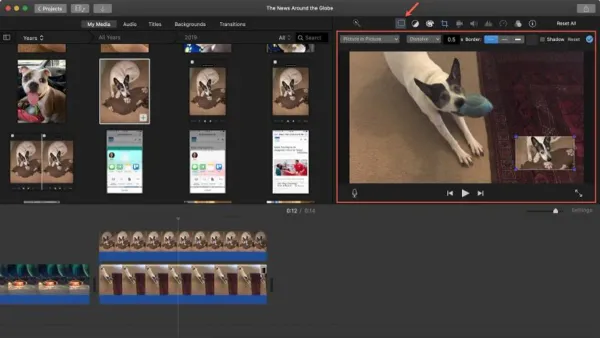
Discover how to add and adjust picture in picture overlays in iMovie to enhance your videos with clear, easy-to-follow steps.
Video Editing
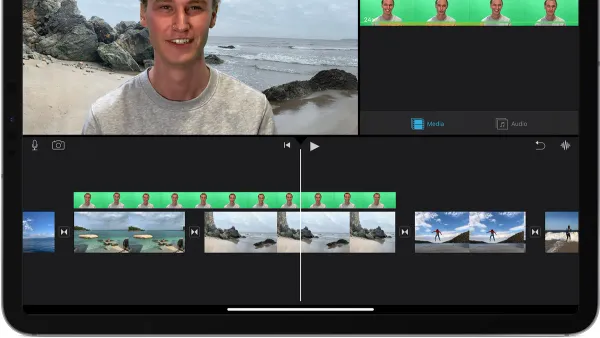
Master green screen effects in iMovie with this step-by-step guide, including filming tips and editing tricks for seamless background replacement.
Video Editing
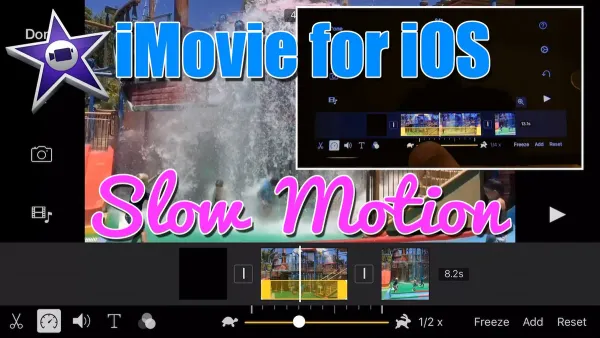
This guide shows you how to make slow motion video in iMovie with clear steps for both iPhone and Mac users to achieve smooth, professional effects.
Video Editing
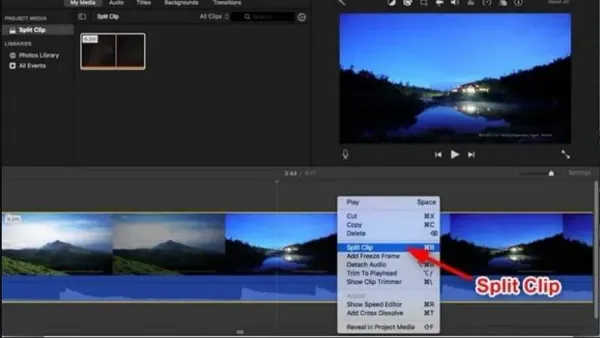
This guide shows you how to split a clip in iMovie step-by-step for precise video editing and smooth transitions.
Video Editing
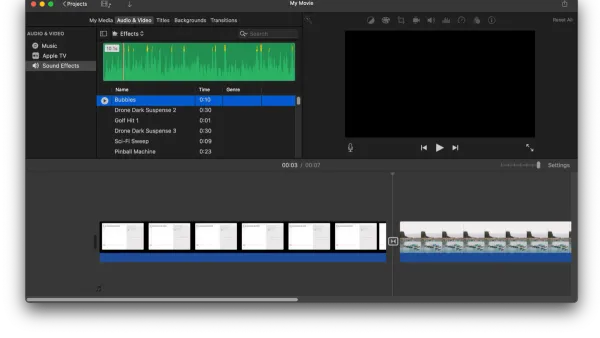
Discover how to add background music in iMovie on Mac, iPhone, and iPad with easy steps to import, sync, and customize your audio tracks.
Video Editing
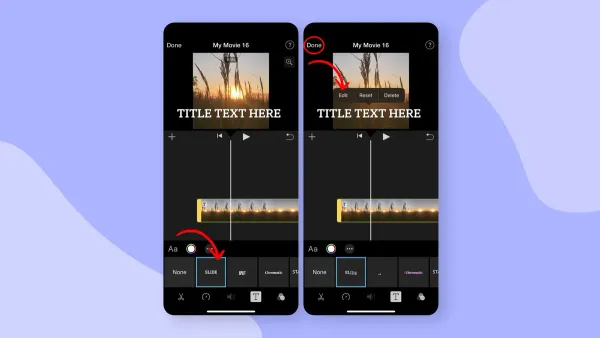
Discover step-by-step how to add and customize text titles in iMovie to make your videos look polished and professional.
Video Editing
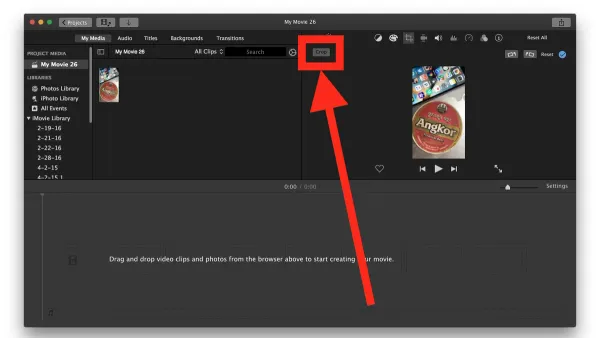
Discover how to crop a video in iMovie on iPhone, iPad, and Mac with clear steps and tips for perfect video framing.
Animation
Create smooth, high-quality animated GIFs from your Keynote presentations with this clear step-by-step tutorial.
Presentation Tips
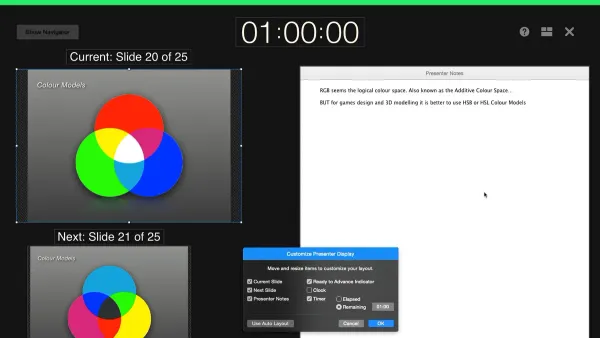
Master rehearsing your Keynote slideshow with practical tips to improve timing, use speaker notes, and simulate real presentation conditions.
Presentation Tips
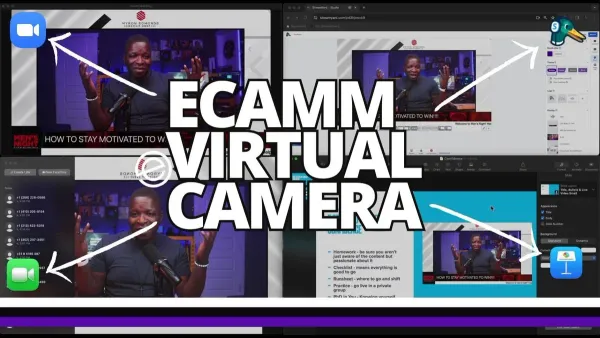
Discover how to add live camera video in Keynote with easy steps to enhance your presentations with real-time video feeds.