Can MacBook Air M3 Run Elden Ring? Practical Gaming Insight
Explore whether the MacBook Air M3 can handle Elden Ring, covering hardware limits, native play, and cloud gaming solutions.
Many MacBook Air M3 owners wonder if their device can handle Elden Ring, a demanding action RPG. This article assesses the practical feasibility of running Elden Ring on the MacBook Air M3, covering hardware compatibility, native play limits, cloud gaming options, and peripheral enhancements.
Understanding Elden Ring’s System Requirements and MacBook Air M3’s Hardware
Elden Ring’s official minimum specs for Windows PCs include an Intel Core i5-8400 or AMD Ryzen 3 3300X CPU, 12 GB RAM, and a DirectX 12 compatible GPU such as NVIDIA GeForce GTX 1060 or AMD Radeon RX 580. Recommended specs call for an Intel Core i7-8700K or Ryzen 5 3600X with 16 GB RAM and a GeForce GTX 1070 or Radeon RX Vega 56 for smooth performance at 1080p.
The MacBook Air M3 is powered by Apple’s latest M3 chip, featuring an 8-core CPU and a 10-core integrated GPU, paired with either 8 GB or 16 GB of unified RAM. Its SSD delivers very fast storage speeds. While the M3's ARM-based architecture is efficient and powerful for many tasks, it differs significantly from the x86 architecture Elden Ring’s Windows build expects. The integrated GPU’s performance is roughly comparable to a mid-range discrete GPU but is not designed specifically for high-end gaming workloads.
Because Elden Ring relies heavily on DirectX 12 and discrete GPU capabilities, the MacBook Air M3’s integrated graphics and thermal constraints limit native performance. The GPU cannot match the dedicated graphics cards Elden Ring requires for smooth gameplay at high settings.
Native Gameplay Possibility: Can Elden Ring Run Directly on MacBook Air M3?
Elden Ring does not have a macOS native version. Running it directly on the MacBook Air M3’s macOS is therefore not possible. Boot Camp, which allowed dual-booting Windows on Intel Macs, is unavailable on M-series Macs like the M3, removing the option to run Windows natively on this hardware.
Virtualization or emulation software such as Parallels Desktop or CrossOver can run some Windows games on Apple Silicon Macs by translating x86 instructions and Windows APIs to macOS-compatible code. However, these solutions introduce significant performance overhead. For demanding titles like Elden Ring, this typically results in low frame rates and reduced graphics quality.
A key setting users often miss is adjusting the virtualization software's graphics memory allocation and enabling hardware acceleration options. Without these, performance degrades further. Even with optimal settings, expect frame rates below 30 FPS at low resolution and minimal graphics settings, and input lag that can affect gameplay responsiveness.
Therefore, while technically possible to launch Elden Ring via virtualization on MacBook Air M3, the experience is generally unsatisfactory for most players.
Cloud Gaming as a Practical Solution to Play Elden Ring on MacBook Air M3
Cloud gaming platforms stream gameplay from powerful remote servers to your device, bypassing local hardware limitations. Services like NVIDIA GeForce Now, Xbox Cloud Gaming (with Xbox Game Pass Ultimate), and others support Elden Ring, allowing MacBook Air M3 users to play without native installation.
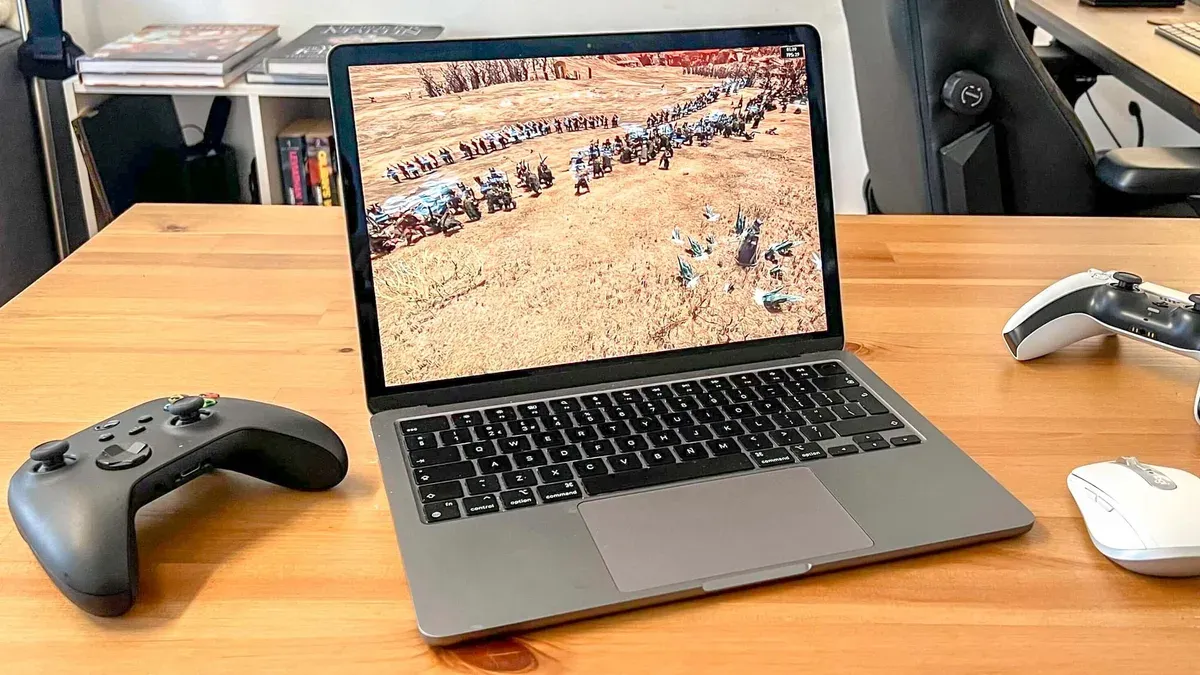
A stable internet connection with at least 15 Mbps download speed is recommended for 720p gameplay, while 25 Mbps or higher is better for 1080p resolution. Latency should ideally be under 40 ms to minimize input lag. Users with fiber or fast cable internet typically experience smoother gameplay.
Subscription fees vary: GeForce Now offers a free tier with session limits, while premium tiers and Xbox Game Pass Ultimate require monthly payments. Image quality is generally high, close to native PC gaming, but input lag depends on network stability and distance to servers.
Optimizing Elden Ring Gameplay Experience on MacBook Air M3 Through External Hardware
The MacBook Air M3 features Thunderbolt 4 ports, capable of connecting external devices at high bandwidth. However, macOS does not currently support external GPUs (eGPUs) with Apple Silicon Macs, including the M3, so adding a dedicated external GPU is not a viable option.
For input, Bluetooth controllers such as the PlayStation DualSense or Xbox Wireless Controller are fully compatible with macOS and provide a better experience than keyboard and trackpad for Elden Ring. Configuration is done via macOS Bluetooth settings, but users should ensure the controller firmware is updated for optimal compatibility.
Using an external monitor connected via Thunderbolt or HDMI adapter can improve visual experience by offering larger displays and potentially higher refresh rates, which may reduce perceived latency. However, since gameplay is often streamed or virtualized, the actual performance gain depends on the source and network conditions.
Final Recommendations: Who Should Try to Play Elden Ring on MacBook Air M3 and Who Should Not
| User Type | Recommendation | Reason |
|---|---|---|
| Interested in casual Elden Ring play with minimal hardware investment | Use cloud gaming services | Provides best balance of performance and cost without complex setup |
| Prefers native gameplay and high performance | Avoid using MacBook Air M3 for Elden Ring | Lack of native support and poor virtualization performance |
| Technical users willing to experiment with virtualization | Possible but limited experience | Low frame rates and input lag expected; requires technical knowledge and patience |
| Users with existing Windows gaming PCs or consoles | Play on dedicated gaming hardware | Best performance and experience for Elden Ring |
Caveats and Limitations
- This discussion focuses solely on the MacBook Air M3 and does not apply to older MacBook Air models or other Mac models with different chips.
- Cloud gaming performance depends heavily on individual internet speed, latency, and server proximity, which vary widely.
- Virtualization or emulation solutions require technical expertise and do not guarantee stable, playable frame rates for demanding titles like Elden Ring.
Frequently asked questions
Is Elden Ring officially supported on macOS?
No. Elden Ring has no native macOS version and is only officially supported on Windows PCs and consoles.
Can I use Boot Camp or any native dual-boot method to run Elden Ring on MacBook Air M3?
No. Boot Camp is not available on Apple Silicon Macs, including the M3, so native Windows dual-boot is not an option.
What internet speed do I need for smooth cloud gaming of Elden Ring?
At least 15 Mbps download speed is recommended for 720p gameplay; 25 Mbps or higher is preferred for 1080p. Low latency under 40 ms helps minimize input lag.
Are there any recommended peripherals to improve Elden Ring gameplay on MacBook Air M3?
Bluetooth controllers like the PlayStation DualSense or Xbox Wireless Controller enhance gameplay comfort and responsiveness. External monitors can improve visual experience but won't increase raw performance.
Worked Example: Setting Up Cloud Gaming for Elden Ring on MacBook Air M3
- Subscribe to a cloud gaming service that offers Elden Ring, such as NVIDIA GeForce Now or Xbox Game Pass Ultimate.
- Ensure your MacBook Air M3 is connected to a stable internet connection with at least 25 Mbps download speed.
- Download the cloud gaming app or access the service via a supported web browser.
- Pair a compatible Bluetooth controller through macOS settings, ensuring controller firmware is up to date.
- Launch Elden Ring via the cloud gaming platform and adjust in-game settings for optimal streaming quality.
- Optionally, connect an external monitor for a larger display and better viewing comfort.