Video Editing
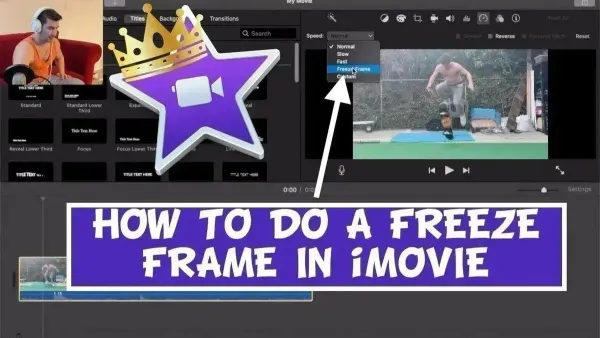
How to Freeze a Frame in iMovie: Step-by-Step Guide for iPhone, iPad & Mac
Discover how to freeze a frame in iMovie on iPhone, iPad, and Mac with this clear step-by-step guide to enhance your video editing.

Video Editing
Discover how to freeze a frame in iMovie on iPhone, iPad, and Mac with this clear step-by-step guide to enhance your video editing.
Video Editing
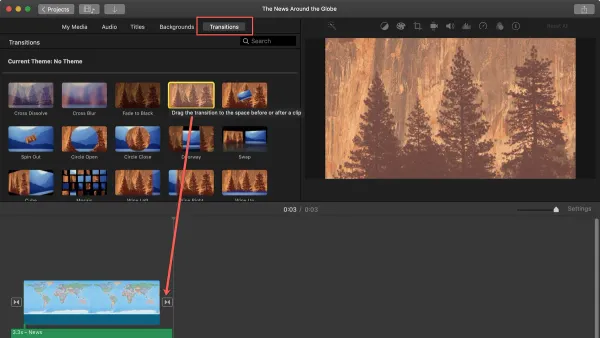
This guide shows you how to add transitions in iMovie on iPhone, iPad, and Mac to make your videos flow smoothly and look polished.
Video Editing
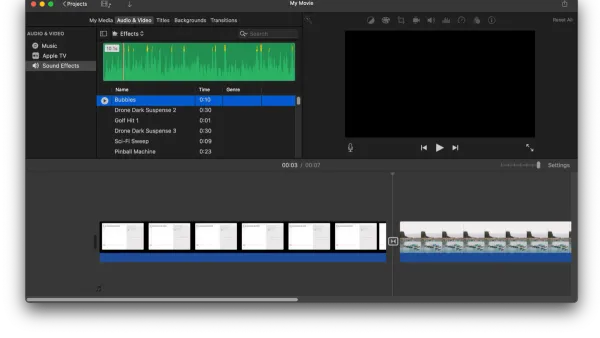
Discover how to add background music in iMovie on Mac, iPhone, and iPad with easy steps to import, sync, and customize your audio tracks.
Video Editing
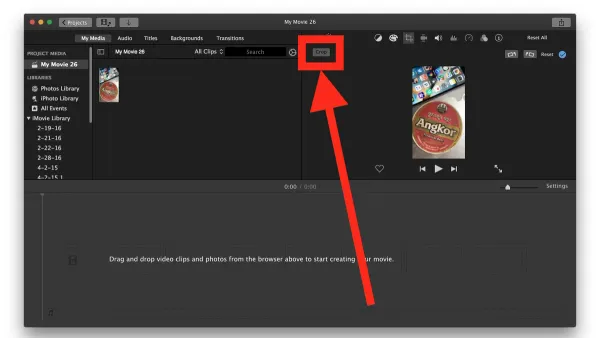
Discover how to crop a video in iMovie on iPhone, iPad, and Mac with clear steps and tips for perfect video framing.
Video Editing
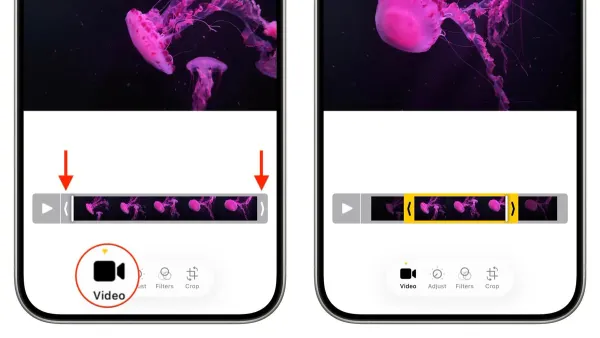
This guide shows you how to easily trim a video in Photos app on your Apple device to remove unwanted sections and share focused clips.
Privacy
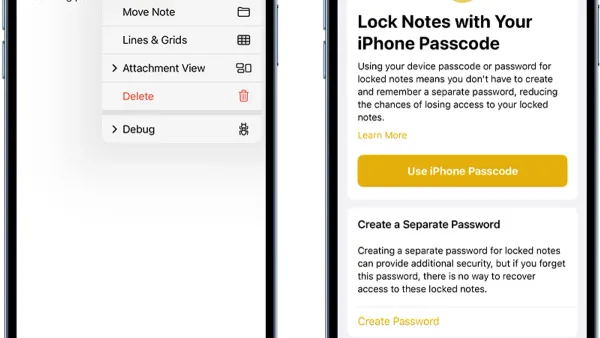
Secure your sensitive information by learning how to lock a note with password in Notes app using step-by-step instructions and biometric options.
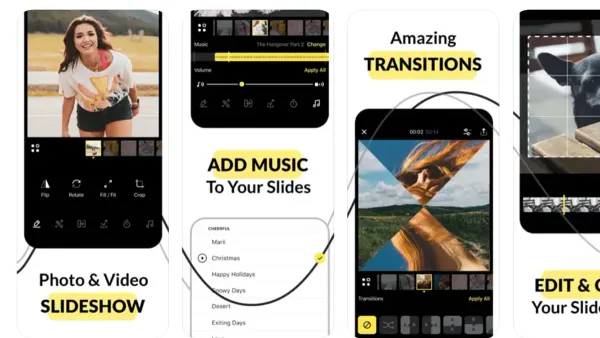
Photo Editing
Turn your photos into a memorable slideshow with music using the Photos app on your Apple device with easy step-by-step instructions.
Apple Devices
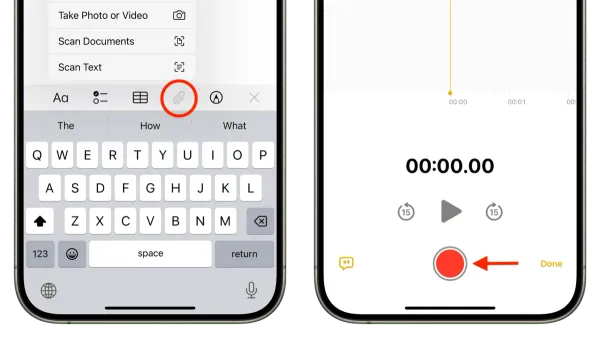
Capture key points effortlessly by recording audio directly in the Notes app and organize your voice recordings with written notes.

Email Setup
Follow this step-by-step guide to add your Gmail account to the Mail app on Mac, iPhone, and iPad for seamless email management.
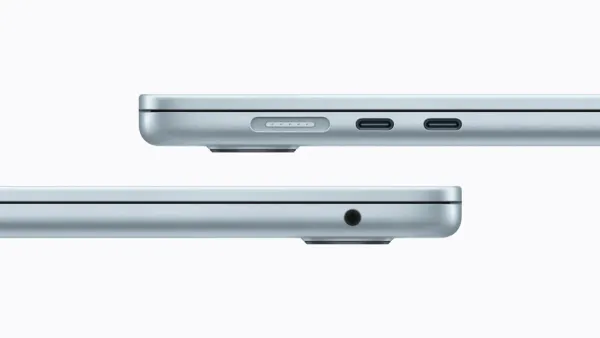
Tech Reviews
Learn the exact number of USB-C ports on the MacBook Air 15 inch M5 and how to use them for displays, storage, and charging.
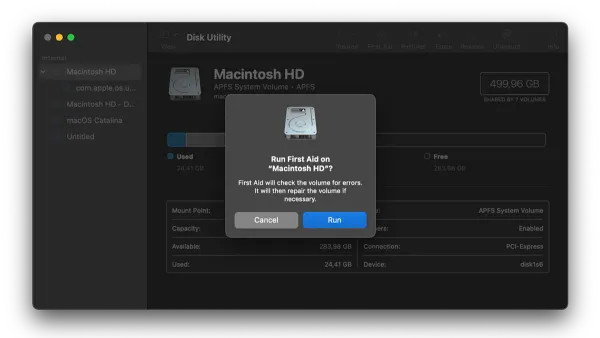
Mac Troubleshooting
Troubleshoot and fix your Mac Studio M4 Max stuck on the Apple logo with clear, step-by-step guidance for hardware and software issues.
Laptops
Learn key MacBook Air 15 inch M5 specs to see how this larger, efficient laptop fits your work and entertainment needs.