Music Production
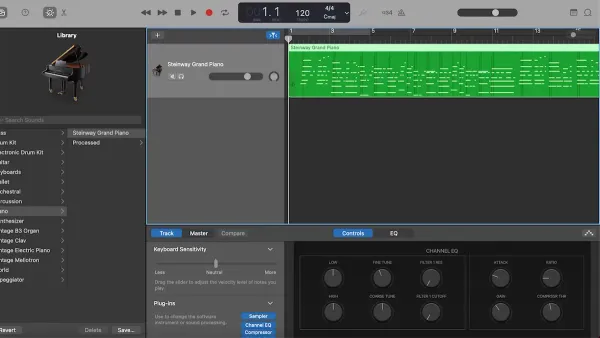
How to Record with a MIDI Keyboard in GarageBand: Step-by-Step Guide
Follow this step-by-step guide to connect and record with a MIDI keyboard in GarageBand for smooth, high-quality MIDI performances.

Music Production
Follow this step-by-step guide to connect and record with a MIDI keyboard in GarageBand for smooth, high-quality MIDI performances.
Music Production
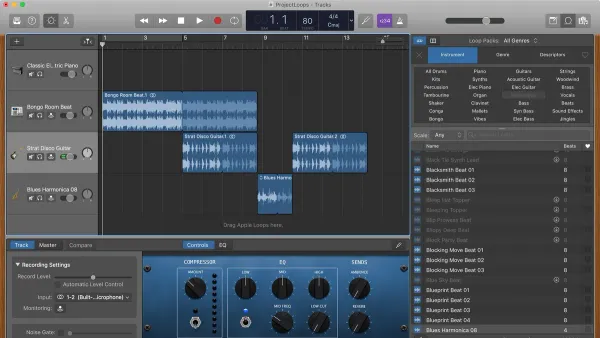
Discover how to easily add and arrange Apple Loops in GarageBand across Mac, iPhone, and iPad with clear, step-by-step instructions.
Audio Editing
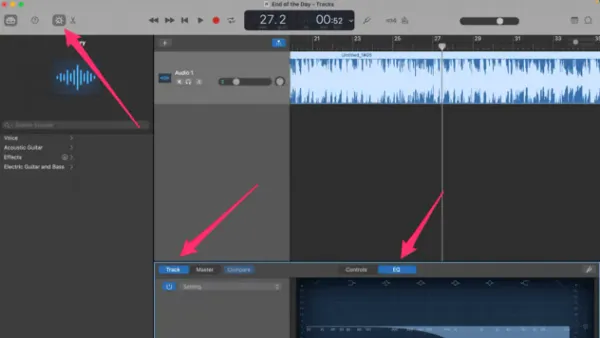
Discover step-by-step how to remove vocals from a song in GarageBand on Mac, iPhone, or iPad to create karaoke or remix versions easily.
Ringtones
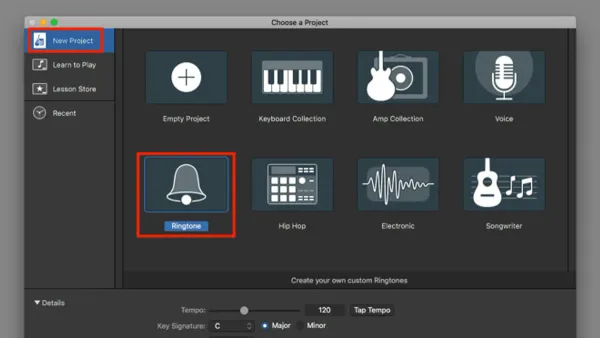
Step-by-step guide to making a custom ringtone in GarageBand on iPhone and iPad for a personalized sound experience.
Music Production
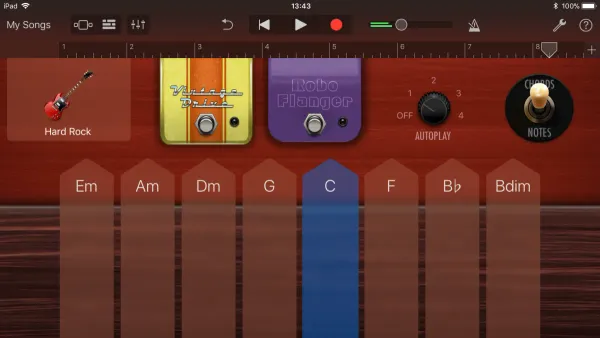
Discover how to select, play, customize, and arrange Smart Instruments in GarageBand to create music confidently from scratch.
Mobile Apps
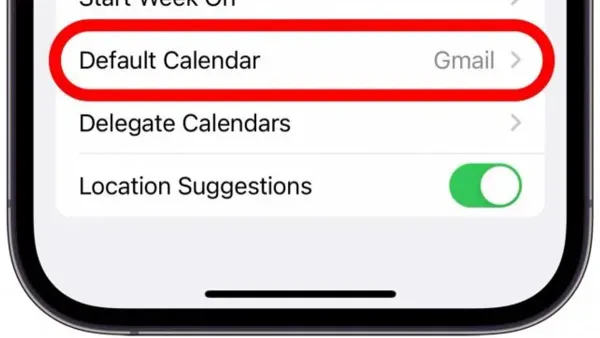
Step-by-step guide to change your default calendar in Calendar apps on iPhone and Android for better event management.
Apple Calendar
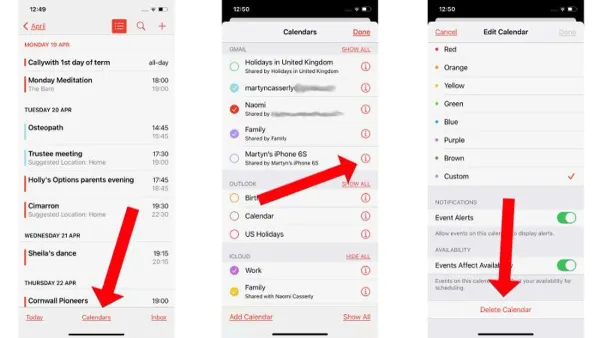
Step-by-step guide to delete calendar spam invites in Apple Calendar app on iPhone and Mac, plus tips to prevent future spam in 2026.
Calendar Sharing
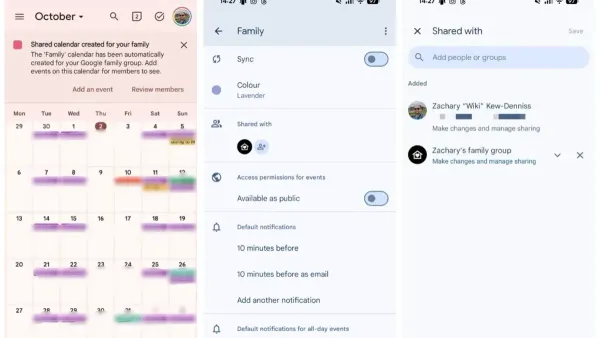
Discover step-by-step how to share a calendar in Calendar app on iPhone and Mac to coordinate schedules and stay organized in 2026.
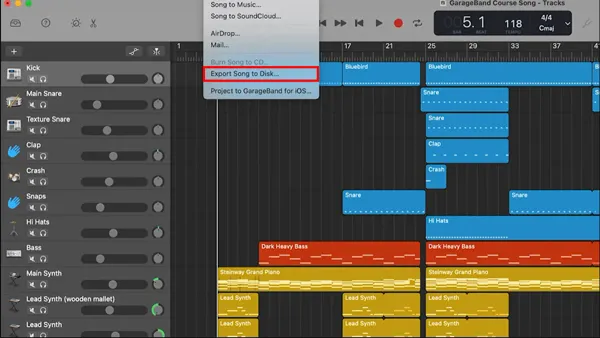
Music Production
This guide shows you how to export a song as MP3 in GarageBand on iPhone and Mac, plus tips for importing and troubleshooting.
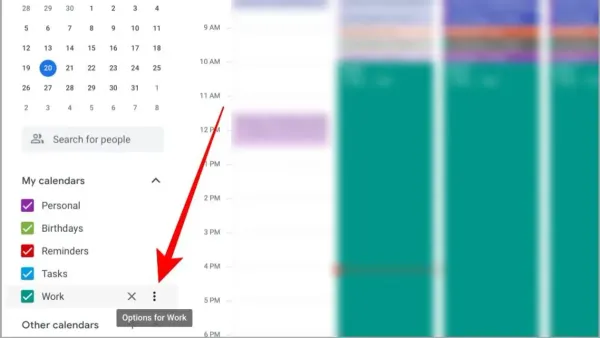
Calendar Syncing
Step-by-step guide to adding Google Calendar in Calendar app on iPhone, iPad, and Mac for unified scheduling in 2026.
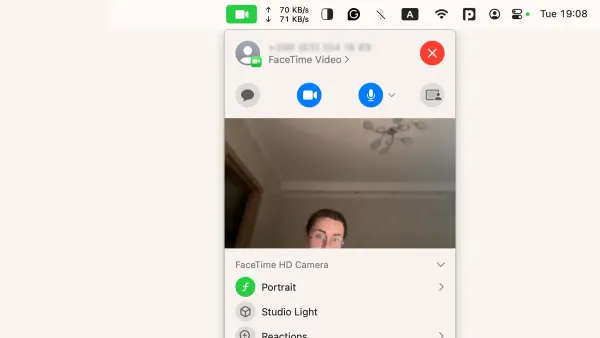
FaceTime
Discover how to enable and optimize Portrait mode in FaceTime on your Mac for clearer, distraction-free video calls with background blur.
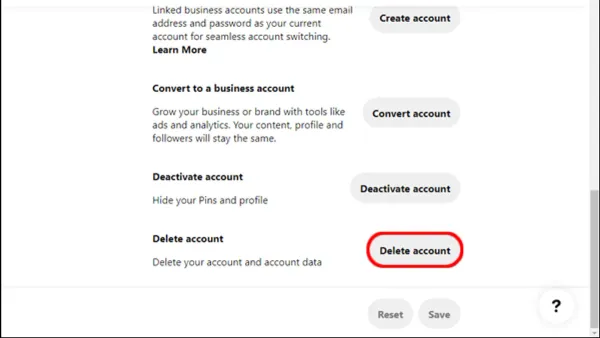
Social Media
Step-by-step guide on how to delete your Pinterest account permanently and what to prepare before starting the process.