Can MacBook Air M3 Run Apex Legends? A Realistic Look
Explore whether the MacBook Air M3 can handle Apex Legends effectively, focusing on hardware, macOS compatibility, and gaming alternatives.

Many gamers wonder if the MacBook Air M3 can run Apex Legends effectively. This article examines the practical gaming experience on Apple's lightweight laptop, focusing on hardware capabilities, macOS compatibility, and alternative gaming methods rather than just raw specs.
Understanding the MacBook Air M3’s Hardware Capabilities
The MacBook Air M3 features Apple's latest ARM-based chip, combining CPU and GPU cores optimized for energy efficiency and performance. The M3’s GPU delivers respectable graphics processing power but is not designed as a dedicated gaming GPU like those found in gaming laptops.
- GPU and CPU specs: The M3 integrates multiple GPU cores capable of handling moderate graphics workloads but may struggle with Apex Legends at high-demand settings, especially at resolutions above 1080p.
- Thermal design: The fanless design limits sustained performance during extended gaming sessions. Thermal throttling typically begins after 15–20 minutes of continuous play, reducing clock speeds and frame rates to prevent overheating.
- RAM and storage: Available with 8GB or 16GB unified RAM, which affects multitasking and game smoothness. The fast SSD enables quick game loading times, but insufficient RAM can cause stuttering if multiple apps run simultaneously.
Benchmark comparisons indicate the M3 GPU performs below the recommended specifications for Apex Legends on Windows PCs, and thermal throttling tests confirm frame rate drops during prolonged play.
Apex Legends Compatibility on macOS: Native or Workarounds?
Apex Legends lacks a native macOS version, limiting direct play on the MacBook Air M3 without alternative methods.
- Boot Camp: Not supported on M-series Macs, removing the option for native Windows installation and better performance.
- Virtualization and Parallels: Running Windows through virtualization is possible but introduces additional CPU and GPU overhead. This often results in lower frame rates and increased input latency, which can hinder competitive gameplay.
- Cloud gaming: Services like NVIDIA GeForce Now stream Apex Legends to macOS, bypassing local hardware limitations. Performance depends heavily on network stability and bandwidth.
Latency and frame rates vary: cloud gaming offers more consistent performance on stable internet connections, while virtualization suffers from resource overhead and potential compatibility issues. The absence of Boot Camp on M3 Macs restricts the highest-performance Windows experience.
Practical Gameplay Experience: What to Expect
When running Apex Legends on the MacBook Air M3 via cloud gaming or virtualization, adjusting graphics settings is necessary for smoother gameplay.
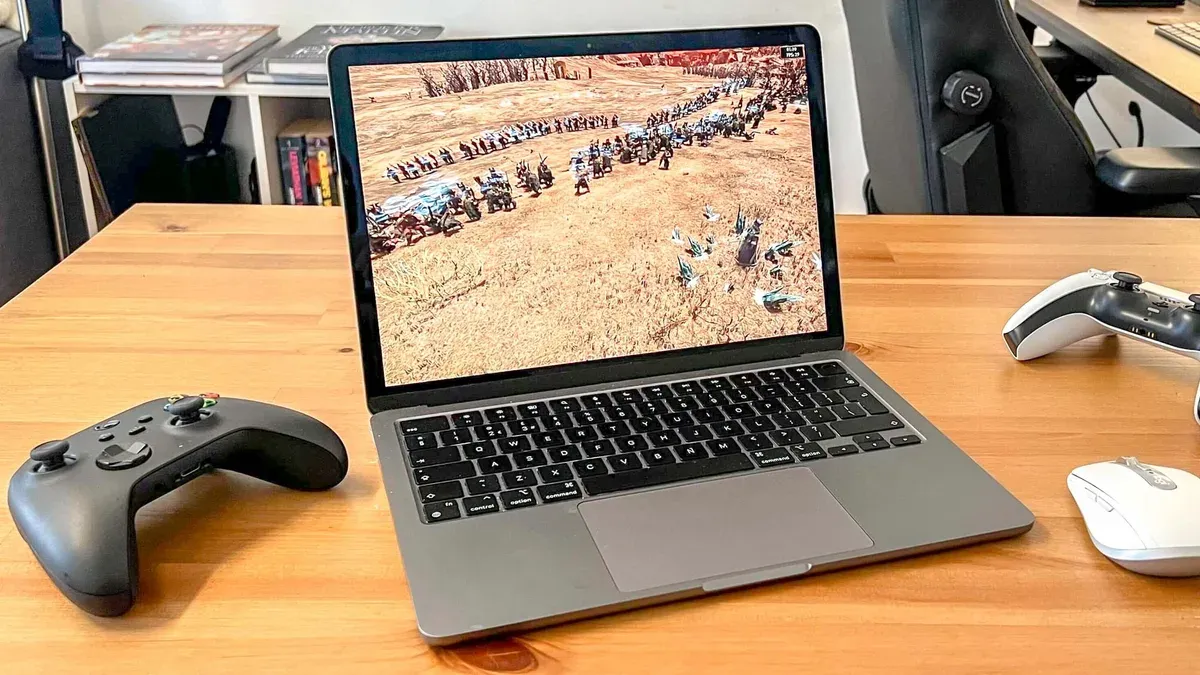
- Graphics settings: Lowering resolution to 720p or 900p and reducing detail levels such as shadows and textures improves frame rates and responsiveness.
- Input devices: Using wired controllers or gaming mice reduces input lag compared to wireless devices, which may add slight latency due to Bluetooth transmission.
- Battery and heat: Gaming significantly reduces battery life and causes the MacBook Air to warm up. The thermal management system prevents overheating but results in performance throttling during longer sessions.
Players should expect frame rates adequate for casual play but potentially insufficient for competitive-level gaming. Input lag is more noticeable with virtualization, while cloud gaming latency depends on network conditions.
Comparing the MacBook Air M3 to Other Gaming Laptops for Apex Legends
The MacBook Air M3 is designed primarily for portability and productivity rather than gaming. Compared to typical Windows gaming laptops, it has several trade-offs:
| Aspect | MacBook Air M3 | Typical Windows Gaming Laptop |
|---|---|---|
| Performance per dollar | Moderate, with less emphasis on gaming power | Higher, optimized specifically for gaming |
| Portability | Very light and thin | Generally heavier with larger cooling solutions |
| Cooling solutions | Fanless, prone to thermal throttling | Active cooling allowing sustained high performance |
| Upgradability | None | Often supports RAM or storage upgrades |
| Competitive suitability | Limited due to hardware and OS constraints | Better suited for casual and competitive play |
Tips to Improve Apex Legends Performance on MacBook Air M3
Maximizing gameplay quality involves system optimizations and external solutions.
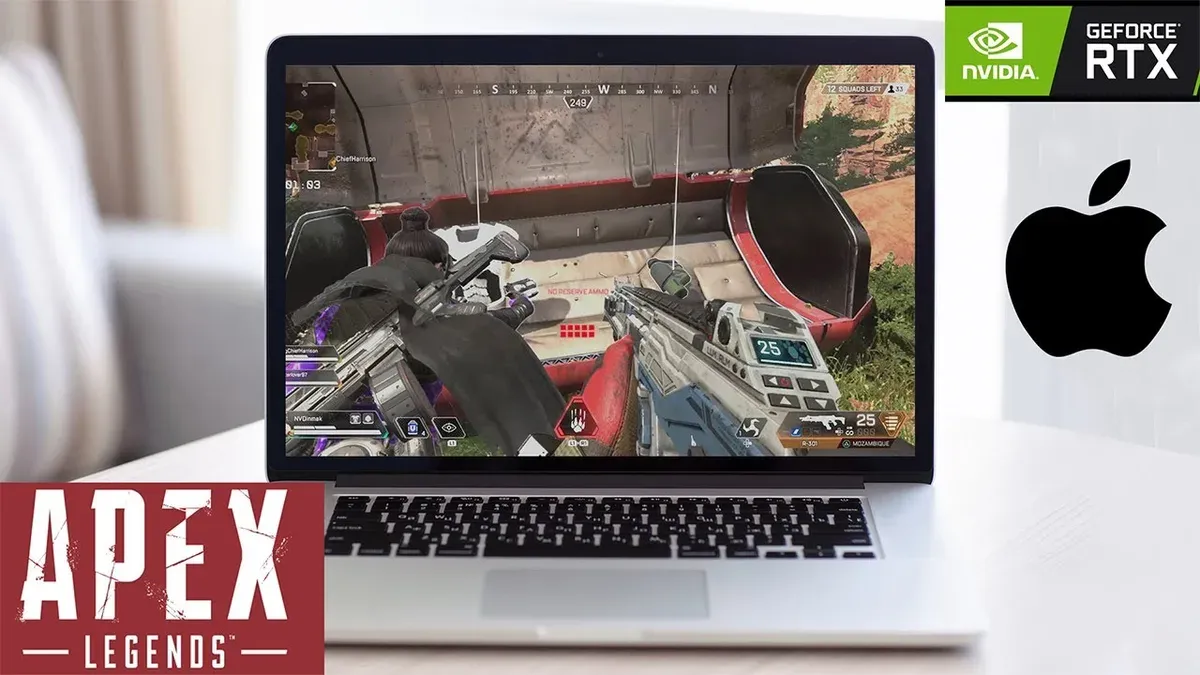
- Optimize macOS: Close unnecessary background apps, disable notifications, and avoid enabling "Low Power Mode" during gaming, as it can reduce CPU and GPU performance.
- Use cloud gaming: Subscribe to reliable services like NVIDIA GeForce Now, which support Apex Legends and offer low latency streaming when connected to a stable network.
- Peripherals and network: Use a wired Ethernet connection or a strong 5GHz Wi-Fi network to minimize latency. Wired controllers or low-latency Bluetooth devices improve input responsiveness.
Example configuration: Connect the MacBook Air M3 to a 5GHz Wi-Fi or Ethernet adapter, launch NVIDIA GeForce Now, set Apex Legends to medium graphics settings within the cloud client, and use a wired gaming mouse for optimal input accuracy.
Limits to Consider
This article does not address professional esports-level play. The MacBook Air M3’s hardware and macOS environment impose limits on competitive-grade performance, making it more suitable for casual or exploratory gaming experiences.
Frequently asked questions
Can I install and run Apex Legends directly on macOS without workarounds?
No. Apex Legends does not have a native macOS version. Running it requires virtualization, cloud gaming, or unsupported methods.
How does cloud gaming compare to local gaming performance on the MacBook Air M3?
Cloud gaming generally provides smoother frame rates and lower latency compared to virtualization on macOS, assuming a stable high-speed internet connection.
Will playing Apex Legends on MacBook Air M3 affect its battery health?
Extended gaming sessions increase battery cycles and heat exposure, which may accelerate battery wear over time. Using the laptop plugged in during gaming is recommended to mitigate battery strain.
Are there any Mac-specific controls or settings to enhance Apex Legends gameplay?
macOS offers limited gaming-specific controls. Optimizing system resources by closing background apps and using external peripherals are the most effective ways to improve gameplay.