Can MacBook Air M3 Run Minecraft Smoothly?
Explore how well the MacBook Air M3 handles Minecraft gameplay, compatibility, and settings for smooth performance.
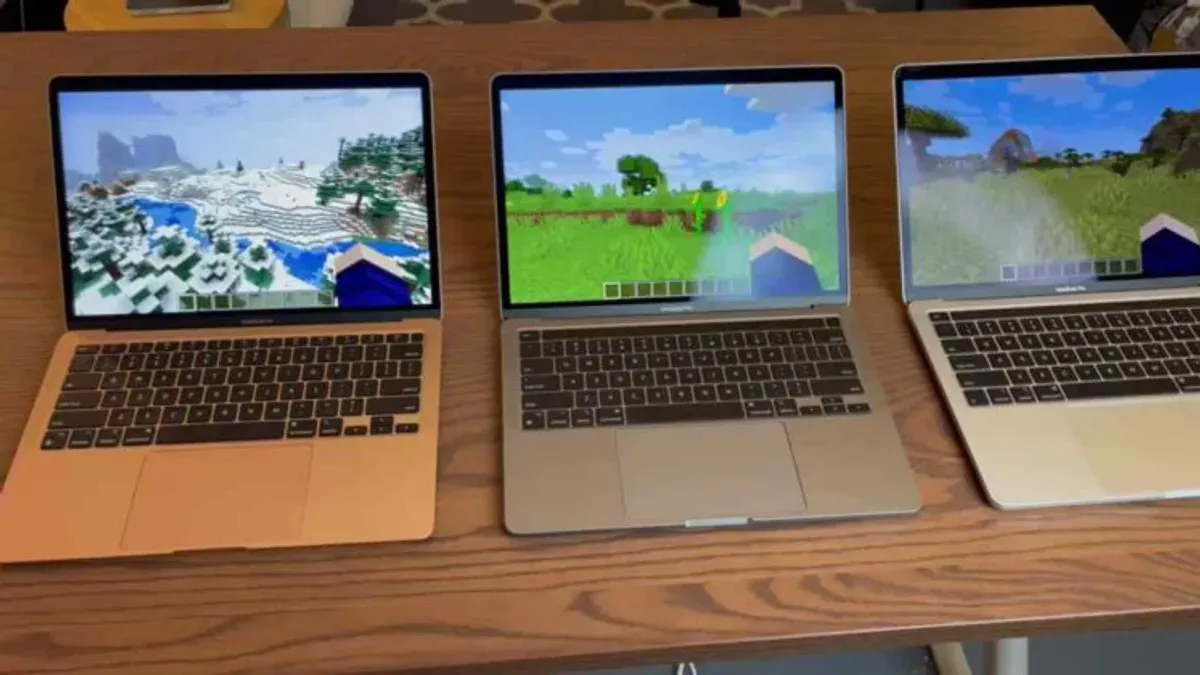
The MacBook Air M3 is a lightweight, efficient laptop that many users consider for casual gaming. This article reviews how well it runs Minecraft, covering gameplay performance, version compatibility, and optimization tips.
Understanding the MacBook Air M3’s Hardware Capabilities for Minecraft
The Apple M3 chip uses ARM architecture with integrated GPU and unified memory, designed for power efficiency and balanced performance. This setup benefits Minecraft’s rendering and logic processing, though it is not a dedicated gaming GPU.
- Apple M3 chip architecture: Combines efficient cores for sustained performance bursts, suitable for moderate gaming loads.
- Integrated graphics and memory bandwidth: Supports Metal API on macOS, which Minecraft uses to improve graphics performance. Unified memory reduces delays in data access during rendering.
- Comparison with previous models: The M3 improves on M1 and M2 in CPU and GPU speed but remains behind laptops with discrete graphics cards in raw gaming power.
The GPU meets Minecraft’s recommended minimum requirements, and the CPU handles game logic well. However, very large or heavily modded worlds may reduce performance.
Minecraft Versions and Compatibility on MacBook Air M3
Minecraft runs differently depending on the edition and how it is executed on the M3 chip.
- Java Edition: Runs either natively on ARM or via Rosetta 2 translation. Native ARM builds improve efficiency and battery life, while Rosetta 2 introduces some performance overhead but remains playable.
- Bedrock Edition: Not officially supported on macOS. Workarounds like virtualization or third-party ports exist but typically reduce performance and increase load times.
- Mods and shader packs: Lightweight mods run acceptably, but high-demand shaders or large mod packs can cause frame drops due to GPU limitations.
Java Edition on ARM-native runtime generally delivers stable frame rates for casual play. Modded environments increase load times and may require further setting adjustments.
Optimizing Minecraft Settings for Smooth Gameplay on MacBook Air M3
Adjusting in-game settings helps balance visuals and performance on this hardware. Key steps include:
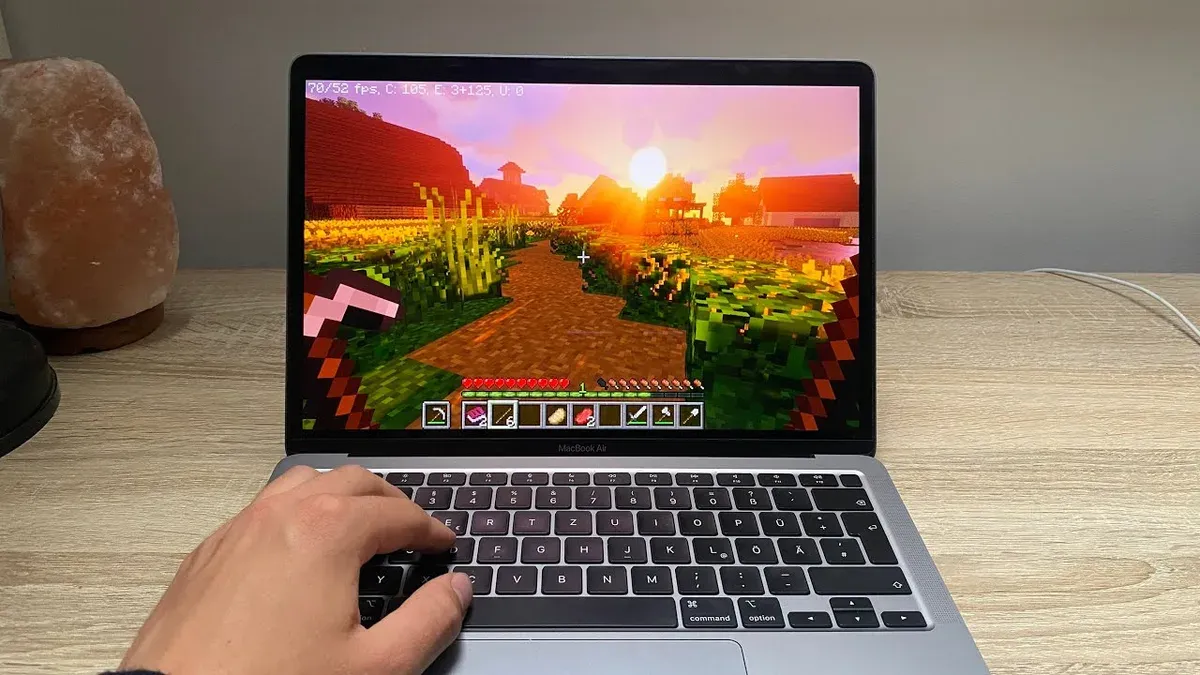
- Set render distance to 8 chunks or fewer to reduce GPU workload.
- Choose graphics settings as “Fast” instead of “Fancy” to lower effects without major clarity loss.
- Disable smooth lighting and reduce or turn off particles to minimize GPU strain.
- Use macOS Activity Monitor to close background apps consuming CPU or memory before launching Minecraft.
- Optionally, connect an external mouse and keyboard, as the built-in trackpad can be less responsive during fast gameplay.
Without these adjustments, frame rates may fluctuate around 30–40 FPS. After optimization, expect more stable rates near 50–60 FPS, improving smoothness.
Comparing MacBook Air M3 to Other Devices for Minecraft Gaming
The MacBook Air M3 balances portability and performance:
| Device | Typical FPS (Minecraft Java) | Battery Life (hours) | Price Range |
|---|---|---|---|
| MacBook Air M3 | 45–60 | 10–12 | Mid-range |
| MacBook Pro M2 | 60–75 | 8–10 | Higher-end |
| Windows Gaming Laptop (mid-range) | 70–90 | 4–6 | Varies |
The Air M3 offers longer battery life and portability but lower graphics throughput than dedicated gaming laptops. It suits casual to moderate Minecraft play but is less ideal for highly demanding scenarios.
Who Should Consider Alternative Devices for Playing Minecraft
Consider other hardware if you:
- Use large mod packs or intensive shaders that exceed integrated GPU capabilities.
- Require high refresh rates (120Hz+) for competitive multiplayer.
- Plan to play Minecraft VR or use extensive resource packs increasing system load beyond what the M3 handles smoothly.
Devices with dedicated GPUs provide better performance for these use cases.
What This Article Does Not Cover
This article focuses on client-side Minecraft gameplay and optimization on the MacBook Air M3. Server hosting and multiplayer server performance are outside its scope.
Frequently asked questions
Can I install Minecraft Java Edition natively on the MacBook Air M3?
Yes. ARM-native builds of Java and Minecraft Java Edition run efficiently on the M3 chip without requiring Rosetta 2.
Will Minecraft run smoothly on the MacBook Air M3 without any modifications?
It can run, but performance varies. Adjusting settings as recommended improves smoothness significantly.
What are the best in-game settings to improve Minecraft performance on the M3 chip?
Lower render distance to 8 chunks or fewer, select “Fast” graphics, disable smooth lighting, reduce particles, and close unnecessary background apps.
Is external hardware necessary to enhance Minecraft gameplay on a MacBook Air M3?
Not required, but an external mouse and keyboard can improve control and comfort during longer sessions.
Actionable Checklist for Better Minecraft Performance on MacBook Air M3
- Update Minecraft to the latest ARM-compatible version.
- Set render distance to 8 chunks or fewer in settings.
- Switch graphics quality to “Fast.”
- Disable smooth lighting and reduce particles.
- Quit unnecessary apps via Activity Monitor before starting Minecraft.
- Consider using an external mouse for better control.