Data Management
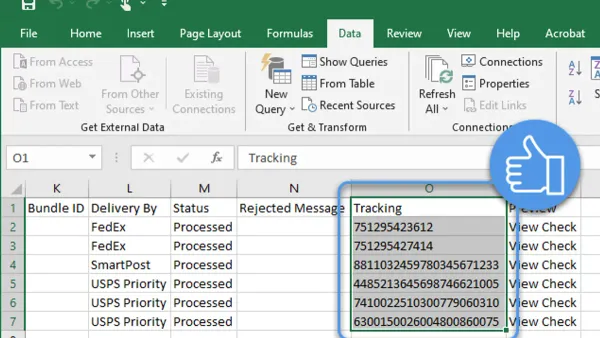
How to Import a CSV File into Numbers: A Step-by-Step Guide
This guide shows you how to import a CSV file into Numbers on Mac and iOS devices while preserving formatting and avoiding common errors.

Data Management
This guide shows you how to import a CSV file into Numbers on Mac and iOS devices while preserving formatting and avoiding common errors.
Personal Finance
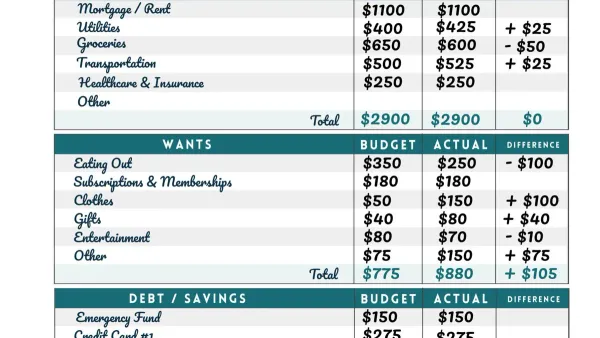
Discover how to create a clear, personalized monthly budget in Numbers with easy steps to manage your 2026 finances effectively.
Data Management
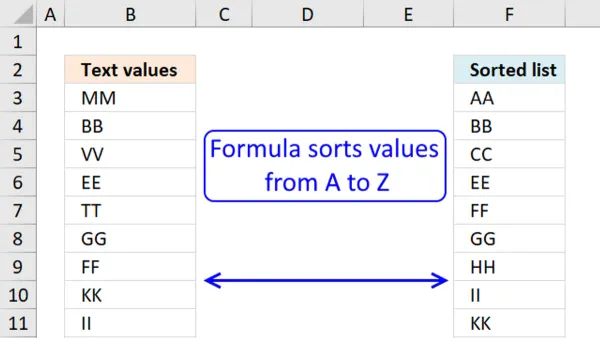
Discover easy step-by-step methods to sort data alphabetically in Numbers and keep your tables organized and accurate.
Spreadsheets
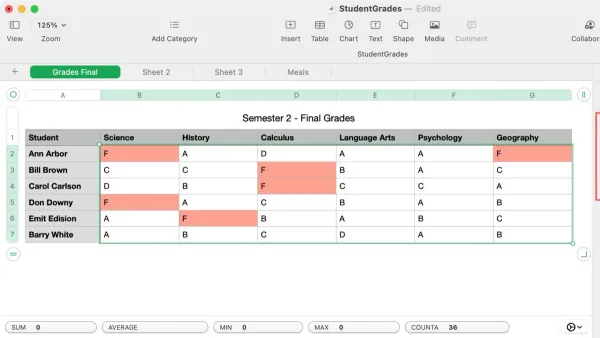
Discover how to use conditional highlighting in Numbers to automate cell formatting and highlight key data trends effortlessly.
Spreadsheets
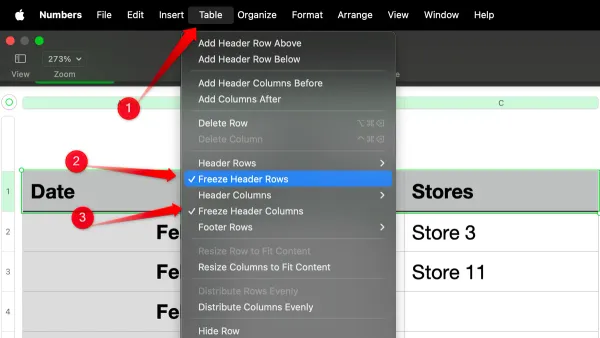
Discover step-by-step how to freeze header rows in Numbers on Mac and iPad to keep your headers visible while working with large spreadsheets.
Spreadsheet Tips
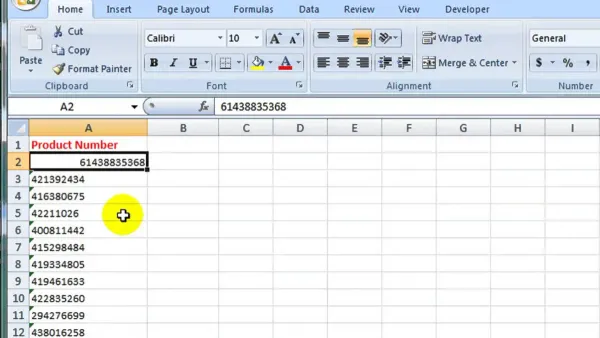
This guide shows you how to convert Numbers to Excel in Numbers while keeping your data accurate and properly formatted for easy sharing.
Spreadsheets
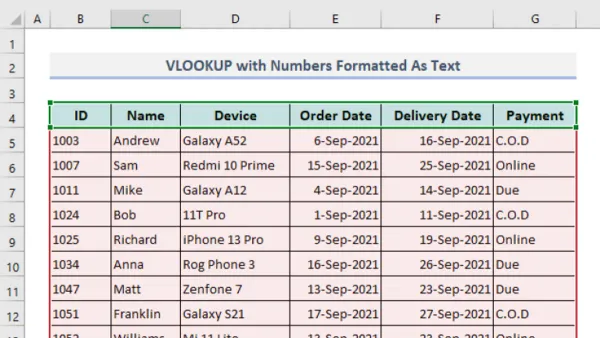
Master how to use VLOOKUP in Numbers to efficiently find and retrieve data from your spreadsheets with step-by-step instructions.
Data Analysis
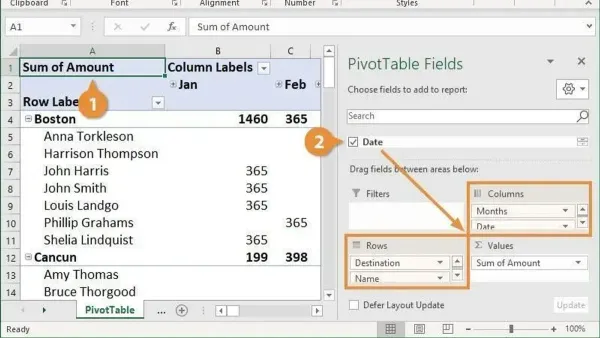
This guide shows you how to create a pivot table in Numbers, helping you organize and analyze your data efficiently on Mac or iPad.
Document Creation
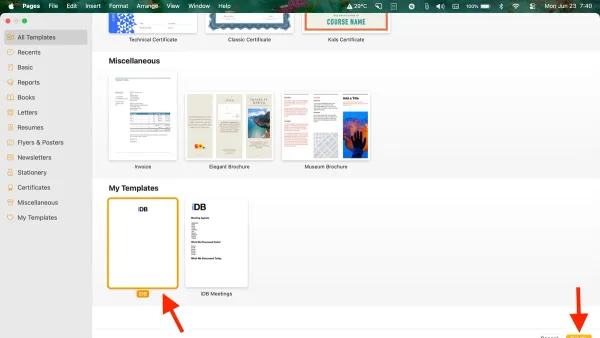
Discover how to efficiently create and apply templates in Pages to streamline your document creation process.
Document Design
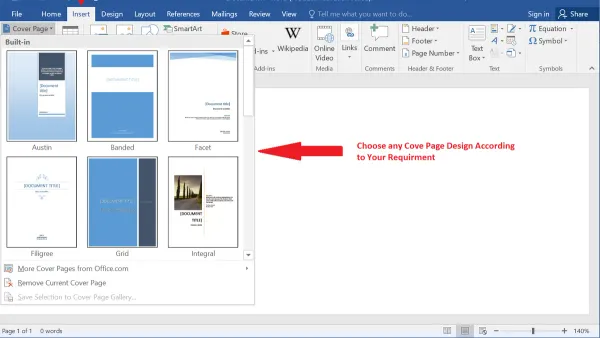
Discover simple steps to add a customized cover page in Pages on Mac, iPhone, and iPad for professional and visually appealing documents.

Document Editing
Discover easy steps to delete a blank page in Pages on Mac, iPad, or iPhone and keep your documents clean and professional.
Document Formatting
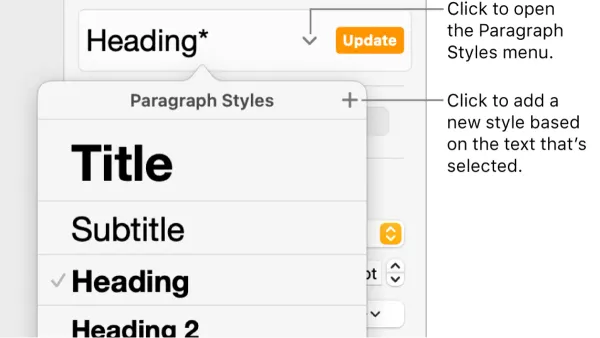
Master paragraph styles in Pages to quickly format and organize your document with consistent headings, body text, and quotes.