Video Editing
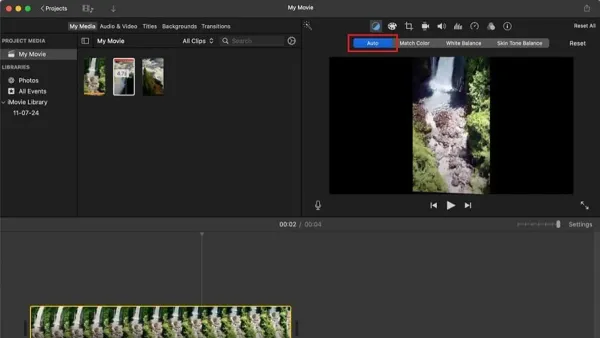
How to Color Correct a Clip in iMovie: Step-by-Step Guide
Fix lighting and color issues in your video by learning how to color correct a clip in iMovie with this simple step-by-step guide.

Video Editing
Fix lighting and color issues in your video by learning how to color correct a clip in iMovie with this simple step-by-step guide.
Video Editing
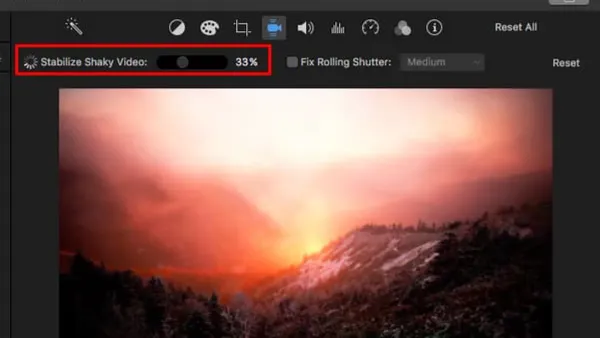
Discover easy steps to stabilize shaky footage in iMovie and improve your video quality without complicated tools or software.
Video Editing
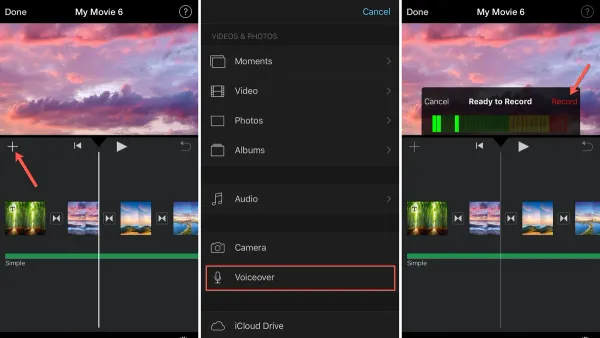
Discover how to record a clear, engaging voiceover in iMovie with easy steps and tips for better audio quality and syncing.
Video Editing
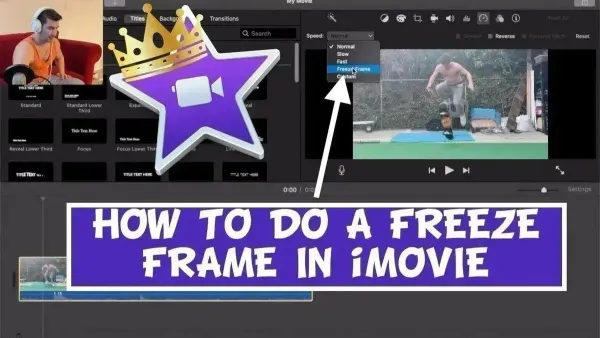
Discover how to freeze a frame in iMovie on iPhone, iPad, and Mac with this clear step-by-step guide to enhance your video editing.
Video Editing
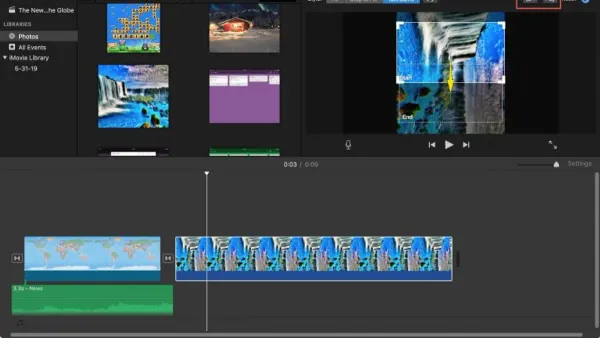
Fix sideways or upside-down clips by learning how to rotate a video in iMovie on iPhone and Mac with clear step-by-step instructions.
Video Editing
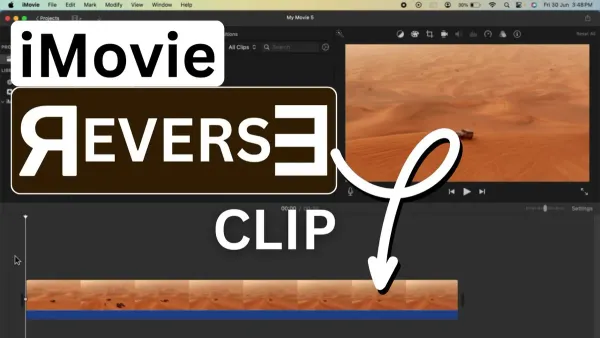
Discover how to reverse a clip in iMovie with simple steps to add creative effects and polish your video edits efficiently.
Video Editing
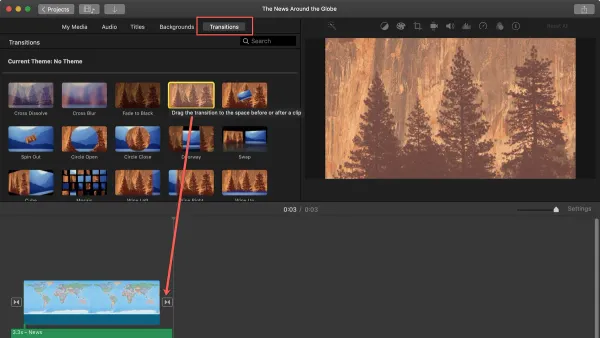
This guide shows you how to add transitions in iMovie on iPhone, iPad, and Mac to make your videos flow smoothly and look polished.
Video Editing
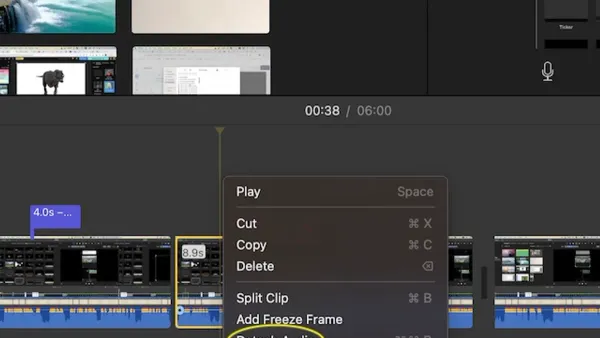
Master detaching audio from video in iMovie to edit soundtracks separately and enhance your projects with ease.
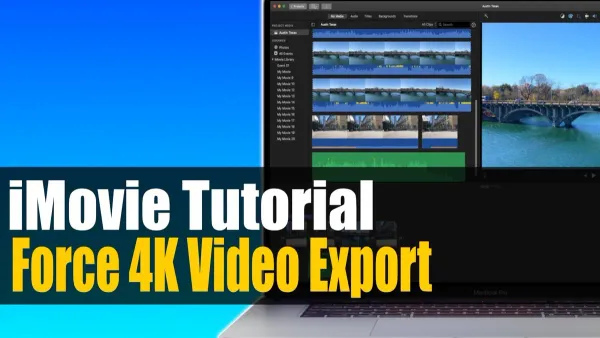
Video Editing
Follow this step-by-step guide to export your iMovie project in 4K resolution, ensuring crisp, high-quality videos on Mac, iPhone, and iPad.
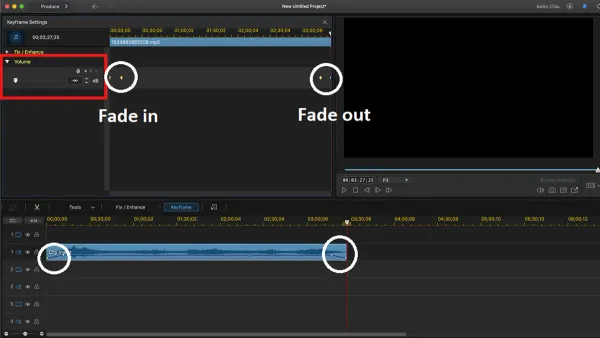
Video Editing
Master fading out audio in iMovie with simple steps for smooth, professional-sounding video transitions on Mac and iPhone.
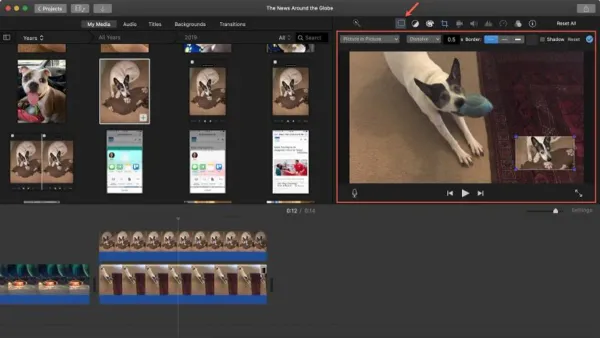
Video Editing
Discover how to add and adjust picture in picture overlays in iMovie to enhance your videos with clear, easy-to-follow steps.
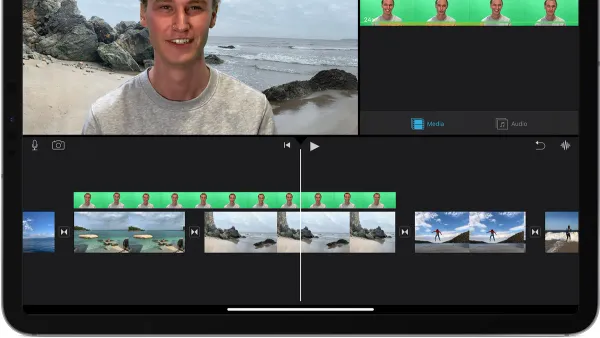
Video Editing
Master green screen effects in iMovie with this step-by-step guide, including filming tips and editing tricks for seamless background replacement.