Video Editing
How to Make Slow Motion Video in iMovie: A Step-by-Step Guide
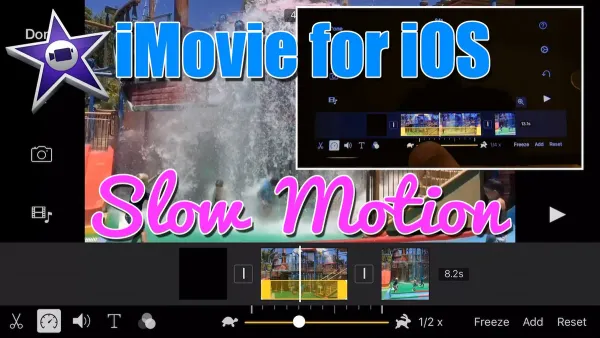
This guide shows you how to make slow motion video in iMovie with clear steps for both iPhone and Mac users to achieve smooth, professional effects.

Video Editing
This guide shows you how to make slow motion video in iMovie with clear steps for both iPhone and Mac users to achieve smooth, professional effects.
Video Editing
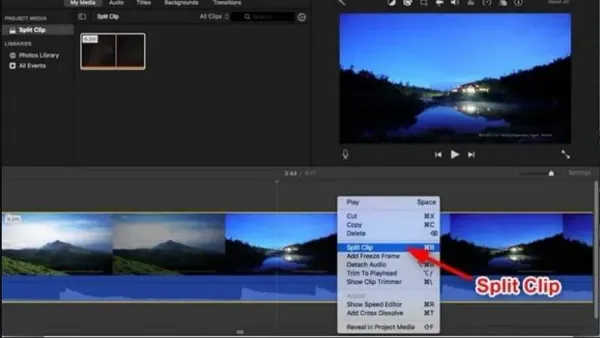
This guide shows you how to split a clip in iMovie step-by-step for precise video editing and smooth transitions.
Video Editing
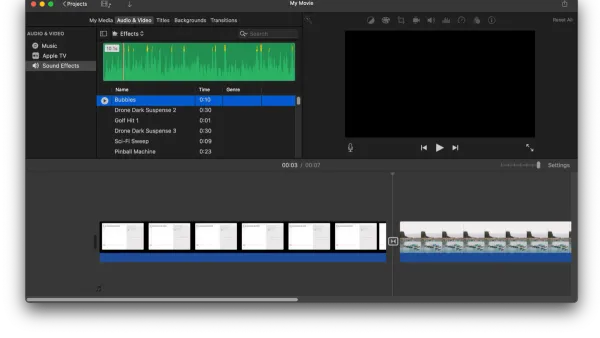
Discover how to add background music in iMovie on Mac, iPhone, and iPad with easy steps to import, sync, and customize your audio tracks.
Video Editing
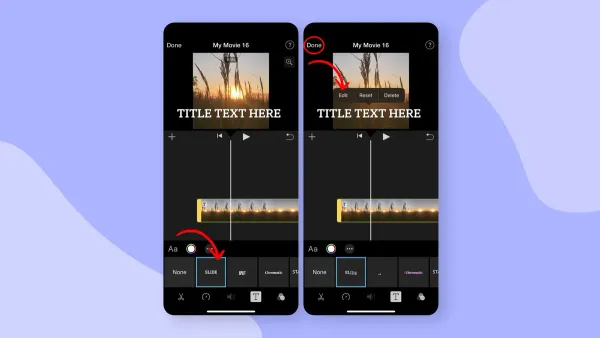
Discover step-by-step how to add and customize text titles in iMovie to make your videos look polished and professional.
Video Editing
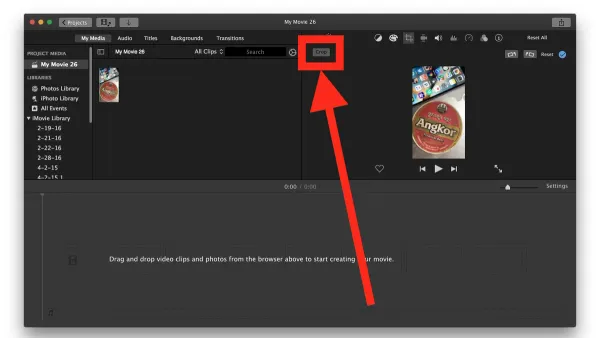
Discover how to crop a video in iMovie on iPhone, iPad, and Mac with clear steps and tips for perfect video framing.
Animation
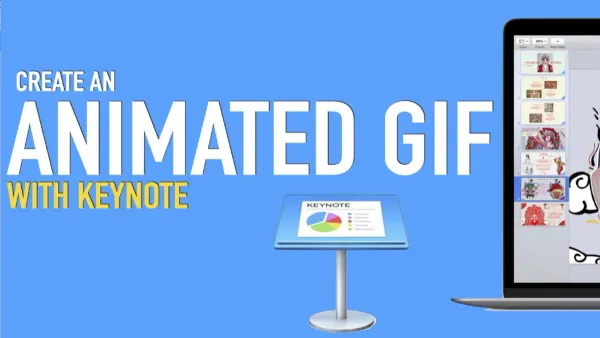
Create smooth, high-quality animated GIFs from your Keynote presentations with this clear step-by-step tutorial.
Presentation Tips
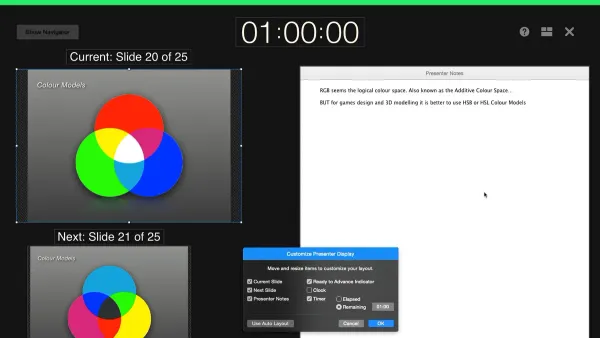
Master rehearsing your Keynote slideshow with practical tips to improve timing, use speaker notes, and simulate real presentation conditions.
Presentation Tips
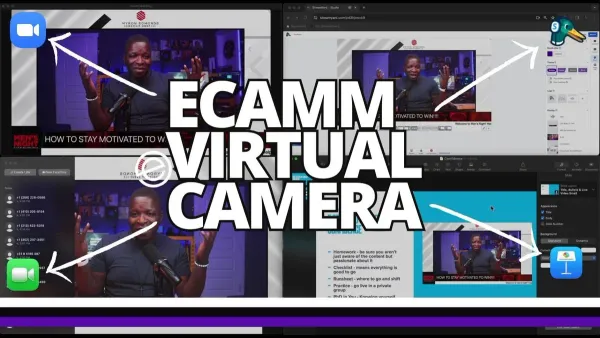
Discover how to add live camera video in Keynote with easy steps to enhance your presentations with real-time video feeds.
Presentation Tips
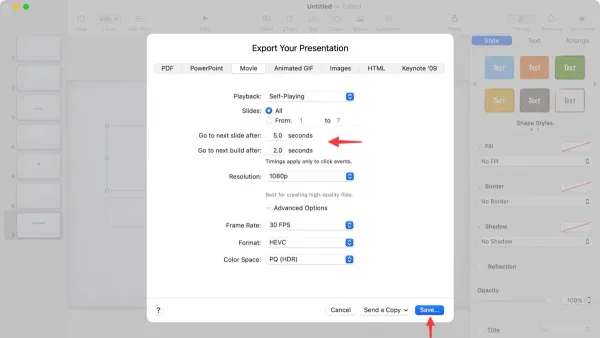
Step-by-step guide to export your Keynote presentation as a video, including settings, tips, and troubleshooting for the best results.
Presentation Design
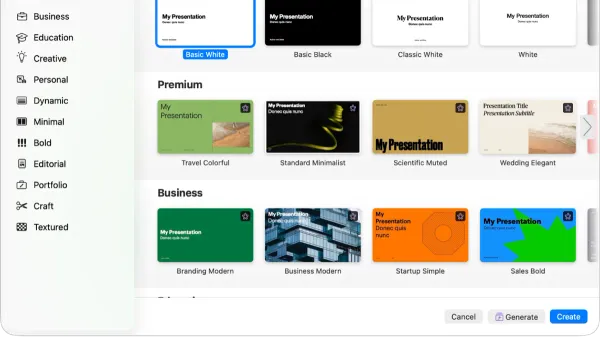
Discover how to create a custom theme in Keynote to streamline your presentations with consistent style and branding.
Keynote
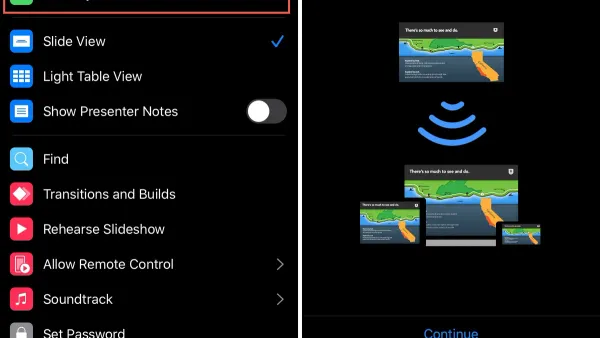
Discover how to control Keynote with your iPhone to navigate slides effortlessly and manage presentations without interruptions.
Presentation Tips
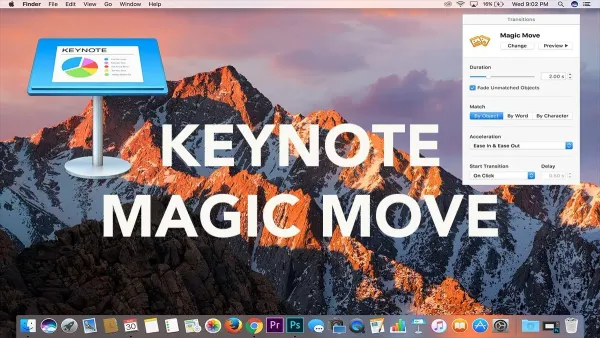
Discover step-by-step how to use Magic Move in Keynote to create smooth, eye-catching slide transitions with matching objects.