Mac Maintenance
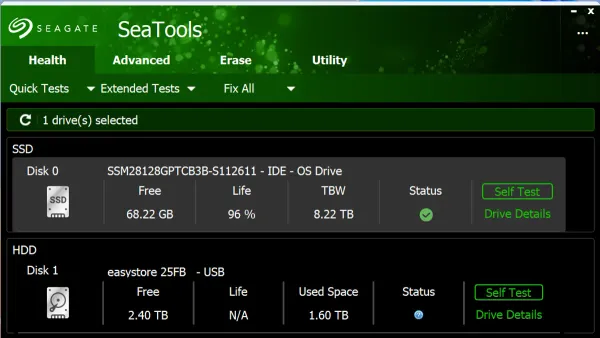
How to Check SSD Health Using Disk Utility: Step-by-Step Guide
Discover how to check your SSD health in Disk Utility to identify issues early and keep your Mac running smoothly with this easy guide.

Mac Maintenance
Discover how to check your SSD health in Disk Utility to identify issues early and keep your Mac running smoothly with this easy guide.
Mac
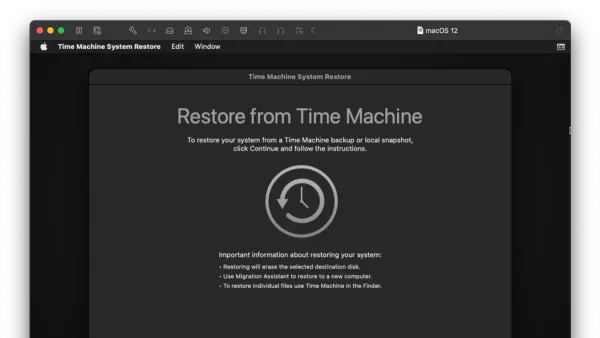
Step-by-step guide to restoring your entire Mac using Time Machine, ensuring a full system and data recovery with ease.
Mac Troubleshooting
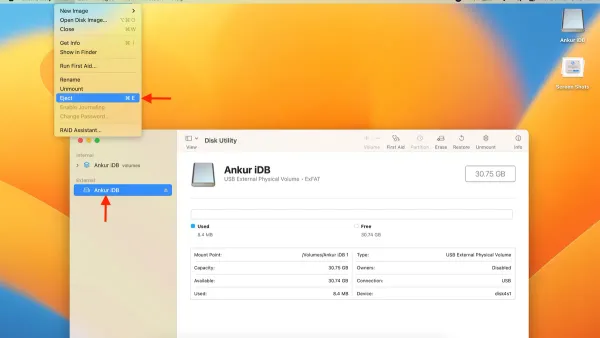
This guide explains how to safely force eject a disk in Disk Utility when normal ejection fails, with tips to avoid data loss and troubleshooting advice.
MacOS
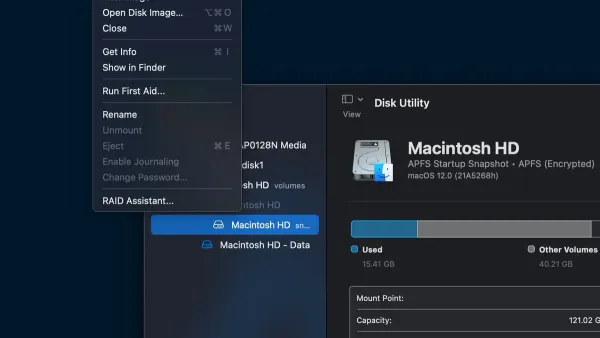
This guide shows you how to mount an ISO file in Disk Utility on macOS, making its contents accessible as a virtual disk.
MacOS
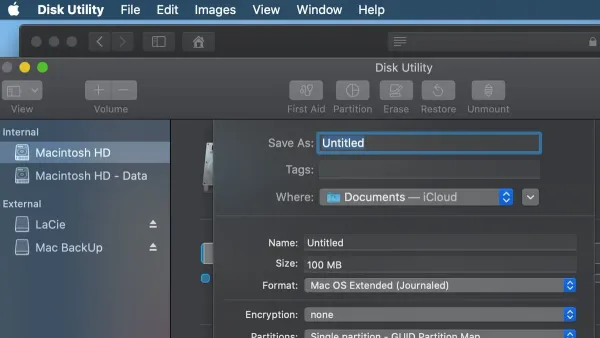
This guide explains how to create a disk image in Disk Utility for backing up and transferring files using macOS’s built-in tool.
Wi-Fi
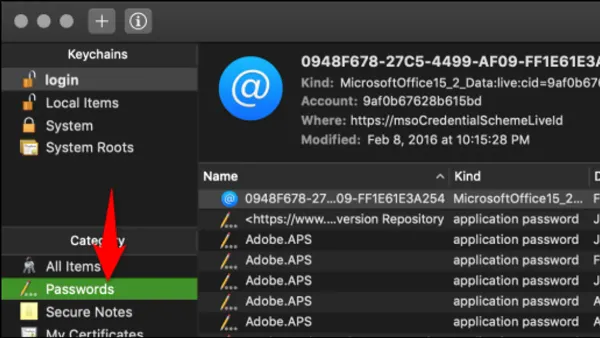
Retrieve your saved Wi-Fi passwords on Mac using Keychain Access with step-by-step guidance to access and reveal network credentials securely.
USB Drives
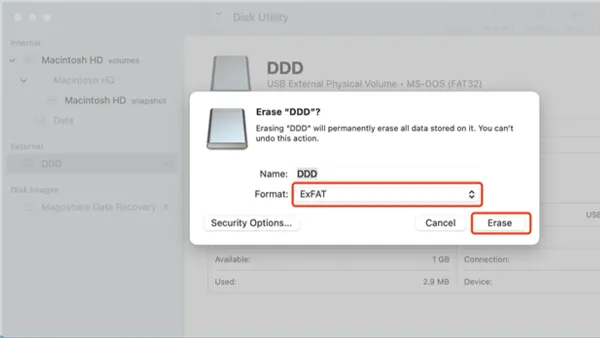
Step-by-step guide to formatting a USB drive as exFAT in Disk Utility for cross-platform compatibility between Mac and Windows.
Mac Storage
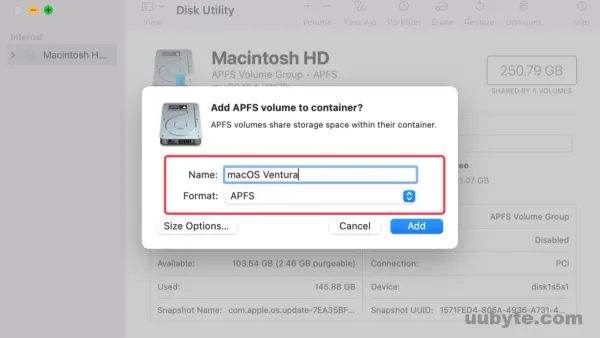
This guide explains how to add an APFS volume in Disk Utility to organize your Mac storage efficiently without risking existing data.
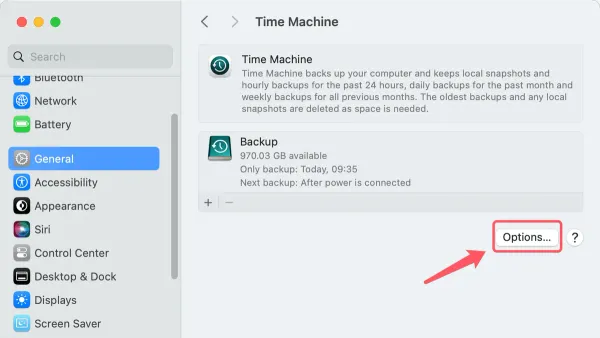
Mac Backup
Discover safe and effective ways to delete old backups in Time Machine to free disk space and maintain backup health on your Mac.
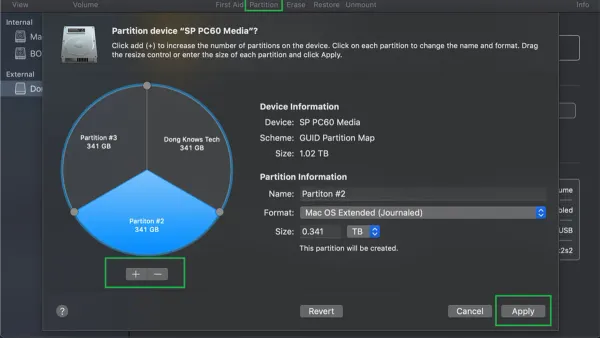
Mac Storage
Learn how to partition a drive in Disk Utility to create separate volumes and manage your Mac storage effectively.
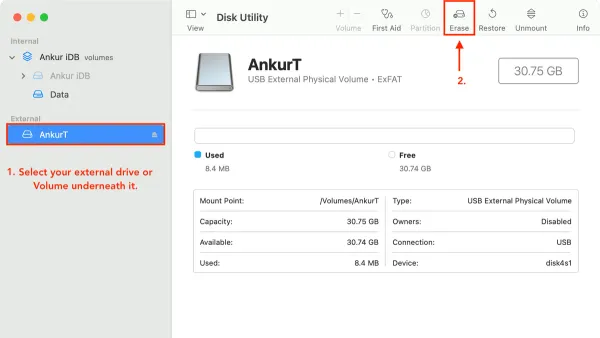
Mac
This guide explains how to erase a drive in Disk Utility with clear steps to safely prepare, erase, and troubleshoot your Mac drives.
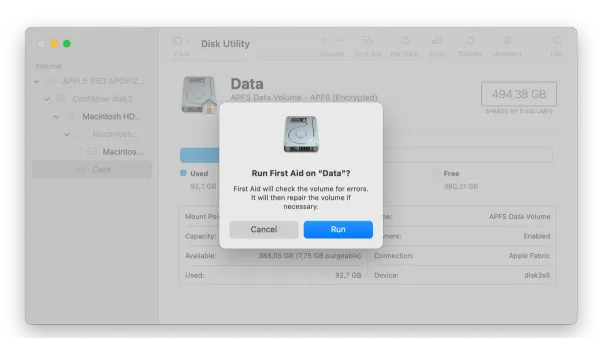
Mac Troubleshooting
This guide shows you how to run First Aid in Disk Utility to quickly diagnose and repair common disk errors on your Mac.