PDF Annotation
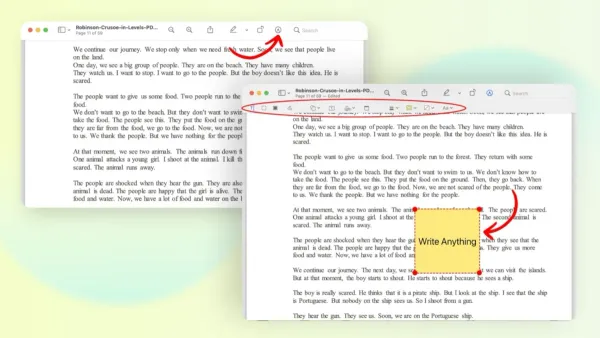
How to Annotate a PDF in Preview: A Clear Step-by-Step Guide
This guide shows you how to annotate a PDF in Preview using highlights, notes, and shapes with simple step-by-step instructions.

PDF Annotation
This guide shows you how to annotate a PDF in Preview using highlights, notes, and shapes with simple step-by-step instructions.
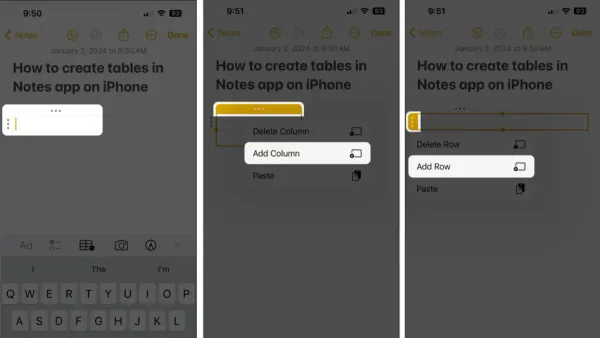
Notes App
Discover how to add and customize tables in the Notes app on iPhone, iPad, and Mac for clear and organized note-taking.
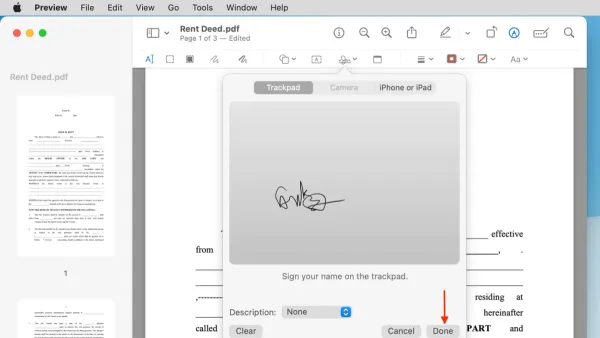
PDF Editing
This guide shows how to sign a PDF in Preview on Mac using handwritten or digital signatures with easy step-by-step instructions.
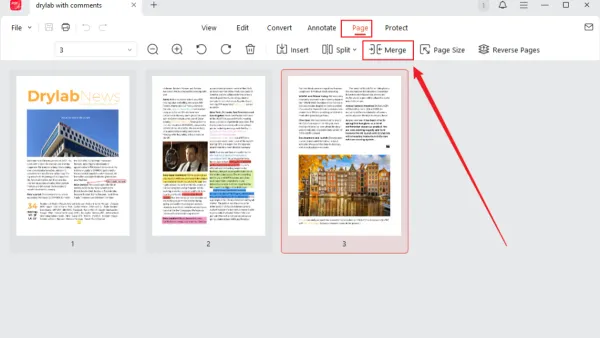
PDF Tips
This guide shows you how to combine PDFs in Preview using clear steps to merge, edit, and save your documents on a Mac.
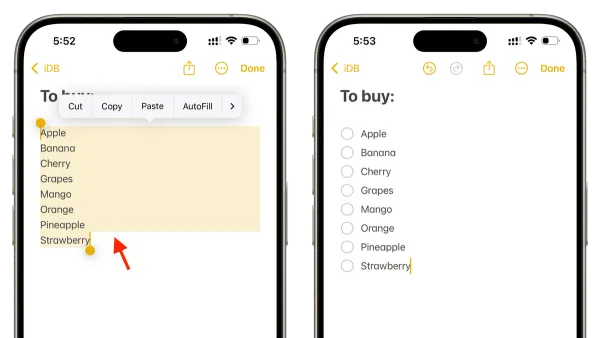
Productivity
Discover how to create a checklist in the Notes app on your iPhone or iPad with clear steps and tips for better task management.
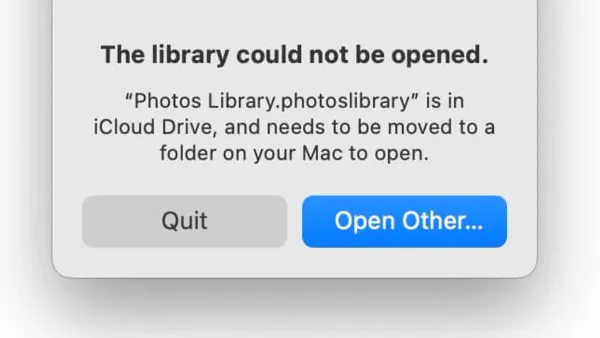
Photos App
Troubleshoot and fix the Photos app library not opening with practical steps to restore access and protect your valuable photos.
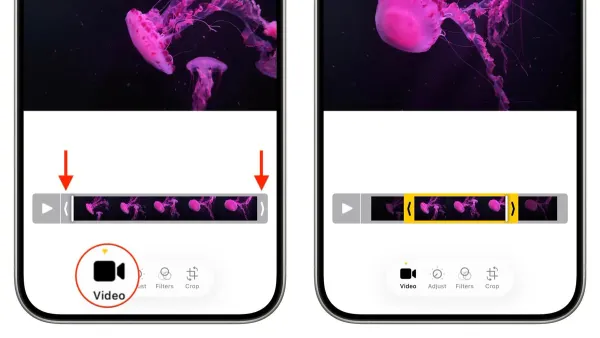
Video Editing
This guide shows you how to easily trim a video in Photos app on your Apple device to remove unwanted sections and share focused clips.
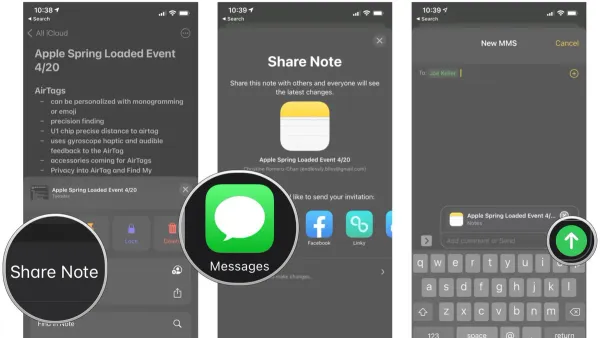
Apple Notes
Discover step-by-step how to share a note to collaborate in the Notes app and manage your shared notes effectively.
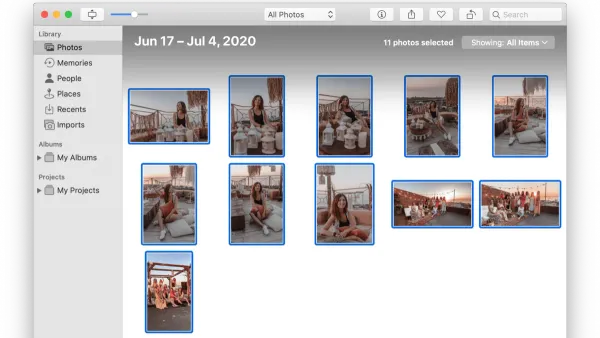
Photo Management
Discover a safe method to merge two Photos libraries in the Photos app, preserving all your edits, metadata, and organization seamlessly.
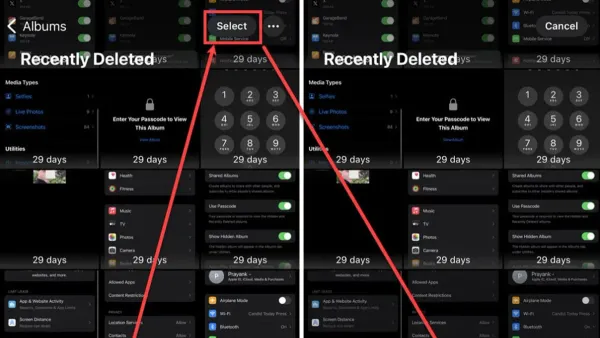
Photos App
Discover how to permanently delete Recently Deleted photos in the Photos app to free storage and ensure your deleted items are fully removed.
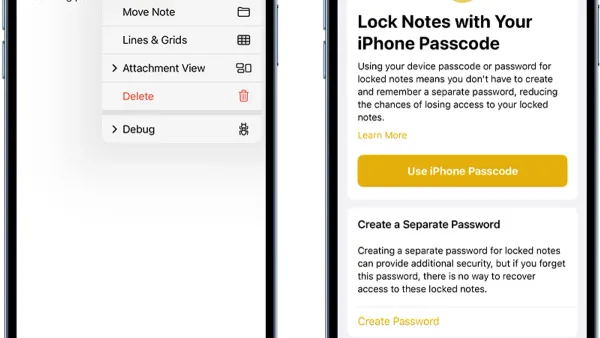
Privacy
Secure your sensitive information by learning how to lock a note with password in Notes app using step-by-step instructions and biometric options.
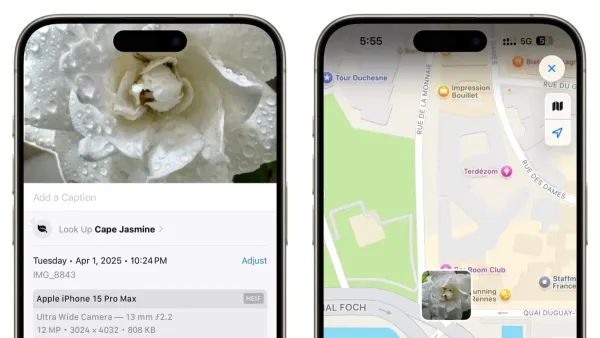
Photography
Discover how to check, add, or edit location info in the Photos app to find where a photo was taken and manage your photo library better.