How to Protect Yourself if Your Apple Pay Account Is Hacked
Discover how to protect yourself if your Apple Pay account is hacked, with tips on security measures and scam prevention.
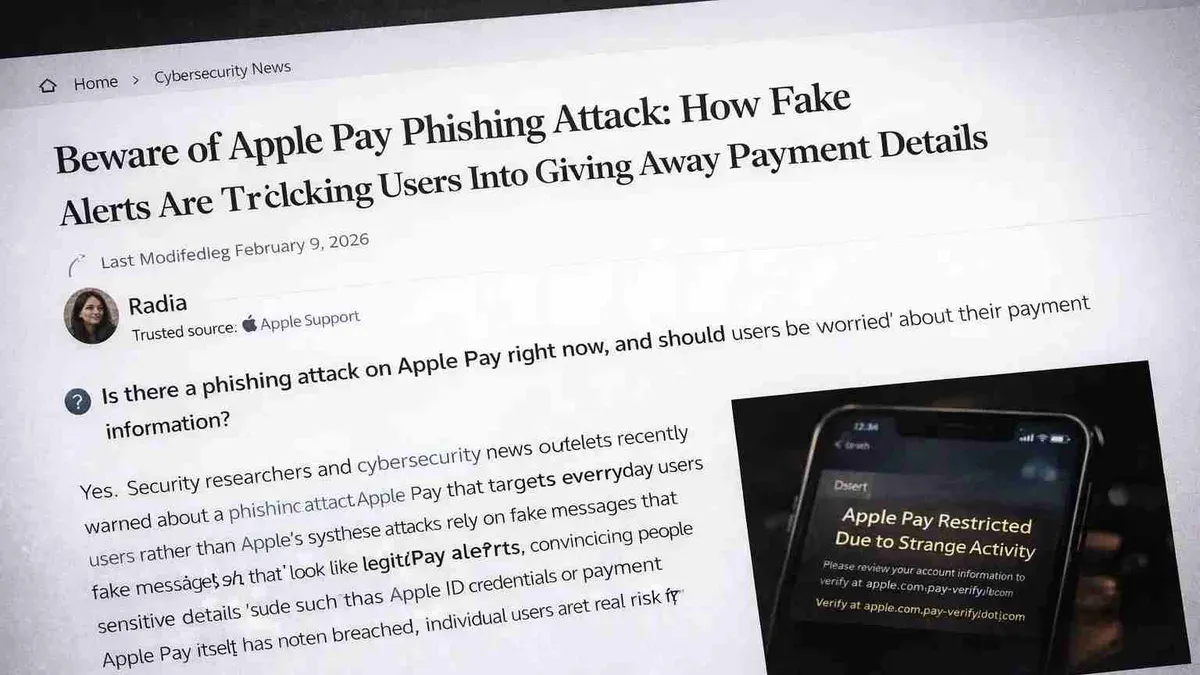
You open your wallet app and notice an unfamiliar transaction on your Apple Pay account. Panic sets in as you wonder if your Apple Pay account hacked scenario is real or just a glitch.
This article explains how Apple Pay protects your payments and explores the actual risks of unauthorized access. You will learn how hackers might try to breach your account, the common scams to watch for, and practical steps to secure both your Apple Pay and Apple ID. Understanding these factors helps you balance caution with confidence when using Apple Pay.
Key takeaways
- Apple Pay uses device-specific numbers and biometric authentication to protect your payments.
- Direct hacking of Apple Pay is difficult, but scams targeting your Apple ID or bank details are common.
- Regularly check your Apple Pay transactions and Apple ID security settings for suspicious activity.
- Enable two-factor authentication and use strong, unique passwords to secure your accounts.
- If you suspect a hack, immediately contact your bank and Apple Support to lock down your accounts.
What Apple Pay Is and How It Secures Your Payments
Apple Pay is a digital wallet allowing you to link your credit or debit cards to your iPhone, iPad, or Apple Watch for contactless payments. Instead of storing your actual card numbers, Apple Pay uses a process called tokenization, replacing sensitive card details with a unique Device Account Number. This number is securely stored within a dedicated chip known as the Secure Element on your device, isolated from the main operating system to prevent unauthorized access.
When you make a payment, Apple Pay transmits the tokenized Device Account Number along with a dynamic, one-time cryptographic code that verifies the transaction. Because your actual card information never leaves the device or Apple’s servers, this greatly reduces the risk of data breaches compared to traditional card payments.
Authentication is required for each transaction through biometric methods like Face ID or Touch ID, or your device passcode. For example, to pay at a store, you double-click the side button on your iPhone, authenticate with Face ID, and then hold your device near the payment terminal. This combination of tokenization, secure hardware, and biometric verification forms multiple layers of security that protect both your payment data and identity.
Can Your Apple Pay Account Be Hacked?
Apple Pay itself is designed with strong security measures that make direct hacking extremely difficult. The system uses tokenization and a Secure Element chip to isolate your payment information from external threats. However, the security of your Apple Pay depends heavily on the safety of your linked Apple ID and the devices you use.
Most reported cases of Apple Pay misuse stem from compromised Apple ID credentials rather than a breach of Apple Pay’s core system. For example, phishing scams may trick you into entering your Apple ID password on a fake website, giving attackers access to your account. Once inside, they can add their own cards to Apple Pay or make purchases.
Malware on your device can also expose data if it captures your screen or keystrokes, but this requires your device to be infected first—often through installing untrusted apps or clicking suspicious links.
Imagine receiving an email claiming to be from Apple asking you to verify your account by entering your Apple ID password. Falling for this could allow hackers to control your Apple Pay indirectly. Experts emphasize that while Apple Pay’s architecture is robust, user vigilance around Apple ID security remains critical to prevent unauthorized access.
Can Someone Hack Your Bank Account Through Apple Pay?
While Apple Pay itself uses strong security measures, unauthorized transactions can still affect the bank or credit accounts linked to it. If someone gains access to your Apple ID or device, they could initiate payments through Apple Pay, charging your linked cards without your consent.
Apple Pay enforces transaction limits and requires biometric authentication—Face ID, Touch ID, or passcode—before approving payments, which reduces the chance of unauthorized use. However, once authenticated, transactions generally proceed without additional bank verification.
For example, if your device is stolen and your biometric authentication is bypassed or disabled, a thief might make small purchases that avoid triggering fraud alerts. Typically, banks monitor Apple Pay transactions closely, flagging unusual patterns like multiple small charges or sudden spending in new locations.
Cases of fraudulent Apple Pay charges do occur but are less frequent compared to traditional card fraud due to tokenization and device-specific security. Banks often respond by quickly blocking suspicious payments and issuing new cards if needed.
In practice, the indirect risk is that breaches to your Apple ID or device security can lead to unauthorized access to your bank accounts via Apple Pay, making it crucial to secure your Apple ID credentials and your device’s lock screen settings.
Common Apple Pay Account Scams and How to Spot Them
Scammers often use fake "Apple Pay account locked" or "Apple account hacked" messages to create urgency and trick you into revealing personal information. These messages typically arrive via email or text, urging immediate action to "unlock" your account by clicking suspicious links or providing login details.
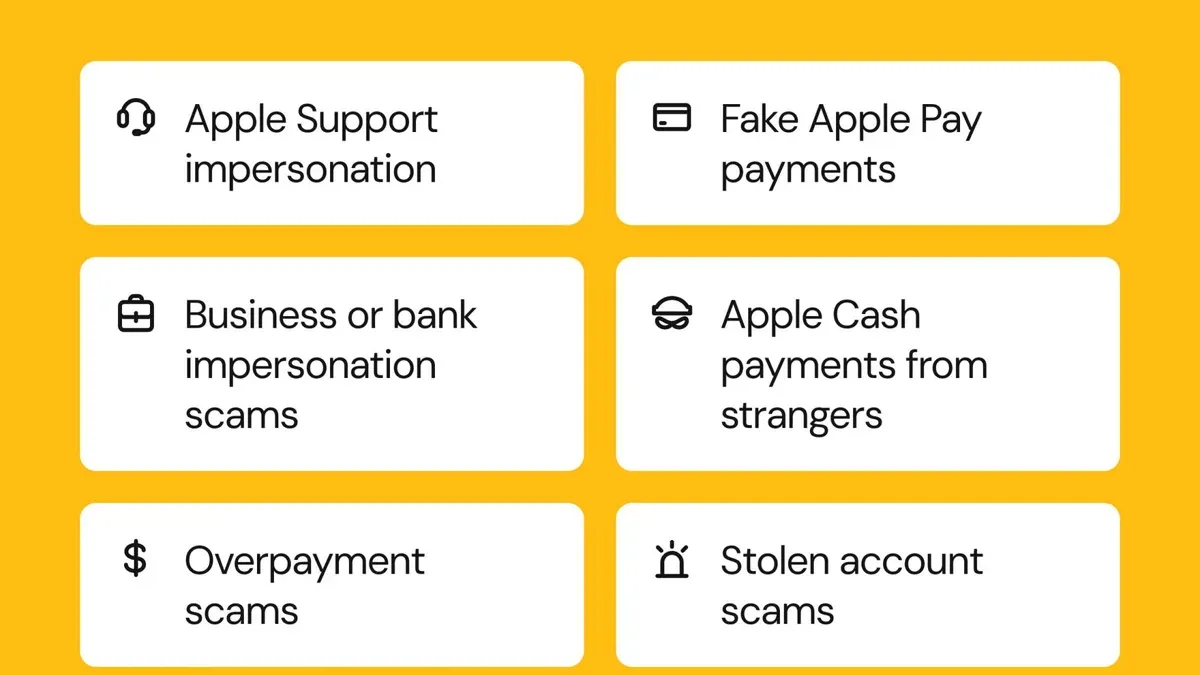
Phishing emails pretending to be from Apple Support are common. They often use logos and language that look official but contain subtle errors, like misspelled domain names or generic greetings such as "Dear Customer." For example, an email might claim your Apple Pay has suspicious activity and instruct you to verify your Apple ID on a link that leads to a fraudulent website.
Other scams promise money for "hacking Apple" or claim you’ve won rewards requiring you to share sensitive data or pay fees. These offers are always fraudulent and designed to steal your information or money.
Red flags include unexpected requests for passwords, inconsistent sender addresses, poor grammar, and pressure to act quickly. Security organizations report that these scams remain widespread and adapt constantly.
Imagine receiving a text saying your Apple Pay is locked due to unauthorized charges and urging you to tap a link to verify your identity. Instead of clicking, check your Apple ID settings directly on your device to confirm any alerts.
How to Check If Your Apple Pay or Apple ID Account Has Been Compromised
Start by reviewing your recent Apple Pay transactions directly on your iPhone or iPad. Open the Wallet app, tap on your card, then select the latest transactions to spot any unfamiliar charges. For example, if you see a $50 purchase at a store you didn’t visit, this could indicate unauthorized use.
Next, check your Apple ID login history and device list to detect unauthorized access. Go to Settings > [your name] > Scroll down to see all devices signed in with your Apple ID. Tap any device to view details like model and last backup date. If you find an unknown device, it’s a red flag.
Apple also sends security notifications when your Apple ID is accessed from a new device or location. These alerts appear as push notifications or emails with subject lines like “Your Apple ID was used to sign in to a new device.” If you receive such a message without initiating the action, treat it seriously.
Finally, contact your bank promptly if you notice suspicious charges. Your bank can investigate and may temporarily block your card to prevent further unauthorized transactions.
Steps to Secure Your Apple Pay and Apple ID Accounts
Start by enabling two-factor authentication (2FA) on your Apple ID. Go to Settings > [your name] > Password & Security, then activate 2FA to add an extra verification step when signing in. This prevents unauthorized access even if someone knows your password.
Update your Apple ID password to a strong, unique one. Use a combination of letters, numbers, and symbols, and avoid reusing passwords from other accounts. You can change this under Settings > [your name] > Password & Security > Change Password.
Review the devices linked to your Apple ID by visiting Settings > [your name]. Remove any unfamiliar or unused devices by selecting the device and tapping "Remove from Account." This limits the chances of unauthorized access through lost or stolen devices.
If you suspect your account has been compromised, contact Apple Support promptly for account recovery assistance. They can help verify your identity and secure your account.
To lock or remove cards from Apple Pay remotely, use the Find My app or visit the Apple ID website. For example, if your iPhone is lost, open Find My, select your device, and choose "Erase This Device." This action removes all Apple Pay cards from that device, preventing unauthorized transactions.
Users have reported successfully regaining control by combining these steps, especially 2FA activation and device removal, which are often overlooked but critical for securing their accounts.
Mistakes to Avoid That Can Put Your Apple Pay at Risk
Sharing your Apple ID credentials or passwords significantly increases the risk of unauthorized access. For example, if you share your Apple ID password with a friend or enter it on a phishing site mimicking Apple’s login page, attackers can gain full control of your Apple Pay and linked services.
Ignoring system and app updates is another common error. Updates often include security patches that fix vulnerabilities exploited in recent hacking attempts. Skipping these updates leaves your device exposed to known threats.
Using public Wi-Fi networks without a VPN when accessing sensitive information, including Apple Pay or your Apple ID, can allow attackers on the same network to intercept your data. For instance, logging into your Apple ID on an unsecured coffee shop Wi-Fi without encryption can expose your credentials.
Falling for unsolicited calls or messages that claim to be from Apple Support is a frequent tactic in phishing scams. Scammers often ask for verification codes or passwords, pretending to help with account issues. Responding to such requests can hand over access to your account.
What to Do If Your Apple Pay Account Is Locked or You Suspect a Hack
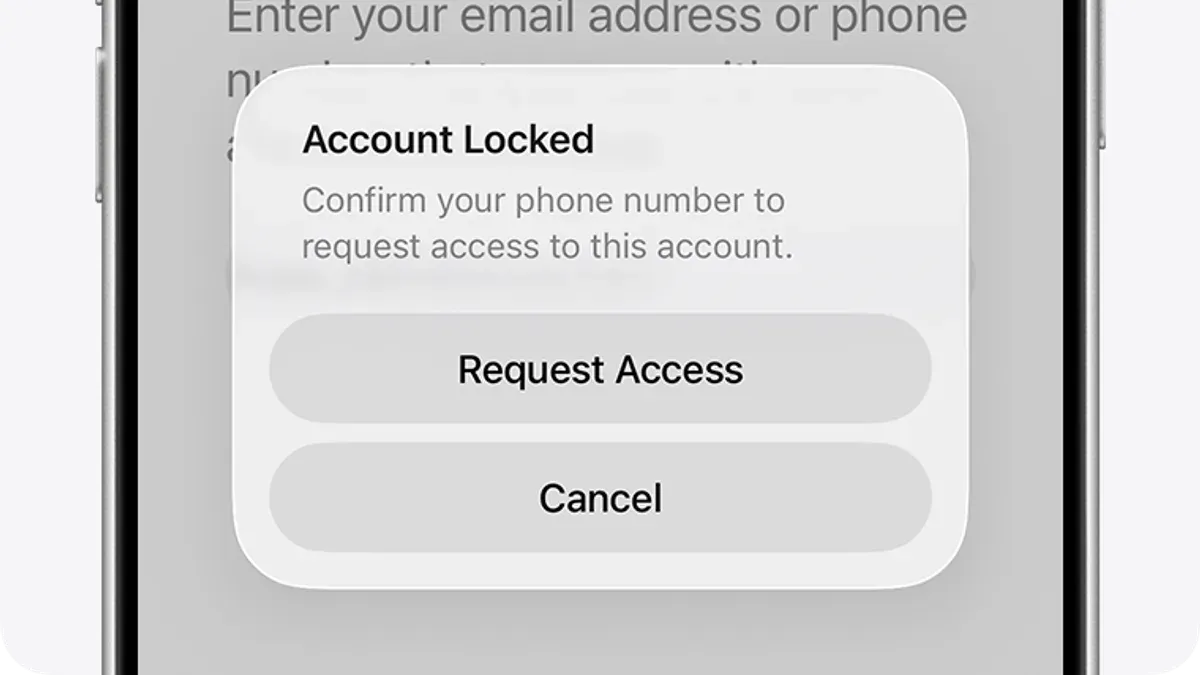
If you receive an alert that your Apple Pay account is locked or notice suspicious activity, act immediately. Begin by signing into your Apple ID account page at appleid.apple.com to verify your account status and review recent devices linked to your account. If you cannot sign in, use the "Forgot password" option to reset your credentials securely.
Contact Apple Support through the official website or the Apple Support app to report the issue. Avoid phone numbers or links sent via email or text unless you are certain they are legitimate. Apple Support can guide you through restoring access and securing your account.
Simultaneously, notify your bank or card issuer about the potential fraud and ask them to monitor or freeze your associated cards. Many banks have 24/7 fraud hotlines and recommend reporting unauthorized transactions promptly to minimize liability.
For example, if your iPhone displays a message that your Apple Pay account is locked due to multiple failed attempts, you should immediately visit appleid.apple.com to reset your password, then call your bank to alert them. Use the Apple Support website’s security section to follow step-by-step recommendations, including enabling two-factor authentication if not already set up.
Understanding the Limits of Apple Pay Security
Apple Pay is designed to protect your payment information through tokenization and Secure Element storage, but it cannot completely eliminate risks stemming from user behavior or external factors. For example, if someone gains access to your Apple ID credentials via phishing, they could potentially add cards to Apple Pay on another device, bypassing some security layers.
Security experts emphasize that protecting your entire digital ecosystem is crucial. This includes using strong, unique passwords across accounts, regularly updating software, and securing associated email and bank accounts. No digital payment system, including Apple Pay, is 100% hack-proof because attackers continually adapt their methods.
Consider a scenario where a user’s email account is compromised due to reused passwords elsewhere. Even with Apple Pay’s protections, attackers might reset Apple ID passwords and access linked payment methods. In such cases, additional security measures like hardware-based two-factor authentication tokens (e.g., YubiKey) can provide stronger defense, especially for users with high-value accounts or sensitive transactions.
- How to Install Python on Mac: A Clear Step-by-Step Guide
- How to Install Node.js with NVM on Mac: A Clear Step-by-Step Guide
- How to Install Java JDK 21 on Mac: A Step-by-Step Guide
Frequently asked questions
Is apple pay hacked?
Apple Pay itself has strong security measures, and widespread hacking of the service is rare. However, individual accounts can be compromised through phishing, weak passwords, or unauthorized access to your Apple ID. Staying vigilant about your device security and account settings is essential to prevent hacks.
Can your bank account get hacked through apple pay?
Your bank account is not directly hackable through Apple Pay because the system uses tokenization to keep your actual card numbers private. If someone gains access to your Apple Pay account, they might make unauthorized transactions, but your bank account details remain concealed. Banks and Apple provide fraud protection, so report suspicious activity immediately.
Can my apple pay be hacked?
Your Apple Pay can be compromised if someone gains access to your Apple ID or your device without proper security. This often happens through weak passwords, reused credentials, or malware on your device. Using two-factor authentication and strong passcodes reduces this risk significantly.
Can you get hacked on apple pay?
While Apple Pay’s design limits direct hacking risks, you can still be targeted by scams or phishing that steal your Apple ID credentials. Unauthorized access usually results from social engineering or device theft rather than flaws in Apple Pay itself. Protect your Apple ID with two-factor authentication and monitor account activity regularly.
Is apple getting hacked?
Apple as a company faces cybersecurity threats like any large organization, but there have been no major breaches exposing Apple Pay user data. Apple continuously updates its security systems to address vulnerabilities. Most security issues arise from user account compromises rather than Apple’s infrastructure.
What this advice does not cover and when to seek further help
This article does not cover advanced forensic investigation or legal advice for victims of fraud. If you suspect your device is infected with malware, you need to take additional device security steps beyond adjusting Apple Pay settings, such as running a reputable antivirus scan or performing a factory reset after backing up essential data. Users in certain regions may encounter different banking protections or consumer rights related to digital payments; consulting local financial authorities or consumer protection agencies can provide tailored guidance.
The single most useful next step is to enable two-factor authentication (2FA) on your Apple ID immediately, if you haven’t already. This setting, found under Settings > [your name] > Password & Security, adds a critical layer of protection that helps prevent unauthorized access to your Apple Pay and other Apple services, even if someone obtains your password.