Spreadsheets
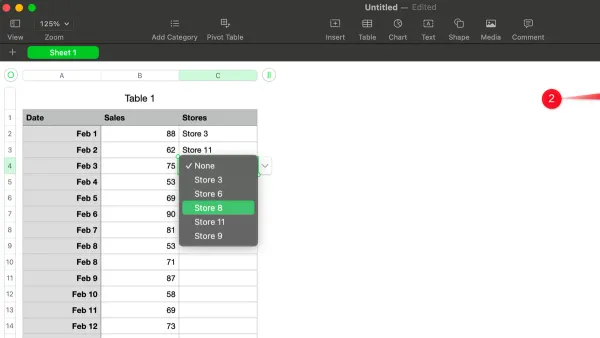
How to Add a Dropdown Menu in Numbers: A Clear Step-by-Step Guide
This guide shows you how to add a dropdown menu in Numbers to simplify data entry and maintain consistency across your spreadsheets.

Spreadsheets
This guide shows you how to add a dropdown menu in Numbers to simplify data entry and maintain consistency across your spreadsheets.
Spreadsheets
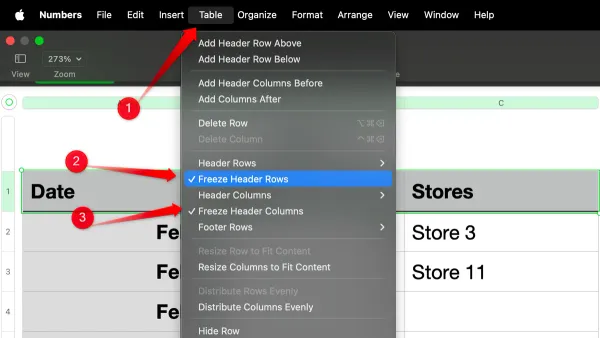
Discover step-by-step how to freeze header rows in Numbers on Mac and iPad to keep your headers visible while working with large spreadsheets.
Document Creation
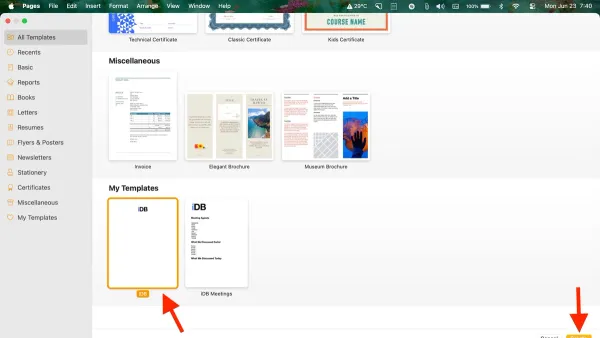
Discover how to efficiently create and apply templates in Pages to streamline your document creation process.
Document Design
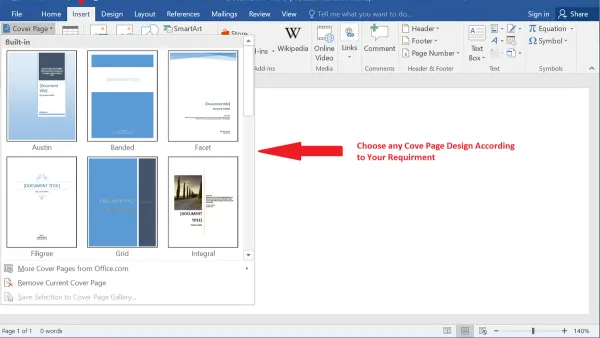
Discover simple steps to add a customized cover page in Pages on Mac, iPhone, and iPad for professional and visually appealing documents.
Document Formatting
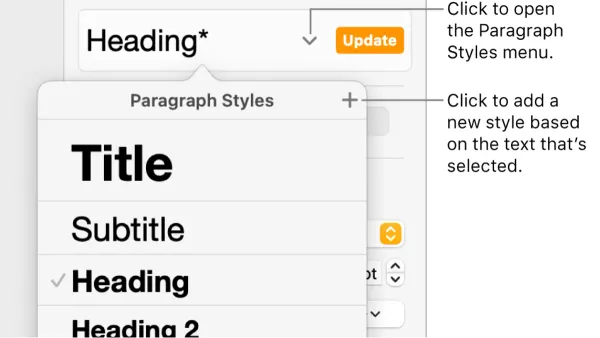
Master paragraph styles in Pages to quickly format and organize your document with consistent headings, body text, and quotes.
Document Collaboration
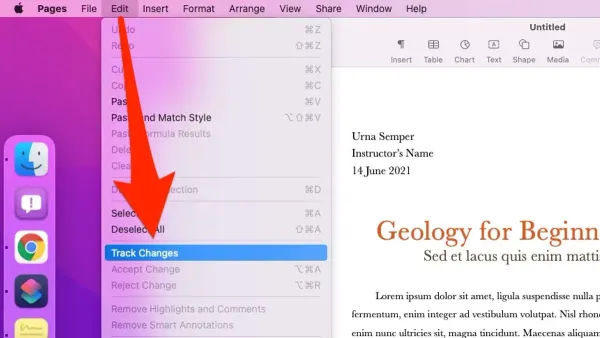
Discover how to enable and use track changes in Pages to keep edits organized and improve collaboration.
Apple Pages
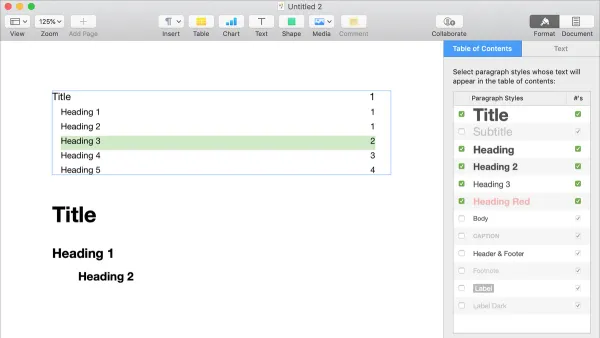
Discover how to add and customize a table of contents in Pages to improve document navigation on Mac and iPad.

Productivity
Discover how to quickly open multiple work apps at once using the Shortcuts app to save time and enhance your daily productivity.
Mac Automation
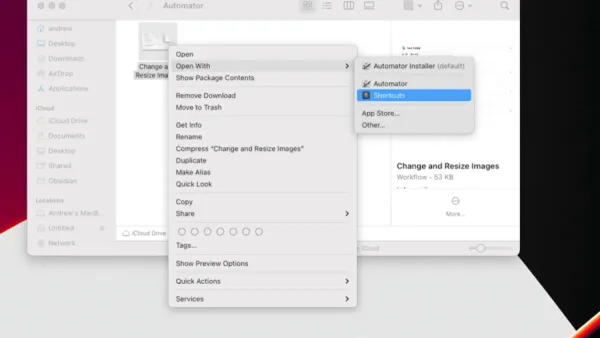
Step-by-step guide to convert Automator workflows into Shortcuts app for seamless Mac automation and improved system integration.
Mac Shortcuts
Discover how to run a shortcut from the menu bar in Shortcuts app for faster access and streamlined workflow on your Mac.

Shortcuts App
This guide walks you through creating your first shortcut in the Shortcuts app with easy steps to automate simple tasks on your device.
Note Taking
Discover easy steps to export notes to PDF in the Notes app on iPhone, iPad, and Mac for seamless sharing and printing.