Mac
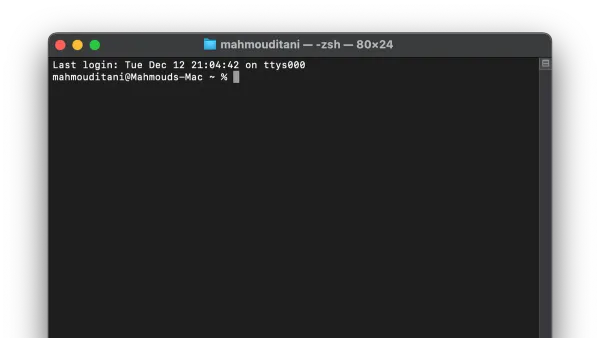
How to Use Mac Terminal: A Step-by-Step Guide for Beginners
This guide teaches how use mac terminal to navigate, run commands, and enhance your Mac workflow confidently and efficiently.

Mac
This guide teaches how use mac terminal to navigate, run commands, and enhance your Mac workflow confidently and efficiently.
MacBook Pro
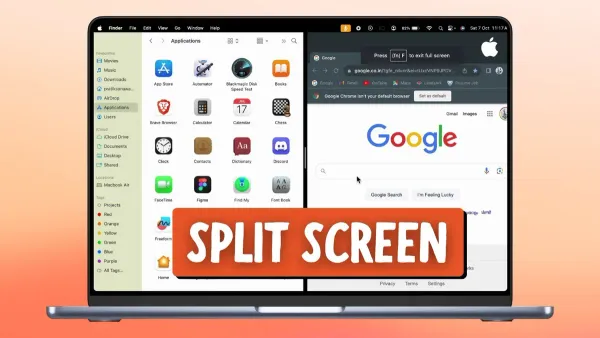
Enhance your productivity by mastering split screen on MacBook Pro M1 Pro with macOS Ventura's multitasking features.
MacBook Pro
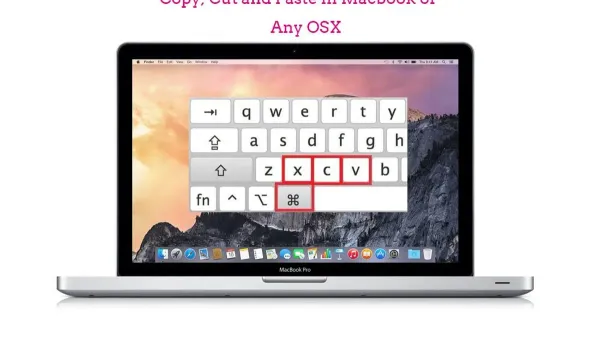
Master copying and pasting on MacBook Pro M1 Pro with simple shortcuts and advanced macOS Ventura clipboard features for efficient workflow.
MacOS
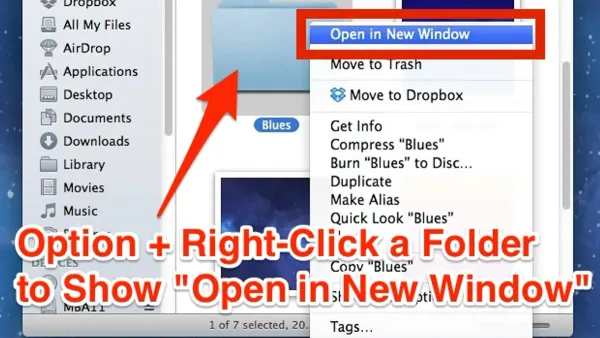
Discover how to open folders in new windows instead of tabs in Finder to better organize your macOS workspace.
MacOS
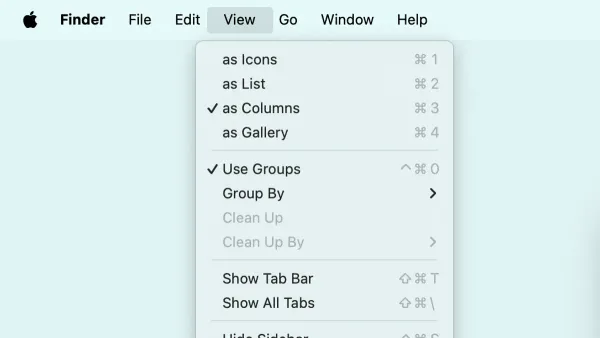
This guide explains how to show the full path in the title bar in Finder on macOS, enhancing navigation clarity and file management efficiency.
MacOS
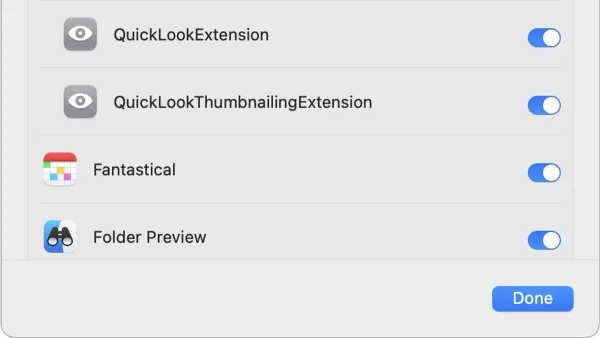
Quick Look in Finder lets you preview files instantly without opening them, saving time and improving file management on your Mac.
MacOS
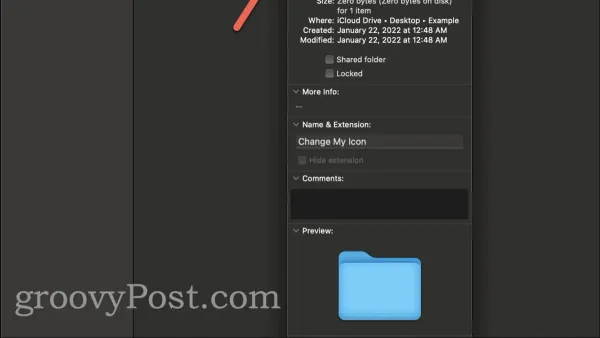
Customize your Mac folders by changing their icons in Finder to improve organization and quickly identify important folders.
Safari
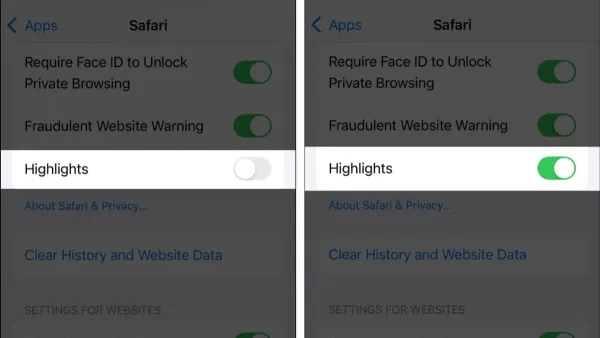
Discover how to use Highlights in Safari to capture and organize important web content for efficient research and reading.
Safari
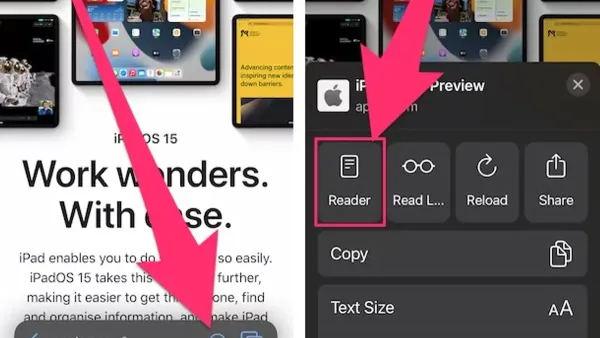
Safari's Reader Mode removes clutter and distractions for a cleaner, more accessible reading experience on Mac and iPhone.
MacOS
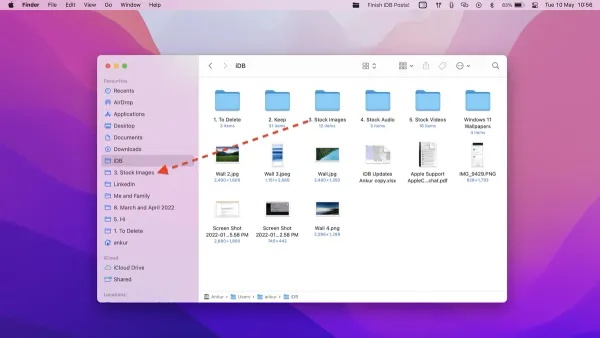
This guide explains how to pin a folder to the sidebar in Finder on macOS for quick and easy access to your important directories.
Mac Tips
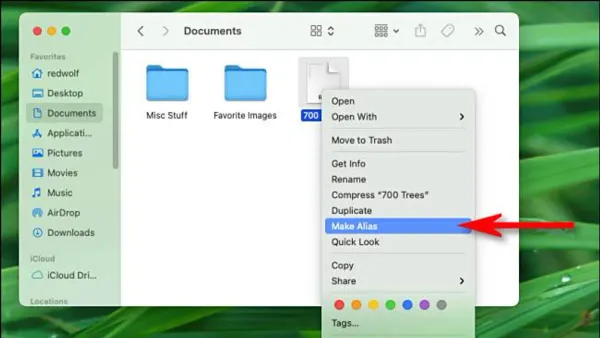
Finder aliases let you create shortcuts to files, folders, and apps on your Mac, keeping links intact even if items move within the same volume.
Mac Tips
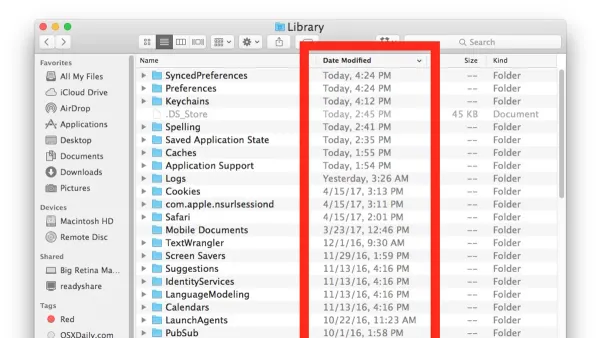
This guide shows you how to sort files by date added in Finder on Mac, helping you track recent imports and stay organized.