Apple Pages
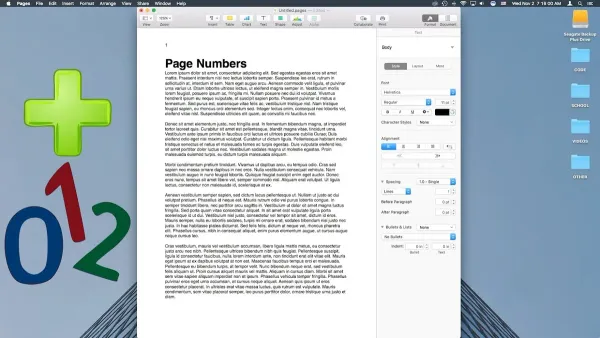
How to Add Page Numbers in Pages: Step-by-Step for Mac, iPad, and iPhone
This guide shows you how to add and format page numbers in Pages on Mac, iPad, and iPhone for polished, professional documents.

Apple Pages
This guide shows you how to add and format page numbers in Pages on Mac, iPad, and iPhone for polished, professional documents.
Apple Pages
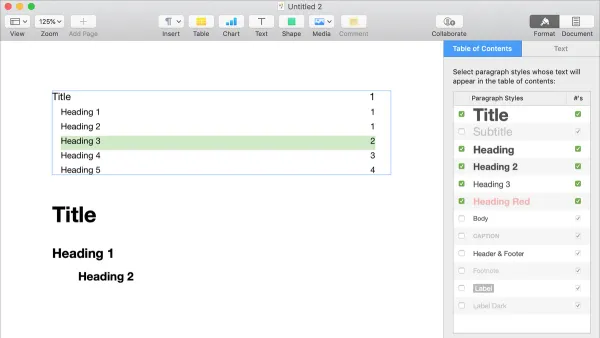
Discover how to add and customize a table of contents in Pages to improve document navigation on Mac and iPad.
File Management
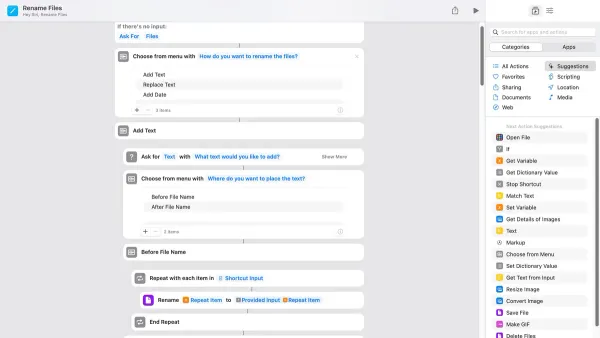
Discover how to rename files automatically in the Shortcuts app with step-by-step methods for batch renaming, dynamic timestamps, and conditional logic.

Productivity
Discover how to quickly open multiple work apps at once using the Shortcuts app to save time and enhance your daily productivity.
PDF Management
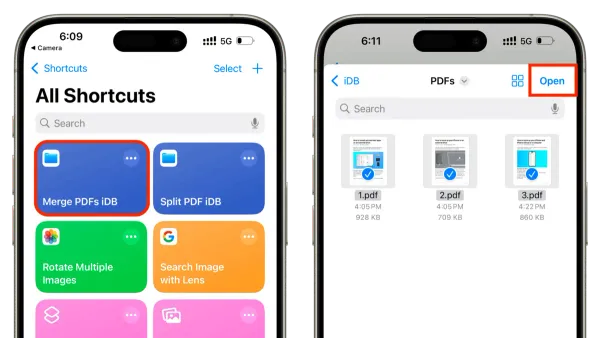
Discover how to merge multiple PDFs efficiently using a custom shortcut in the Shortcuts app on your iPhone or iPad.
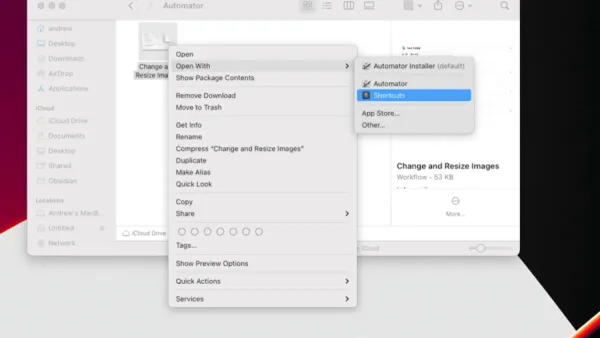
Mac Automation
Step-by-step guide to convert Automator workflows into Shortcuts app for seamless Mac automation and improved system integration.
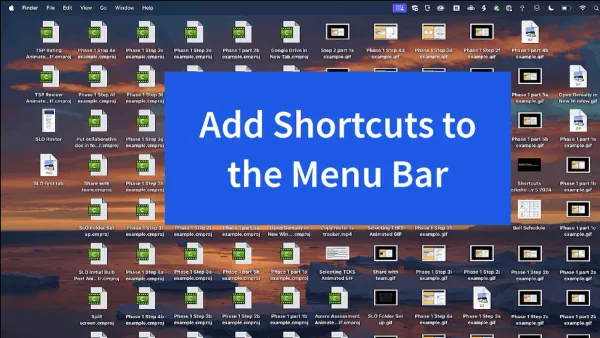
Mac Shortcuts
Discover how to run a shortcut from the menu bar in Shortcuts app for faster access and streamlined workflow on your Mac.

iOS Tips
Create a shortcut to toggle dark mode on your iPhone or iPad quickly using the Shortcuts app and customize it for your routine.
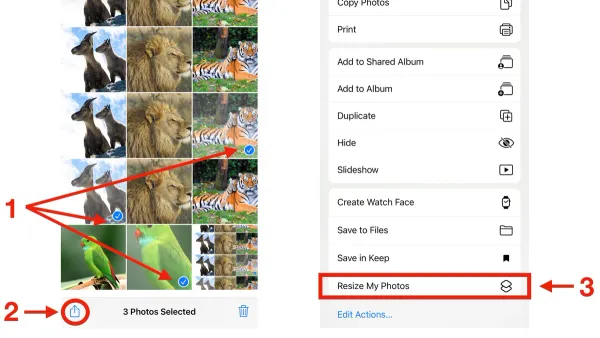
Image Editing
Easily batch resize multiple photos on your iPhone or iPad using the Shortcuts app with this step-by-step guide.
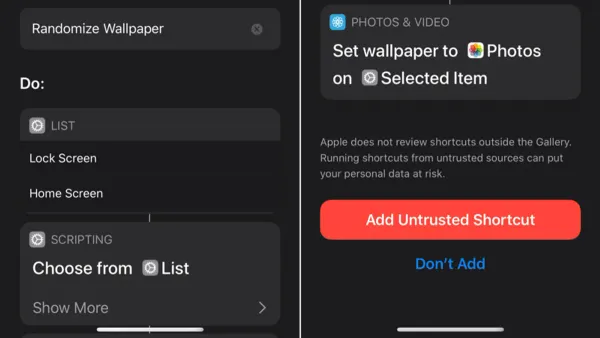
iPhone Tips
Discover how to set up your iPhone to auto change wallpaper daily using the Shortcuts app for a fresh look every day without extra apps.

Shortcuts App
This guide walks you through creating your first shortcut in the Shortcuts app with easy steps to automate simple tasks on your device.
Password Management
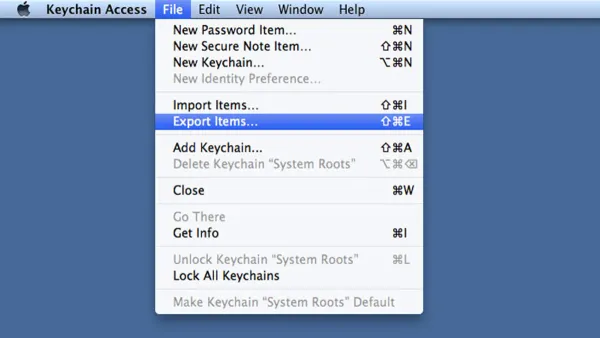
This guide explains how to export saved passwords in Keychain Access securely, with clear steps and security tips to protect your data.