Mac Performance
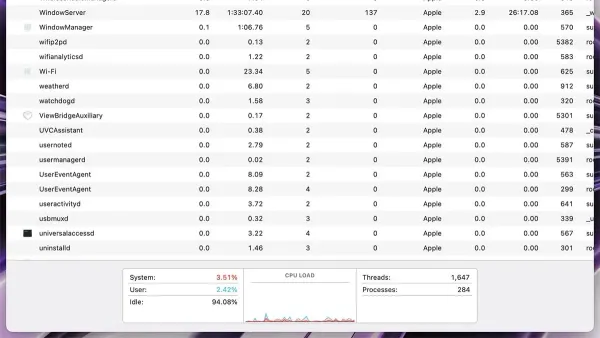
How to Find Apps Using Too Much Memory in Activity Monitor
Discover how to identify apps using too much memory in Activity Monitor and improve your Mac's performance with simple steps.

Mac Performance
Discover how to identify apps using too much memory in Activity Monitor and improve your Mac's performance with simple steps.
Mac
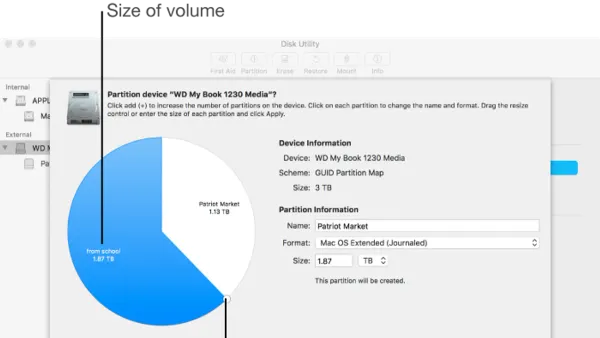
This guide shows you how to resize a partition in Disk Utility safely, including tips for Boot Camp and Linux partitions on your Mac.
MacOS
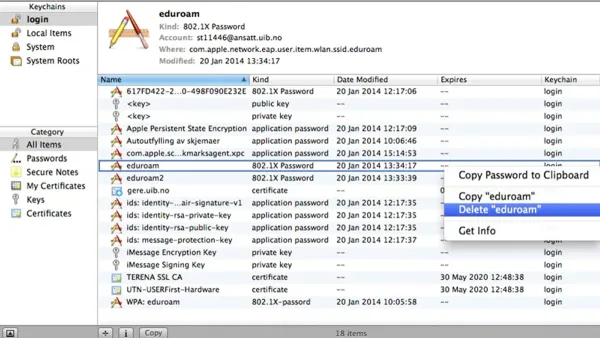
This guide shows you how to safely delete a keychain entry in Keychain Access to resolve login problems and protect your privacy.
Mac Troubleshooting
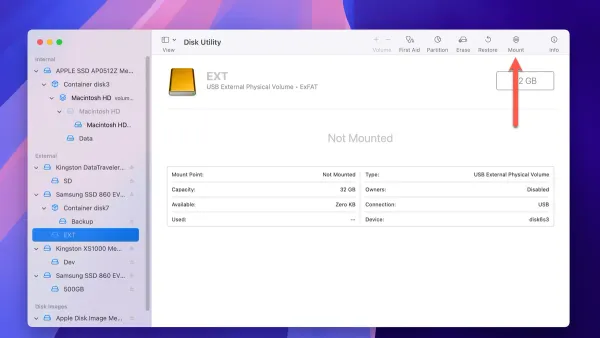
Discover effective steps to fix your external drive not mounting in Disk Utility and recover access to your data safely on your Mac.
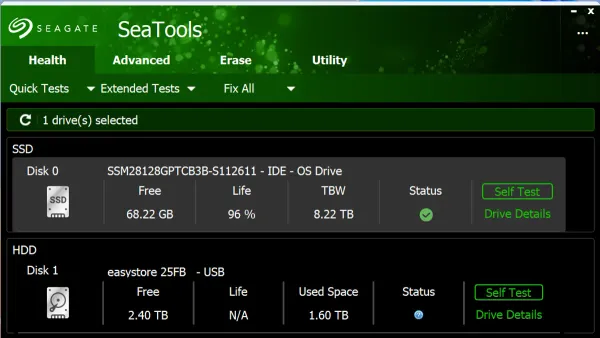
Mac Maintenance
Discover how to check your SSD health in Disk Utility to identify issues early and keep your Mac running smoothly with this easy guide.
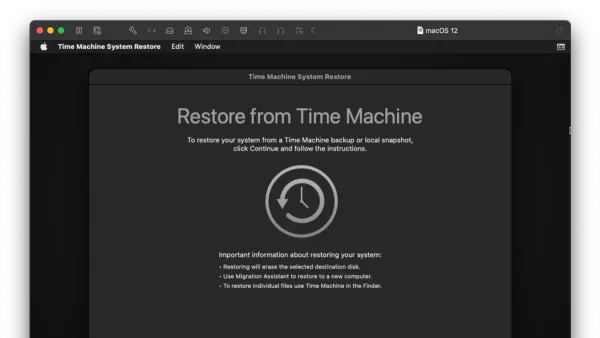
Mac
Step-by-step guide to restoring your entire Mac using Time Machine, ensuring a full system and data recovery with ease.
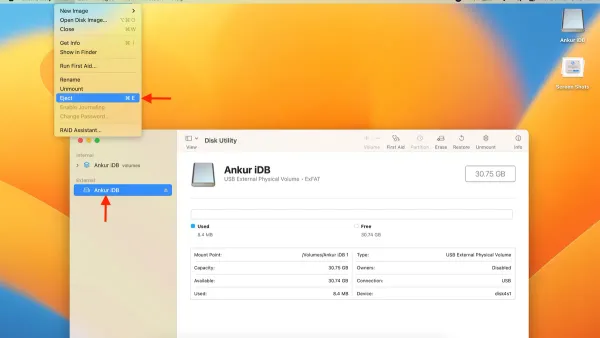
Mac Troubleshooting
This guide explains how to safely force eject a disk in Disk Utility when normal ejection fails, with tips to avoid data loss and troubleshooting advice.
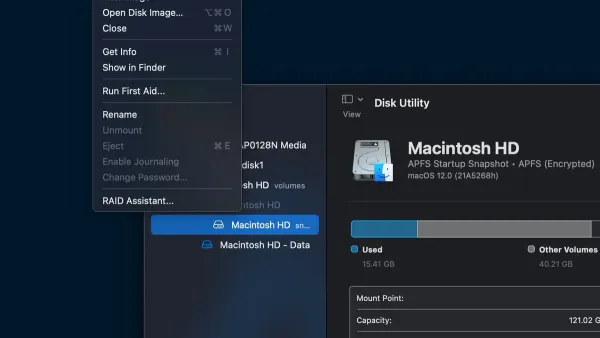
MacOS
This guide shows you how to mount an ISO file in Disk Utility on macOS, making its contents accessible as a virtual disk.
MacOS
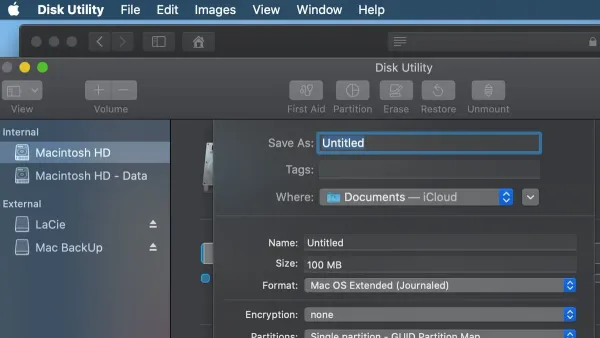
This guide explains how to create a disk image in Disk Utility for backing up and transferring files using macOS’s built-in tool.
Wi-Fi
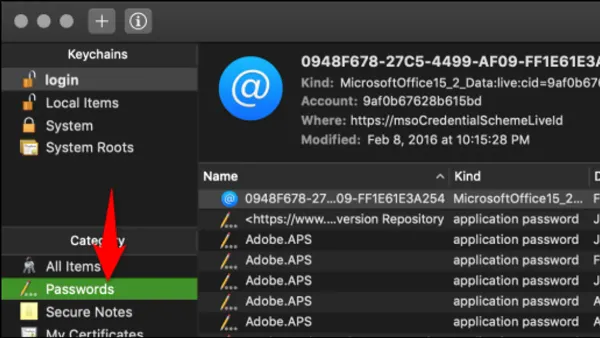
Retrieve your saved Wi-Fi passwords on Mac using Keychain Access with step-by-step guidance to access and reveal network credentials securely.
USB Drives
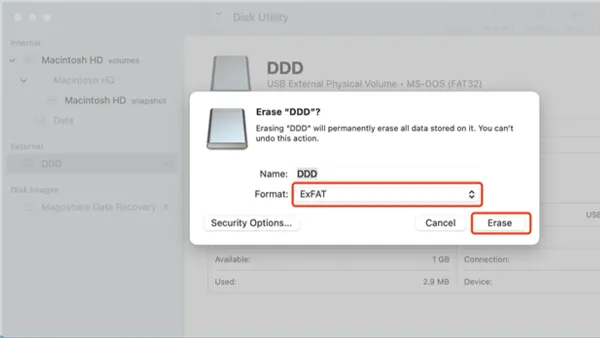
Step-by-step guide to formatting a USB drive as exFAT in Disk Utility for cross-platform compatibility between Mac and Windows.
Mac Storage
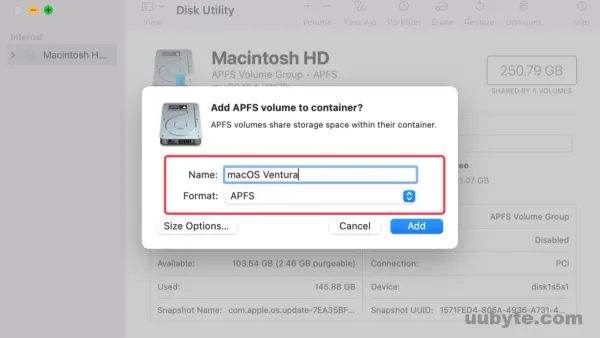
This guide explains how to add an APFS volume in Disk Utility to organize your Mac storage efficiently without risking existing data.