Can Your iMac M4 Run Apex Legends? A Clear and Practical Answer
Learn whether the iMac M4 can run Apex Legends natively and explore practical methods like cloud gaming to enjoy the game on your Mac.
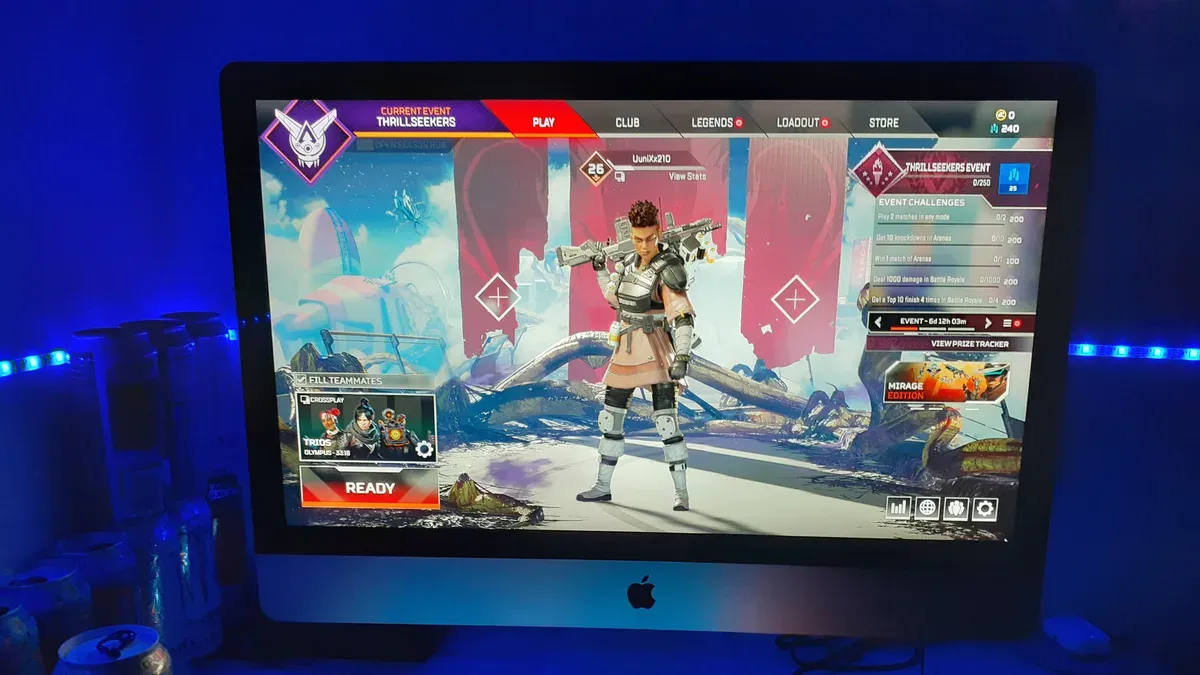
You’ve just set up your new iMac with the M4 chip and are eager to jump into Apex Legends. However, you might wonder, can iMac M4 run Apex Legends smoothly enough for a satisfying gaming experience?
This article provides a clear answer to that question by examining the compatibility challenges and performance considerations specific to the iMac M4. You’ll also learn practical ways to play Apex Legends on this hardware, including cloud gaming options, virtualization tips, and how to adjust your game settings for better results.
Key takeaways
- Apex Legends does not have native support for Apple Silicon M4 chips, limiting direct installation on iMac M4.
- Cloud gaming services like NVIDIA GeForce NOW enable you to play Apex Legends on your iMac M4 without local installation.
- Virtualization tools exist but often involve compromises in performance and responsiveness.
- Lowering in-game graphics and resolution settings helps improve gameplay smoothness on limited hardware setups.
- Competitive gamers should consider alternative hardware or platforms for optimal Apex Legends performance.
Direct answer: Can you run Apex Legends on the iMac M4?
You cannot run Apex Legends natively on the iMac M4 because the game does not have official macOS support from Respawn or EA. The game is designed primarily for Windows and consoles, so macOS, including Apple Silicon like the M4 chip, lacks a native client. This means you won’t be able to install and play Apex Legends directly through standard Mac app stores or platforms.
However, you can still play Apex Legends on your iMac M4 using workarounds such as cloud gaming services or virtualization tools. Cloud gaming streams the game from powerful remote servers, allowing you to play without native installation, but this method introduces input latency and depends heavily on your internet connection quality. Virtualization or compatibility layers attempt to run the Windows version on your Mac but often result in compromised graphics settings and performance due to the additional software layer between the game and hardware.
In summary, while the iMac M4 cannot run Apex Legends natively, using cloud gaming or virtualization can make it possible with some trade-offs in responsiveness and visual fidelity.
Why Apex Legends isn’t natively compatible with iMac M4
Apex Legends cannot run natively on the iMac M4 because it is built specifically for Windows systems that utilize DirectX, a graphics API not supported by macOS or Apple Silicon processors. The game is compiled for x86 architecture, commonly found in Intel and AMD chips, whereas the M4 chip is based on ARM architecture, creating a fundamental incompatibility at the processor instruction level. This architectural mismatch means that the game’s binaries cannot execute directly on the M4 without translation or emulation layers.
Additionally, Electronic Arts has not released an official macOS version of Apex Legends, nor has it optimized the game for Apple Silicon, which includes the M4 chip. Unlike some other applications, Apex Legends cannot benefit from Rosetta 2, Apple’s translation environment that enables many x86 apps to run on ARM-based Macs, because it does not support complex gaming software that relies heavily on DirectX and Windows-specific drivers.
These factors combined explain why native gameplay is not possible on the iMac M4, requiring alternative methods like cloud gaming or virtualization to access the game on this hardware.
How cloud gaming can let your iMac M4 run Apex Legends
You can play Apex Legends on your iMac M4 by using cloud gaming services like NVIDIA GeForce Now, Xbox Cloud Gaming, or Boosteroid. These platforms stream the game from powerful remote servers directly to your iMac, bypassing its hardware limitations. This means you don't need native compatibility or high-end local graphics to enjoy the game.
However, your experience will depend heavily on your internet connection quality. A stable broadband connection with speeds of at least 15 Mbps is recommended for smooth gameplay, while latency below 30-40 milliseconds helps reduce input lag. Higher latency or slower speeds can cause noticeable delays or buffering, which can impact competitive play.
To get the best performance, adjust your in-game settings to prioritize responsiveness over graphical detail when possible. Using a wired Ethernet connection instead of Wi-Fi and connecting a dedicated gaming mouse or controller can also improve control precision and overall experience. User reports suggest that with these optimizations, cloud gaming on the iMac M4 can deliver playable Apex Legends sessions, though not quite matching native performance on a dedicated gaming PC.
Using virtualization or Boot Camp alternatives on iMac M4
Running Apex Legends through virtualization on an iMac M4 is possible but comes with notable performance limitations. Since traditional Boot Camp is unavailable on Apple Silicon, software like Parallels Desktop or CrossOver provides a way to run Windows applications by creating a virtualized environment on macOS. However, these solutions introduce overhead, and GPU passthrough is limited, meaning the game cannot fully leverage the graphics hardware as it would on a native Windows PC.
Benchmarks indicate that running Apex Legends via Parallels on an M4 chip results in lower frame rates and occasional stuttering compared to native Windows setups. The game may default to lower graphical settings to maintain playability, and network latency or input lag can increase slightly due to virtualization layers. User guides typically recommend allocating sufficient CPU and GPU resources within Parallels settings, enabling hardware acceleration, and using an external controller or keyboard optimized for Mac compatibility.
This virtualization approach requires technical familiarity with configuring virtual machines and optimizing resource allocation. Casual users may find the setup complex and the performance compromises frustrating, so this method is best for those comfortable with troubleshooting and adjusting virtual environments rather than expecting plug-and-play gameplay.
Adjusting your expectations and game settings for best results
To improve Apex Legends playability on your iMac M4, start by lowering the in-game resolution to 1280x720 or 1600x900 and set the graphics quality to "Low" or "Medium" under the Video settings menu. These changes reduce the GPU load and help maintain smoother frame rates, often increasing FPS by a noticeable margin compared to default settings.
Next, disable background applications to free up system resources; use the Activity Monitor to quit non-essential processes before launching the game. Additionally, opting for a wired Ethernet connection instead of Wi-Fi minimizes latency and packet loss, which are critical for responsive gameplay.
Using peripherals that are fully compatible with macOS, such as USB or Bluetooth gaming mice and keyboards known for low input lag, further enhances responsiveness. For example, players have observed latency drops of 10-20 milliseconds when switching from wireless to wired peripherals.
By combining these adjustments—lower resolution, reduced graphics quality, streamlined system load, and optimized peripherals—you can achieve a more stable and enjoyable Apex Legends experience on your iMac M4 despite its inherent limitations.
Who should avoid trying to run Apex Legends on iMac M4
If you are a competitive gamer who needs low latency and consistently high frame rates, the iMac M4 is not the right platform for Apex Legends. Competitive play demands stable 60+ FPS and input lag well below 50 milliseconds, benchmarks difficult to achieve with cloud gaming or virtualization on the iMac M4. Dedicated Windows gaming PCs or consoles remain the best choice for these standards.
Additionally, if you do not have access to stable, high-speed internet—generally at least 25 Mbps download with low ping—cloud gaming will be unreliable. Lag, stuttering, and connection drops severely disrupt gameplay, making the experience frustrating rather than enjoyable.
Finally, users unfamiliar with technical setups should avoid virtualization options. Setting up virtual machines or Boot Camp alternatives on an ARM-based iMac requires advanced knowledge, patience, and troubleshooting skills. Mistakes or misconfigurations can lead to poor performance or system instability, which can be discouraging for those expecting a plug-and-play experience.
What to consider next: alternatives and future prospects
If running Apex Legends on your iMac M4 remains challenging, exploring alternative games and hardware options is a practical next step. Look for Mac-compatible shooter games optimized for Apple Silicon, such as Fortnite and Shadowgun Legends, which tend to offer smoother performance due to native support. These titles often provide adjustable graphics settings that help maintain stable frame rates on the M4 chip.
At the same time, monitor official announcements from EA regarding possible future support or updates that might improve compatibility, as well as Apple’s advancements in virtualization technology that could enhance running Windows-based games. While no firm roadmap guarantees native Apex Legends support, staying informed can help you decide when to revisit this option.
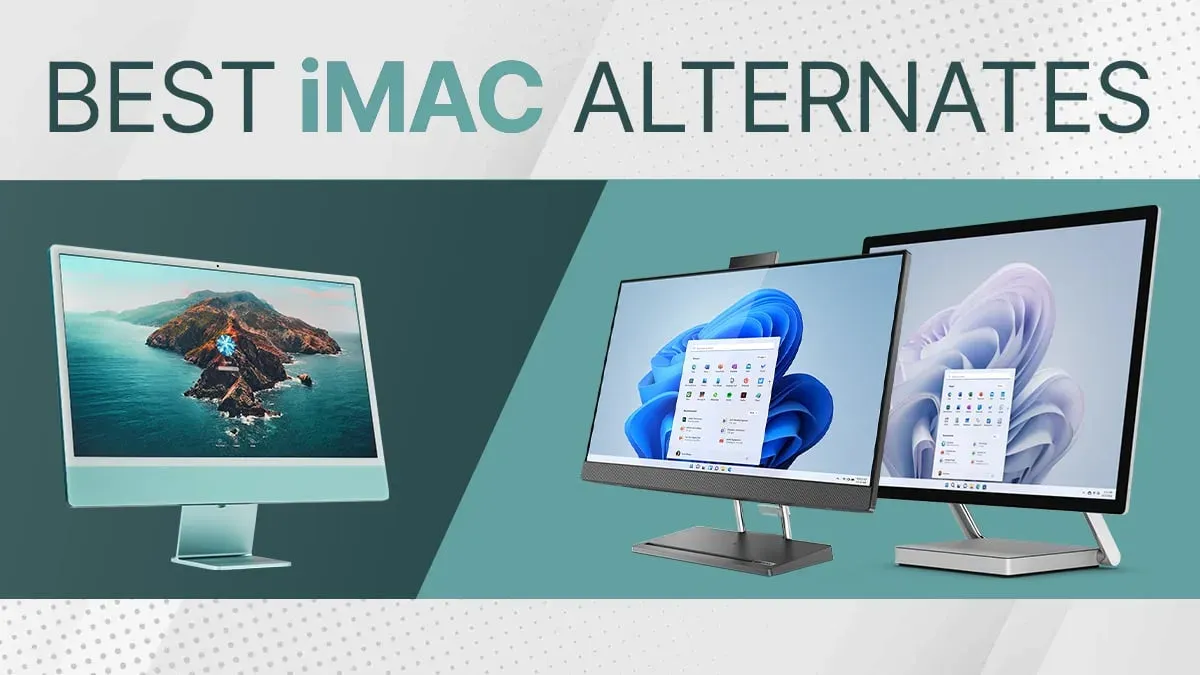
For serious players prioritizing competitive performance, investing in external GPUs compatible with Apple Silicon or maintaining a dedicated Windows gaming PC remains the most reliable approach. Although these options involve additional cost and setup, they offer the best balance of performance and game compatibility currently unavailable on the iMac M4 alone.
Frequently asked questions
Is there a native version of Apex Legends for macOS or Apple Silicon?
No, Apex Legends does not have a native macOS or Apple Silicon version. The game is primarily developed for Windows and consoles, so it lacks official support for the macOS platform or the M-series chips. This means you cannot install and run it directly on your iMac M4 without alternative methods.
Can I use Boot Camp to install Windows and run Apex Legends on iMac M4?
Boot Camp is not available on iMac models with Apple Silicon chips like the M4. Apple Silicon Macs use a different architecture, so Boot Camp, which allows dual-booting Windows on Intel-based Macs, cannot be used here. Instead, virtualization software or cloud gaming services are your primary options for running Windows games.
What internet speed do I need for smooth cloud gaming of Apex Legends?
For a stable and enjoyable cloud gaming experience with Apex Legends, a consistent internet connection of at least 15 Mbps download speed is recommended. Lower latency also plays a crucial role, so a wired Ethernet connection or a strong 5 GHz Wi-Fi network will help reduce input lag and visual stuttering during gameplay.
Are there any recommended settings to improve Apex Legends performance on iMac M4?
When running Apex Legends via virtualization or cloud gaming, it helps to lower the in-game graphics settings such as Texture Streaming Budget to Medium or Low and disable unnecessary features like Ambient Occlusion. Additionally, setting the resolution to 1080p or lower can reduce bandwidth and processing demands, optimizing smoothness and responsiveness.
Understanding the Limits of This Advice
This article does not cover unofficial hacks or unsupported software that may risk your system security or stability. If you are looking for ways to run Apex Legends through unsupported means such as unauthorized emulators, cracked versions, or system modifications, those approaches fall outside the scope of this guidance and can compromise your iMac M4’s reliability and safety. Additionally, if you require guaranteed native performance or competitive-level gameplay without compromise, a different system built for Windows gaming or a dedicated gaming console would better meet those needs.
The most practical next step is to explore cloud gaming services that officially support Apex Legends and are compatible with your iMac M4. Using platforms like NVIDIA GeForce NOW or Xbox Cloud Gaming allows you to play the game smoothly without relying on native compatibility or complex virtualization setups. This approach balances ease, security, and performance, giving you the best Apex Legends experience your iMac M4 can offer today.
See also: Can Your iMac M4 Run Cities Skylines 2? A Clear and Practical Answer · Can Your iMac M4 Run Rocket League? A Clear and Practical Answer · Can iMac M4 Run Counter-Strike 2? A Clear and Practical Answer · Can Your iMac M4 Run Valorant? A Clear and Detailed Explanation