MacBook Pro
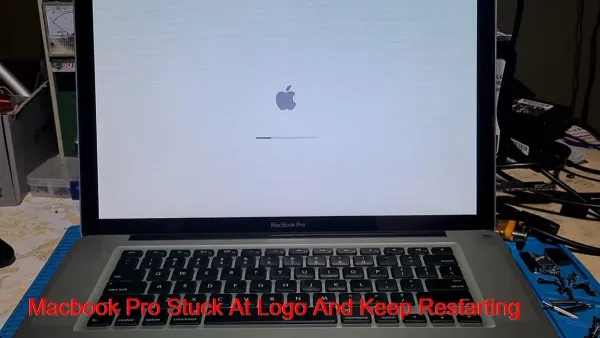
How to Fix Your MacBook Pro M1 Pro Stuck on Apple Logo: A Step-by-Step Guide
Discover effective steps to troubleshoot and fix your MacBook Pro M1 Pro when it gets stuck on the Apple logo during startup.

MacBook Pro
Discover effective steps to troubleshoot and fix your MacBook Pro M1 Pro when it gets stuck on the Apple logo during startup.
MacBook Pro
Discover practical steps to fix your MacBook Pro M1 Pro slowing down after an update and regain smooth performance without data loss.
MacBook Pro
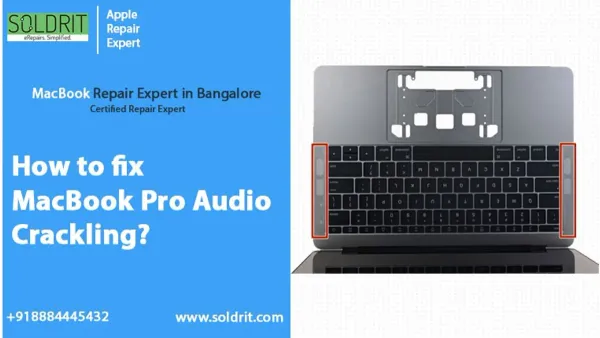
Discover effective steps to diagnose and fix MacBook Pro M1 Pro speaker crackling for clear and smooth audio playback.

Mac Troubleshooting
Step-by-step guide to fix Safari can't establish a secure connection on Mac by addressing keychain, cache, and network settings issues.
Mac Troubleshooting
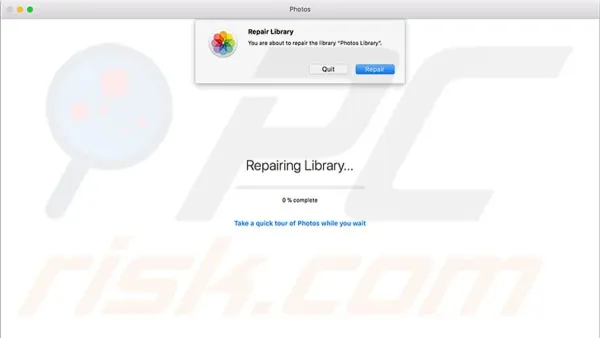
Learn how to fix the Photos library needs repair message on your Mac with easy, safe steps to protect your photo collection.
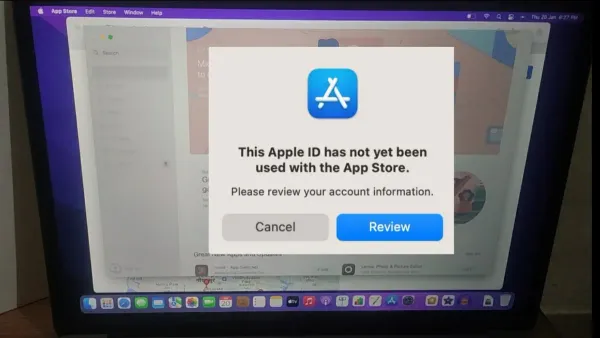
Apple ID
Learn how to fix the ‘This Apple ID Has Not Yet Been Used in the iTunes Store’ error on your Mac with simple setup and troubleshooting steps.
MacBook Air
Learn how the MacBook Air M3 handles The Sims 4 for casual gaming with practical advice on settings and performance.
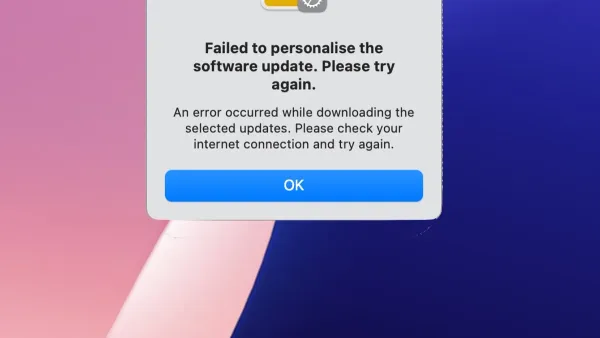
Mac Troubleshooting
Learn how to fix the ‘failed to personalize the software update on Mac’ error with clear steps to troubleshoot network, storage, and system issues.

MacBook Air
Learn how the MacBook Air M3 handles Hades 2 gameplay with tips on settings and temperature management for smooth performance.
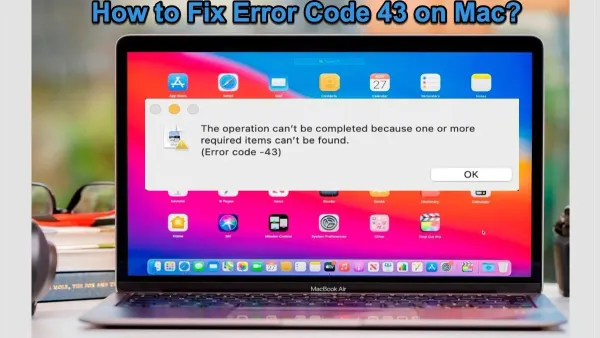
Mac Troubleshooting
Learn clear, step-by-step solutions to fix error code -43 on Mac caused by file conflicts and permission issues.
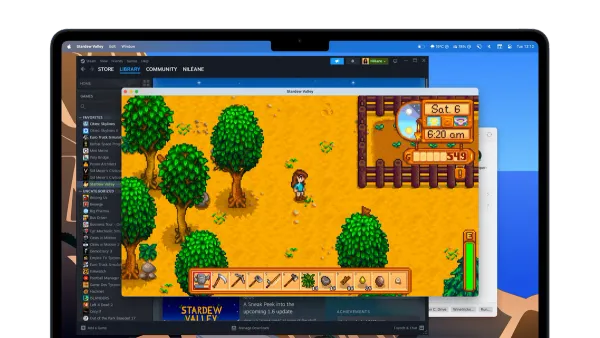
MacBook Air
Learn how the MacBook Air M3 handles Stardew Valley smoothly with optimized settings and efficient performance for casual gaming.
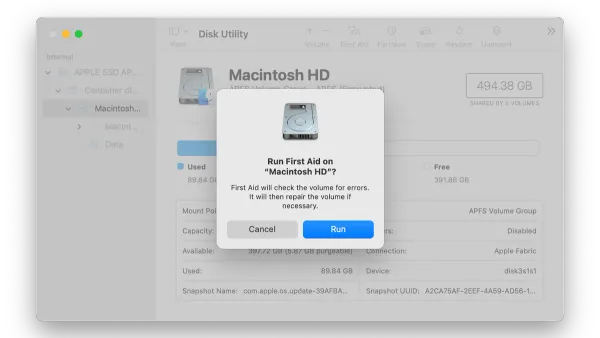
Mac Troubleshooting
Follow a clear, step-by-step guide to fix ‘The disk you inserted was not readable on Mac’ and recover your data safely.