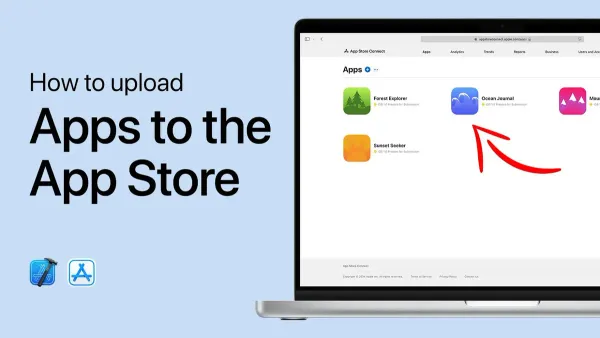
App Development
How to Upload an App to App Store Connect Using Xcode: Step-by-Step Guide
This guide explains how to upload an app to App Store Connect in Xcode with clear steps to help you submit your iOS app successfully.

App Development
This guide explains how to upload an app to App Store Connect in Xcode with clear steps to help you submit your iOS app successfully.
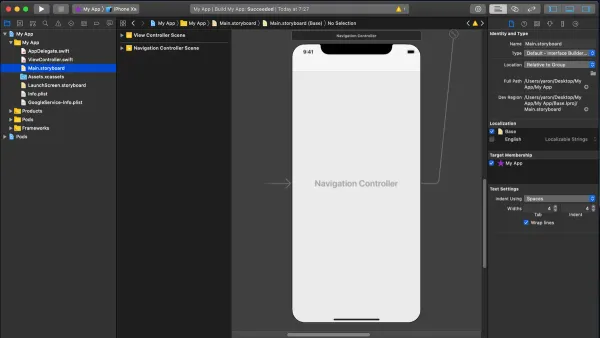
App Development
Follow this step-by-step guide to run your app on your iPhone in Xcode, covering device connection, signing, and troubleshooting.
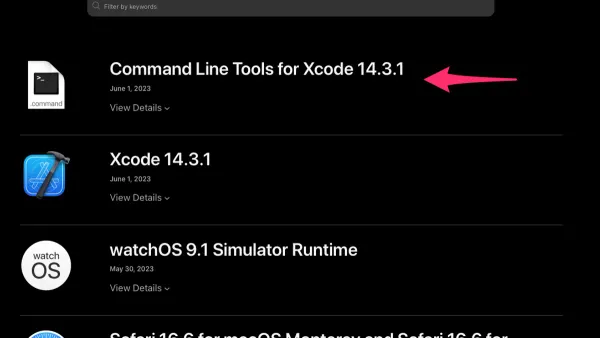
Mac Development
This guide shows how to install command line tools in Xcode to set up your Mac development environment efficiently.
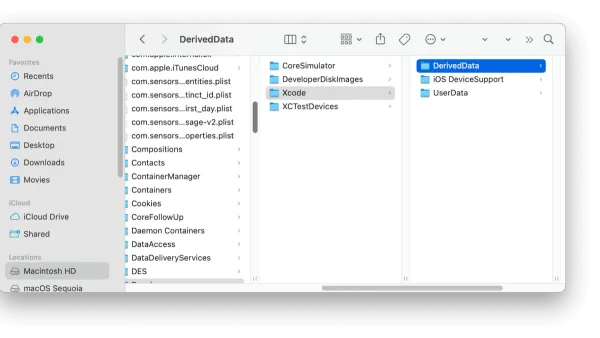
Xcode
This guide explains how to clear DerivedData in Xcode to resolve build errors, improve performance, and troubleshoot common issues.
iOS Development
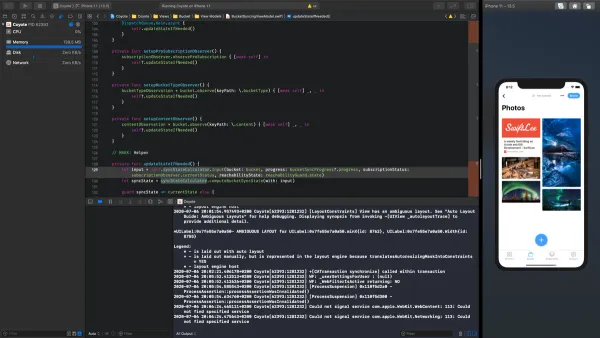
This guide explains how to run an iOS simulator in Xcode step-by-step for effective app testing and troubleshooting.
MacOS
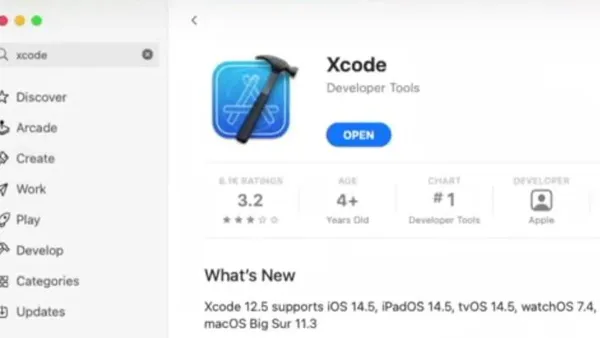
Discover a clear step-by-step guide to install Xcode without using the App Store, including downloading, setup, and troubleshooting tips.
Music Production
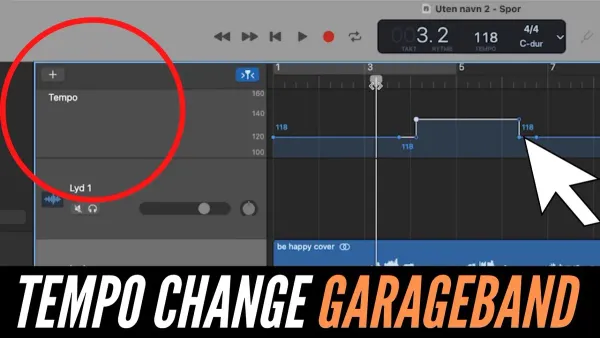
Adjust the tempo in GarageBand easily with this step-by-step guide covering MIDI, Apple Loops, and imported audio for a polished final mix.
Music Production
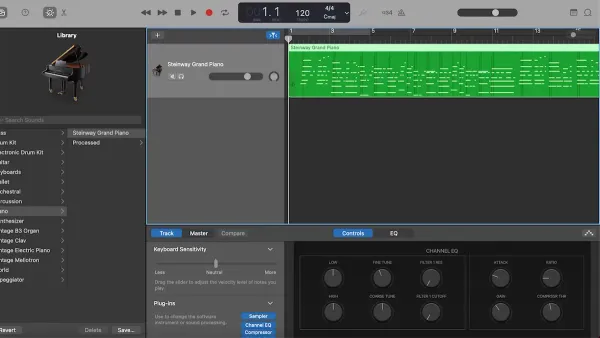
Follow this step-by-step guide to connect and record with a MIDI keyboard in GarageBand for smooth, high-quality MIDI performances.
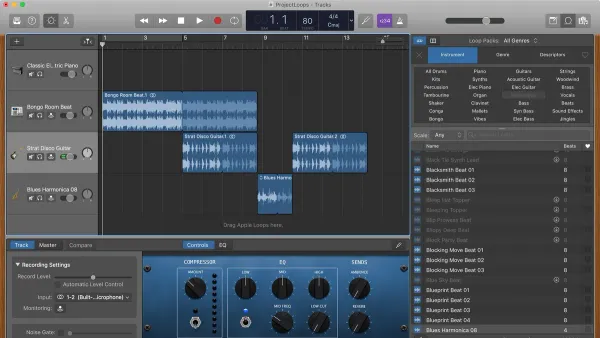
Music Production
Discover how to easily add and arrange Apple Loops in GarageBand across Mac, iPhone, and iPad with clear, step-by-step instructions.
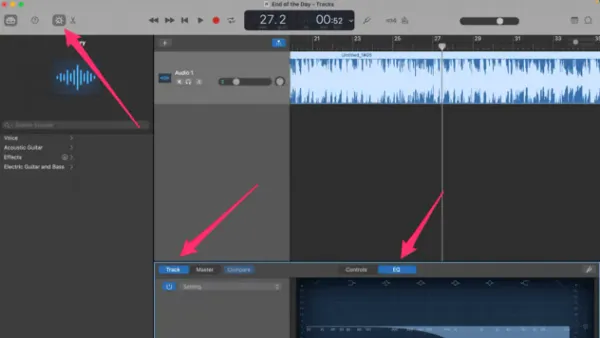
Audio Editing
Discover step-by-step how to remove vocals from a song in GarageBand on Mac, iPhone, or iPad to create karaoke or remix versions easily.
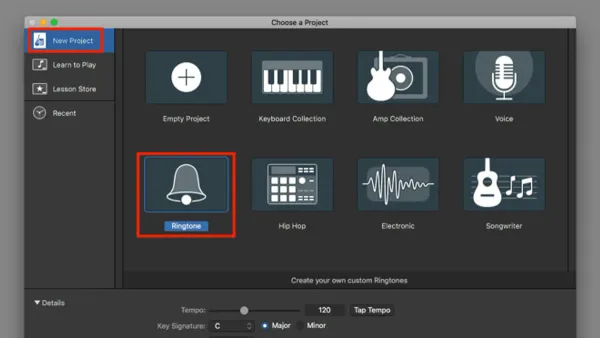
Ringtones
Step-by-step guide to making a custom ringtone in GarageBand on iPhone and iPad for a personalized sound experience.
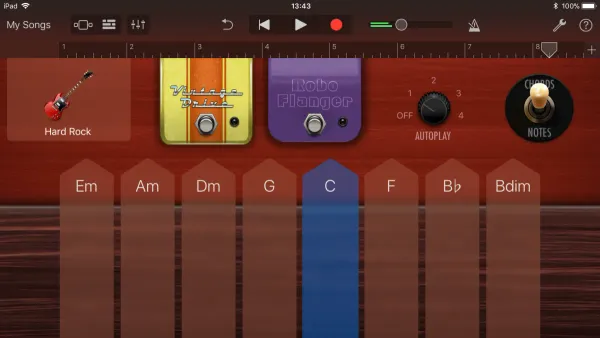
Music Production
Discover how to select, play, customize, and arrange Smart Instruments in GarageBand to create music confidently from scratch.