Video Editing
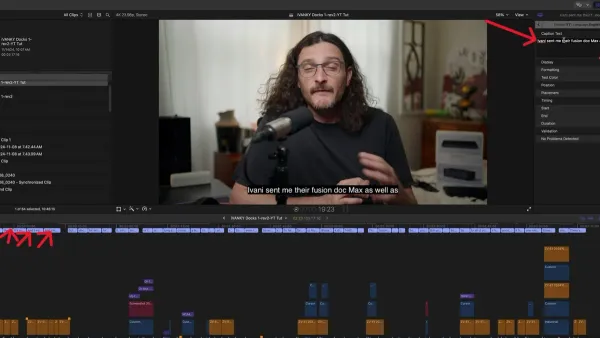
How to Generate Auto Captions in Final Cut Pro: A Step-by-Step Guide
Discover how to quickly generate auto captions in Final Cut Pro to enhance your video accessibility and engagement with easy-to-follow steps.

Video Editing
Discover how to quickly generate auto captions in Final Cut Pro to enhance your video accessibility and engagement with easy-to-follow steps.
Video Editing
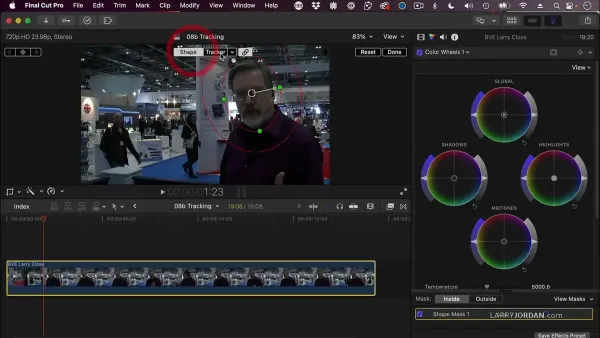
Discover practical steps to use object tracker in Final Cut Pro for smooth motion tracking and attaching dynamic graphics without manual keyframes.
Video Editing
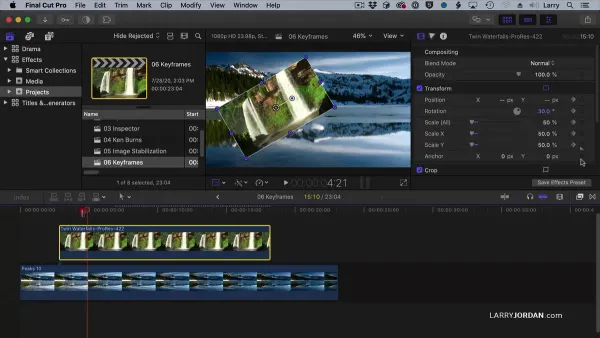
Master how to use keyframes in Final Cut Pro to add smooth motion and precise audio adjustments step-by-step on Mac and iPad.
Video Editing
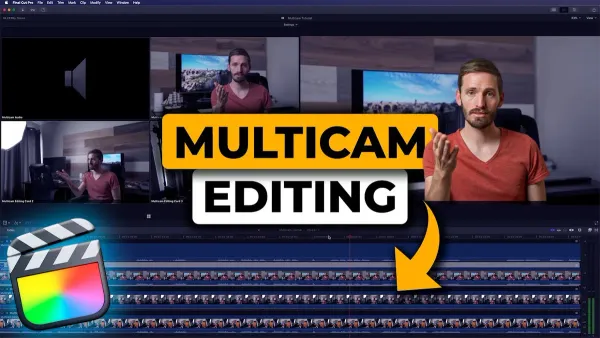
Master multicam editing in Final Cut Pro with step-by-step guidance on syncing clips, managing angles, and creating seamless video edits.

Video Editing
Discover how to apply LUTs in Final Cut Pro on Mac and iPad to give your videos a polished, cinematic look with easy-to-follow steps.
iMovie
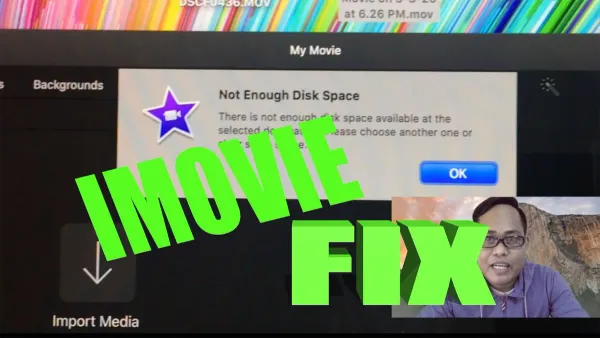
Discover safe and effective ways to fix the not enough disk space error in iMovie and keep your editing projects running smoothly.
Video Editing
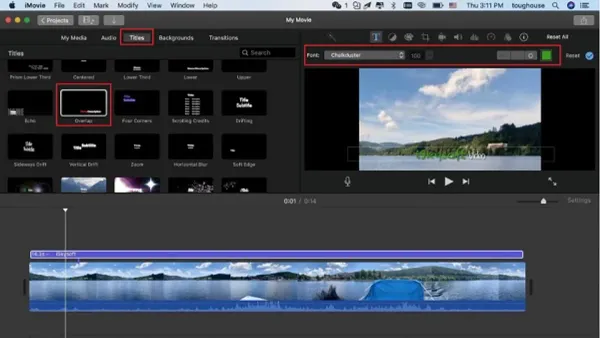
Step-by-step guide to adding a logo watermark in iMovie on Mac and iOS, helping you protect your videos and promote your brand effectively.
Video Editing
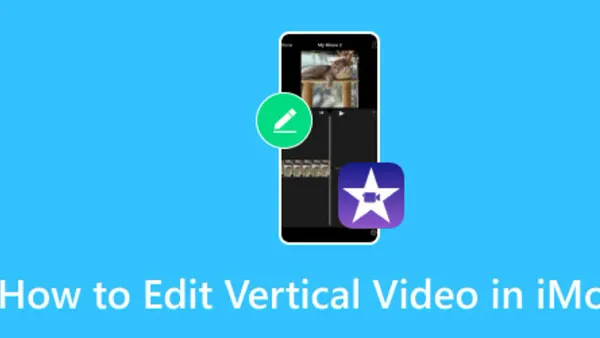
Discover easy steps to create vertical videos for Instagram using iMovie, including editing and exporting tips for perfect portrait clips.
Video Editing
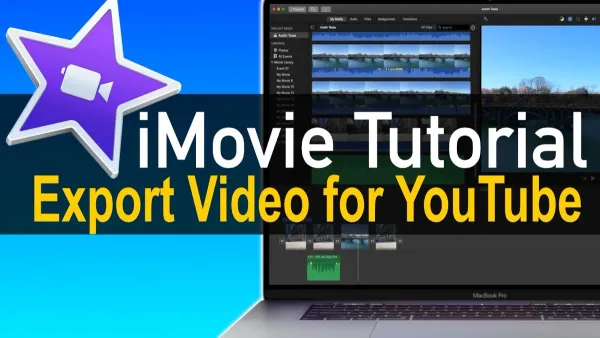
Discover the best way to export your iMovie project for YouTube with clear steps to maintain video quality and compatibility across devices.
Video Editing
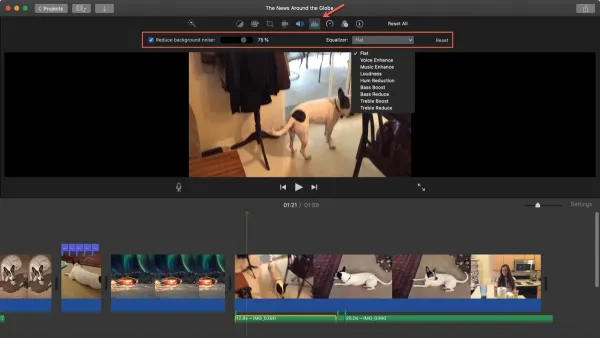
Discover easy steps to remove background noise in iMovie and improve your video's audio quality using built-in features and free AI tools.
Video Editing
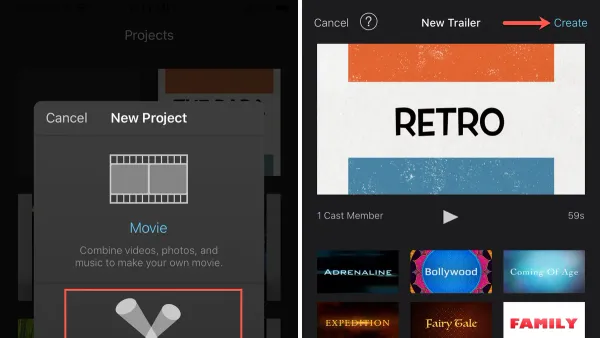
Discover how to create a captivating movie trailer in iMovie with step-by-step instructions for Mac and iPad users.
Video Editing
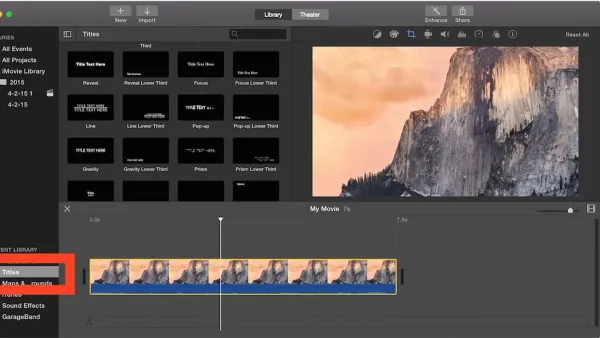
This guide shows you how to add subtitles in iMovie on iPhone, iPad, and Mac to enhance video clarity and accessibility with easy steps.