Music Production
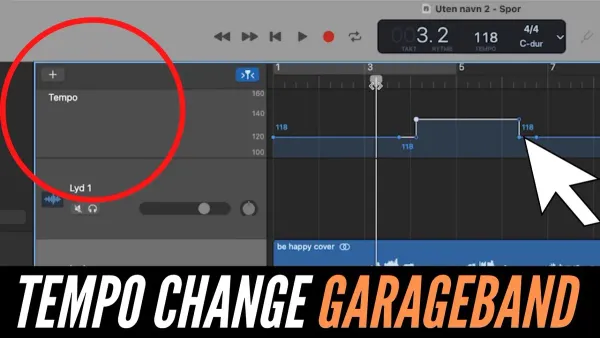
How to Change Song Tempo in GarageBand: A Step-by-Step Guide
Adjust the tempo in GarageBand easily with this step-by-step guide covering MIDI, Apple Loops, and imported audio for a polished final mix.

Music Production
Adjust the tempo in GarageBand easily with this step-by-step guide covering MIDI, Apple Loops, and imported audio for a polished final mix.
Music Production
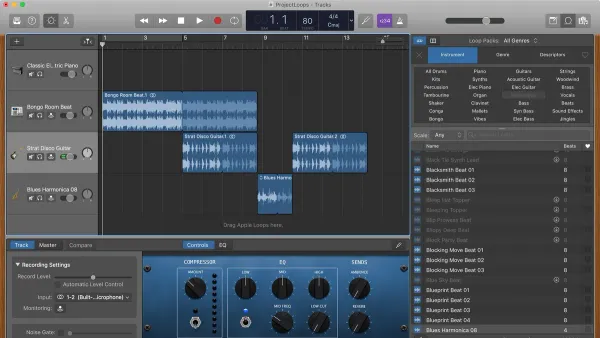
Discover how to easily add and arrange Apple Loops in GarageBand across Mac, iPhone, and iPad with clear, step-by-step instructions.
Audio Editing
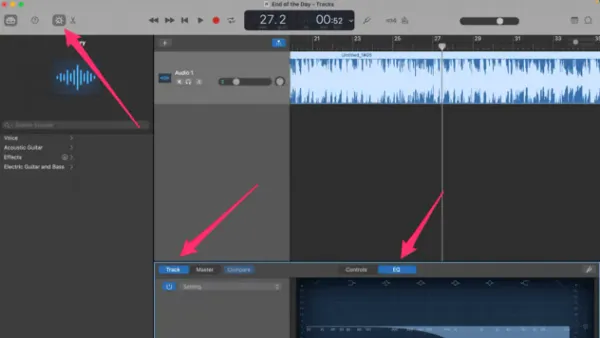
Discover step-by-step how to remove vocals from a song in GarageBand on Mac, iPhone, or iPad to create karaoke or remix versions easily.
Music Production
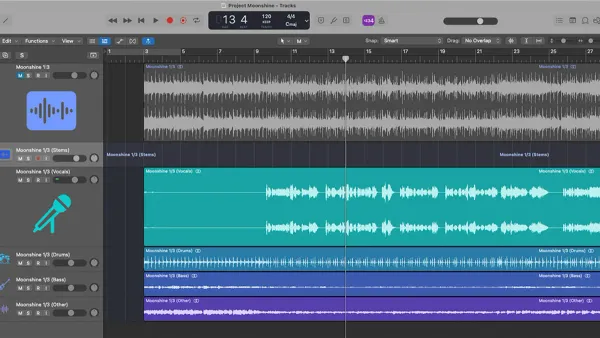
Discover a clear, step-by-step guide to splitting stems with Stem Splitter in Logic Pro for clean separation and improved mixing.
Video Editing
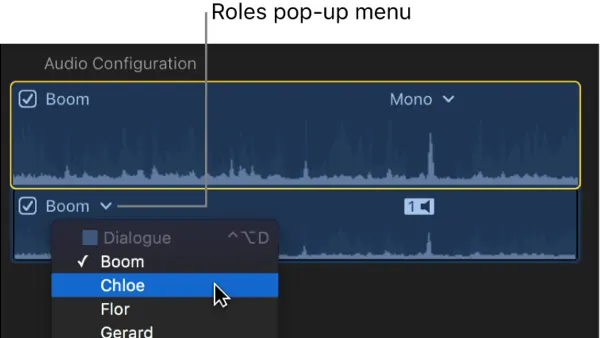
Discover how to assign audio roles in Final Cut Pro to organize dialogue, music, and effects for a streamlined editing workflow.
Audio Editing
This guide shows you how to auto duck audio in Final Cut Pro to keep dialogue clear while balancing background music effortlessly.
Video Editing
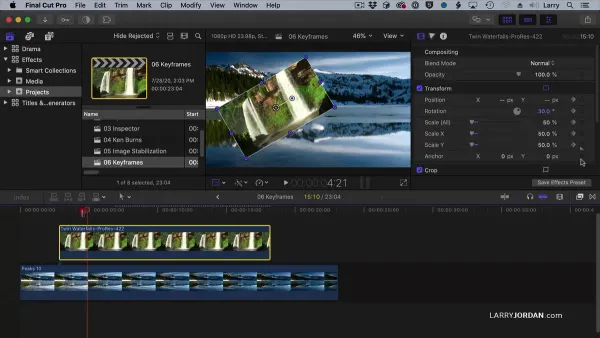
Master how to use keyframes in Final Cut Pro to add smooth motion and precise audio adjustments step-by-step on Mac and iPad.
Video Editing
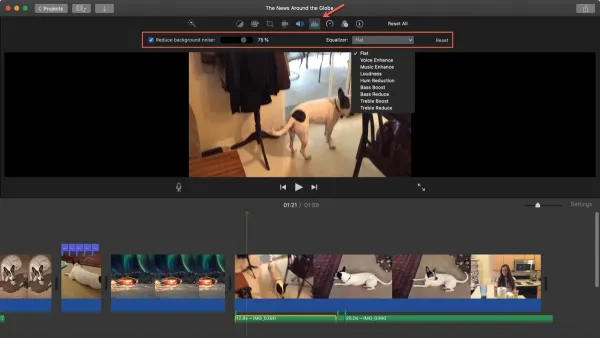
Discover easy steps to remove background noise in iMovie and improve your video's audio quality using built-in features and free AI tools.
Video Editing
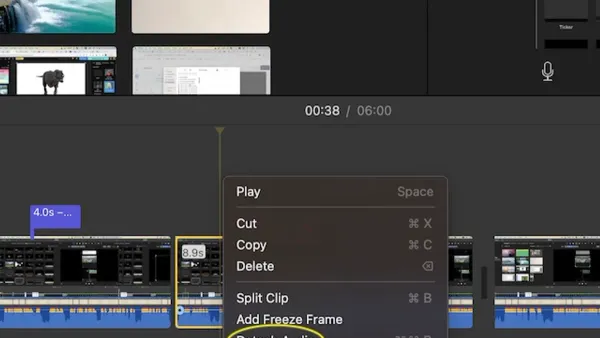
Master detaching audio from video in iMovie to edit soundtracks separately and enhance your projects with ease.
Video Editing
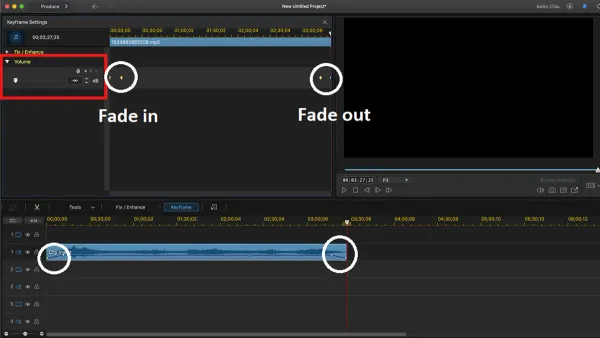
Master fading out audio in iMovie with simple steps for smooth, professional-sounding video transitions on Mac and iPhone.