PDF Editing
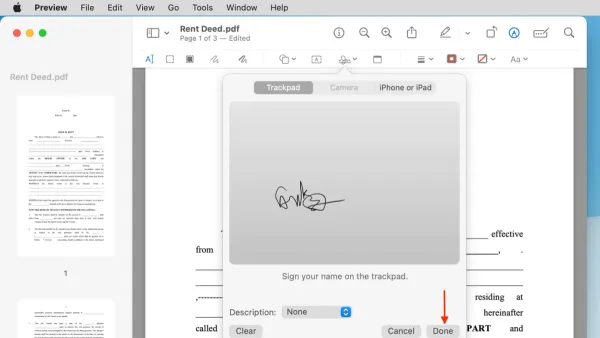
How to Sign a PDF in Preview: Step-by-Step Guide for Mac Users
This guide shows how to sign a PDF in Preview on Mac using handwritten or digital signatures with easy step-by-step instructions.

PDF Editing
This guide shows how to sign a PDF in Preview on Mac using handwritten or digital signatures with easy step-by-step instructions.
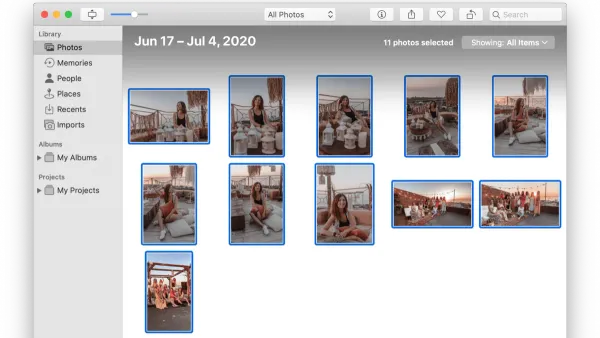
Photo Management
Discover a safe method to merge two Photos libraries in the Photos app, preserving all your edits, metadata, and organization seamlessly.
Photography
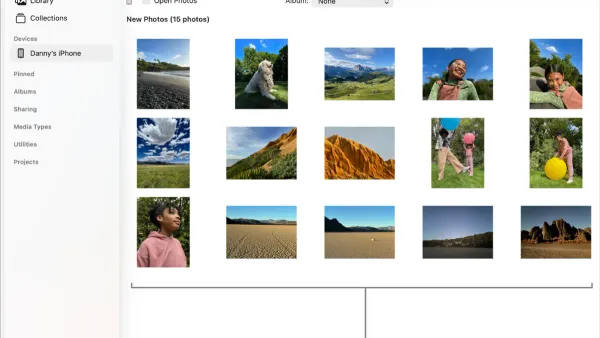
This guide shows how to import photos from your camera into the Photos app using direct connection, memory card, or wireless transfer.
Email Privacy
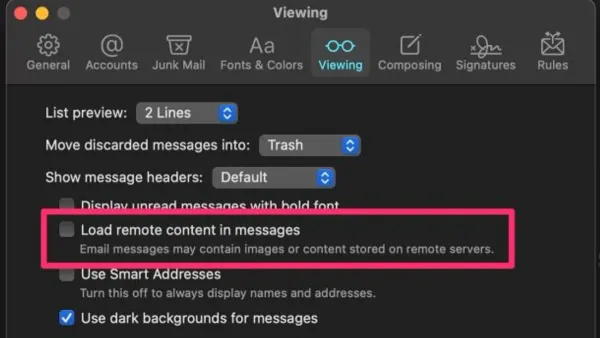
Learn how to stop Mail from loading remote images in Mail app to protect your privacy and control your email image loading settings.
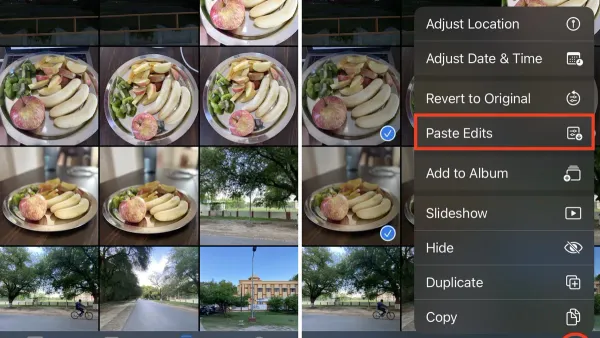
Photo Editing
Discover step-by-step methods to copy edits to multiple photos in Photos app on your iPhone, iPad, or Mac for efficient photo editing.
Photography
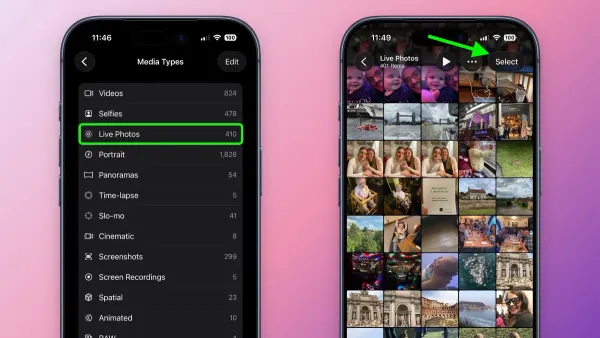
This guide shows you how to turn a Live Photo into a video in Photos app for easy sharing and editing of your moving moments.
Data Transfer
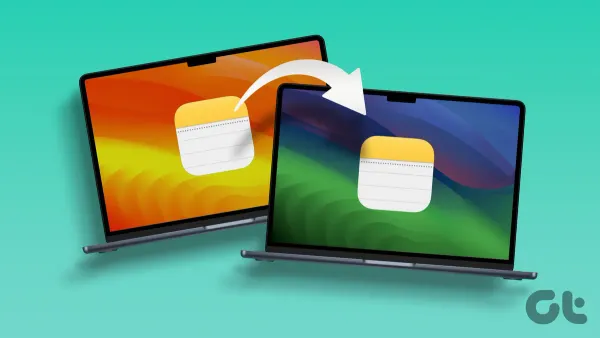
Discover easy methods to transfer notes from Android to Mac in the Notes app and keep your important information organized and accessible.
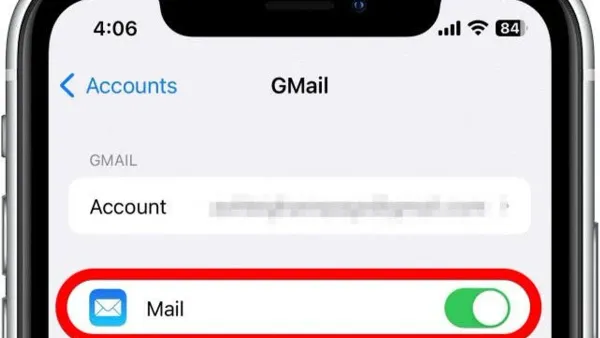
Email Management
This guide shows how to remove an email account in Mail app on iPhone, iPad, and Mac with clear, step-by-step instructions and important tips.
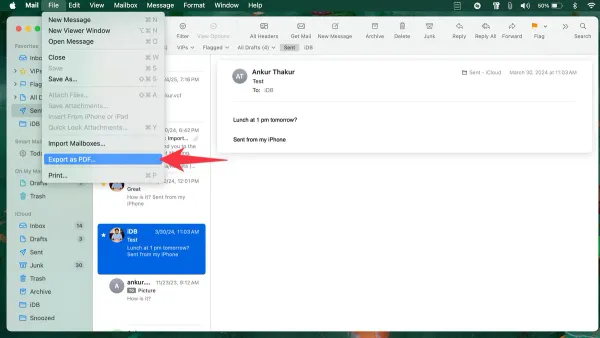
Email Management
Discover simple steps to export emails to PDF in Mail app on Mac, iPhone, and iPad, including tips for handling multiple emails and Outlook users.
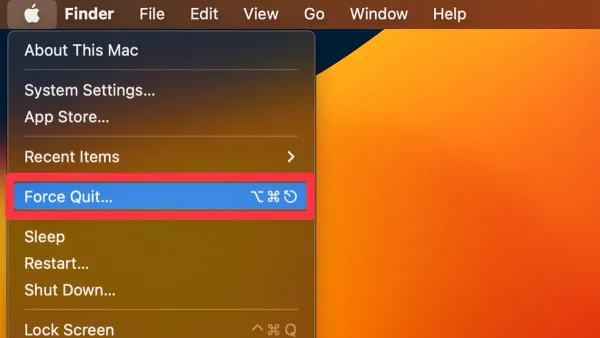
Mac Tips
Discover how to use mac force quit to quickly close unresponsive apps and prevent frustration while maintaining your workflow.
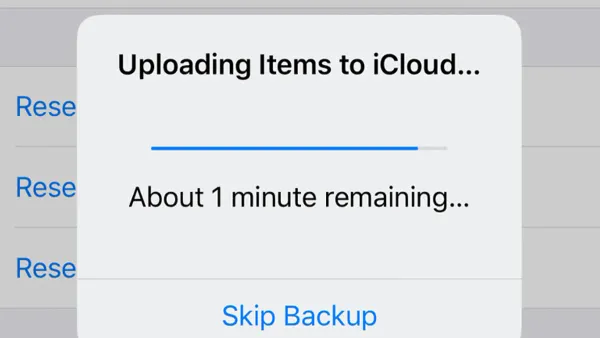
Mac Troubleshooting
Troubleshoot and fix iCloud Drive stuck on uploading on Mac with simple steps to resume file syncing and avoid data loss.