Video Editing
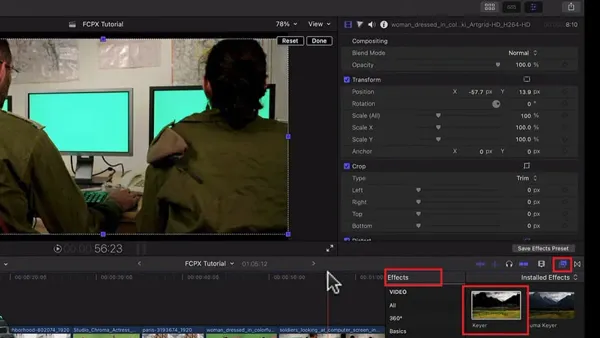
How to Use the Keyer Tool for Flawless Green Screen in Final Cut Pro
Master the Keyer tool in Final Cut Pro to remove green screen backgrounds and create seamless video composites with professional results.

Video Editing
Master the Keyer tool in Final Cut Pro to remove green screen backgrounds and create seamless video composites with professional results.
Audio Editing
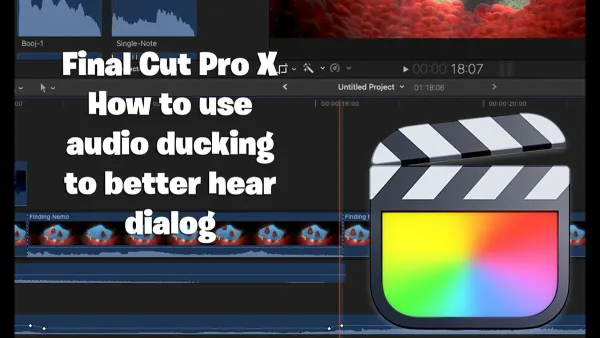
This guide shows you how to auto duck audio in Final Cut Pro to keep dialogue clear while balancing background music effortlessly.

Video Editing
Discover how to create compound clips in Final Cut Pro to keep your timeline organized and improve your editing workflow.
Video Editing
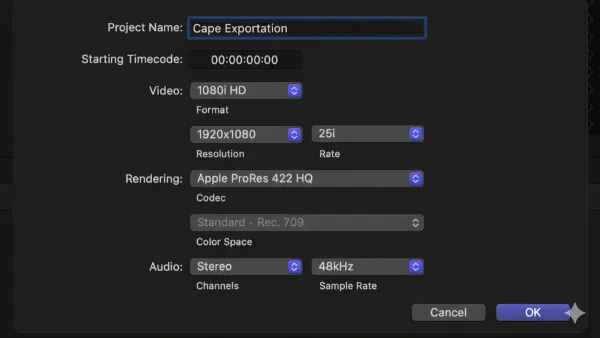
This guide explains how to export ProRes in Final Cut Pro with clear steps, tips for settings, and advice to ensure the best quality and efficient workflow.
Video Editing
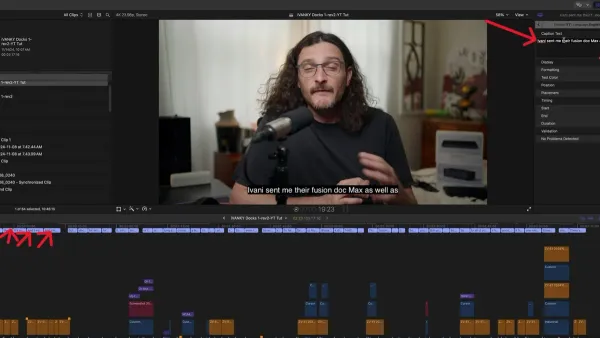
Discover how to quickly generate auto captions in Final Cut Pro to enhance your video accessibility and engagement with easy-to-follow steps.
Video Editing
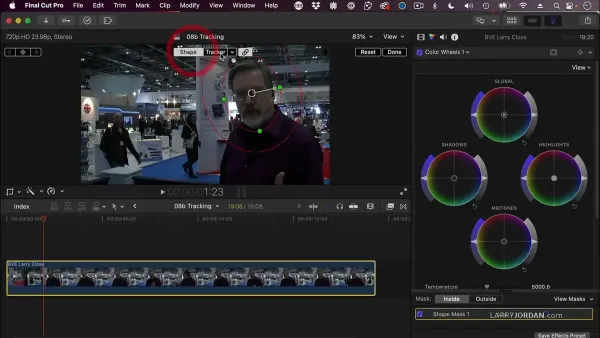
Discover practical steps to use object tracker in Final Cut Pro for smooth motion tracking and attaching dynamic graphics without manual keyframes.
Video Editing
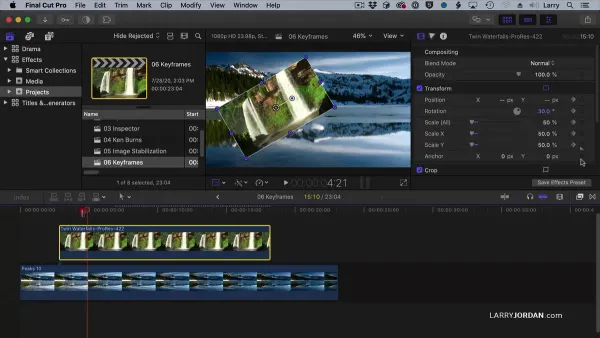
Master how to use keyframes in Final Cut Pro to add smooth motion and precise audio adjustments step-by-step on Mac and iPad.
Video Editing
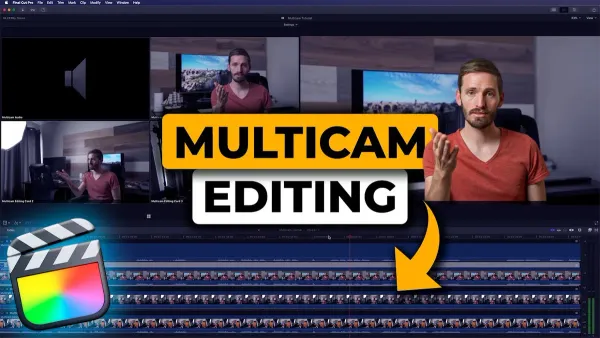
Master multicam editing in Final Cut Pro with step-by-step guidance on syncing clips, managing angles, and creating seamless video edits.

Video Editing
Discover how to apply LUTs in Final Cut Pro on Mac and iPad to give your videos a polished, cinematic look with easy-to-follow steps.
iMovie
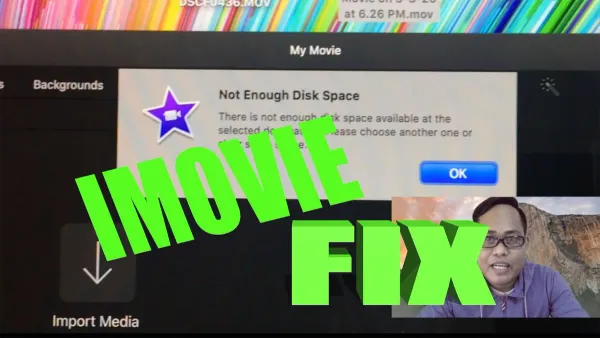
Discover safe and effective ways to fix the not enough disk space error in iMovie and keep your editing projects running smoothly.
Video Editing
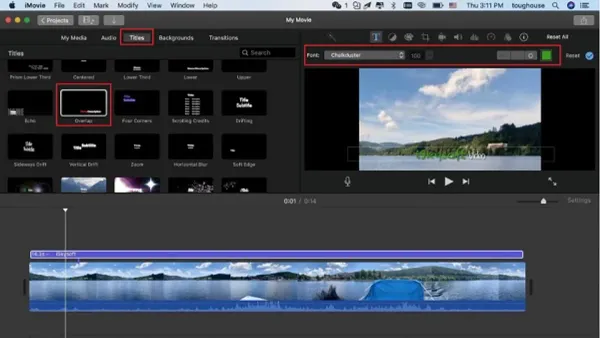
Step-by-step guide to adding a logo watermark in iMovie on Mac and iOS, helping you protect your videos and promote your brand effectively.
Video Editing
Discover easy steps to create vertical videos for Instagram using iMovie, including editing and exporting tips for perfect portrait clips.