Mac Backup
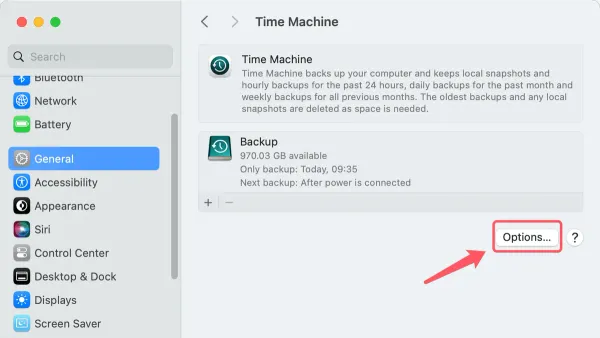
How to Delete Old Backups in Time Machine: A Clear Step-by-Step Guide
Discover safe and effective ways to delete old backups in Time Machine to free disk space and maintain backup health on your Mac.

Mac Backup
Discover safe and effective ways to delete old backups in Time Machine to free disk space and maintain backup health on your Mac.
Mac Storage
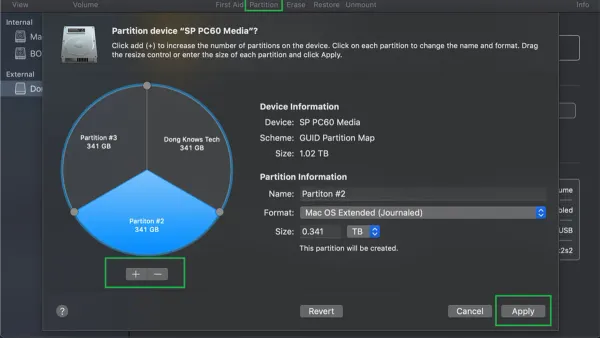
Learn how to partition a drive in Disk Utility to create separate volumes and manage your Mac storage effectively.
Mac
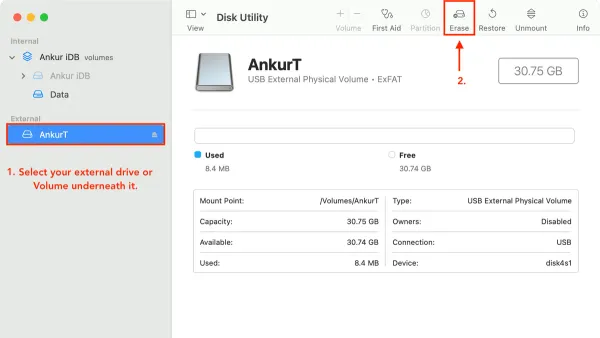
This guide explains how to erase a drive in Disk Utility with clear steps to safely prepare, erase, and troubleshoot your Mac drives.
Mac Troubleshooting
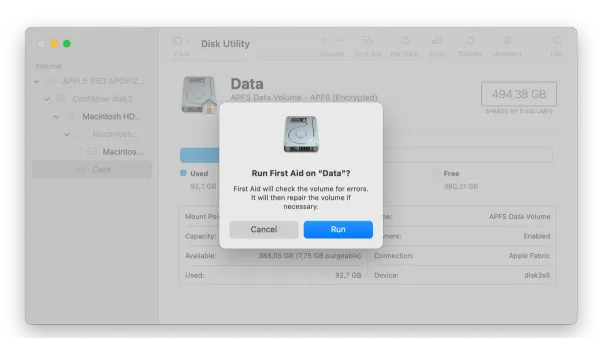
This guide shows you how to run First Aid in Disk Utility to quickly diagnose and repair common disk errors on your Mac.
Mac Troubleshooting
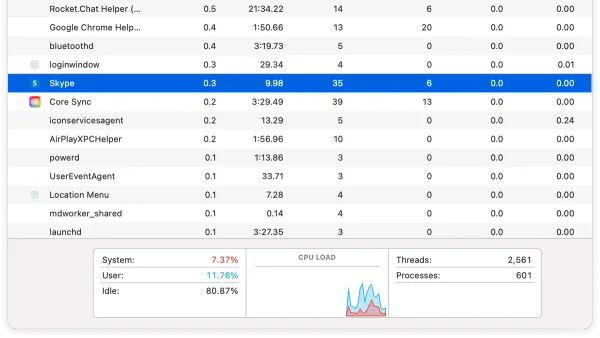
Discover how to identify which app is using your camera in Activity Monitor and manage camera access on your Mac easily.
Data Backup
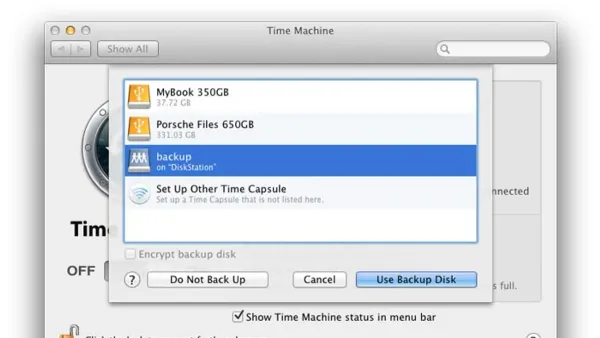
This guide shows how to back up your Mac to a Synology drive using Time Machine with easy step-by-step instructions.
Mac Backup
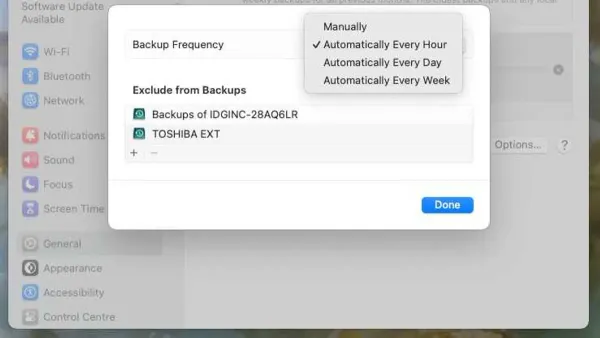
Discover how to adjust Time Machine backup frequency using Terminal commands and third-party apps for better data management.
Mac
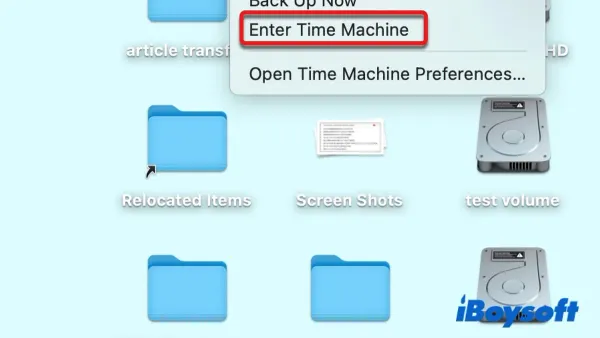
Discover how to restore a single file using Time Machine on Mac without overwriting other data or restoring the entire system.
Mac Backup
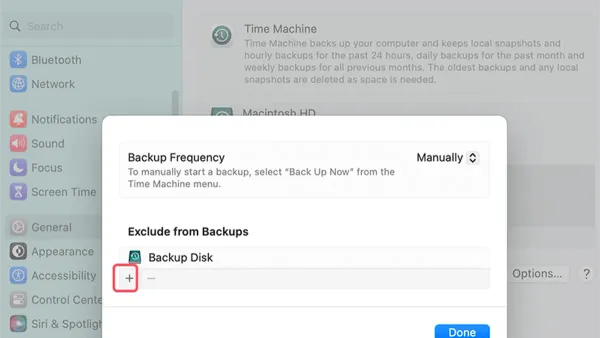
This guide explains how to exclude folders from backup in Time Machine to save storage space and improve backup efficiency.
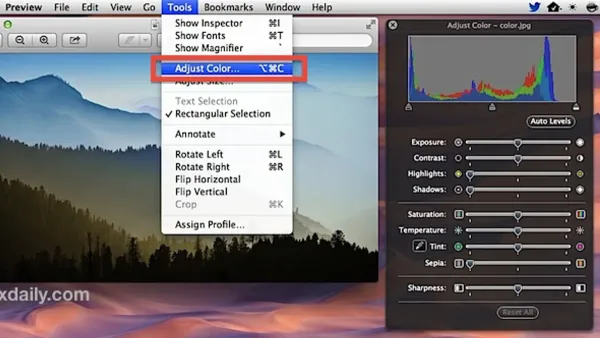
Image Editing
Quickly fix image colors in Preview on your Mac by adjusting brightness, contrast, and saturation with simple built-in tools.
Mac Tips
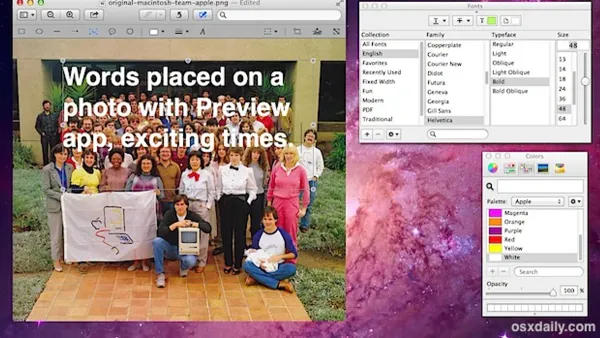
This guide shows you how to add text to an image in Preview, making it easy to annotate photos or PDFs on your Mac.

Image Editing
Discover how to use Instant Alpha in Preview to remove backgrounds and adjust images quickly and easily on your Mac.