PDF Editing
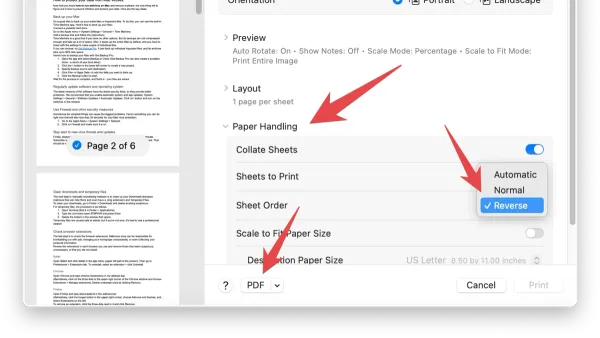
How to Reorder PDF Pages in Preview: Step-by-Step for Mac Users
This guide shows Mac users how to reorder PDF pages in Preview using native tools for smooth and efficient document management.

PDF Editing
This guide shows Mac users how to reorder PDF pages in Preview using native tools for smooth and efficient document management.
PDF Editing
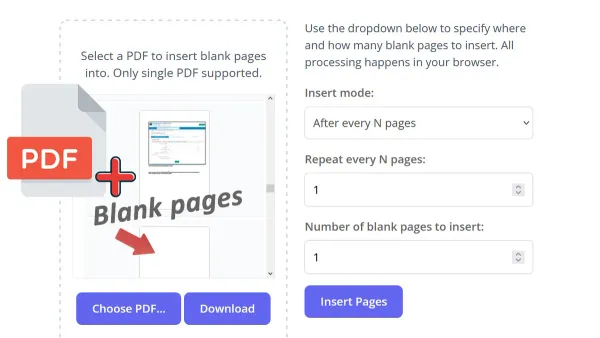
Discover practical steps to insert a blank page into a PDF using Preview on your Mac without needing third-party tools.
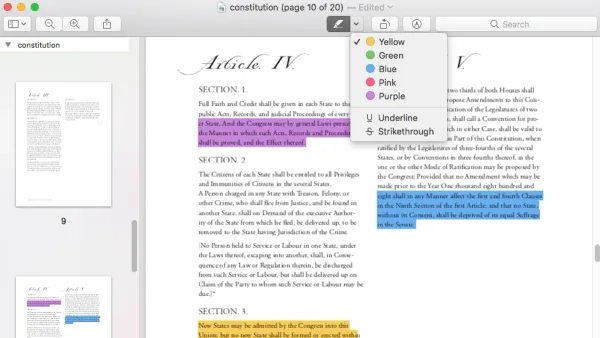
This guide shows how to highlight text in a PDF in Preview, including tips for unselectable text and annotation tools on Mac.
PDF Editing
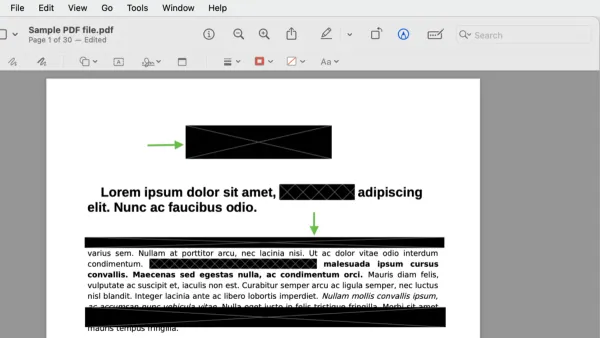
Learn how to securely redact text in a PDF using Preview on Mac to permanently hide sensitive information before sharing.
Mac Tips
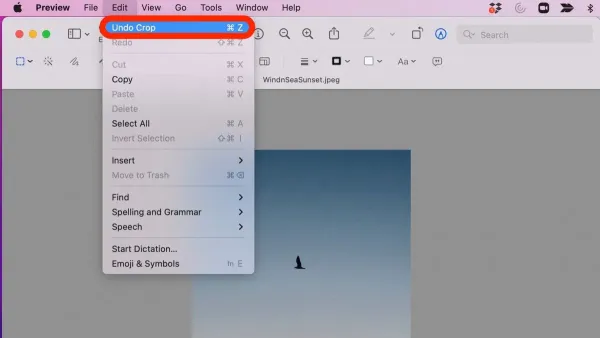
Discover easy steps to crop an image in Preview on your Mac, ensuring precise edits and preserving image quality without extra apps.
Mac Security
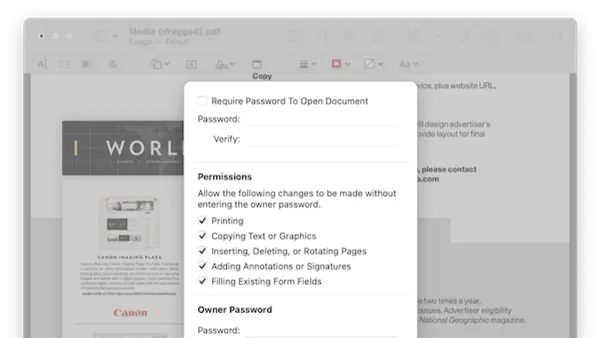
Secure your PDFs by learning how to password protect a PDF in Preview on Mac with this clear step-by-step guide.
PDF Forms
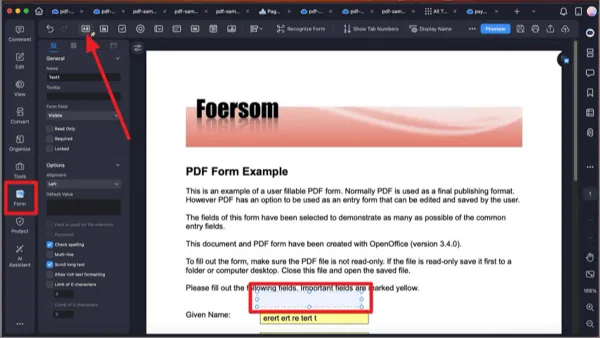
This guide shows you how to fill out PDF forms in Preview on Mac, including tips for saving, printing, and troubleshooting.
PDF Editing
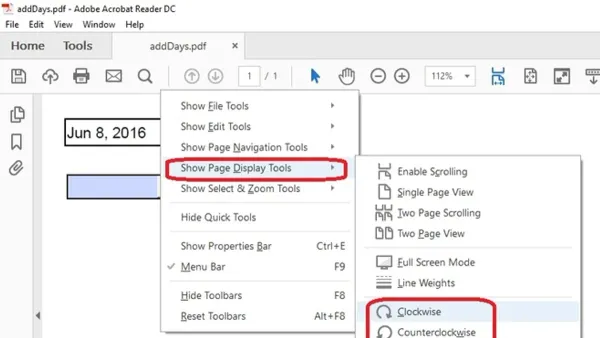
Discover how to rotate PDF pages in Preview on your Mac, either individually or all at once, and save your changes permanently.
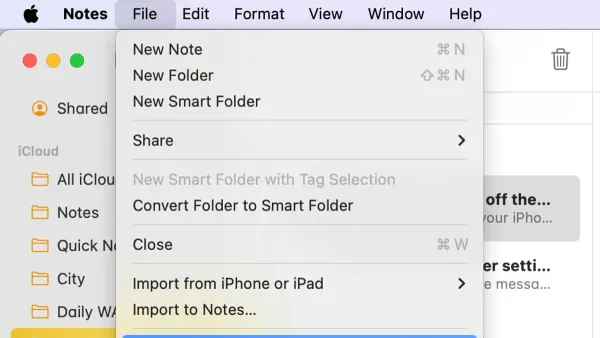
Note Taking
Discover easy steps to export notes to PDF in the Notes app on iPhone, iPad, and Mac for seamless sharing and printing.
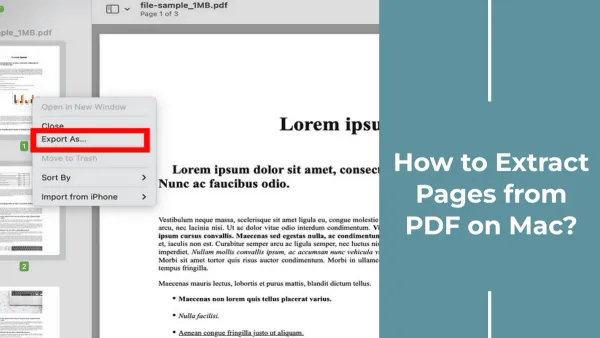
PDF Management
This guide shows you how to extract specific pages from a PDF using Preview on Mac, saving them as separate files with ease.
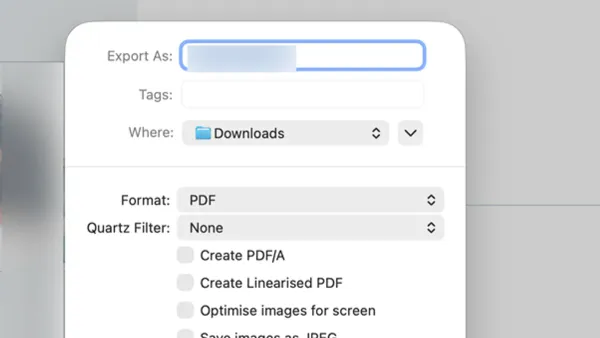
PDF Compression
This guide shows how to compress a PDF in Preview to reduce file size without losing important details or clarity.
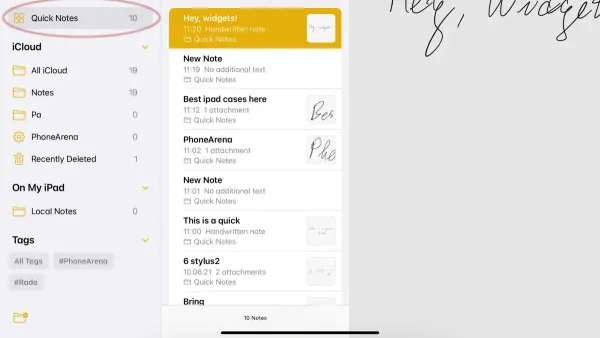
Productivity
Discover how to create, find, and manage Quick Notes in the Notes app to capture ideas swiftly across your devices.