Can iMac M4 Run Age of Empires 2 or 4? A Clear Guide
Learn how to run Age of Empires 2 and 4 on your iMac M4, including tips for virtualization, cloud gaming, and performance tweaks.
You’ve just got your hands on the new iMac M4, excited to jump into some classic strategy gaming. But before you dive in, you wonder: can iMac M4 run Age of Empires 2 or 4 smoothly on its ARM-based architecture?
This article walks you through the realities and practical steps of running Age of Empires 4 on your iMac M4, including how to download and play it, multiplayer options, and how Age of Empires 2 performs, especially with mods. You’ll also find solutions if the game doesn’t run as expected, so you can enjoy your favorite RTS titles without frustration.
Key takeaways
- Age of Empires 4 requires workarounds to run on iMac M4’s ARM chip, such as using virtualization or game streaming.
- Downloading Age of Empires 4 involves using platforms like Xbox Game Pass for PC via supported methods.
- Multiplayer is available but depends on stable network setups and compatible versions.
- Age of Empires 2 runs more natively and supports many popular mods on iMac M4 through Rosetta 2 translation.
- If performance is lacking, consider lowering graphics settings or using cloud gaming services as alternatives.
Can iMac M4 run Age of Empires 4?
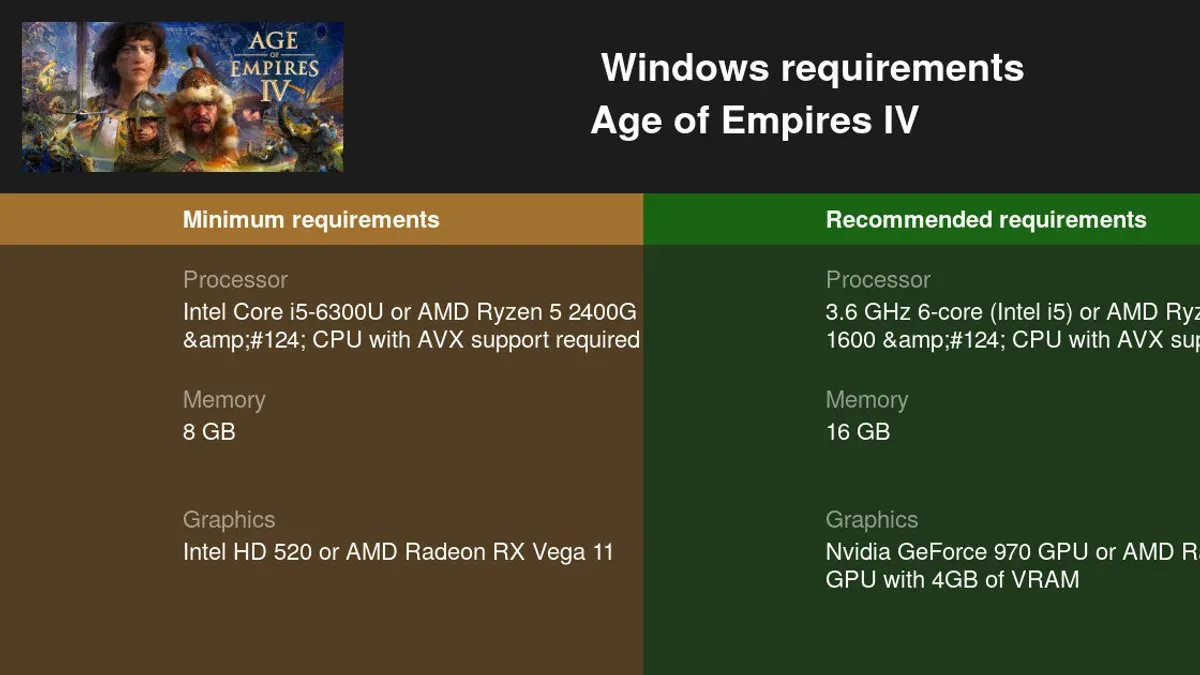
No, Age of Empires 4 does not run natively on the iMac M4 because it requires Windows and x86 architecture, which the ARM-based macOS of the iMac M4 does not support directly. The game’s official system requirements specify a 64-bit Windows 10 or 11 operating system and a compatible Intel or AMD processor, making direct installation on iMac M4’s Apple Silicon impossible.
Because there is no native macOS version or ARM-compatible build of Age of Empires 4, you cannot run it directly on the iMac M4 without additional tools. Typical performance on ARM Macs using virtualization software like Parallels Desktop to run Windows might be limited and often results in lower frame rates and input lag compared to equivalent Intel Macs.
As a practical alternative, you can use cloud gaming services such as Xbox Cloud Gaming or other game streaming platforms. These allow you to play Age of Empires 4 on your iMac M4 by streaming from a remote server, bypassing hardware limitations but requiring a strong, stable internet connection for smooth gameplay.
How to download and play Age of Empires 4 on your iMac M4
You can get Age of Empires 4 on your iMac M4 by using official platforms like Steam or the Microsoft Store, but since the game doesn’t run natively on macOS ARM architecture, you'll need to set up virtualization software or use cloud gaming services to play it.
To start, download Steam from the official Steam website and create an account if you don’t have one. Purchase or redeem Age of Empires 4 on Steam. For Microsoft Store, you’ll need a Windows environment, which you can achieve via virtualization tools like Parallels Desktop or VMware Fusion. These tools let you install Windows on your Mac and run Age of Empires 4 inside that virtual machine. Basic setup involves installing the virtualization software, creating a Windows virtual machine with at least 8GB of RAM allocated, and then downloading the Microsoft Store app inside Windows to access the game.
Alternatively, cloud gaming services such as Xbox Cloud Gaming or NVIDIA GeForce Now let you stream Age of Empires 4 without local installation. This approach requires a stable, fast internet connection but offers smoother performance than virtualization in many cases. Multiplayer works through the game’s official servers regardless of your setup; just ensure your network firewall allows the game’s ports and that your Apple iMac’s internet connection is stable. Connection reliability tends to be higher with cloud gaming because the heavy processing happens on remote servers.
Is Age of Empires 4 multiplayer available on iMac M4?
Yes, Age of Empires 4 supports multiplayer, but on an iMac M4, access depends on how you run the game. The game’s multiplayer mode is fully functional on Windows and officially supported platforms, including through Steam and Microsoft Store. However, since Age of Empires 4 does not run natively on the ARM-based macOS of the iMac M4, multiplayer requires using virtualization or cloud gaming services.
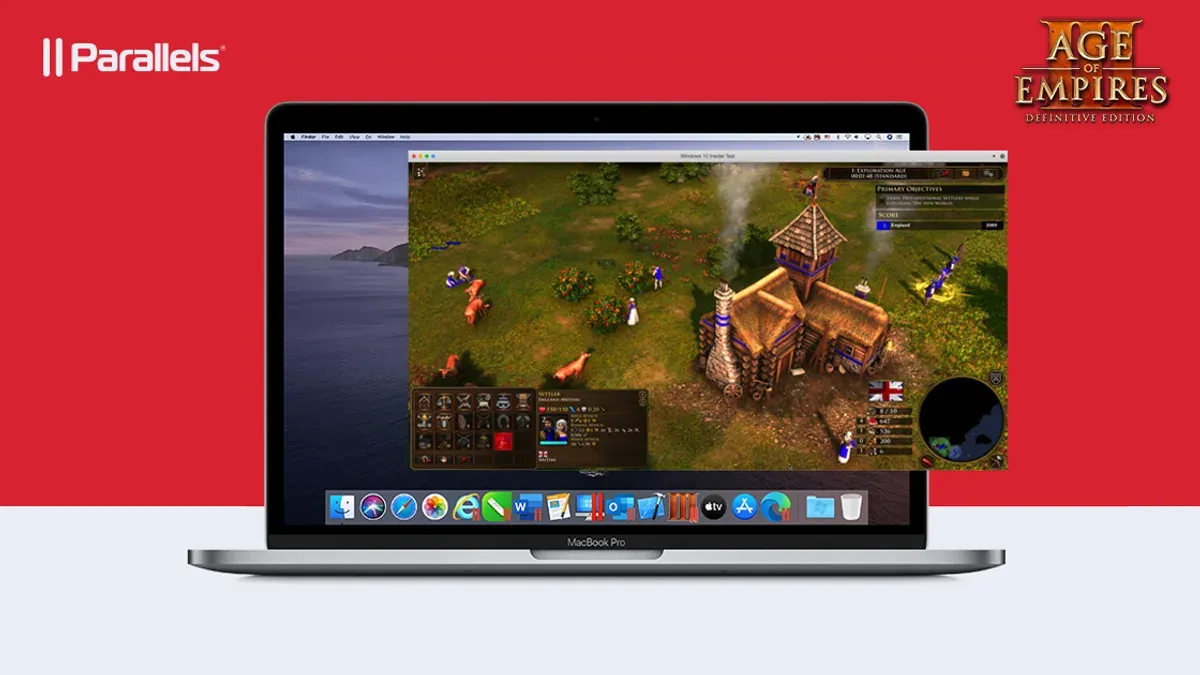
When using virtualization software like Parallels Desktop to run Windows on your iMac M4, multiplayer should work, but expect some potential latency or performance drops due to the overhead of virtualization. Network stability and system resources heavily influence matchmaking and gameplay smoothness in this setup.
Cloud gaming services are often a smoother option for multiplayer on the iMac M4. They stream the game from powerful remote servers, offering near-native multiplayer performance without taxing your Mac’s hardware. The main trade-off here is your internet connection speed and stability, which directly affect latency and responsiveness during multiplayer matches.
Overall, while multiplayer is accessible for Age of Empires 4 players on iMac M4, you should prepare for extra setup steps and potential network-related challenges depending on your chosen method.
Can iMac M4 run Age of Empires 2 and what about mods?
Yes, Age of Empires 2 runs natively on your iMac M4 because macOS supports this game well, and its system requirements are modest compared to Age of Empires 4. The iMac M4's ARM-based hardware handles Age of Empires 2 smoothly, as the game was designed long before modern hardware demands increased. This means you can expect a fluid experience without the need for virtualization or cloud gaming.
Age of Empires 2 has a rich modding community, and many popular mods work on macOS versions of the game. Most mods involve replacing or adding content files, which the macOS client on your iMac M4 supports. However, some mods that require external tools or Windows-only editors might be harder to manage directly on your Mac, so using a Windows VM or Boot Camp alternatives can help for advanced modding.
Historically, Age of Empires 2 has been available on Mac since the early 2000s, which means macOS versions have matured to keep compatibility intact. This legacy support influences current playability positively, ensuring you can enjoy both the base game and mods on your iMac M4 without major issues. Just remember to keep the game updated through Steam or the Microsoft Store to access the latest mod support and fixes.
What to do if Age of Empires 4 can’t run well on your iMac M4
If Age of Empires 4 doesn’t perform well on your iMac M4, the most reliable alternative is to use cloud gaming services. These platforms stream the game from powerful servers, bypassing your Mac’s hardware limits and providing smoother gameplay. While cloud gaming may involve a subscription fee or per-hour charge, it often costs less than upgrading your iMac’s hardware and avoids complex setup.
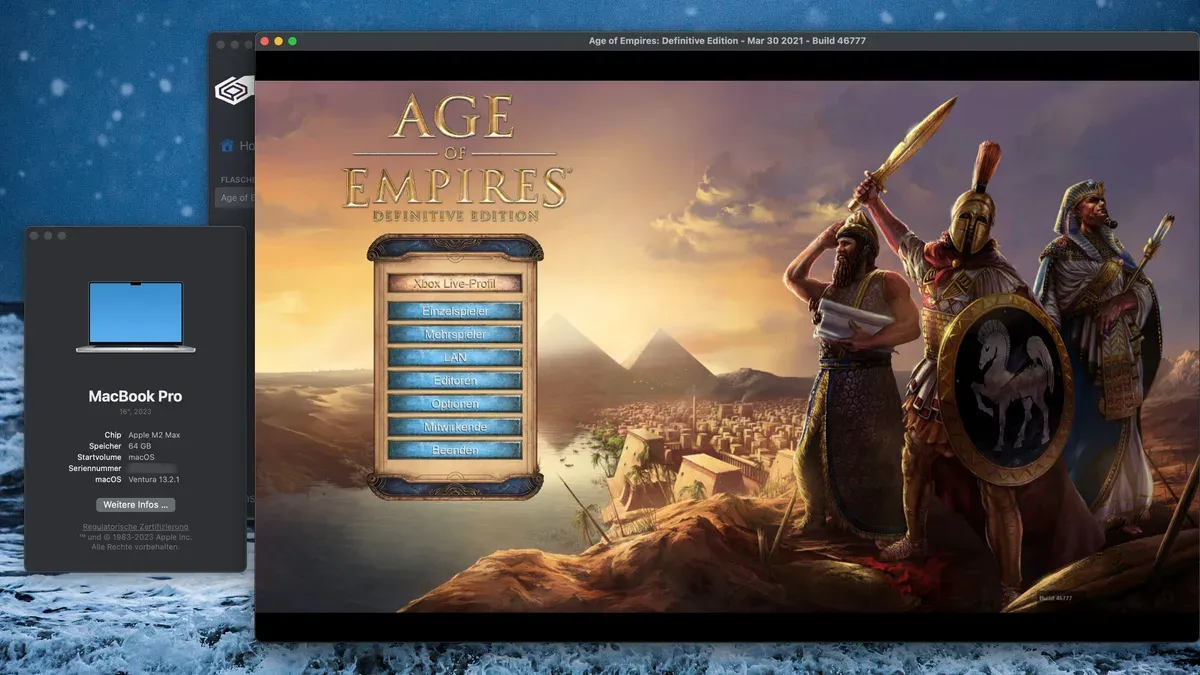
You can also consider focusing on Age of Empires 2, which runs natively and smoothly on your iMac M4 and supports mods extensively. This offers a rich strategy experience without the performance headaches. If you prefer sticking with Age of Empires 4, keep an eye on future software updates from the developers, as they may improve Mac support and performance over time.
Hardware upgrades on iMac M4 are limited, but adjusting macOS settings like disabling background apps or enabling Low Power Mode might reduce resource strain. Be cautious with unofficial workarounds or unsupported virtualization tools, as these can cause instability or security issues. Sticking to official options ensures a safer, more stable gaming experience.
Frequently asked questions
Can i run age of empires 4?
If you have an iMac M4, running Age of Empires 4 directly can be challenging due to its ARM-based architecture and the game's current Windows and x86 optimization. However, you can run it using virtualization tools like Parallels Desktop or cloud gaming services. Performance may vary depending on the method and system resources.
How to download age of empires 4?
To download Age of Empires 4, you typically need to use a Windows environment, such as a virtual machine or Boot Camp on Intel Macs. On an iMac M4, since Boot Camp isn’t available, your best option is installing Windows through Parallels Desktop or using a cloud gaming platform that streams the game. After setting up, you can download it from the Microsoft Store or Steam.
How to play age of empires 4?
Playing Age of Empires 4 on an iMac M4 involves running the game via a Windows virtual machine or a cloud gaming service. Ensure your virtualization software is configured to allocate enough CPU and GPU resources, with at least 8 GB of RAM recommended. You’ll use your mouse and keyboard as usual, but be ready for possible input lag depending on your setup.
Is Age of Empires 4 multiplayer?
Yes, Age of Empires 4 supports multiplayer gameplay, including online matches with friends or other players worldwide. If you run the game on your iMac M4 through virtualization or cloud gaming, multiplayer features remain accessible. A stable internet connection is essential to minimize latency during online matches.
Can I run Age of Empires 4 on my Mac?
Running Age of Empires 4 natively on a Mac, including the iMac M4, is not officially supported because the game targets Windows and x86 processors. Still, you can play it using virtualization software like Parallels Desktop for ARM Macs or cloud gaming services that stream the game to your Mac. These methods require some setup and may involve trade-offs in performance and graphics quality.
What This Guide Does Not Cover
This article does not cover running Age of Empires games on older Intel-based Macs or non-iMac Apple devices, which may have different compatibility and performance profiles. If you have a MacBook, Mac Mini, or an Intel Mac, your experience with Age of Empires 4 or 2 might vary significantly. Additionally, this guide does not address troubleshooting issues related to third-party virtualization software or advanced hacks that require deep system modifications.
If you are looking to play Age of Empires on non-iMac hardware or need help with Windows-only versions through Boot Camp or similar solutions, you may need to consult resources specific to those setups.
Next Step: Optimize Your iMac M4 for the Best Experience
To get the smoothest gameplay on your iMac M4, start by ensuring your macOS is updated to the latest version supporting your device’s ARM architecture. Then, install Age of Empires 4 via the Microsoft Store app for macOS or through compatible game launchers that support ARM-based Macs. After installation, adjust the in-game graphics settings to medium or low to balance visuals and performance, and close background apps to free up resources. If you plan on multiplayer, verify your internet connection is stable and set the game’s network settings to prioritize latency reduction. These practical steps often unlock the best possible experience on your iMac M4.
See also: Can Your iMac M4 Run Civilization VI? A Clear and Practical Guide · Can iMac M4 Run Cities Skylines 2? A Clear and Practical Answer · Can iMac M4 Run The Sims 4? A Clear and Practical Answer · Can Your iMac M4 Run Terraria? A Clear and Honest Guide