Can Your iMac M4 Run GTA 5? A Straightforward Performance Guide
Explore whether the iMac M4 can run GTA 5 smoothly and how to optimize settings for better gameplay on this Apple Silicon Mac.
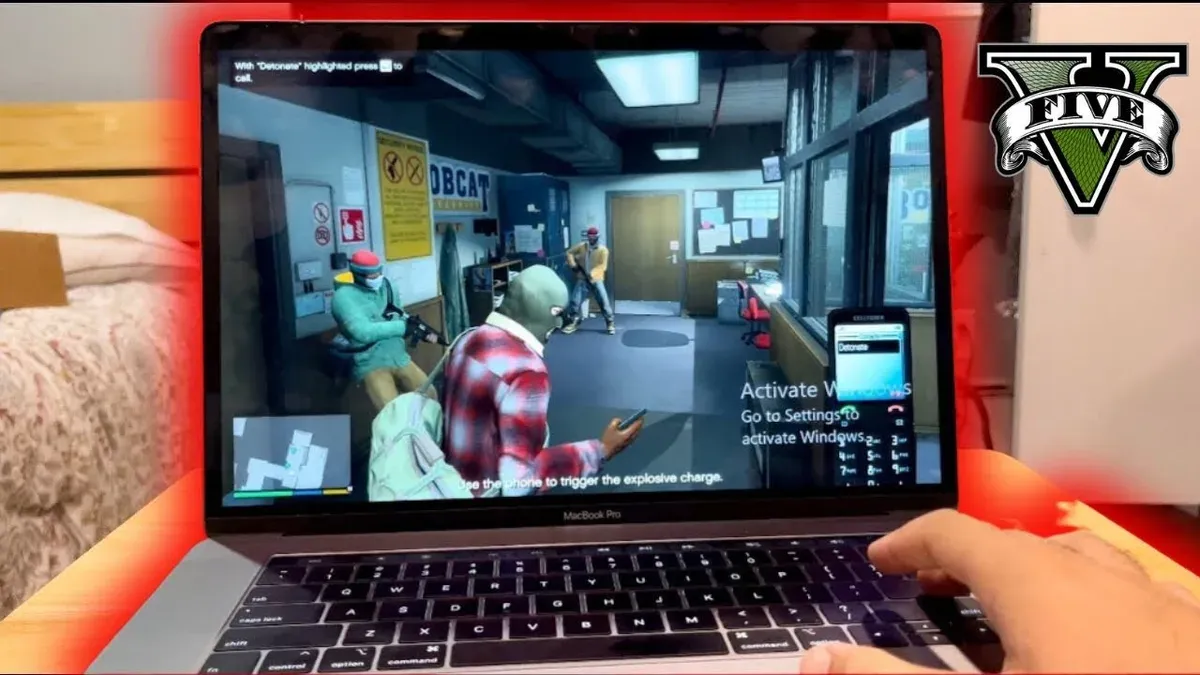
You might be considering whether your iMac M4 can handle playing GTA 5 smoothly. This question often arises because GTA 5 is a demanding game, and the iMac M4's hardware and software environment differ significantly from typical gaming PCs.
This article answers the common query, "can iMac M4 run GTA 5" by examining how the iMac M4’s architecture aligns with GTA 5’s technical requirements. You'll also learn about the challenges of running GTA 5 on macOS, performance optimization tips, and realistic expectations to help you decide if gaming on this machine is a good fit for you.
Key takeaways
- The iMac M4 meets some basic specs but faces GPU and software compatibility challenges with GTA 5.
- GTA 5 lacks a native macOS version, requiring workarounds like virtualization or cloud gaming on iMac M4.
- Optimizing settings such as resolution and effects can improve playability but won't match native gaming PCs.
- User experiences show varied performance, often limited by graphics processing on iMac M4.
- Exploring other Apple Silicon Macs or gaming platforms may provide a better GTA 5 experience.
Does the iMac M4 Meet GTA 5’s Basic Requirements?
The iMac M4 does not natively meet GTA 5’s basic requirements because the game was created for Windows PCs running on x86-64 processors, while the iMac M4 uses Apple Silicon with a different architecture optimized for macOS. Out of the box, GTA 5 cannot run directly on the iMac M4 without employing Windows compatibility layers or virtualization tools such as Parallels Desktop or Crossover.
Even when using these methods, performance is constrained by the M4 chip’s GPU and CPU capabilities, which generally fall short of GTA 5’s recommended specifications. Frame rate estimates from emulation and virtualization commonly indicate playability at low settings but with noticeable limitations, such as reduced graphics quality and occasional stuttering.
Therefore, while the iMac M4 can technically run GTA 5 through workarounds, it does not meet the game’s basic requirements for smooth, high-quality gameplay in a native environment.
Understanding the iMac M4’s Architecture vs GTA 5’s System Needs
The iMac M4’s architecture differs significantly from the environment GTA 5 was designed to run on, which directly impacts compatibility and performance. GTA 5 was primarily developed for Windows PCs using DirectX graphics APIs, which are not supported on macOS. Instead, the iMac M4 relies on Apple’s Metal API, a different graphics framework that GTA 5 does not natively utilize.
The iMac M4 features an Apple Silicon chip that integrates CPU and GPU components on a single system-on-chip. This contrasts with traditional gaming PCs, where discrete GPUs handle graphics processing separately, often delivering higher raw graphical power. The unified architecture in the M4, while efficient for many tasks, generally provides less raw performance for demanding games like GTA 5.
Additionally, the iMac M4’s ARM-based processor architecture is fundamentally different from the x86 architecture found in most Windows gaming PCs. This architectural gap means GTA 5 cannot run natively on the M4 without an optimized macOS port or robust emulation, both of which are lacking. The combination of these CPU, GPU, and API differences creates significant hurdles for smooth gameplay on the iMac M4.
| Specification | iMac M4 | Typical Windows Gaming PC |
|---|---|---|
| CPU Architecture | ARM-based Apple Silicon | x86-based Intel/AMD |
| GPU | Integrated GPU within Apple Silicon | Discrete Nvidia/AMD GPU |
| Graphics API | Metal | DirectX |
| Operating System | macOS | Windows |
Why Native Ports Matter: GTA 5’s Availability on macOS and Alternatives
Rockstar Games has not released a native version of GTA 5 for macOS, which means you cannot run the game directly on your iMac M4 without additional steps. This absence limits straightforward compatibility and pushes users to explore alternatives like cloud gaming, virtualization, or dual-boot setups.
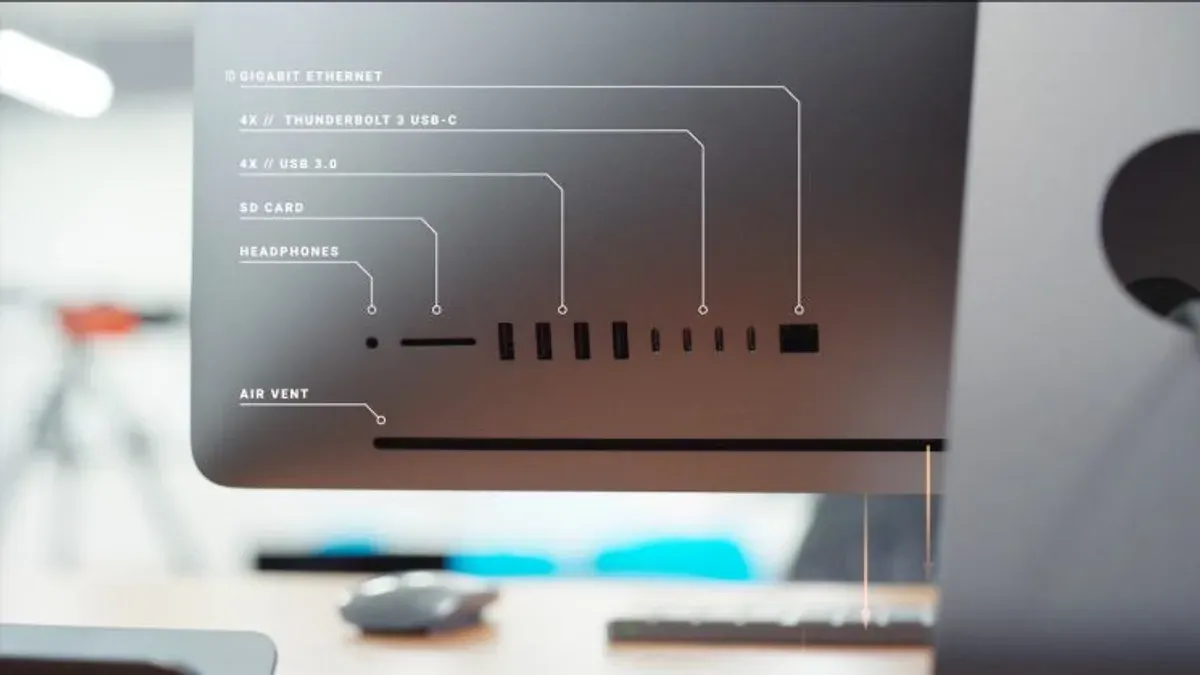
Cloud gaming services such as NVIDIA GeForce Now or Xbox Cloud Gaming allow you to stream GTA 5 from powerful remote servers, bypassing your iMac M4’s hardware limitations. These services generally provide playable frame rates and quality comparable to mid-range gaming PCs, but require a stable, high-speed internet connection with low latency to avoid input lag and visual stuttering.
If you prefer running the game locally, virtualization tools like Parallels Desktop can run Windows ARM builds on your iMac M4. However, performance often suffers with frame rates typically lower than 30 FPS depending on settings, because emulation layers add overhead and the game is not optimized for ARM Windows. Dual-boot options are limited since Boot Camp does not support Apple Silicon, making this approach less viable.
Each alternative presents trade-offs between convenience, performance, and cost. Cloud gaming offers the smoothest experience if your internet supports it, while virtualization or emulation may only be acceptable for casual play or testing.
Steps to Optimize GTA 5 Performance on Your iMac M4 If You Proceed
The most effective way to run GTA 5 on your iMac M4 depends on your internet speed and technical comfort. If you have a stable, high-speed connection, cloud gaming services like NVIDIA GeForce Now or Xbox Cloud Gaming offer smoother gameplay without taxing your hardware. For offline play, virtualization tools such as Parallels or CrossOver can run the Windows version, but expect lower frame rates and occasional hiccups. Boot Camp alternatives are currently unavailable on Apple Silicon Macs, so they are not an option.
Once you choose your method, adjust GTA 5’s graphics settings to reduce GPU load. Set Texture Quality and Shader Quality to 'Normal' or 'Low' via the in-game Settings > Graphics menu. Turning off Advanced Graphics options like Extended Shadows and High Detail Streaming while keeping Resolution at native or slightly reduced levels often improves frame rates noticeably.
Before starting the game, close all unnecessary apps to free up CPU and memory resources. Also, go to System Preferences > Battery > Power Adapter and enable 'High Performance' or 'Prevent computer from sleeping' to prioritize performance. These steps can provide a smoother experience, with some users reporting FPS improvements enough to make the game playable, though not at maximum settings.
Recognizing When the iMac M4 Is Not the Right Platform for GTA 5
The iMac M4 is not the right platform for GTA 5 if you experience consistent frame rates below 30 FPS or notice unstable gameplay such as frequent stuttering or lag spikes. Smooth gaming generally requires maintaining at least 30 FPS, and falling short of this threshold indicates that the device struggles to handle the game’s demands. Additionally, long load times, unexpected crashes, or persistent graphical glitches often signal that the compatibility solutions in use are insufficient to provide a playable experience on this hardware.
User reports commonly highlight these issues when attempting to run GTA 5 through virtualization or cloud streaming on the iMac M4, emphasizing that such setups cannot fully overcome the architecture mismatch and hardware limitations. When these problems occur, it is practical to consider alternatives rather than trying to force GTA 5 on this platform.
For a better experience, look towards games that have been optimized for Apple Silicon and macOS, which run natively on your iMac M4 without complex workarounds. Alternatively, if playing GTA 5 is essential, a dedicated gaming PC with compatible hardware and native Windows support will deliver the performance and stability needed for enjoyable gameplay.
What GTA 5 Players on iMac M4 Have Experienced: Real-World User Reports
The general consensus from players running GTA 5 on the iMac M4 is that performance is often below expectations, with frequent compromises required. Users relying on cloud gaming services typically report smoother frame rates—often stable around 30 FPS—but experience noticeable input lag and occasional streaming artifacts, especially during fast-paced gameplay. This latency can impact driving and combat sequences, making the experience less responsive compared to native play.
On the other hand, those attempting local virtualization or emulation report significantly lower frame rates, often dipping below 20 FPS, along with stuttering and longer load times. These users also highlight challenges with graphics settings, where lowering textures and effects is necessary to maintain even minimal playability. Forums reveal common frustrations about these performance drops despite the M4’s efficient architecture, underscoring the gap between hardware specs and real-world gaming demands.
Overall, user experiences align closely with theoretical limitations, showing that while cloud gaming offers a more viable path, it introduces trade-offs in responsiveness, and local virtualization struggles to provide a consistently enjoyable GTA 5 experience on the iMac M4.
Exploring Other Apple Silicon Macs and Gaming Alternatives
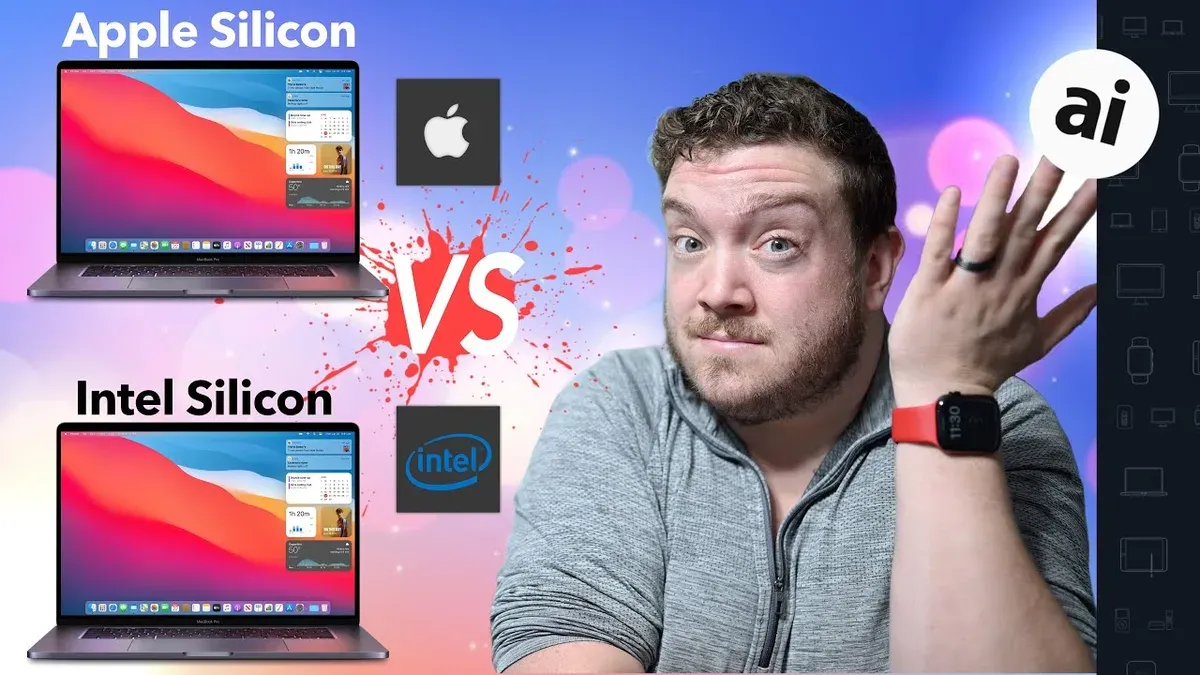
The iMac M4 is less suited for gaming compared to higher-end Apple Silicon Macs like the MacBook Pro Mx and Mac Studio Mx models, which offer significantly stronger GPUs and more memory bandwidth. These models handle demanding games more smoothly, often reaching stable frame rates above 60 FPS on native Apple Silicon titles. For instance, the MacBook Pro M2 Max and Mac Studio M1 Ultra provide multi-core GPU performance that can better sustain modern game graphics and resolution settings.
If you want a smoother gaming experience on the iMac M4, consider titles optimized for Apple Silicon with modest graphic requirements. Games such as Hades, Stardew Valley, Slay the Spire, and Disco Elysium run natively and deliver consistent performance without taxing the hardware heavily. These titles use Metal API effectively and have performance-friendly design, making them well-suited to the iMac M4’s capabilities.
The macOS gaming ecosystem is gradually evolving, with increasing support for Apple Silicon through native ports and improved developer tools. Expect better optimization and more titles leveraging Metal in the future, enhancing gameplay on all Apple Silicon Macs. Meanwhile, cloud gaming services are also expanding, offering an alternative path to access AAA games without relying solely on local hardware.
Frequently asked questions
Can I run GTA 5 on an iMac M4 without Windows?
GTA 5 does not have a native macOS version compatible with the iMac M4, so running it without Windows involves workarounds like virtualization or emulation, which usually result in poor performance. To play GTA 5 smoothly, Windows installation via Boot Camp or similar methods is generally necessary.
Is cloud gaming a good alternative to playing GTA 5 on iMac M4?
Cloud gaming services can be a practical alternative because they stream the game from powerful servers, bypassing your iMac M4's hardware limitations. However, a stable, low-latency internet connection is essential to avoid lag and maintain responsiveness during gameplay.
What graphics settings should I use to improve GTA 5 performance on iMac M4?
Lowering settings like texture quality, shadow detail, and disabling anti-aliasing can significantly improve performance. Setting resolution to 720p or 1080p and turning off VSync and reflections helps reduce GPU load and frame drops.
Are there native macOS games similar to GTA 5 that run well on iMac M4?
While no exact equivalents exist, games like "Saints Row" or "Mafia" may offer similar open-world experiences and have macOS versions. Checking game requirements against the iMac M4’s specs ensures smoother gameplay compared to forcing GTA 5 on unsupported hardware.
Understanding the Limits of This Advice
This advice does not cover running GTA 5 on older iMac models or non-Apple Silicon Macs, nor does it guarantee flawless performance due to emulator and virtualization limitations. If your iMac is not an M4 or other Apple Silicon model, performance expectations and compatibility will differ significantly. Additionally, running GTA 5 through virtualization or emulators like Parallels or Crossover may introduce lag, graphical issues, or crashes that this guide does not address. For users seeking guaranteed smooth gameplay, considering a native Windows PC or gaming console remains the most reliable option.
The most useful next step is to check your iMac M4’s current macOS version and GPU settings. Make sure you have the latest macOS updates installed via System Preferences > Software Update, and set your graphics preferences to prioritize performance under System Preferences > Battery > Graphics. These practical adjustments can improve your experience if you decide to run GTA 5, but always balance graphics quality with frame rate to maintain playable performance.
See also: Can iMac M4 Run Civilization VI? A Straightforward Answer · Can Your iMac M4 Run Cities Skylines 2? A Clear and Practical Answer · Can Your iMac M4 Run Terraria? A Practical Performance Breakdown · Can iMac M4 Run Genshin Impact? A Practical and Detailed Guide