Password Management
How to Import Passwords from Chrome to Apple Passwords App
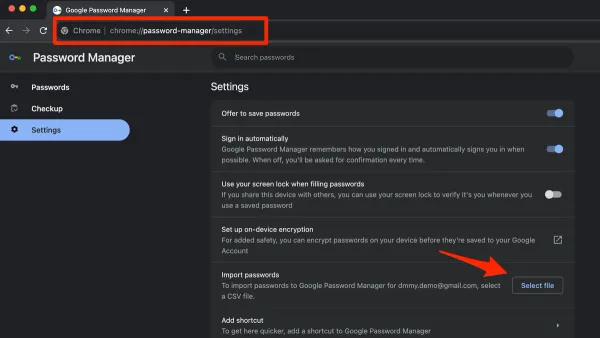
Step-by-step guide to import passwords from Chrome in Passwords app for seamless and secure password management across Mac and iPhone.

Password Management
Step-by-step guide to import passwords from Chrome in Passwords app for seamless and secure password management across Mac and iPhone.
Mac Tips
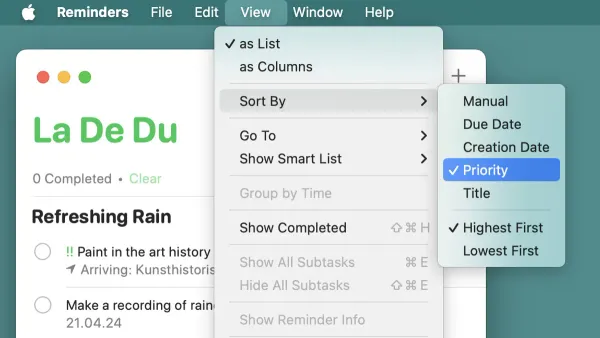
Discover how to sort your tasks by due date in the Reminders app on Mac for better deadline management and productivity.
Mac
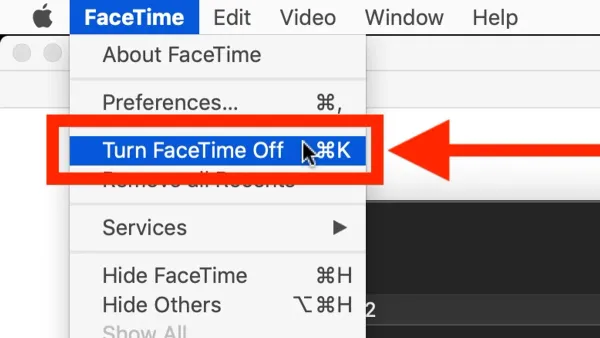
This guide shows how to turn off FaceTime on Mac with step-by-step methods including signing out, disabling notifications, and using Screen Time restrictions.
Mac Tips
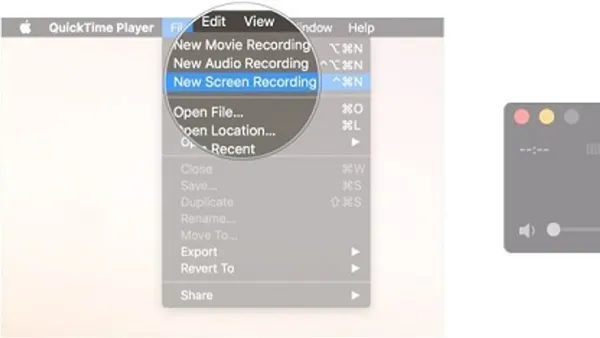
Step-by-step guide to recording a FaceTime call on Mac with audio and video using QuickTime Player and macOS screen recording features.

FaceTime
Discover how to FaceTime with Android users in FaceTime on Mac by creating links, sharing invitations, and managing calls effortlessly.

FaceTime
Discover easy steps to share your screen on FaceTime in FaceTime on Mac for better collaboration and presentations.

FaceTime
Discover how to quickly enable and use reactions in FaceTime on Mac to enhance your video calls with expressive animated responses.

Mac Tips
Discover simple, practical steps to export chat history in Messages on Mac for backup, sharing, and archiving important conversations.

Mac Tips
Discover how to schedule a message in Messages on Mac with native features and workarounds for seamless messaging in 2026.