Presentation Tips
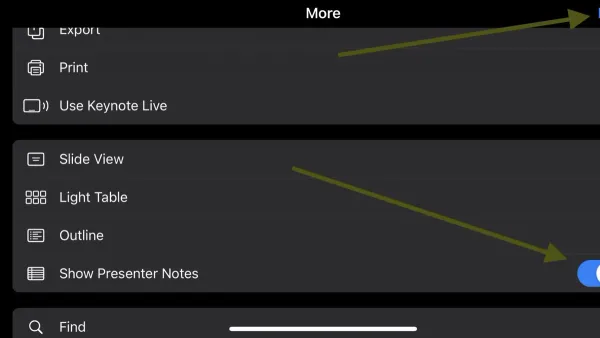
How to Use Presenter Notes in Keynote: A Step-by-Step Guide
Discover how to create, view, and use presenter notes in Keynote to keep your presentations organized and your delivery smooth.

Presentation Tips
Discover how to create, view, and use presenter notes in Keynote to keep your presentations organized and your delivery smooth.
Presentation Tips
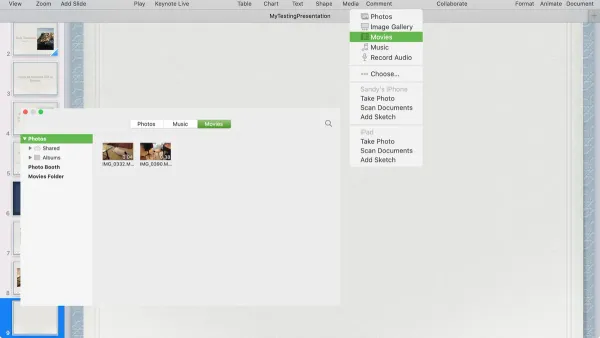
Master embedding videos in Keynote to enhance your presentations with local files or online content for a professional touch.

Presentation Tips
This guide shows you how to record a presentation in Keynote with voiceover, video, and music for polished, shareable slideshows.
Presentation Software
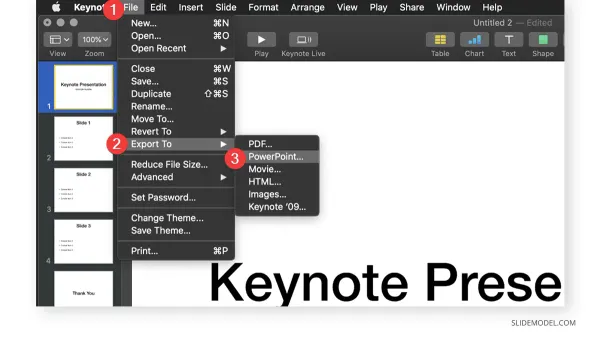
Step-by-step guide on how to export Keynote to PowerPoint ensuring your presentation remains editable and well formatted.
Presentation Tips
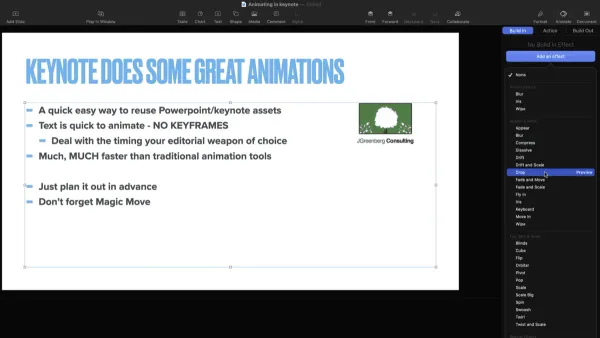
Discover how to add animations in Keynote with this step-by-step guide to make your presentations dynamic and engaging.
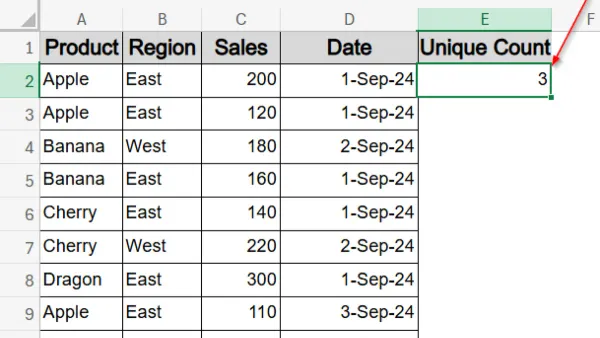
Data Analysis
Discover how to count unique values in Apple Numbers using formulas and features for accurate data analysis.
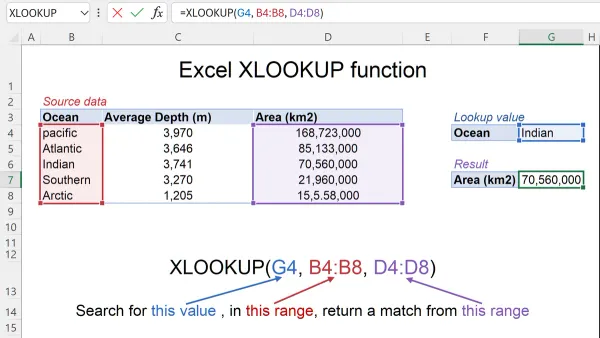
Spreadsheets
Discover a step-by-step guide on how to use XLOOKUP in Numbers to perform accurate lookups with mixed data types and multiple criteria.
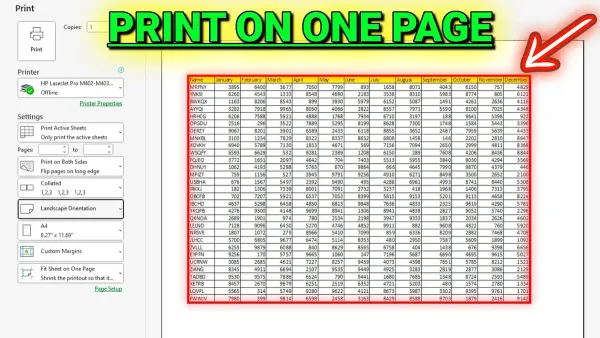
Spreadsheet Printing
Discover simple steps to print a spreadsheet on one page in Numbers by adjusting print settings and scaling for a clean, readable layout.
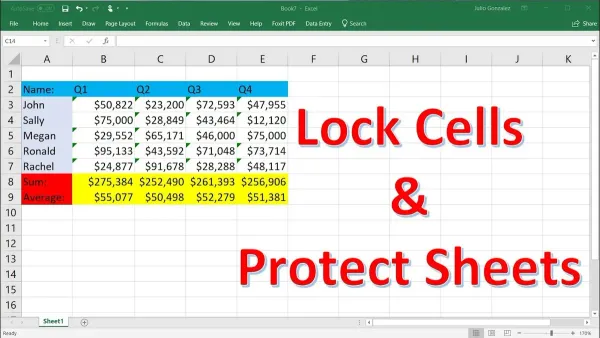
Spreadsheet Security
Discover how to lock sheets in Numbers by securing cells and using password protection to keep your spreadsheets safe from unwanted edits.
Spreadsheets
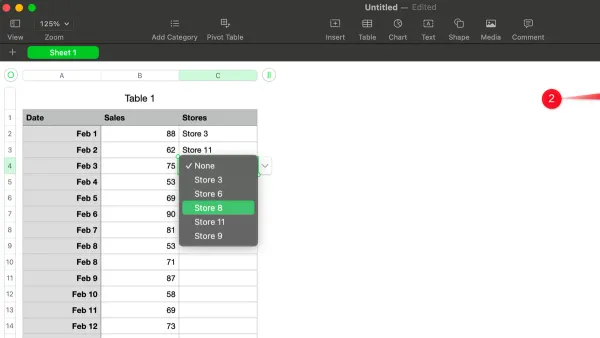
This guide shows you how to add a dropdown menu in Numbers to simplify data entry and maintain consistency across your spreadsheets.
Spreadsheets
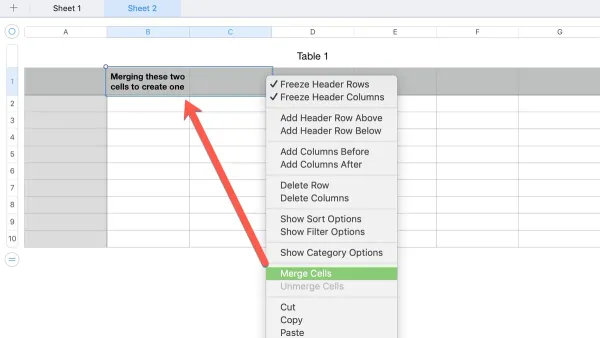
Discover clear, practical steps to merge cells in Numbers on Mac and iPad without losing data or formatting.
Data Management
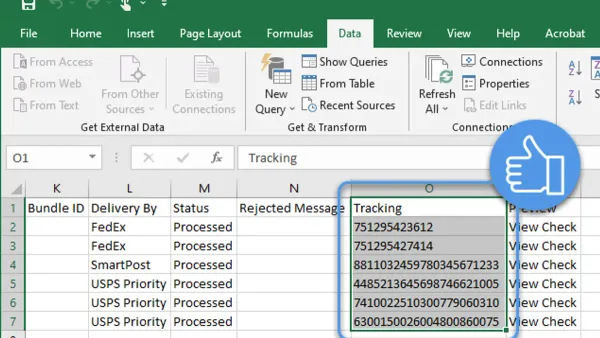
This guide shows you how to import a CSV file into Numbers on Mac and iOS devices while preserving formatting and avoiding common errors.