Mac Troubleshooting
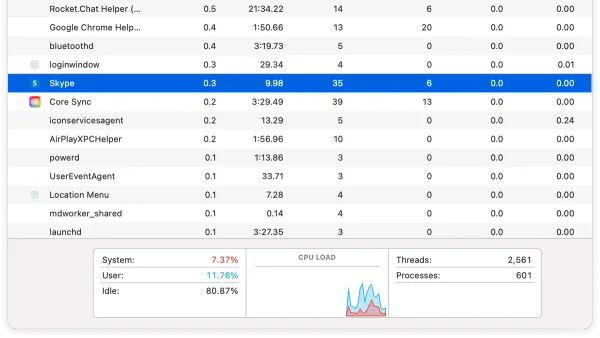
How to Identify Which App Is Using Your Camera in Activity Monitor
Discover how to identify which app is using your camera in Activity Monitor and manage camera access on your Mac easily.

Mac Troubleshooting
Discover how to identify which app is using your camera in Activity Monitor and manage camera access on your Mac easily.
Data Backup
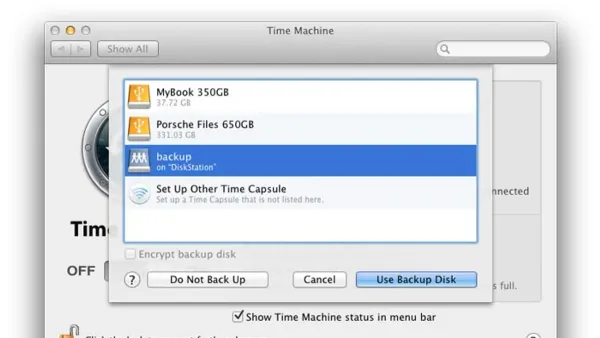
This guide shows how to back up your Mac to a Synology drive using Time Machine with easy step-by-step instructions.
Mac Backup
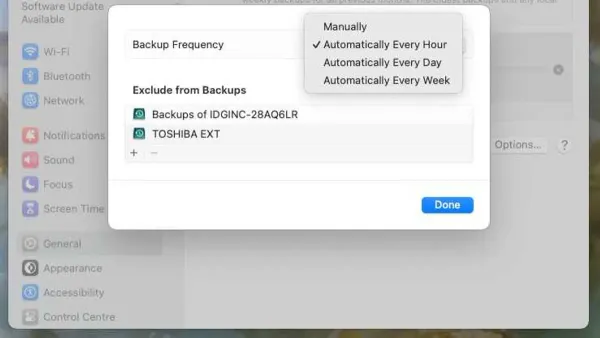
Discover how to adjust Time Machine backup frequency using Terminal commands and third-party apps for better data management.
Mac
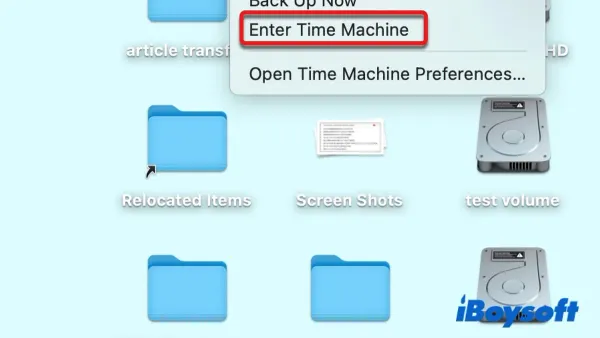
Discover how to restore a single file using Time Machine on Mac without overwriting other data or restoring the entire system.
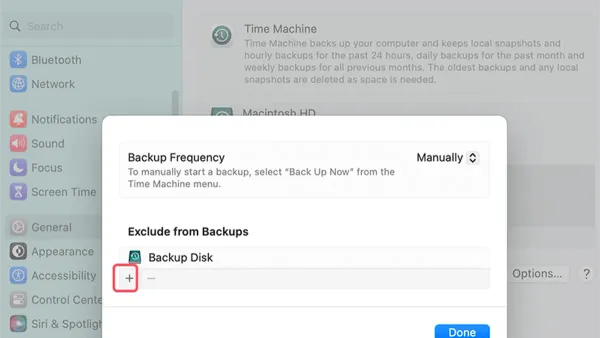
Mac Backup
This guide explains how to exclude folders from backup in Time Machine to save storage space and improve backup efficiency.
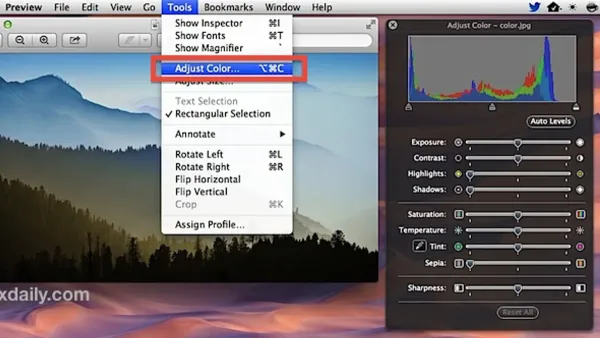
Image Editing
Quickly fix image colors in Preview on your Mac by adjusting brightness, contrast, and saturation with simple built-in tools.
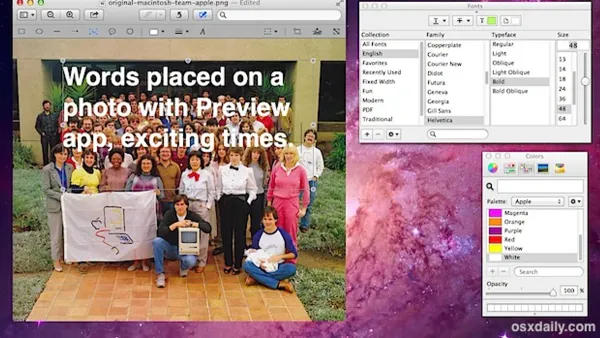
Mac Tips
This guide shows you how to add text to an image in Preview, making it easy to annotate photos or PDFs on your Mac.

Image Editing
Discover how to use Instant Alpha in Preview to remove backgrounds and adjust images quickly and easily on your Mac.
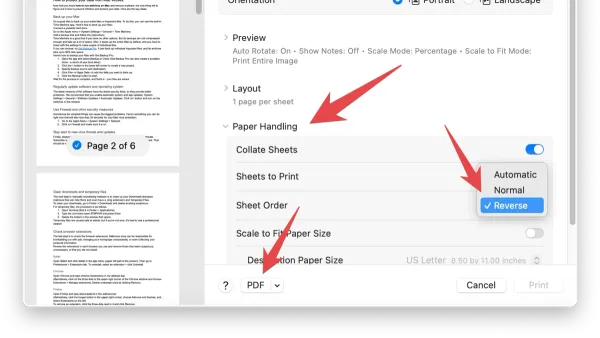
PDF Editing
This guide shows Mac users how to reorder PDF pages in Preview using native tools for smooth and efficient document management.
PDF Editing
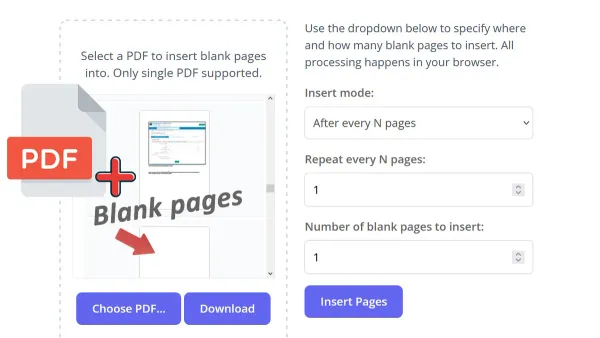
Discover practical steps to insert a blank page into a PDF using Preview on your Mac without needing third-party tools.
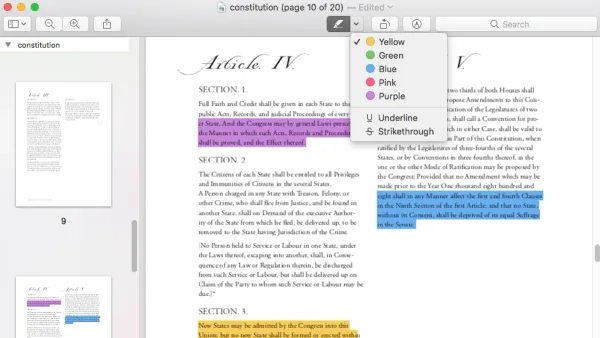
This guide shows how to highlight text in a PDF in Preview, including tips for unselectable text and annotation tools on Mac.
PDF Editing
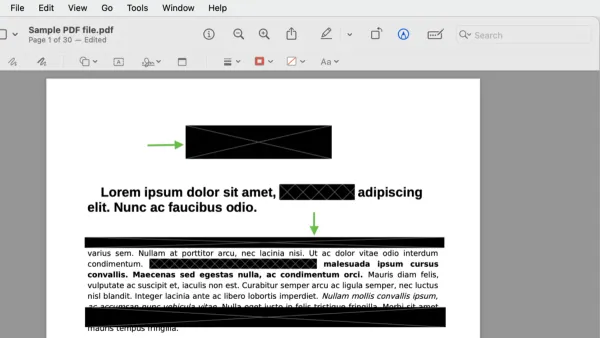
Learn how to securely redact text in a PDF using Preview on Mac to permanently hide sensitive information before sharing.