iMovie
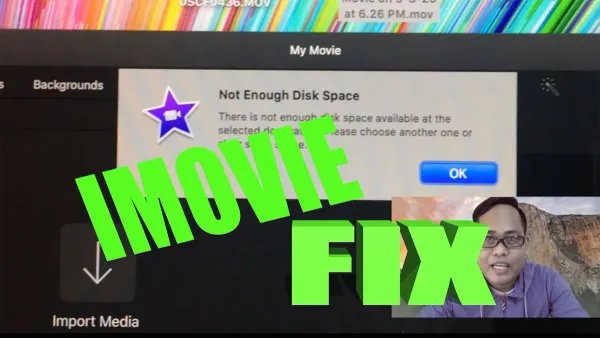
How to Fix Not Enough Disk Space Error in iMovie Quickly and Safely
Discover safe and effective ways to fix the not enough disk space error in iMovie and keep your editing projects running smoothly.

iMovie
Discover safe and effective ways to fix the not enough disk space error in iMovie and keep your editing projects running smoothly.
Video Editing
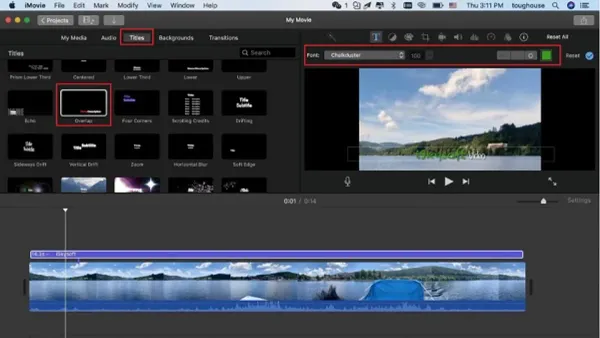
Step-by-step guide to adding a logo watermark in iMovie on Mac and iOS, helping you protect your videos and promote your brand effectively.
Video Editing
Discover easy steps to create vertical videos for Instagram using iMovie, including editing and exporting tips for perfect portrait clips.
Video Editing
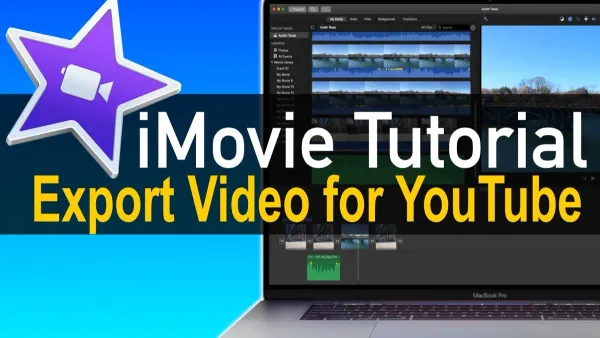
Discover the best way to export your iMovie project for YouTube with clear steps to maintain video quality and compatibility across devices.
Video Editing
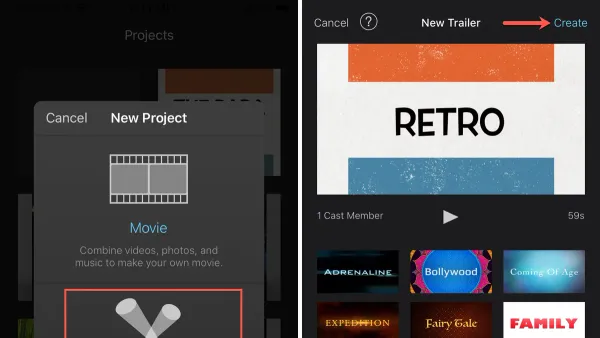
Discover how to create a captivating movie trailer in iMovie with step-by-step instructions for Mac and iPad users.
Video Editing
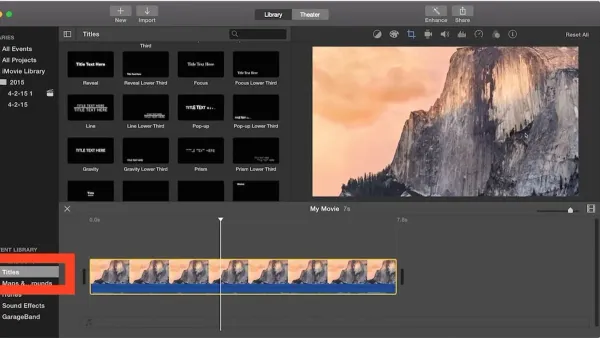
This guide shows you how to add subtitles in iMovie on iPhone, iPad, and Mac to enhance video clarity and accessibility with easy steps.
Video Editing
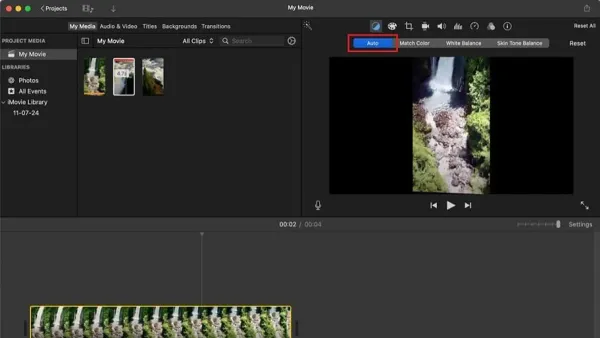
Fix lighting and color issues in your video by learning how to color correct a clip in iMovie with this simple step-by-step guide.
Video Editing
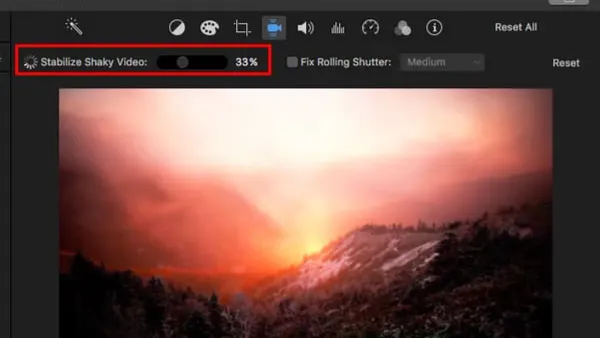
Discover easy steps to stabilize shaky footage in iMovie and improve your video quality without complicated tools or software.
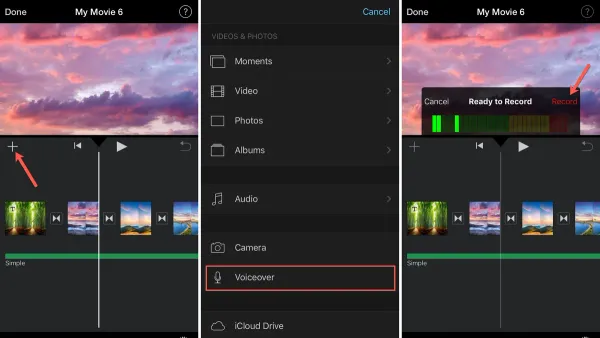
Video Editing
Discover how to record a clear, engaging voiceover in iMovie with easy steps and tips for better audio quality and syncing.
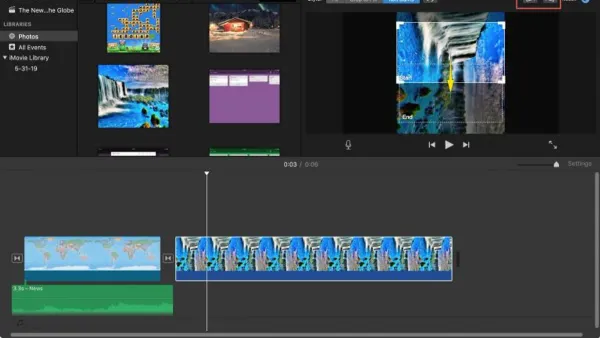
Video Editing
Fix sideways or upside-down clips by learning how to rotate a video in iMovie on iPhone and Mac with clear step-by-step instructions.
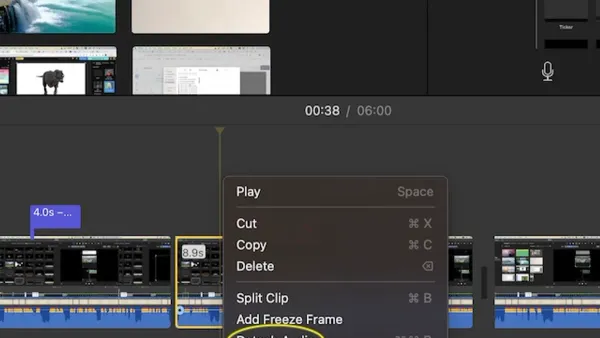
Video Editing
Master detaching audio from video in iMovie to edit soundtracks separately and enhance your projects with ease.
Video Editing
Follow this step-by-step guide to export your iMovie project in 4K resolution, ensuring crisp, high-quality videos on Mac, iPhone, and iPad.