PDF Export
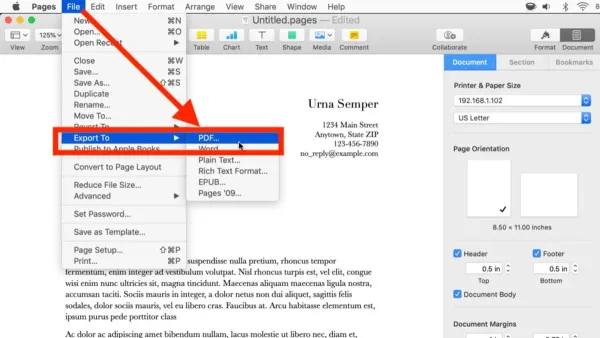
How to Export to PDF in Pages: Step-by-Step Guide for Mac and iOS
This guide shows you how to export your Pages documents to PDF on Mac and iOS devices quickly and without losing formatting.

PDF Export
This guide shows you how to export your Pages documents to PDF on Mac and iOS devices quickly and without losing formatting.
Document Formatting
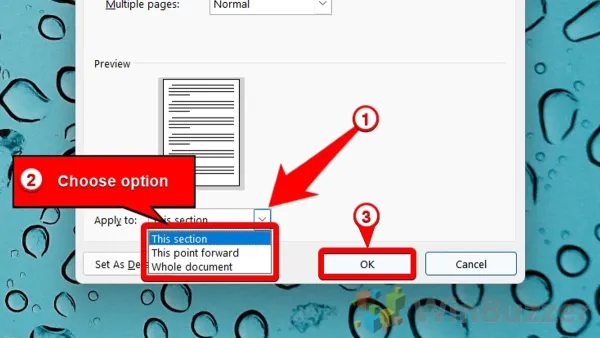
Discover how to adjust page margins in Pages on Mac, iPad, and iPhone to tailor your document layout precisely to your needs.
Apple Pages
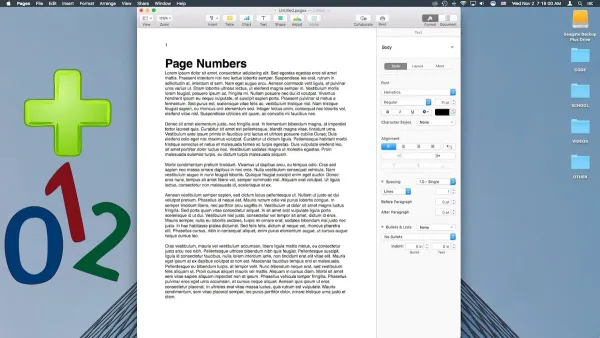
This guide shows you how to add and format page numbers in Pages on Mac, iPad, and iPhone for polished, professional documents.
File Management
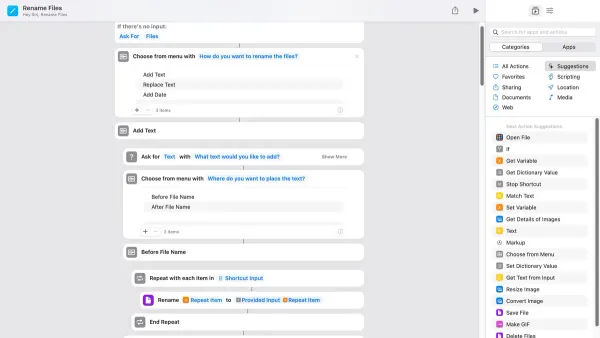
Discover how to rename files automatically in the Shortcuts app with step-by-step methods for batch renaming, dynamic timestamps, and conditional logic.
PDF Management
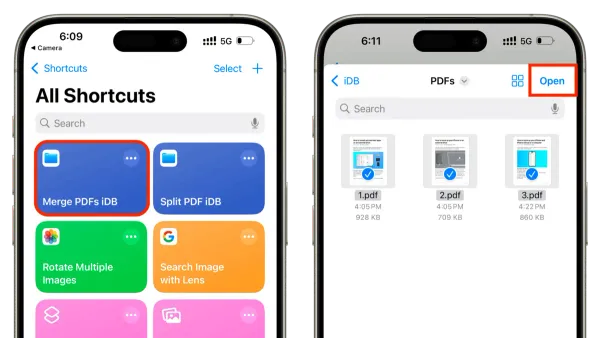
Discover how to merge multiple PDFs efficiently using a custom shortcut in the Shortcuts app on your iPhone or iPad.
iOS Tips
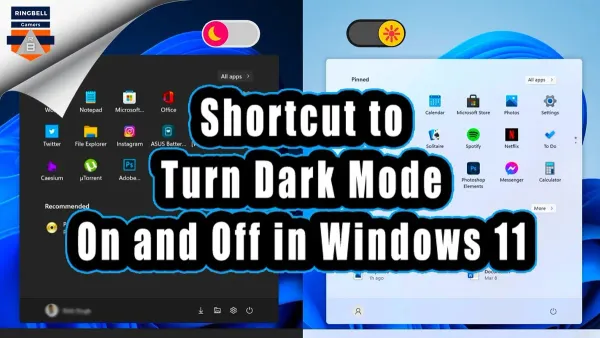
Create a shortcut to toggle dark mode on your iPhone or iPad quickly using the Shortcuts app and customize it for your routine.
Photography
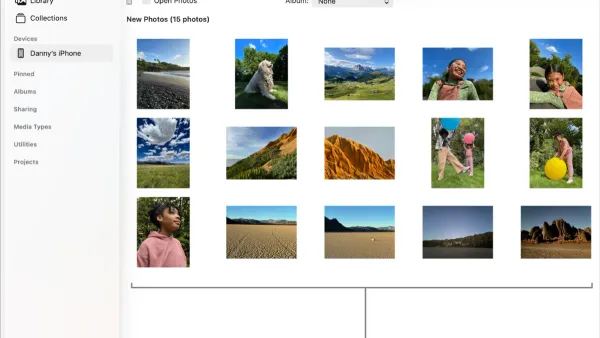
This guide shows how to import photos from your camera into the Photos app using direct connection, memory card, or wireless transfer.
Email Management
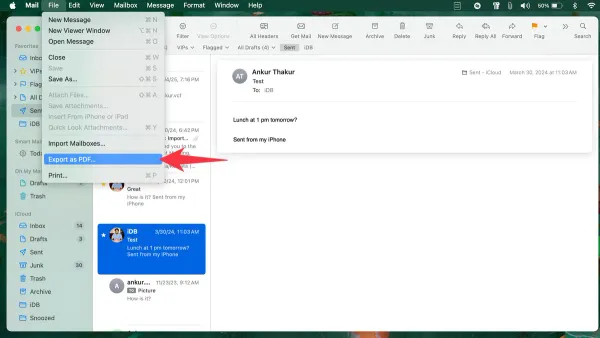
Discover simple steps to export emails to PDF in Mail app on Mac, iPhone, and iPad, including tips for handling multiple emails and Outlook users.