Safari Tips
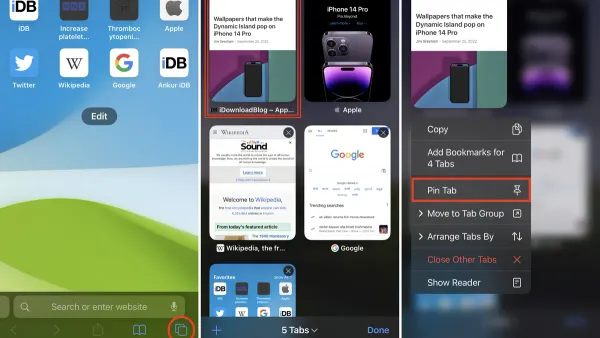
How to Pin a Tab in Safari: Step-by-Step Guide for Mac, iPhone, and iPad
Discover how to pin a tab in Safari on Mac, iPhone, and iPad to keep your favorite websites easily accessible and organized.

Safari Tips
Discover how to pin a tab in Safari on Mac, iPhone, and iPad to keep your favorite websites easily accessible and organized.
Safari
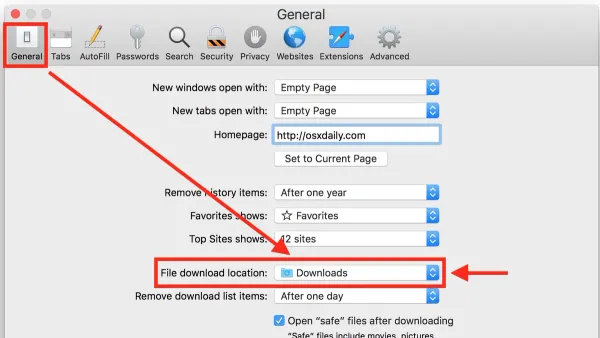
Master how to change download location in Safari on your Mac, iPhone, and iPad with clear steps and troubleshooting tips.
Mac
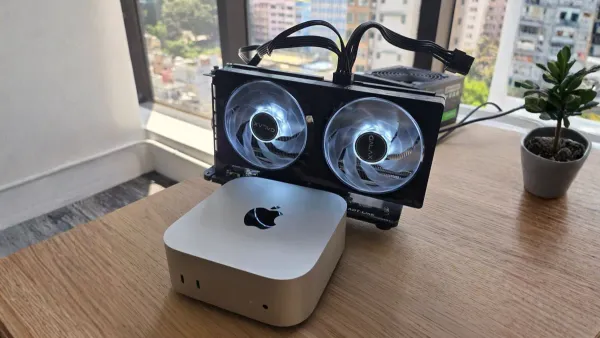
Discover if your Mac supports external GPUs and how to set one up to boost graphics performance for demanding tasks like video editing and gaming.

Gaming
Discover how to use Steam on Mac, including installation, game compatibility, and tips for smooth gameplay on macOS devices.
Mac
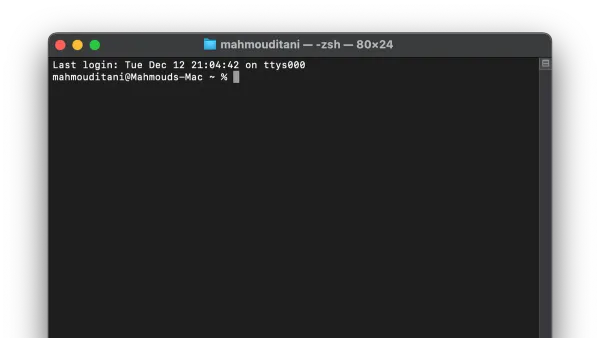
This guide teaches how use mac terminal to navigate, run commands, and enhance your Mac workflow confidently and efficiently.
Technology
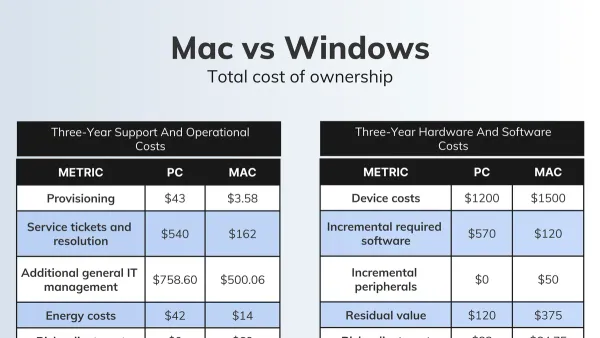
Explore why Mac is better than Windows for developers and creatives, highlighting performance, security, and workflow advantages.
Safari
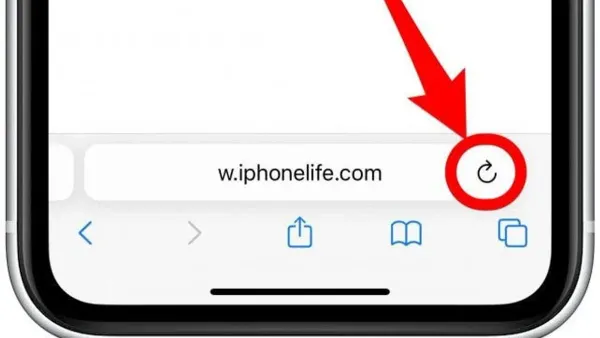
This guide explains how to fix the cannot open the page error in Safari on Mac and iPhone by checking network, DNS, and system settings.
Safari
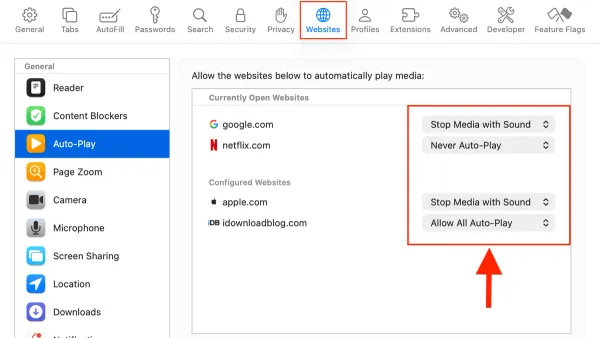
This guide explains how to disable autoplay videos in Safari on Mac and iPhone to enhance privacy, reduce data usage, and save battery life.

Safari
This guide explains how to view page source in Safari on Mac and iPhone to troubleshoot issues and verify webpage content.
Safari
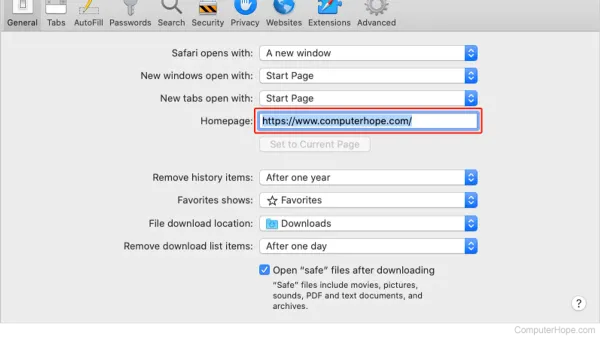
Discover how to set a homepage in Safari on Mac and iPhone by customizing start pages for a tailored browsing experience.
Safari
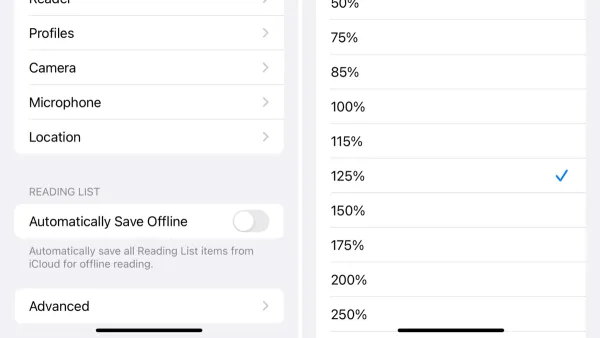
This guide explains how to zoom a website permanently in Safari on Mac and iPhone using accessibility settings, custom CSS, and Reader Mode.
Safari
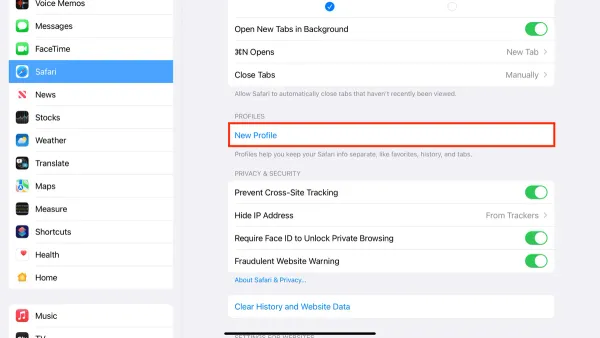
Discover how to create and manage Safari profiles in Safari on your Mac and iPhone for isolated browsing environments and better account management.