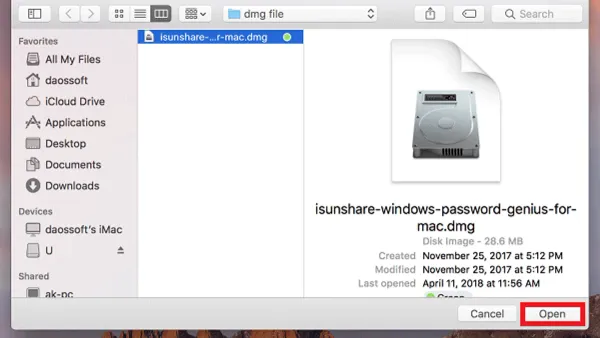
Mac
How to Open.dng Files on Mac: Step-by-Step Guide
Discover easy methods to open.dng files on Mac using built-in apps, professional software, and online tools without confusion or errors.

Mac
Discover easy methods to open.dng files on Mac using built-in apps, professional software, and online tools without confusion or errors.
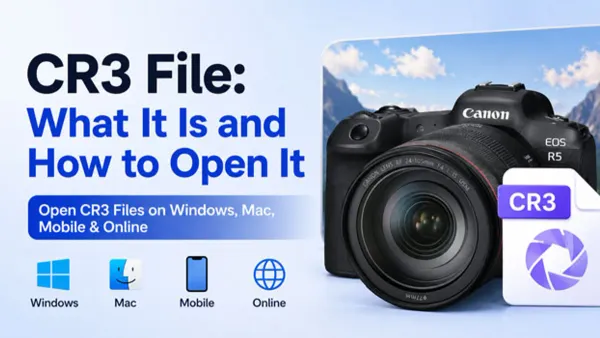
Photography
Discover effective ways to open.cr3 files on Mac using native apps, Adobe software, and third-party tools for seamless editing.
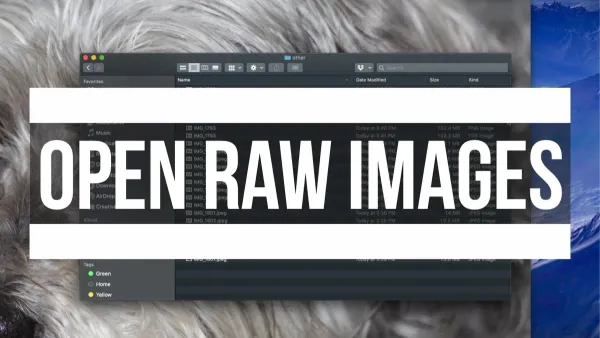
Mac
Discover clear methods to open.raw files on Mac using built-in apps, free tools, and professional software for easy photo access and editing.
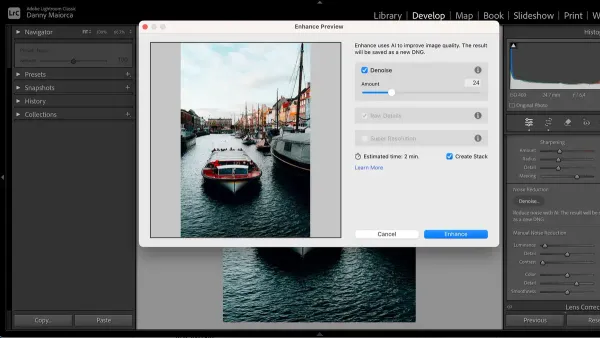
Photography
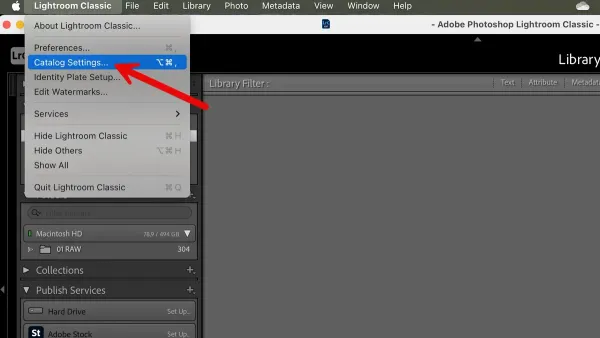
Step-by-step guide to using AI Denoise in Lightroom Classic on Mac to improve photo clarity and reduce noise effectively.
Photography
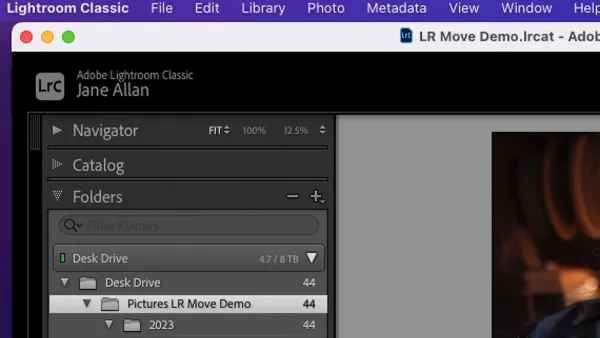
Discover effective steps to speed up import in Lightroom Classic on Mac, optimizing settings and hardware for faster photo transfers.
Photography
This guide shows how to move your Lightroom Classic catalog to a new Mac, ensuring all photos and previews transfer correctly without errors.
Photoshop
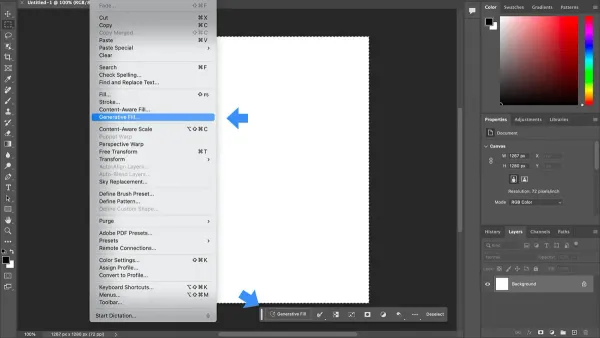
Discover clear steps to use Generative Fill in Photoshop on Mac for seamless photo editing and precise AI-powered content generation.

Image Editing
Discover how to use Instant Alpha in Preview to remove backgrounds and adjust images quickly and easily on your Mac.
Mac Tips
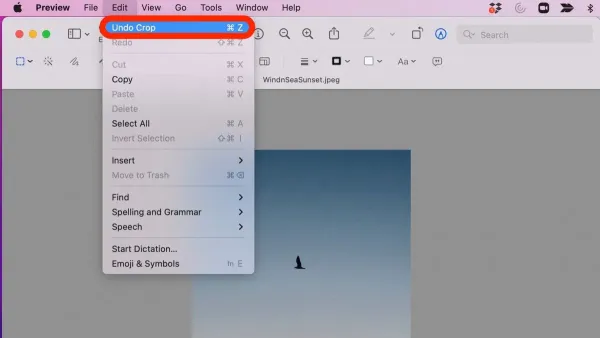
Discover easy steps to crop an image in Preview on your Mac, ensuring precise edits and preserving image quality without extra apps.
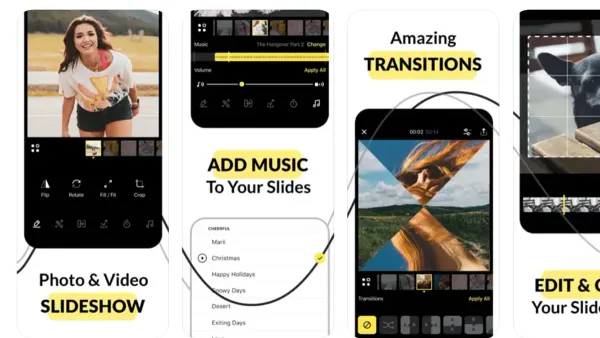
Photo Editing
Turn your photos into a memorable slideshow with music using the Photos app on your Apple device with easy step-by-step instructions.
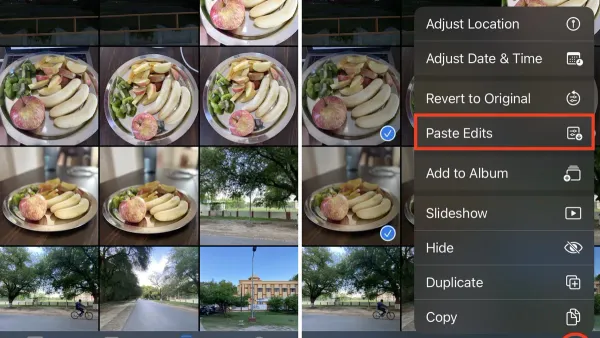
Photo Editing
Discover step-by-step methods to copy edits to multiple photos in Photos app on your iPhone, iPad, or Mac for efficient photo editing.

Photo Editing
Discover how to isolate subjects from backgrounds using the Photos app with simple steps and built-in tools for quick edits.