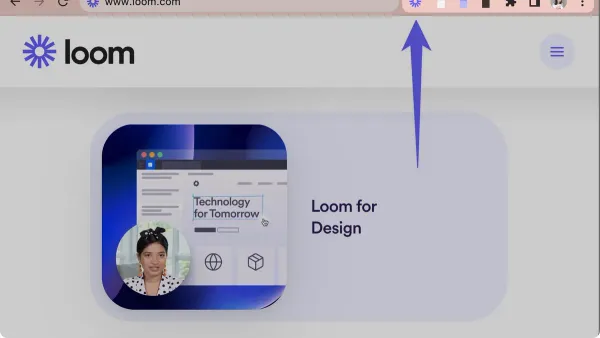
Screen Recording
How to Install and Use Loom on Mac: A Complete Step-by-Step Guide
Discover how to install Loom on your Mac and use its features for efficient screen recording and video messaging.

Screen Recording
Discover how to install Loom on your Mac and use its features for efficient screen recording and video messaging.
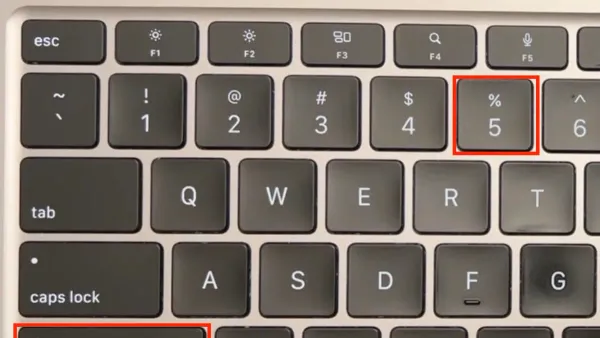
Mac Tips
Discover how to use Mac keyboard shortcuts to record your screen quickly and efficiently without relying on third-party applications.
Mac Troubleshooting
Discover clear solutions to fix OBS Studio black screen capture on Mac by adjusting permissions, capture methods, and settings for flawless recording.
Zoom
This guide shows how to record Zoom meetings locally on your Mac, including setup, alternatives, and troubleshooting for smooth recording.
Mac
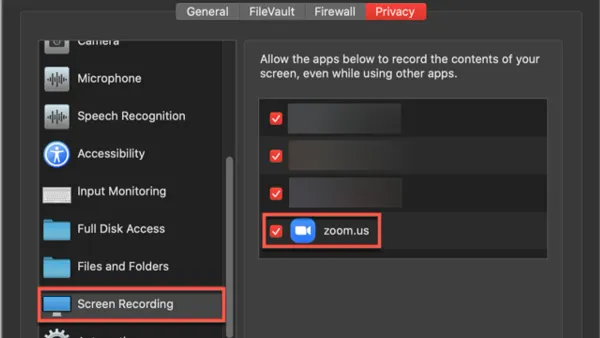
This guide explains how to enable screen recording permission in Zoom on Mac to fix greyed-out sharing options and ensure smooth meetings.
Mac Tips
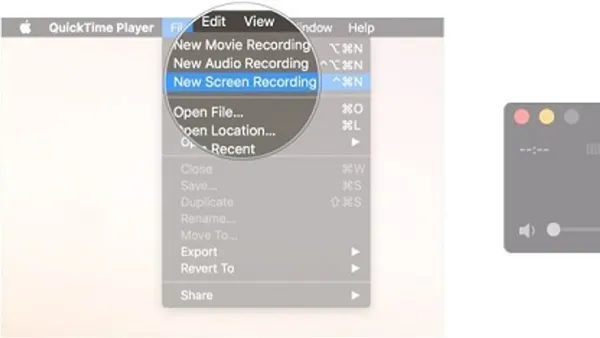
Step-by-step guide to recording a FaceTime call on Mac with audio and video using QuickTime Player and macOS screen recording features.
iPhone
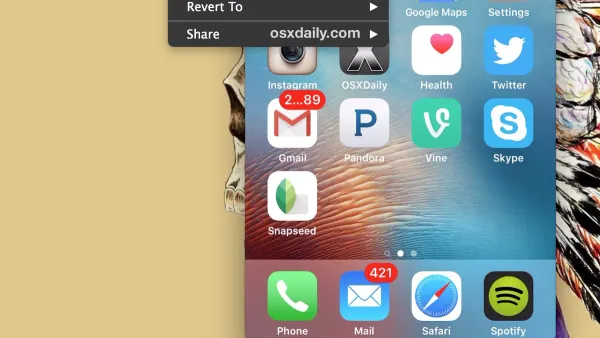
Discover easy steps to record your iPhone screen using QuickTime Player for tutorials, troubleshooting, or sharing gameplay.
Mac Tutorials
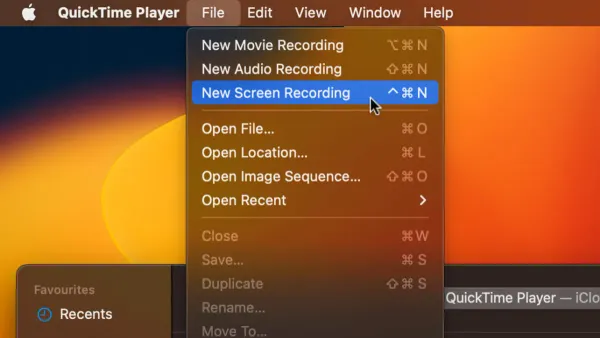
Discover how to screen record with internal audio in QuickTime Player by setting up virtual audio devices and adjusting Mac settings for perfect recordings.