MacBook Pro
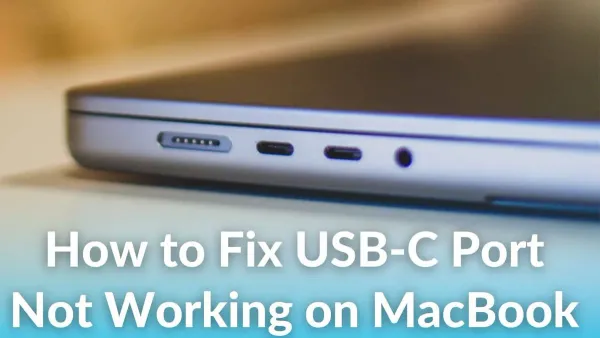
How to Fix MacBook Pro M1 Pro USB-C Port Not Working: A Step-by-Step Guide
Troubleshoot and fix your MacBook Pro M1 Pro USB-C port not working with our clear step-by-step guide covering hardware and software solutions.

MacBook Pro
Troubleshoot and fix your MacBook Pro M1 Pro USB-C port not working with our clear step-by-step guide covering hardware and software solutions.
MacBook Pro
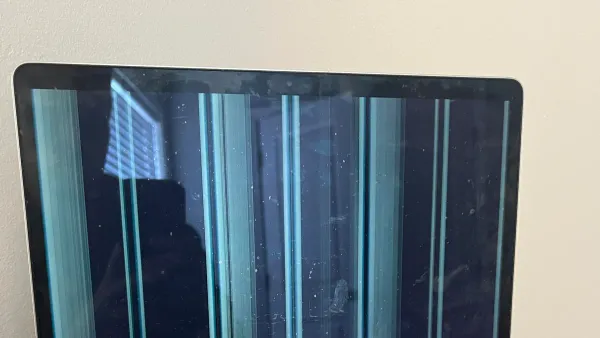
Discover clear steps to diagnose and fix MacBook Pro M1 Pro black screen issues, separating hardware and software causes effectively.
MacBook Pro
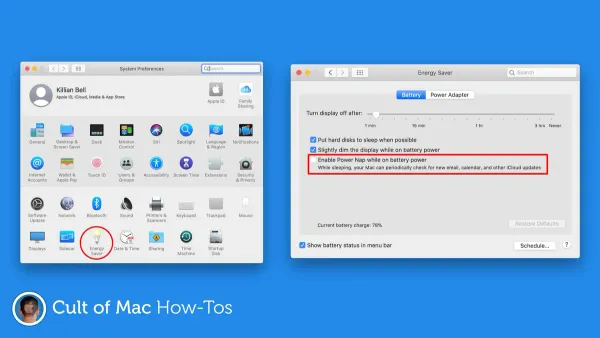
Discover practical solutions to stop your MacBook Pro M1 Pro from randomly restarting and protect your workflow and data.
Mac Troubleshooting
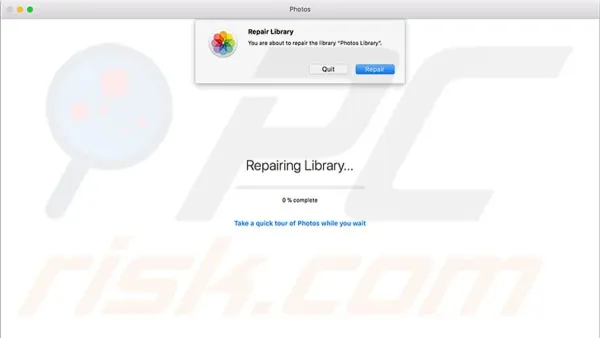
Learn how to fix the Photos library needs repair message on your Mac with easy, safe steps to protect your photo collection.
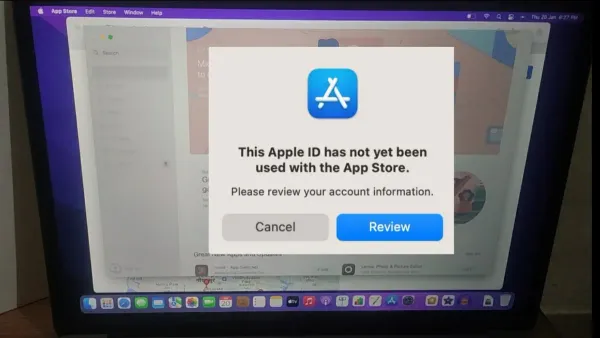
Apple ID
Learn how to fix the ‘This Apple ID Has Not Yet Been Used in the iTunes Store’ error on your Mac with simple setup and troubleshooting steps.
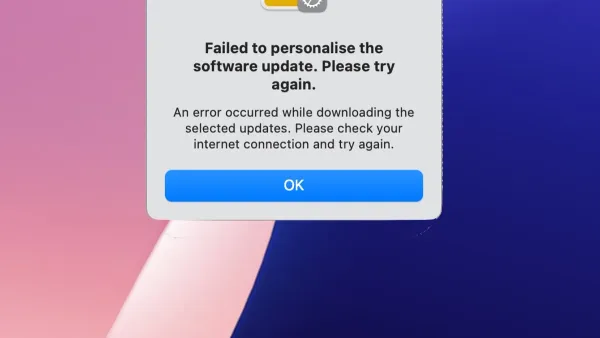
Mac Troubleshooting
Learn how to fix the ‘failed to personalize the software update on Mac’ error with clear steps to troubleshoot network, storage, and system issues.
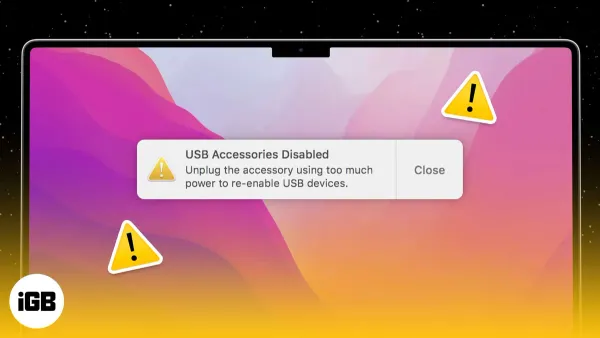
Mac Troubleshooting
Discover step-by-step solutions to fix USB accessories disabled on Mac and regain full use of your USB devices quickly and safely.
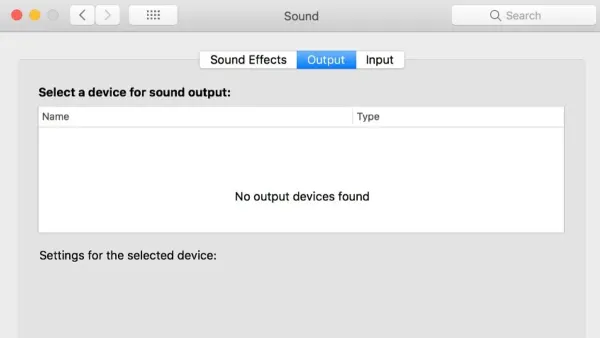
Mac Troubleshooting
Learn how to fix no output devices found on Mac with clear steps to restore sound and resolve audio device conflicts efficiently.
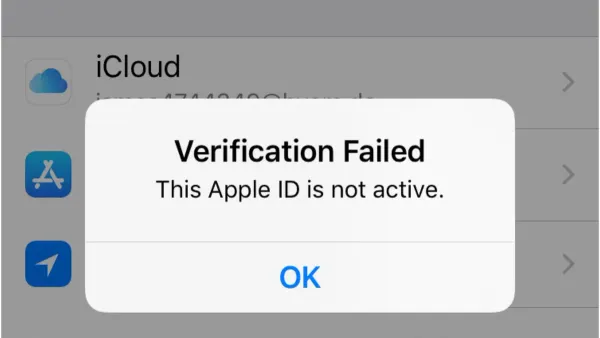
Apple ID
Learn practical steps to fix Apple ID verification failed on Mac errors and regain seamless access without factory resets.
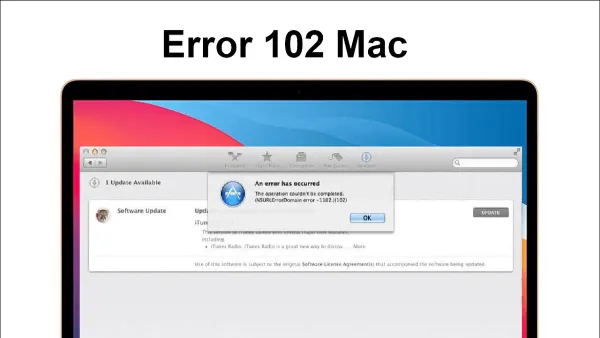
Mac Troubleshooting
Learn how to fix error 102 on install on Mac with a clear, step-by-step guide to troubleshoot and resolve installation problems confidently.
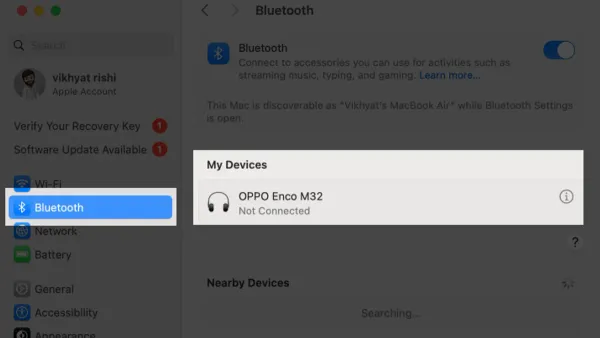
Mac Troubleshooting
Learn step-by-step fixes to resolve Bluetooth not available on Mac issues and restore your device’s connectivity with ease.
Safari
Discover how to fix frequent crashes in Safari safely and effectively to maintain a smooth browsing experience on Mac or iPhone.