Safari
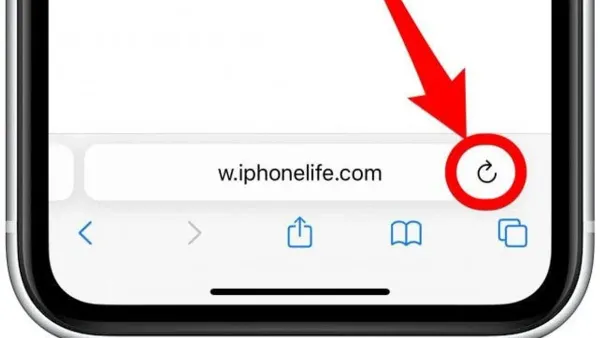
Fix the 'Cannot Open the Page' Error in Safari on Mac and iPhone
This guide explains how to fix the cannot open the page error in Safari on Mac and iPhone by checking network, DNS, and system settings.

Safari
This guide explains how to fix the cannot open the page error in Safari on Mac and iPhone by checking network, DNS, and system settings.
Safari
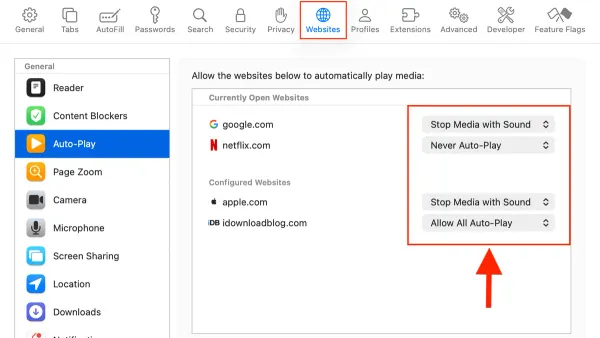
This guide explains how to disable autoplay videos in Safari on Mac and iPhone to enhance privacy, reduce data usage, and save battery life.
Safari
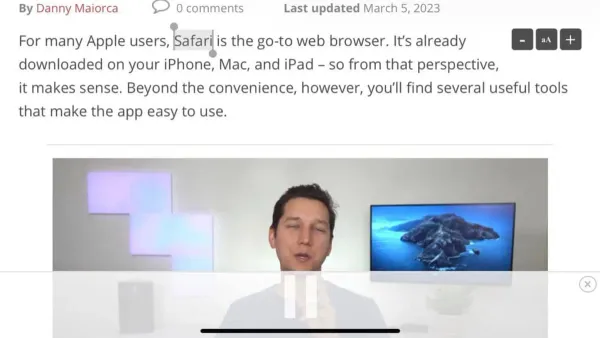
This guide explains how to view page source in Safari on Mac and iPhone to troubleshoot issues and verify webpage content.
Safari
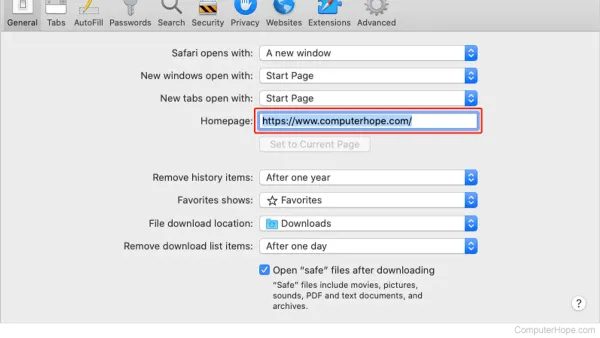
Discover how to set a homepage in Safari on Mac and iPhone by customizing start pages for a tailored browsing experience.
Safari
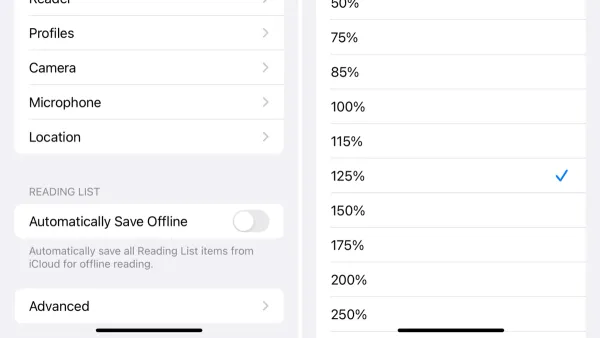
This guide explains how to zoom a website permanently in Safari on Mac and iPhone using accessibility settings, custom CSS, and Reader Mode.
Safari
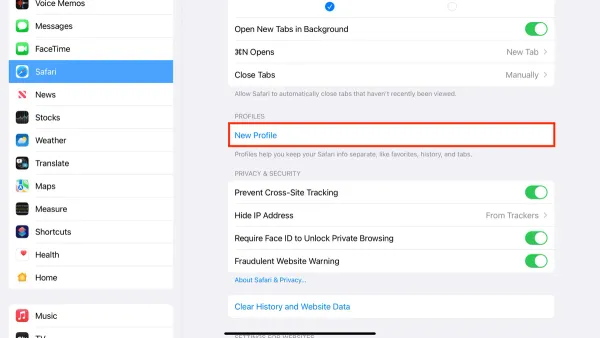
Discover how to create and manage Safari profiles in Safari on your Mac and iPhone for isolated browsing environments and better account management.
Safari
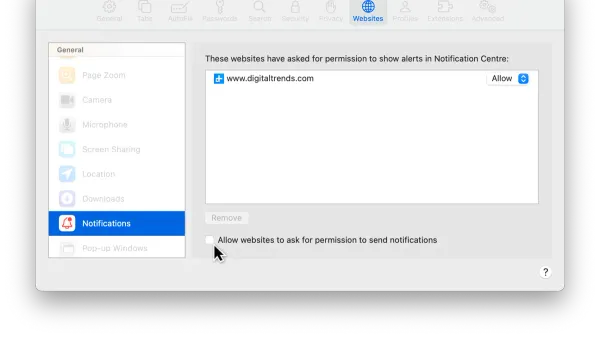
This guide shows how to turn off website notifications in Safari on Mac and iPhone to reduce distractions and manage alerts.
Mac
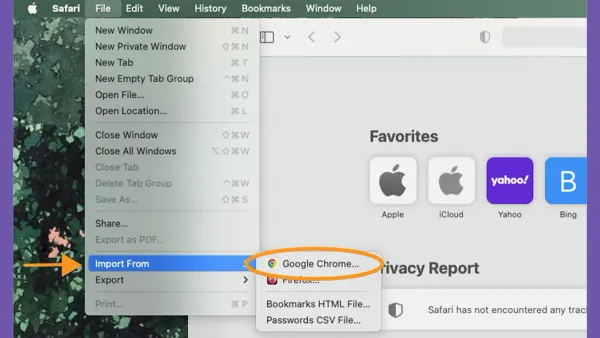
This guide shows Mac users how to import bookmarks from Chrome into Safari, ensuring smooth transition and organized browsing.
Safari
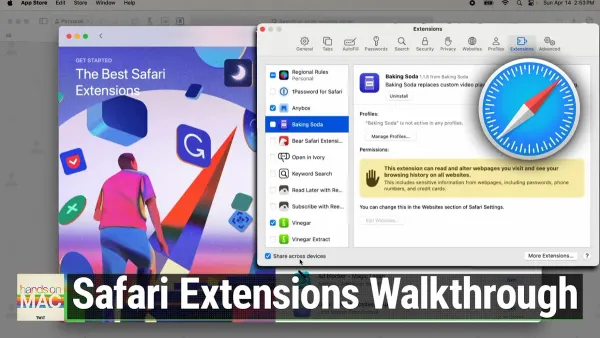
Discover how to install Safari extensions in Safari on Mac and iPhone to customize and improve your browsing experience securely and efficiently.
Safari
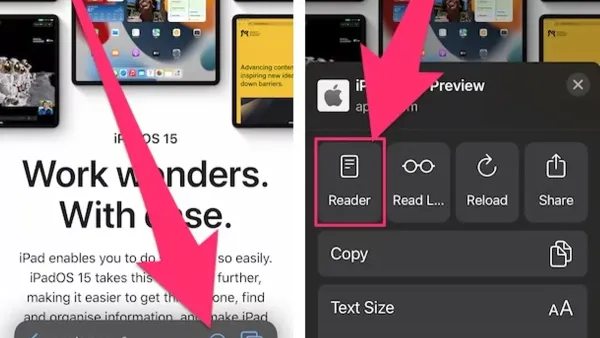
Safari's Reader Mode removes clutter and distractions for a cleaner, more accessible reading experience on Mac and iPhone.
Safari
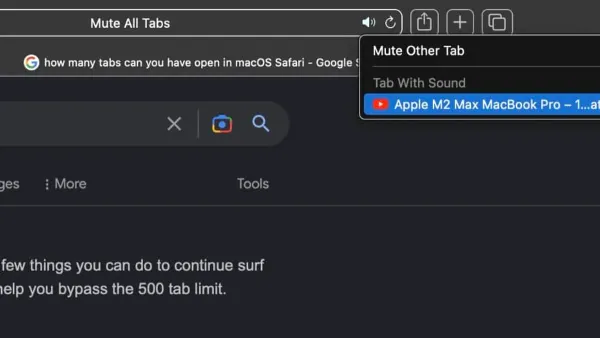
This guide shows how to mute a noisy tab in Safari efficiently on Mac using built-in features and shortcuts to manage audio.
Mac
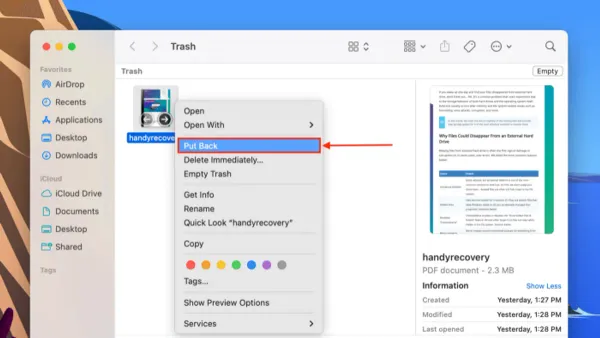
Discover how to put back a file from Trash in Finder to restore deleted Mac files quickly and safely.