Accessibility
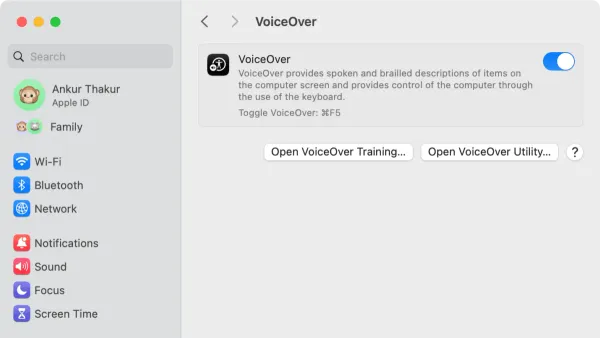
How to Use VoiceOver on Mac: A Complete Step-by-Step Guide
Discover how to enable, customize, and use VoiceOver on Mac with clear instructions to improve your screen navigation experience.

Accessibility
Discover how to enable, customize, and use VoiceOver on Mac with clear instructions to improve your screen navigation experience.
Blender
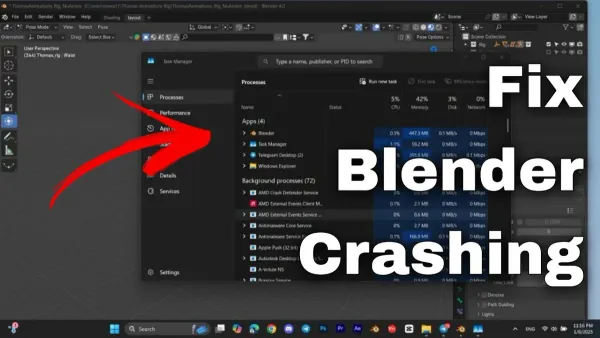
Discover practical steps to fix Blender crashing on Mac and ensure smooth, uninterrupted 3D projects with reliable troubleshooting tips.
Mac Accessibility
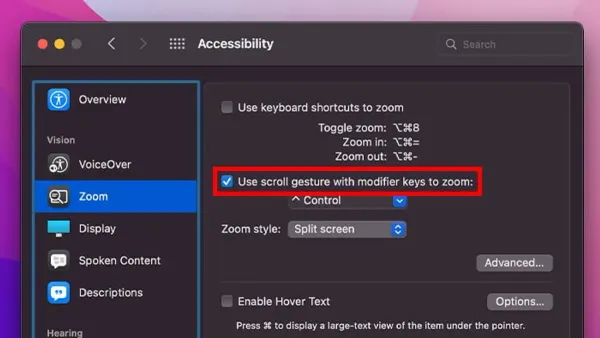
Learn how to enable and control zoom accessibility on your Mac for improved screen visibility and easier navigation.
Blender
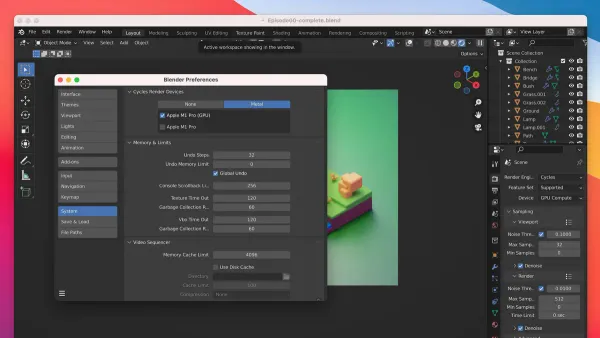
This guide shows how to enable Metal GPU rendering in Blender on Mac for faster, more efficient 3D rendering using your Mac's GPU capabilities.
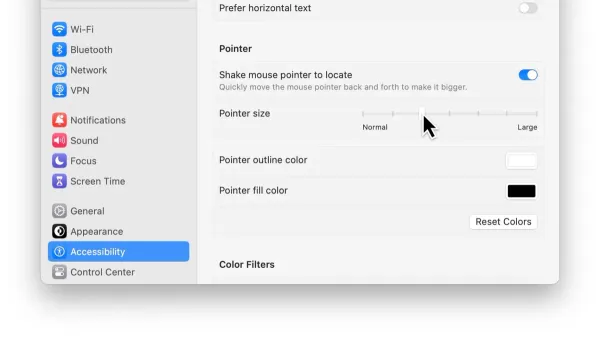
Mac
Discover easy steps to increase cursor size on your Mac to enhance visibility and reduce eye strain during use.
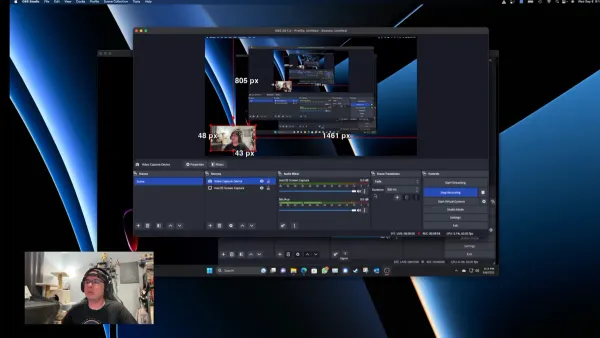
Video Recording
Step-by-step guide to recording videos with a webcam overlay in OBS Studio on Mac, including permissions, setup, and optimization tips.
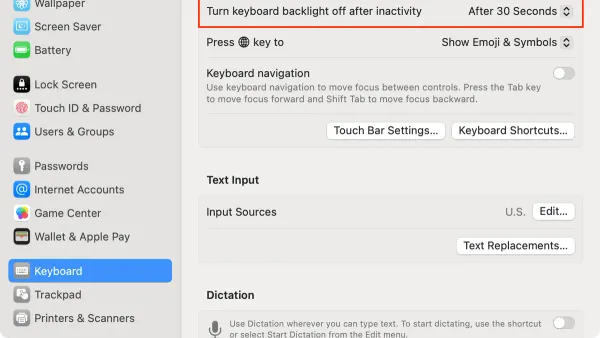
Mac Tips
Discover how to automatically turn off your Mac's keyboard backlight using system settings and third-party apps for better battery life and less distraction.
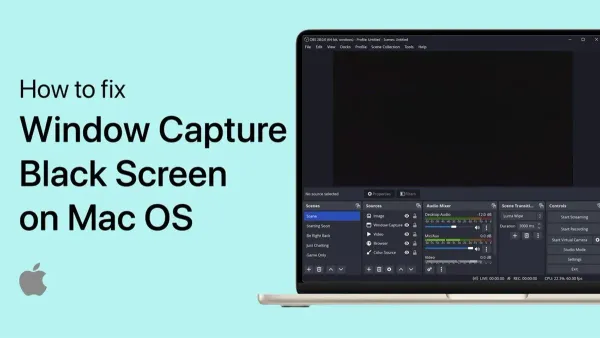
Mac Troubleshooting
Discover clear solutions to fix OBS Studio black screen capture on Mac by adjusting permissions, capture methods, and settings for flawless recording.
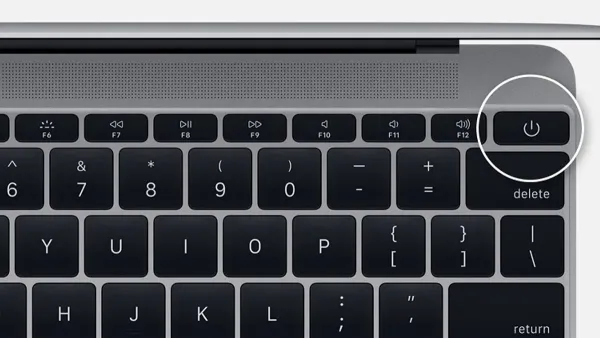
Mac
Customize your Mac’s power button function to suit your workflow by adjusting settings and using advanced options safely.
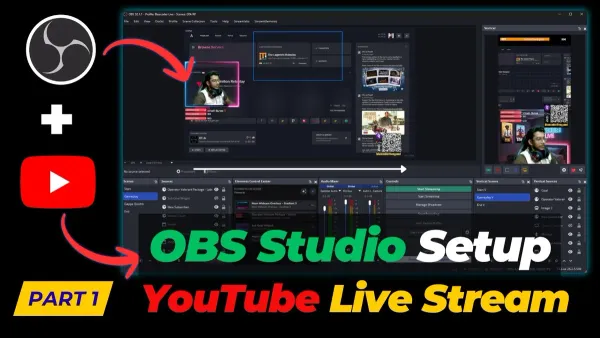
Live Streaming
Step-by-step guide to streaming live on YouTube using OBS Studio on Mac, covering setup, configuration, and troubleshooting for smooth broadcasts.
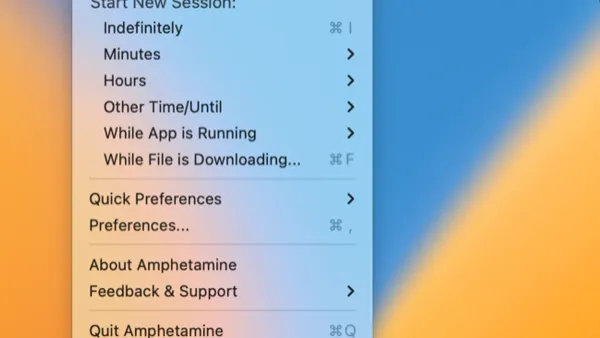
Mac Tips
Discover how to use Amphetamine to keep your Mac awake with customizable sessions, triggers, and battery management for seamless productivity.
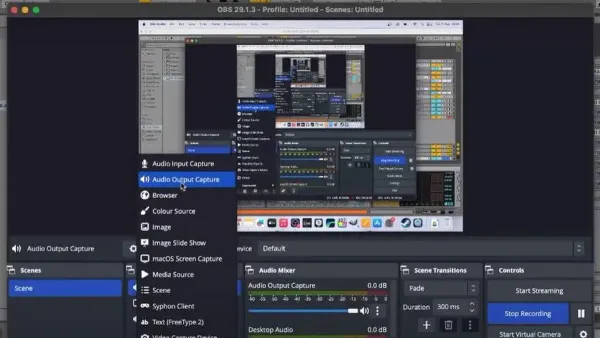
OBS Studio
Learn how to capture desktop audio in OBS Studio on Mac by setting up virtual audio devices and configuring OBS for seamless recording.