Gaming
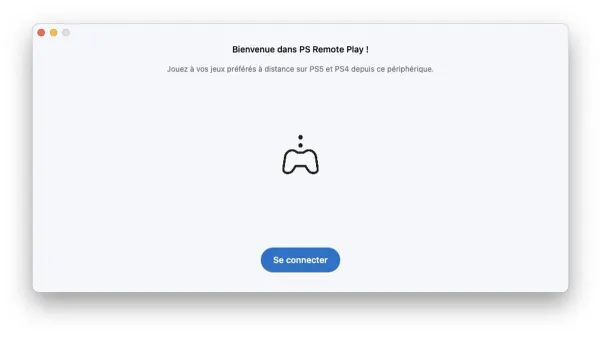
How to Play GTA 6 on Mac: A Step-by-Step Guide
Discover how to stream GTA 6 on your Mac using PS Remote Play or Xbox streaming with the right setup and controller pairing.

Gaming
Discover how to stream GTA 6 on your Mac using PS Remote Play or Xbox streaming with the right setup and controller pairing.
Mac Troubleshooting
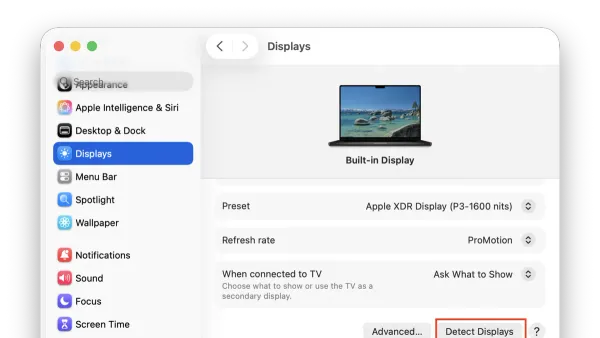
Learn how to fix external monitor flickering on Mac by adjusting refresh rate, disabling Adaptive Sync, and using the right cables for a stable display.
Mac Troubleshooting
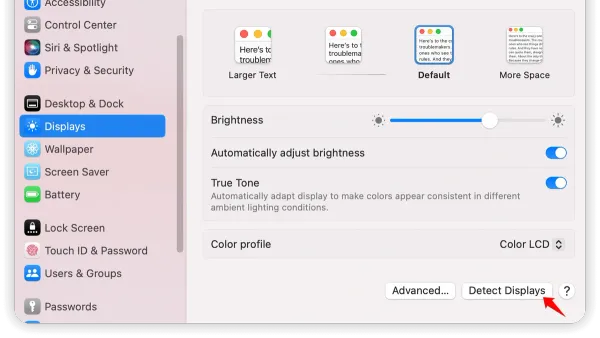
Discover effective steps to fix external monitor not detected on Mac, including manual detection and hardware limit checks.
Mac Troubleshooting
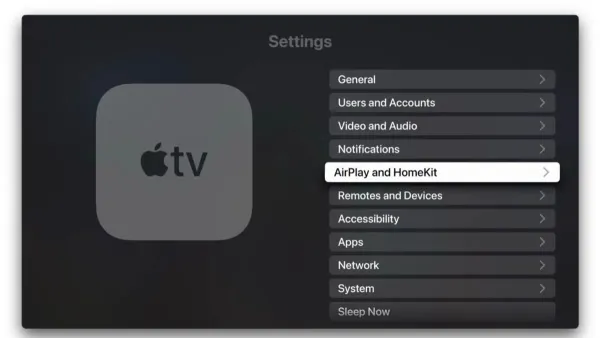
Learn how to fix AirPlay to TV not showing on your Mac by ensuring correct settings and network connections for smooth streaming.
Mac Troubleshooting
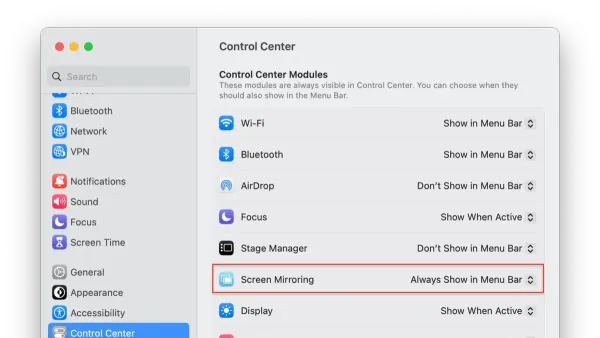
Learn how to fix Sidecar not working on Mac with clear steps to start and connect Sidecar properly for a smooth extended display experience.
Mac Troubleshooting
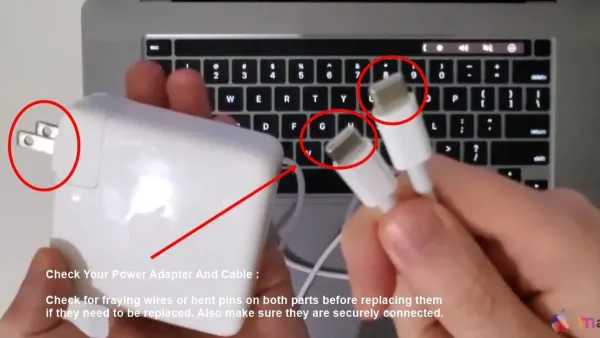
Discover how to fix Mac not charging with a 70W adapter by checking wattage compatibility, USB-C cable, and resetting your Mac’s power management.
Mac Troubleshooting
Learn clear steps to fix the spinning beach ball on Mac and stop system freezes by managing apps, processes, and hardware resets.
Mac
Discover effective solutions to fix blurry text on your second monitor when using a Mac and enjoy sharp, clear visuals.
Mac Troubleshooting
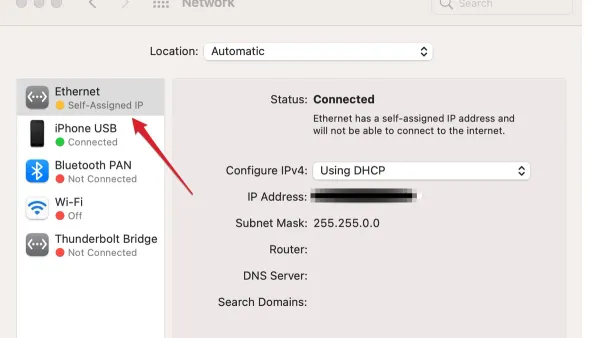
Learn easy step-by-step solutions to fix a self assigned IP address on Mac and regain reliable internet connectivity.
Mac Troubleshooting
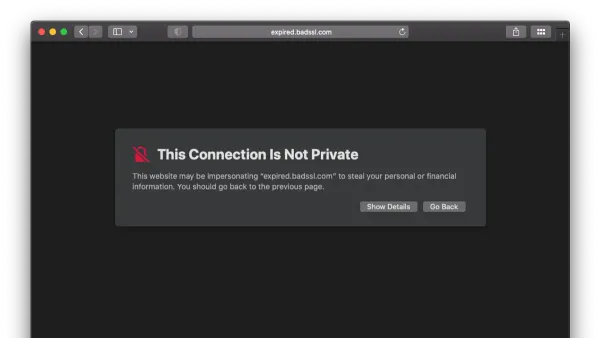
Discover quick and effective ways to fix your connection is not private on Mac and regain secure access to websites without interruptions.
Mac Troubleshooting
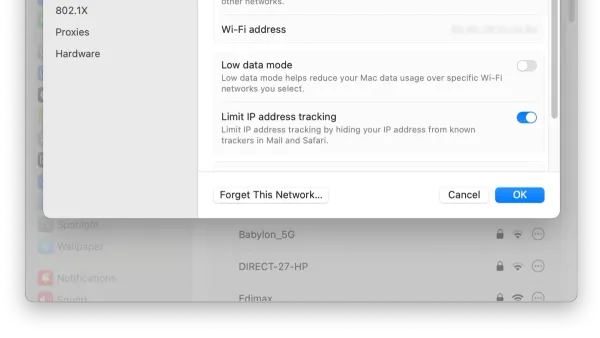
Learn effective steps to fix the Wi-Fi no hardware installed error on your Mac and restore wireless connectivity quickly.
Mac Troubleshooting
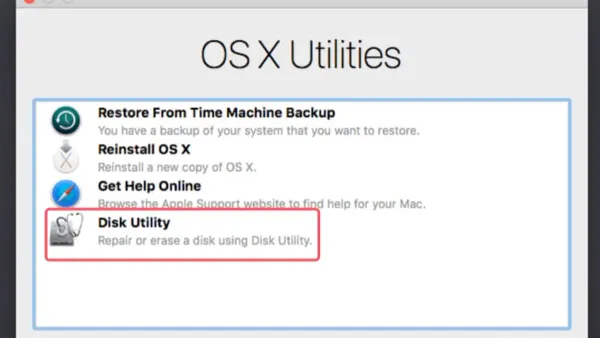
Troubleshoot and fix a Mac restarting because of a problem with step-by-step solutions to stop unexpected restarts caused by software or hardware issues.