How to Play GTA 6 on Mac: A Step-by-Step Guide
Discover how to stream GTA 6 on your Mac using PS Remote Play or Xbox streaming with the right setup and controller pairing.
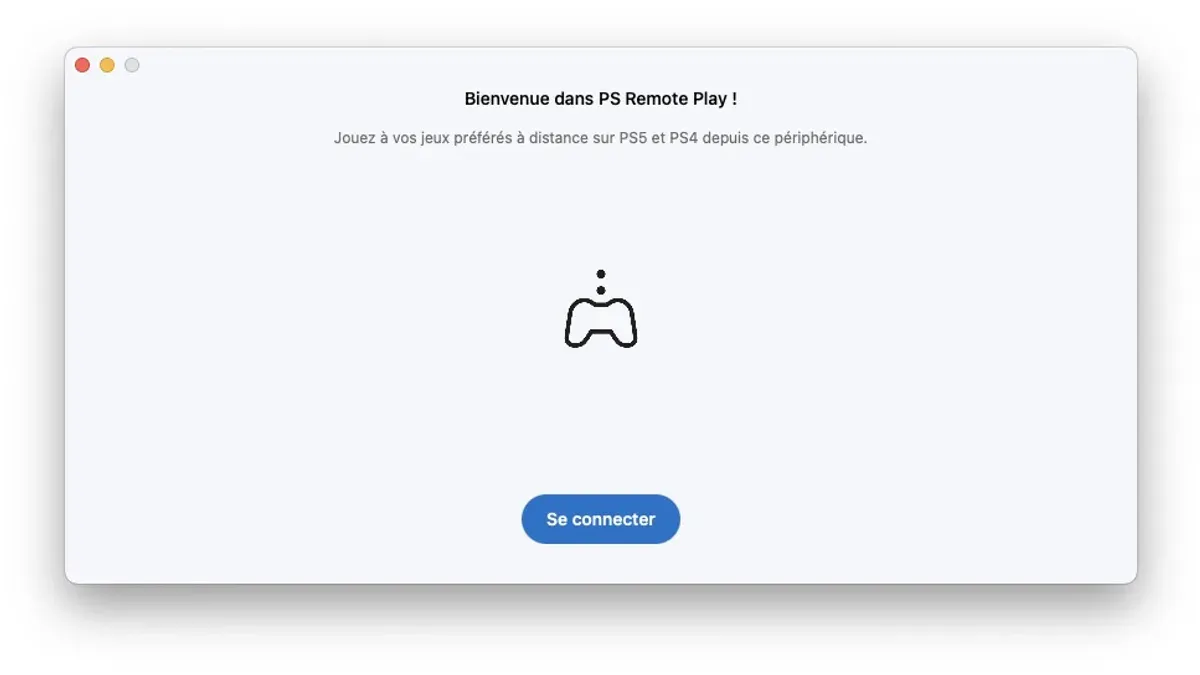
The official release on PlayStation 5 and Xbox Series X|S means Mac users must rely on streaming methods or wait for cloud options that are not yet confirmed.
Streaming GTA 6 from a console to your Mac requires a stable internet connection and specific apps or browsers. For example, PS Remote Play demands macOS Big Sur to Tahoe and at least 2 GB of free RAM to stream video from your PS5. Xbox streaming works only through Safari or Chrome browsers if you own an Xbox Series X|S with the game installed.
No cloud gaming service has officially added GTA 6 for streaming, so current options are limited to console streaming.
Checked in November 2026 against GTA 6 PC & Mac, GTA6 Path, CouchVolt (full list at the end); details like these change, so the date matters.
Prepare your Mac and gaming setup before you start
First, check that your Mac runs macOS Big Sur or later, as PS Remote Play requires this minimum version and about 2 GB of free RAM to function properly.
Install the PS Remote Play app, which needs around 40 MB of free storage on your Mac. A stable and fast internet connection is essential; aim for at least 5 Mbps upload and download speeds, but 15 Mbps or more is recommended for smooth gameplay. Use wired Ethernet or a strong 5 GHz Wi-Fi network to reduce latency.
You must have a PS5 or an Xbox Series X|S console with GTA 6 already installed and updated. Remember, the game’s pre-load size on these consoles can be up to 212 GB, so local installation on your Mac is not possible.
Pair a compatible controller with your Mac before streaming. Both PlayStation DualSense and Xbox controllers connect via Bluetooth or a wired USB cable, with wired connections offering lower input lag.
- Verify your Mac runs macOS Big Sur or later and has at least 2 GB of free RAM; your Mac should respond normally without slowdowns.
- Download and install the PS Remote Play app, confirming about 40 MB of free storage; the app icon appears in your Applications folder.
- Test your internet speed using a speed test site; speeds should meet or exceed 5 Mbps upload and download, with 15 Mbps preferred.
- Ensure your PS5 or Xbox Series X|S console has GTA 6 installed and updated; the console shows the game ready to launch.
- Pair your DualSense or Xbox controller to your Mac via Bluetooth or USB; the controller should respond to button presses on your Mac.
Tip: If using Wi-Fi, connect to a 5 GHz network rather than 2.4 GHz for better performance.
Use PS Remote Play to stream GTA 6 from your PS5 to Mac
- Download and install the PS Remote Play app on your Mac. Ensure your Mac runs macOS Big Sur to Tahoe and has at least 2 GB of free RAM and 40 MB of available storage. Once installed, open the app to proceed.
- On your PS5, enable Remote Play by navigating to Settings > System > Remote Play, then turn on the feature. This step must be done before attempting to connect from your Mac.
- Open the PS Remote Play app on your Mac and sign in with your PlayStation Network account. This login links your Mac to your PS5 and allows the app to stream gameplay video.
- Pair your DualSense controller with your Mac via Bluetooth or connect it with a wired USB cable. Wired connections reduce input lag, improving responsiveness during gameplay.
- In the PS Remote Play app, select your PS5 console from the list to start streaming. You will see the PS5 interface and can launch GTA 6 on the console remotely. The app streams video from the PS5 to your Mac; the game runs entirely on the console.
Tip: Enable Remote Play on the PS5 before signing in on the Mac app, or the connection will fail.
Stream GTA 6 from Xbox Series X|S to Mac via browser
- Open Safari or Chrome on your Mac and navigate to xbox.com/play. You should see the Xbox cloud gaming interface prompting you to sign in.
- Sign in with the Xbox account linked to your Xbox Series X|S console. Successful sign-in returns you to the game library or console selection screen.
- Select your Xbox Series X|S console from the available devices list. Once selected, the interface will attempt to connect and stream your console’s screen.
- Start GTA 6 on your Xbox console or select it if it appears in the interface. The gameplay video should load and display on your Mac browser.
- Connect an Xbox controller to your Mac using Bluetooth or a wired USB connection. The controller must be paired before gameplay to ensure responsive controls.
Note: Xbox Remote Play streaming is only available through Safari or Chrome browsers on Mac and requires ownership of both the Xbox Series X|S console and the GTA 6 game installed on it. Streaming transmits video from your console to the Mac; the game itself does not run on the Mac.
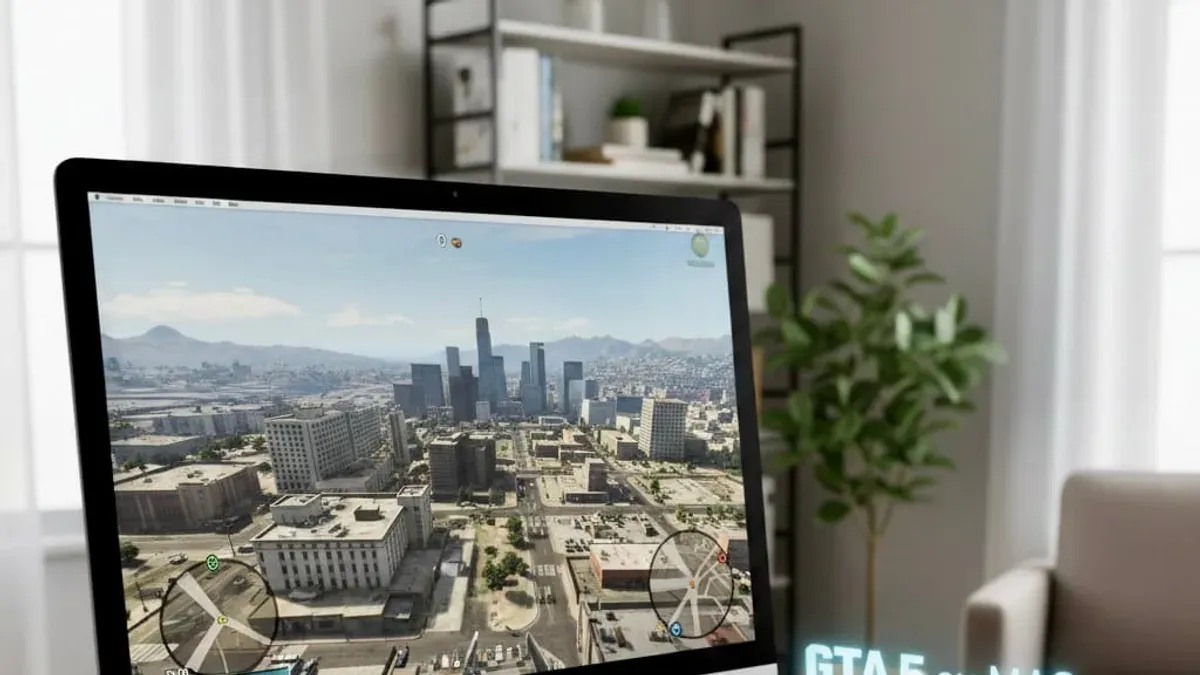
Tip: Using a wired controller connection reduces input lag compared to Bluetooth, enhancing gameplay responsiveness during streaming.
Why you cannot install or run GTA 6 natively on your Mac
The game launched on November 19 with support limited to PlayStation 5 and Xbox Series X|S consoles only. This means there is no official Mac build available to download or install.
Installing Windows on your Mac or using emulators will not enable you to play GTA 6. The PC version of GTA 6 is not available yet, so there is no software to run within Windows or emulator environments on your Mac. Attempting these methods will not provide access to the game.
You cannot pre-load or install GTA 6 directly on your Mac’s storage.
Learn more about GTA 6 Mac compatibility
What to expect from cloud gaming options for GTA 6 on Mac
None list the game among available titles, and Xbox Cloud Gaming specifically does not support GTA 6. This means you cannot use popular cloud platforms to play GTA 6 on your Mac right now.
Cloud gaming depends on the existence of a PC or console version with publisher approval to enable streaming. Since GTA 6 is not available on PC or officially supported for streaming, cloud services cannot legally or practically provide it for Mac users.
However, this requires a PC or console version and is not a guaranteed solution since official support is absent.
This depends on release strategies, publisher permissions, and platform agreements.
How to choose the best streaming method for your Mac and setup
- If you own a PlayStation 5, use PS Remote Play. This method streams GTA 6 directly from your console to your Mac via the PS Remote Play app, offering superior image quality especially if you have a PS5 Pro with features like ray-traced shadows. You should see smooth gameplay with enhanced graphics.
- If you own an Xbox Series X or Series S, stream GTA 6 through your Mac’s Safari or Chrome browser at xbox.com/play. This browser-based Xbox Remote Play requires your console to be on and the game installed. Successful connection shows your Xbox home screen ready to launch GTA 6.
- If you do not own either console, waiting for official cloud gaming support is currently the only option. No cloud platforms list GTA 6 for Mac streaming yet. Watch for announcements before expecting playable cloud versions.
- Check your internet connection speed and stability before choosing. Both Remote Play options need a low-latency connection, ideally wired Ethernet or strong 5 GHz Wi-Fi. Insufficient bandwidth causes lag or disconnects.
- Consider controller compatibility. Both PS DualSense and Xbox controllers connect over Bluetooth or wired to your Mac. Wired connections reduce input lag for a better experience.
| Your Situation | Recommended Streaming Method | Reason |
|---|---|---|
| Own PS5 (preferably PS5 Pro) | PS Remote Play app | Best image quality with advanced graphics streamed from your console |
| Own Xbox Series X|S | Xbox Remote Play via Safari or Chrome | Browser-based streaming using your console and game installation |
| No console | Wait for cloud gaming support | No native Mac or cloud streaming available yet for GTA 6 |
Tip: Ensure your network is stable and controllers are paired before starting Remote Play to avoid interruptions.
Common problems when streaming GTA 6 on Mac and how to fix them
Streaming GTA 6 on your Mac can encounter several common issues. Identifying the exact symptom helps troubleshoot efficiently and get back to smooth gameplay.
| Symptom | Cause | Fix |
|---|---|---|
| Poor streaming quality or frequent buffering | Unstable or slow internet connection, weak Wi-Fi signal | Use a wired Ethernet connection or switch to a strong 5 GHz Wi-Fi network. Ensure at least 15 Mbps speeds and low latency. |
| Noticeable input lag with wireless controller | Bluetooth latency or interference | Connect your controller with a USB cable to your Mac to reduce lag. |
| Failure to connect to your console via streaming app or browser | Incorrect account sign-in or network blocking ports | Verify you are signed into the correct PlayStation or Xbox account that owns GTA 6. Check firewall or router settings that might block streaming connections. |
| Confusion about running GTA 6 natively on Mac | Expecting a native macOS version that does not exist | Understand that GTA 6 is not available as a native Mac game. Streaming from a console is necessary. |
| Error launching game due to platform mismatch | Trying to use an Xbox game copy on PlayStation or vice versa | Use the game version installed on your actual console. Game licenses do not cross platforms. |
- How to Install Minecraft Java Edition on Your Mac Step-by-Step
- How to Install TeamViewer on Mac: A Complete Step-by-Step Guide
Frequently asked questions
Can macbook pro play gta 6?
A MacBook Pro cannot run GTA 6 natively because the game lacks a Mac version and requires large local storage that exceeds typical MacBook capacities. However, you can stream GTA 6 on a MacBook Pro using PS Remote Play or Xbox browser streaming if you own the respective console and meet the software requirements.
Can you play gta 5 on mac?
GTA 5 is not available as a native Mac application. Some users have played it on Mac through Windows virtualization or Boot Camp in past years, but these methods involve performance compromises and are not officially supported for GTA 6.
Can i play gta on mac?
Currently, you cannot install or run GTA games natively on a Mac. Your best option to play GTA titles like GTA 6 on Mac is streaming the game from a compatible console using PS Remote Play or Xbox browser streaming.
Will steam machine be able to play gta 6?
Unless GTA 6 is officially released for Linux or Proton compatibility is confirmed, Steam Machines cannot play GTA 6 directly.
Can you play gta 6 on steam machine?
This question is similar to the previous one; Streaming from a console to a Steam Machine is theoretically possible if the device supports the necessary apps or browser streaming, but this is not commonly supported.
How to play gta 6?
To play GTA 6 on a Mac, use PS Remote Play to stream from a PS5 or stream via Safari or Chrome from an Xbox Series X|S. You must own the console with GTA 6 installed. Native installation on Mac is not possible due to game size and lack of Mac support.
Limitations and when to consider other options
It also excludes third-party emulation or virtualization attempts, which often lead to performance and compatibility issues. If you lack a PS5 or Xbox Series X|S console, or require immediate access without console ownership, current streaming options will not meet your needs.
For those seeking seamless play without additional hardware, waiting for official cloud gaming services to add GTA 6 may be necessary. However, no service has confirmed availability yet, so keeping an eye on official announcements is advisable.
This ensures you can start playing GTA 6 on your Mac without delay.
Pages this guide relies on
- GTA 6 on Mac: Can You Play It on a Mac? (Honest Answer) — GTA 6 PC & Mac
- GTA 6 on Mac: release status and your options — GTA6 Path
- How to Play GTA 6 on Mac | CouchVolt — CouchVolt
- How to Play GTA 6 on MacBook: Realistic Options — GTA 6 PC & Mac