PDF Management
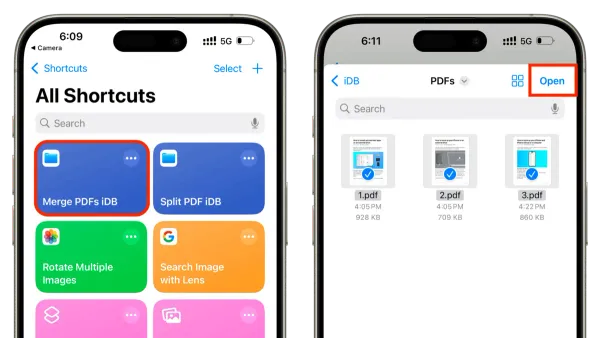
How to Merge PDFs Using a Shortcut in the Shortcuts App
Discover how to merge multiple PDFs efficiently using a custom shortcut in the Shortcuts app on your iPhone or iPad.

PDF Management
Discover how to merge multiple PDFs efficiently using a custom shortcut in the Shortcuts app on your iPhone or iPad.
Mac Automation
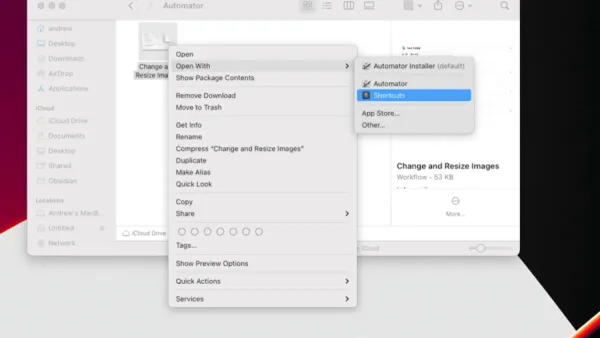
Step-by-step guide to convert Automator workflows into Shortcuts app for seamless Mac automation and improved system integration.
Mac Shortcuts
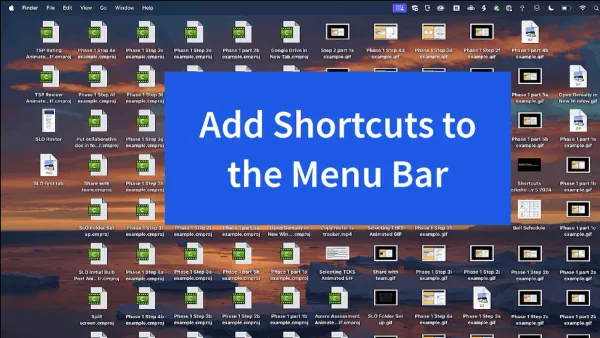
Discover how to run a shortcut from the menu bar in Shortcuts app for faster access and streamlined workflow on your Mac.
iOS Tips
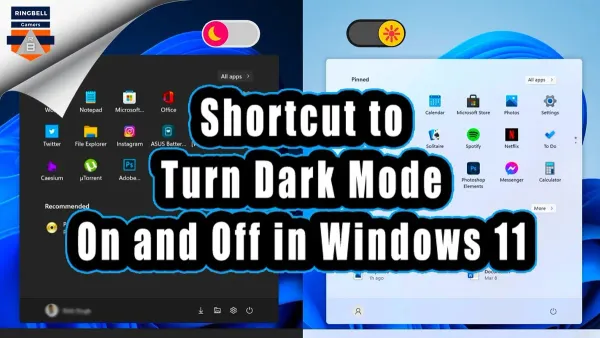
Create a shortcut to toggle dark mode on your iPhone or iPad quickly using the Shortcuts app and customize it for your routine.
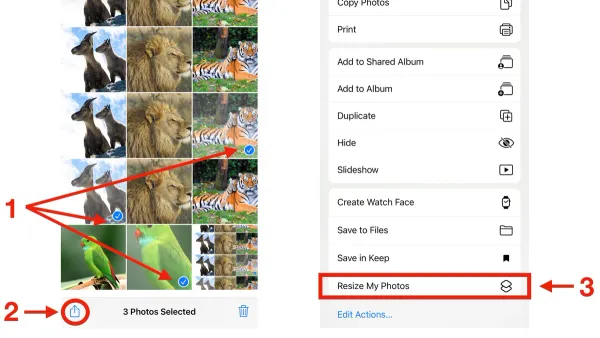
Image Editing
Easily batch resize multiple photos on your iPhone or iPad using the Shortcuts app with this step-by-step guide.
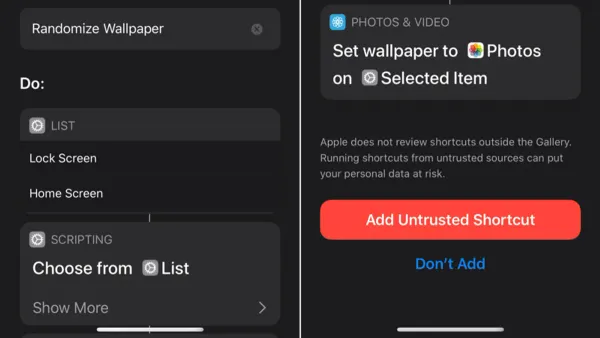
iPhone Tips
Discover how to set up your iPhone to auto change wallpaper daily using the Shortcuts app for a fresh look every day without extra apps.
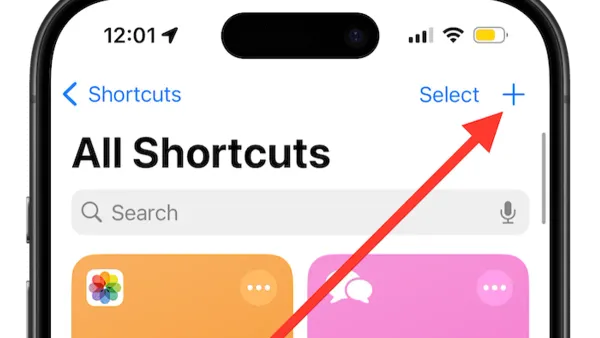
Shortcuts App
This guide walks you through creating your first shortcut in the Shortcuts app with easy steps to automate simple tasks on your device.
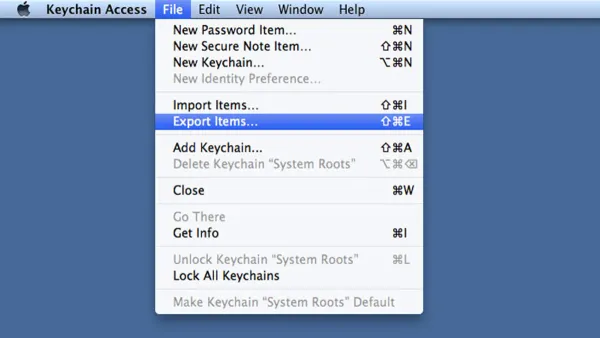
Password Management
This guide explains how to export saved passwords in Keychain Access securely, with clear steps and security tips to protect your data.
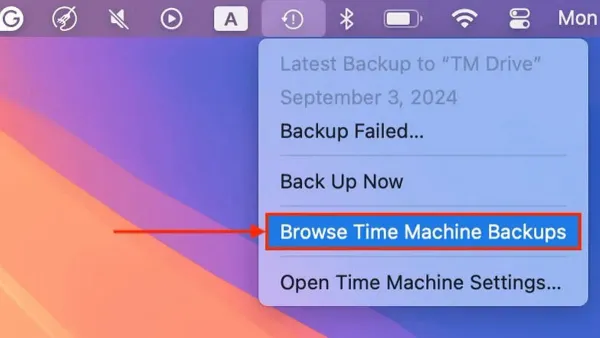
Mac Backup
Discover how to access and explore old backups in Time Machine to restore files and manage your backups efficiently.
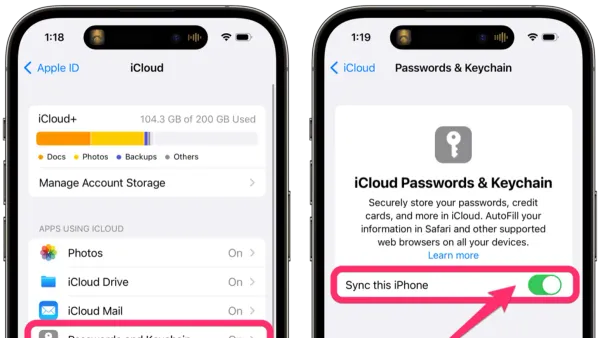
Mac Troubleshooting
Discover how to stop keychain password popups in Keychain Access by troubleshooting password mismatches, app permissions, and keychain corruption.
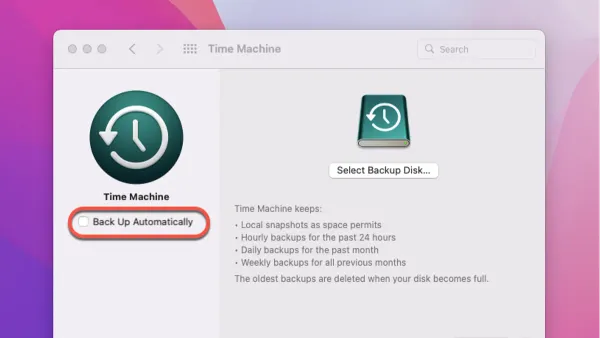
Mac Backup
Step-by-step guide on how to move your Time Machine backups to a new drive safely without risking data loss or backup corruption.
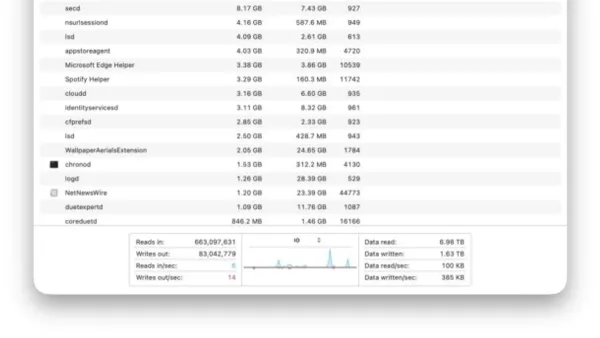
Mac Troubleshooting
Discover how to check disk read and write activity in Activity Monitor to monitor your Mac’s disk usage and troubleshoot performance issues.