Mac Performance
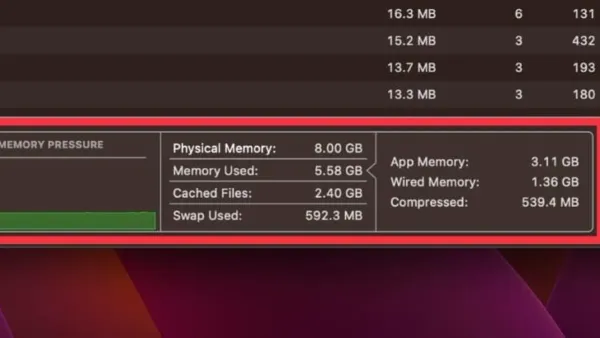
How to Understand Memory Pressure in Activity Monitor: A Step-by-Step Guide
Understand memory pressure in Activity Monitor to monitor your Mac’s memory health and improve system performance efficiently.

Mac Performance
Understand memory pressure in Activity Monitor to monitor your Mac’s memory health and improve system performance efficiently.
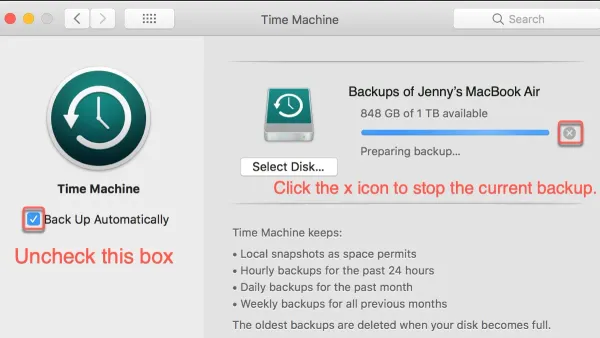
Mac Troubleshooting
Discover effective steps to fix Time Machine backup stuck on preparing backup and get your Mac backups running smoothly again.
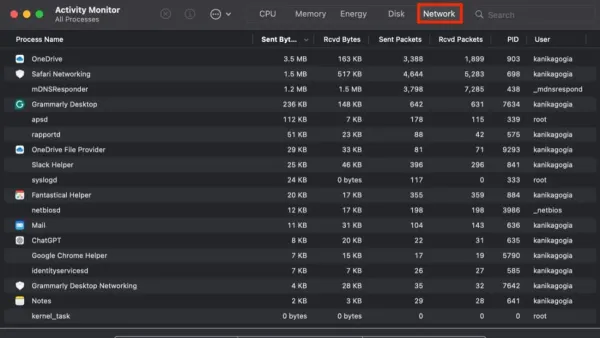
MacOS
Track your Mac’s data usage by app with Activity Monitor to identify bandwidth-heavy applications and manage your network effectively.
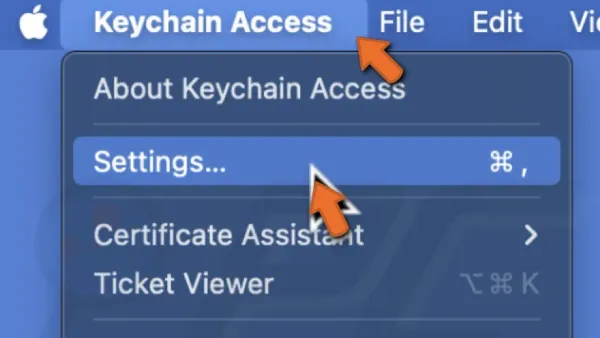
Mac Troubleshooting
This guide explains how to reset the login keychain in Keychain Access to resolve password prompts and recover stored credentials safely.
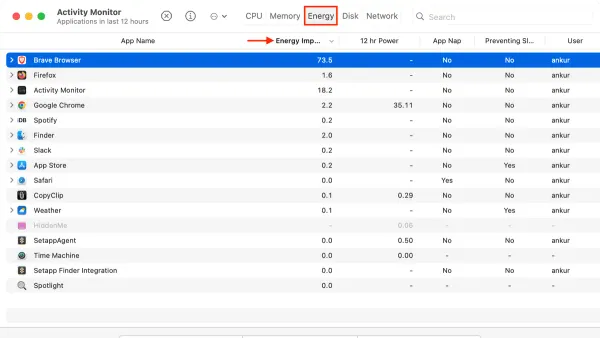
MacOS
Discover how to check energy impact of apps in Activity Monitor to identify and manage power-hungry apps on your Mac for better battery life.
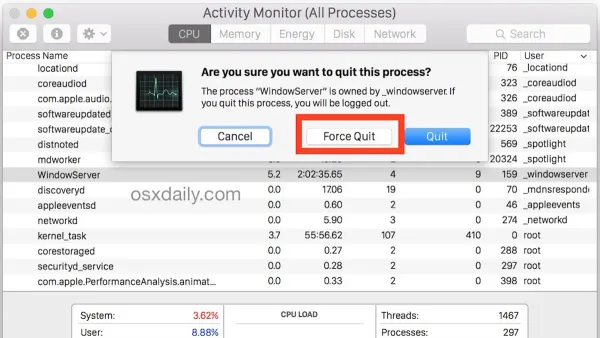
Mac Troubleshooting
This guide shows you how to force kill a process in Activity Monitor to stop unresponsive apps and regain control of your Mac quickly and safely.
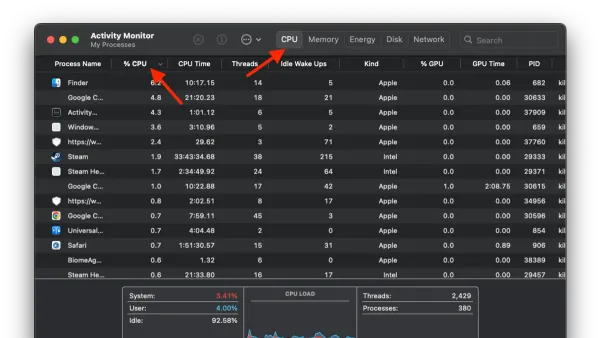
Mac Performance
Discover how to monitor your Mac’s CPU temperature and usage using Activity Monitor and trusted third-party apps for optimal performance.
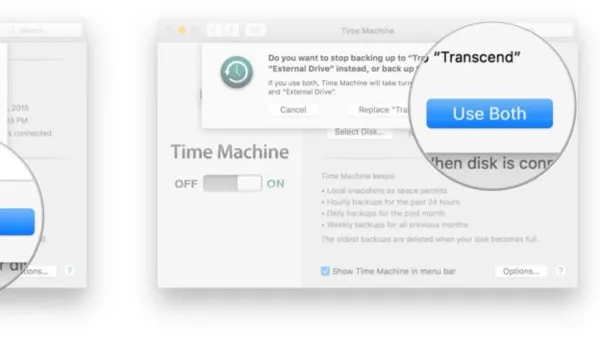
Mac Backup
Learn how to set up and manage two backup drives in Time Machine to keep your Mac data safe and backed up in multiple locations.
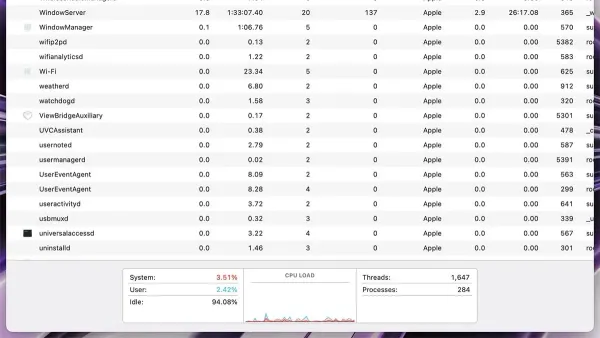
Mac Performance
Discover how to identify apps using too much memory in Activity Monitor and improve your Mac's performance with simple steps.
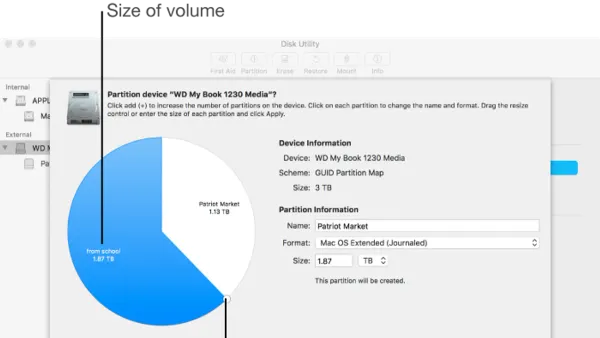
Mac
This guide shows you how to resize a partition in Disk Utility safely, including tips for Boot Camp and Linux partitions on your Mac.
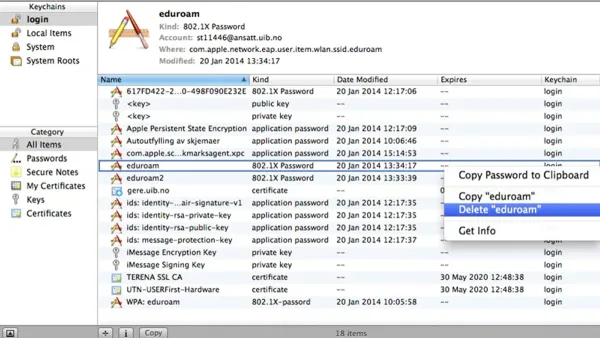
MacOS
This guide shows you how to safely delete a keychain entry in Keychain Access to resolve login problems and protect your privacy.
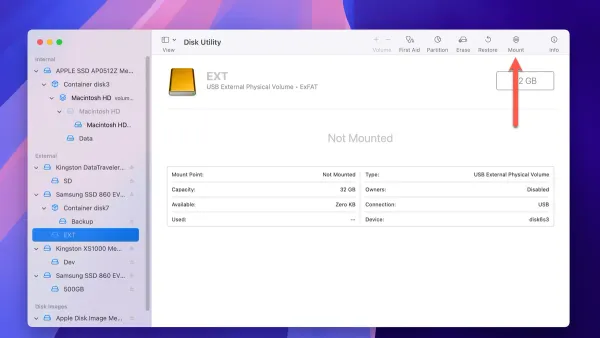
Mac Troubleshooting
Discover effective steps to fix your external drive not mounting in Disk Utility and recover access to your data safely on your Mac.