MacOS
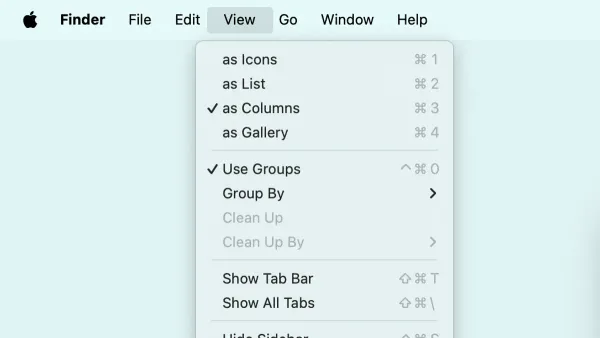
Show Full File Path in Finder Title Bar on macOS
This guide explains how to show the full path in the title bar in Finder on macOS, enhancing navigation clarity and file management efficiency.

MacOS
This guide explains how to show the full path in the title bar in Finder on macOS, enhancing navigation clarity and file management efficiency.
MacOS
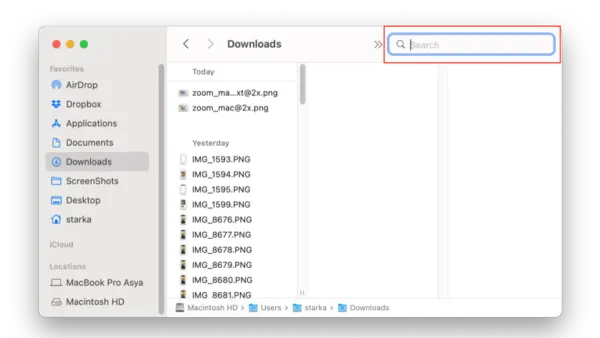
Discover how to effectively search inside file contents in Finder on macOS using Spotlight indexing and metadata filters.
MacOS
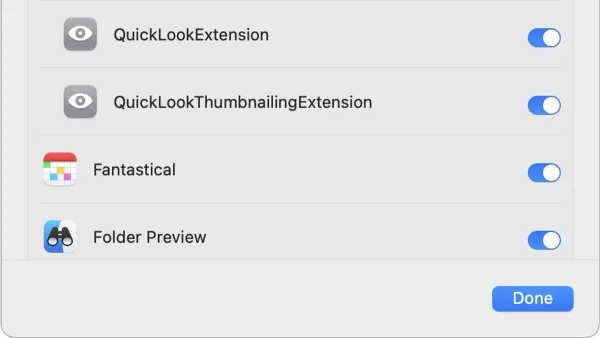
Quick Look in Finder lets you preview files instantly without opening them, saving time and improving file management on your Mac.
MacOS
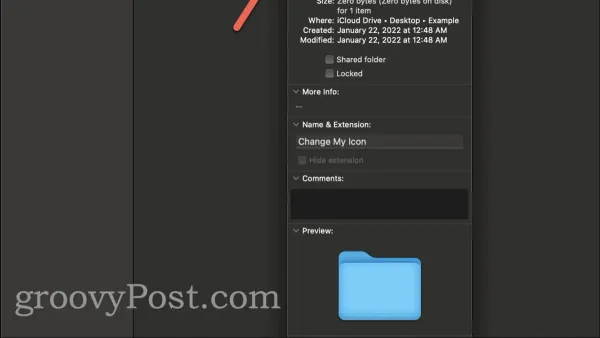
Customize your Mac folders by changing their icons in Finder to improve organization and quickly identify important folders.
Safari
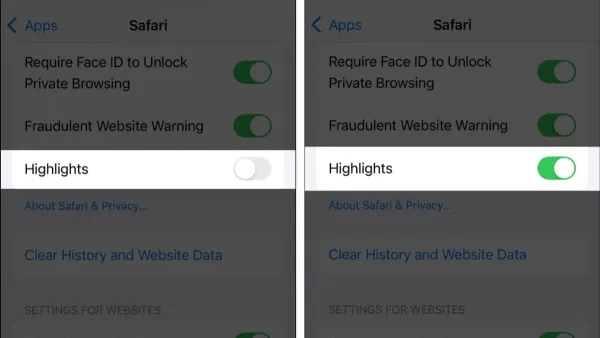
Discover how to use Highlights in Safari to capture and organize important web content for efficient research and reading.

Safari
Discover how to fix frequent crashes in Safari safely and effectively to maintain a smooth browsing experience on Mac or iPhone.

Safari
This guide explains how to fix the cannot open the page error in Safari on Mac and iPhone by checking network, DNS, and system settings.
Safari
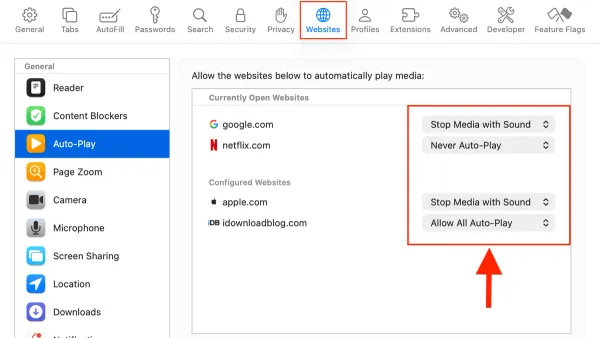
This guide explains how to disable autoplay videos in Safari on Mac and iPhone to enhance privacy, reduce data usage, and save battery life.

Safari
This guide explains how to view page source in Safari on Mac and iPhone to troubleshoot issues and verify webpage content.
Safari
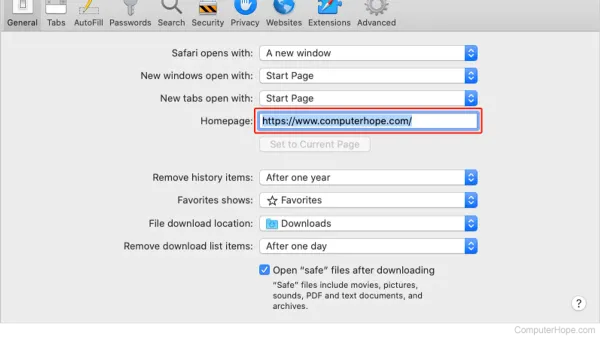
Discover how to set a homepage in Safari on Mac and iPhone by customizing start pages for a tailored browsing experience.
Safari
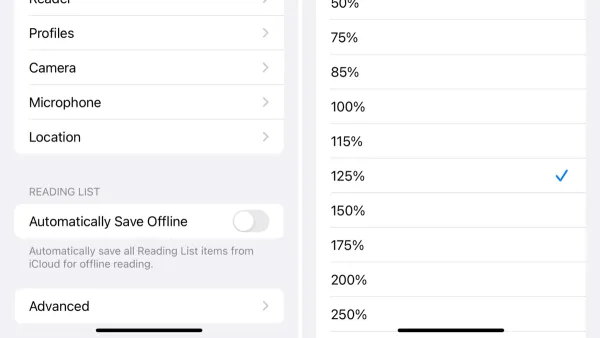
This guide explains how to zoom a website permanently in Safari on Mac and iPhone using accessibility settings, custom CSS, and Reader Mode.
Safari
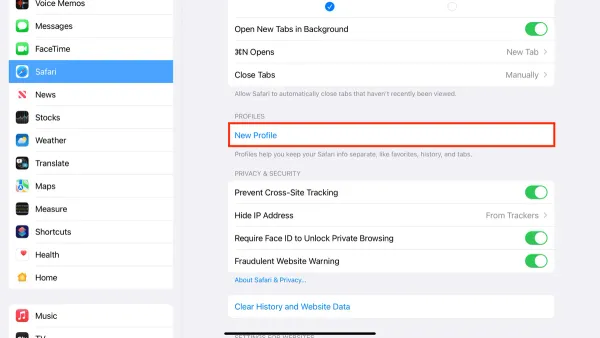
Discover how to create and manage Safari profiles in Safari on your Mac and iPhone for isolated browsing environments and better account management.