How to Protect Your Binance Account from Hacks and Login Issues
Discover practical steps to secure your Binance account, troubleshoot login issues, and protect your crypto assets from hacking attempts.
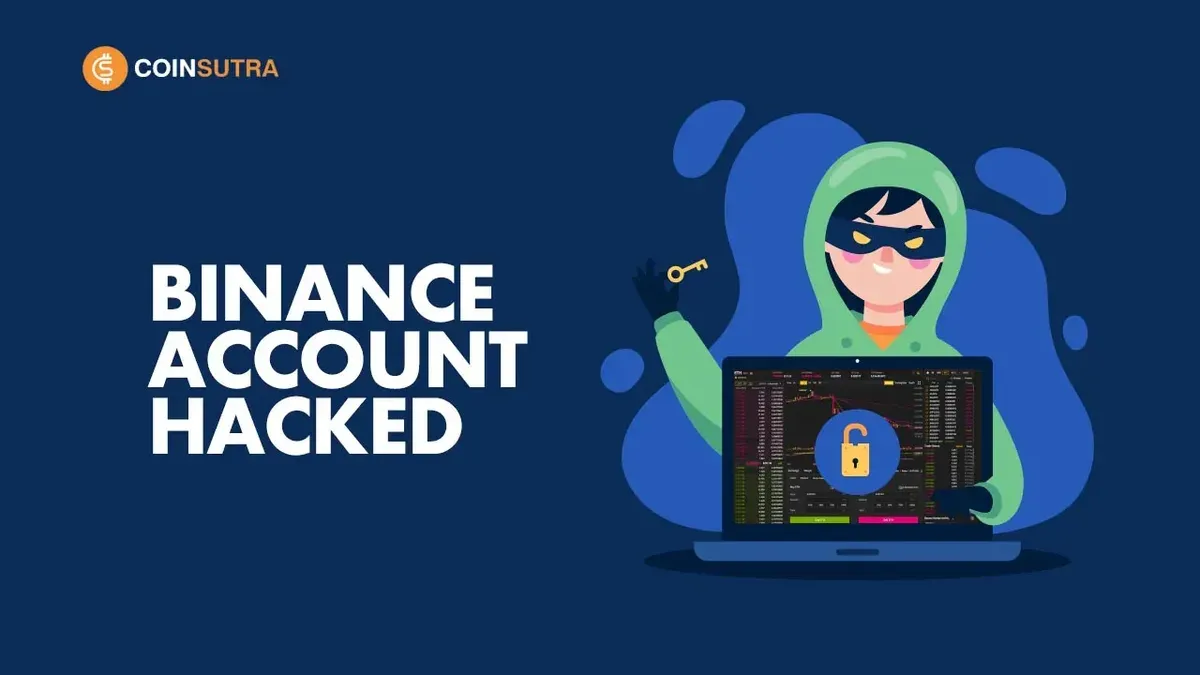
You log into your Binance account to check your crypto portfolio and notice unusual withdrawal requests or unfamiliar devices listed in your login history. Concerns about a Binance account hacked situation can cause alarm and confusion, especially when you rely on this platform for trading and managing assets.
This article explains how Binance accounts work and the common ways accounts can be compromised. It covers practical steps to create and secure your account, troubleshoot login issues, delete or deactivate accounts safely, and protect yourself from hacking attempts. Additionally, it offers a balanced view on Binance’s reputation and tips to use your account responsibly to avoid risks.
Key takeaways
- Enable two-factor authentication (2FA) via Google Authenticator or SMS for stronger account security.
- Use unique, strong passwords and change them regularly to prevent unauthorized access.
- Verify your login devices and IP addresses frequently under the Security settings.
- Understand common login problems like forgotten passwords or captcha errors and their fixes.
- Review Binance’s legitimacy and user responsibilities before investing significant funds.
What is a Binance account and why it matters
A Binance account serves as your gateway to one of the world’s largest cryptocurrency exchange platforms. Through this account, you can trade a wide range of digital assets, deposit funds from various sources, and withdraw your holdings whenever needed. It essentially acts as your personal wallet and trading interface combined.
Binance supports several account types, including standard user accounts for individual traders and institutional accounts for larger scale operations. With millions of users globally engaged in daily trading volumes reaching billions in value, a Binance account is a critical tool for managing crypto assets efficiently.
Because your Binance account holds access to your funds and personal information, securing it is essential. If someone gains unauthorized access, they could drain your assets or manipulate your trades. For example, imagine you have enabled two-factor authentication but use a weak password; a hacker exploiting this vulnerability could still break in and withdraw your cryptocurrencies.
Understanding the role and functions of your Binance account helps you appreciate the need for robust security measures. It is not just an account—it is the control center for your digital assets within a complex and active marketplace.
How to create a Binance account safely
Start your Binance account setup by visiting the official Binance website and clicking the "Register" button. Choose whether to sign up with your email or mobile number. Use a valid, personal email address or phone number that you control exclusively to prevent unauthorized access.
During registration, create a strong password with at least 8 characters including uppercase, lowercase letters, numbers, and symbols. Avoid common passwords or reusing passwords from other accounts.
After providing your basic information, you'll be guided through identity verification (KYC). Upload a government-issued ID such as a passport or driver’s license, along with a selfie to confirm your identity. This step is mandatory to unlock full account features and withdrawal limits.
Once your account is created, immediately enable Two-Factor Authentication (2FA). Binance offers Google Authenticator or SMS 2FA; Google Authenticator is generally more secure. Navigate to "Security" under your profile and select "Enable 2FA". Follow the prompts to link the app to your account.
A common oversight is skipping 2FA setup or using weak passwords, which greatly increases risk. Also, beware of phishing attempts—always confirm you are on the official Binance domain before entering credentials.
For example, a user who sets up 2FA with Google Authenticator and uses a unique strong password reduces chances of unauthorized access significantly compared to those relying on only a password.
Can Binance accounts be hacked and how hackers try to gain access
Yes, Binance accounts can be hacked if attackers exploit weak security measures or user errors. Common hacking tactics include phishing, SIM swapping, and credential stuffing, each targeting different vulnerabilities in user behavior and platform defenses.
Phishing attacks
Phishing remains one of the most frequent methods. Attackers send fake emails or messages mimicking Binance notifications, prompting you to click malicious links and enter credentials on counterfeit sites. For example, a user might receive an email claiming suspicious login activity and be directed to a lookalike login page where their username and password are stolen.
SIM swapping
In a SIM swap attack, hackers convince your mobile carrier to transfer your phone number to a new SIM card they control. This allows them to intercept two-factor authentication (2FA) codes sent via SMS, bypassing an important layer of security. Such attacks often succeed when mobile providers have weak identity verification processes.
Credential stuffing
Credential stuffing exploits reused passwords from data breaches on other sites. Attackers use automated tools to try stolen username-password pairs on Binance. If you reuse passwords, this can lead to unauthorized access even without a direct Binance breach.
Reported incidents include phishing campaigns targeting Binance users and attempts to access accounts via SIM swaps, underscoring the importance of strong, unique passwords and enabling app-based 2FA instead of SMS codes.
Binance account login issues and how to fix them
Login failures on Binance often stem from incorrect passwords, 2FA errors, or network interruptions. For example, if you enter the wrong password multiple times, Binance may temporarily lock your account to prevent unauthorized access. Similarly, issues with two-factor authentication (2FA) apps like Google Authenticator, such as time desynchronization, can cause repeated login errors.
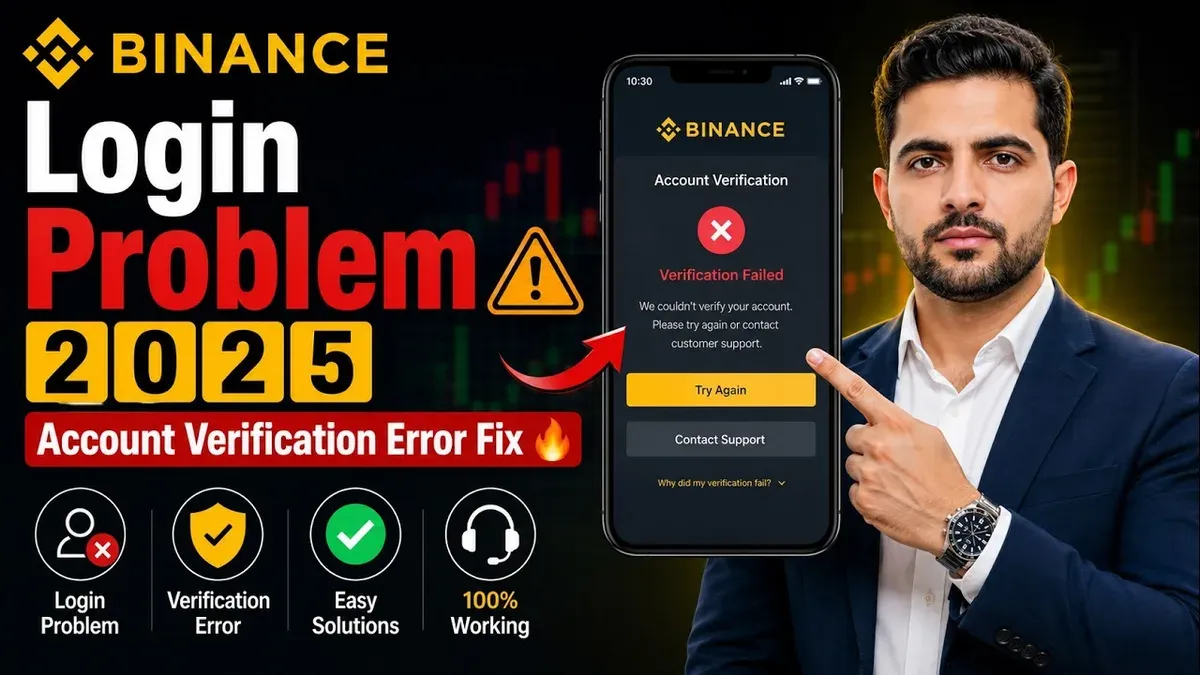
To resolve login problems, start by verifying your password and ensuring your keyboard input matches the case and symbols exactly. If 2FA codes are rejected, check that your authentication app’s time settings are synchronized—most apps offer a “time correction” option in their settings.
When network issues cause login errors, switching from Wi-Fi to mobile data or restarting your router can help. Additionally, clearing your browser cache or trying a different browser can resolve unexpected login page errors.
If you remain unable to access your account, use Binance’s “Forgot Password” option on the login page to reset your password via your registered email. If 2FA is lost, Binance provides a recovery process accessible under the “Security” section after password reset, which may require identity verification.
To monitor unauthorized access, check your login history by navigating to Security > Device Management in your account settings. This page lists recent login locations and devices, allowing you to spot unfamiliar activity and immediately revoke access.
For instance, a user unable to log in due to 2FA code rejection resolved the issue by adjusting the time synchronization in their Google Authenticator app, enabling successful login without resetting credentials.
How to delete or deactivate your Binance account securely
You might consider deleting your Binance account if you no longer trade crypto, want to reduce online risks, or prefer to close unused financial profiles. Binance allows account closure, but it is irreversible and requires careful preparation.
Before initiating deletion, withdraw all your funds including cryptocurrencies and fiat balances. Also, download transaction history and any tax-related documents, as these records will be inaccessible after closure.
To delete your account, log into Binance and go to Profile > Security > Disable Account. Binance will prompt you to confirm the action and complete identity verification steps. Once confirmed, your account enters a deactivation period during which you cannot access it. After this period, Binance permanently deletes your account and all associated data.
For example, if you decide to close your account after securing your assets, navigate to the disable option and follow the prompts carefully. Missing to withdraw funds or save records could lead to lost assets or lack of transaction proof.
Binance's official policy states accounts can be closed by user request but emphasizes withdrawing funds first and understanding the permanent nature of deletion. This ensures your data privacy and prevents unauthorized future access.
How to protect your Binance account from getting hacked
Securing your Binance account requires deliberate actions beyond initial setup. Start by enabling two-factor authentication (2FA) under Security > Two-Factor Authentication in your account settings. Using an authenticator app like Google Authenticator or Authy is more secure than SMS 2FA, as it avoids SIM swapping risks. Research shows 2FA can block the vast majority of automated login attempts, making it a highly effective security layer.
Manage your linked devices by navigating to Security > Device Management. Review and remove any unfamiliar devices promptly to prevent unauthorized access.
Phishing remains a common threat; attackers impersonate Binance or use fake login pages to steal credentials. For example, a user might receive an email urging urgent password reset, directing to a convincing but fraudulent site. Always verify email senders, avoid clicking suspicious links, and access Binance only through the official website or app.
Regularly update your password with a unique, complex string using a password manager to avoid reuse across sites. Check your login history in Security > Login History to spot suspicious activity early.
Is Binance a scam? Evaluating its safety and reputation
Binance is one of the largest cryptocurrency exchanges globally, serving millions of users and facilitating significant daily trading volumes. Its scale and market position have attracted regulatory scrutiny in various jurisdictions, including warnings or restrictions from authorities in countries like the UK, Japan, and the US. These challenges reflect the evolving regulatory landscape for crypto platforms rather than direct evidence of fraudulent activity.
Common scam accusations often stem from misunderstandings about Binance’s operations, delays in withdrawing funds during high traffic, or phishing attacks targeting users. Binance counters these claims by publishing regular transparency reports, maintaining a Secure Asset Fund for Users (SAFU) to cover losses from hacks, and actively cooperating with regulators. For example, when Binance faced regulatory warnings, it promptly adjusted services, such as limiting derivatives trading or enhancing compliance measures.
To assess Binance’s safety yourself, examine factors like whether the platform requires thorough identity verification, offers two-factor authentication, provides clear customer support channels, and maintains a history of resolving security incidents. User trust ratings on independent review sites can provide additional perspective but should be weighed alongside official updates and regulatory actions.
Imagine you hear about a Binance withdrawal delay during a market crash. Instead of assuming a scam, check official Binance announcements and user forums. Often, these delays are technical or compliance-related rather than signs of fraud.
How to use your Binance account to earn crypto responsibly
Binance offers several earning products that allow you to grow your crypto holdings, including Staking, Savings, and Launchpad participation. Each option has different risk and return profiles, so understanding these is essential for responsible use.
Staking lets you lock certain cryptocurrencies to support network operations and earn rewards. For example, Binance’s Flexible Staking for BNB might offer moderate returns with the ability to redeem anytime, while Locked Staking for a fixed period usually yields higher rewards but limits access to your funds.
Binance Savings provides flexible or locked deposits with interest rates that vary depending on the asset and market demand. Flexible savings allow withdrawal at any time but generally offer lower returns, whereas locked savings require committing your funds for a set period to earn higher interest.
Launchpad lets you participate in new token sales, which can be lucrative but also risky due to market volatility and project uncertainty. Only commit amounts you can afford to lose and research each project thoroughly.
Responsible participation means diversifying across products to balance potential rewards and risks. For instance, combining flexible savings for liquidity with locked staking for higher yields can help manage your portfolio’s exposure.
Always review the specific terms on the Binance Earn page, monitor your locked periods, and avoid overcommitting to high-risk offerings. These steps help protect your assets while making the most of Binance’s earning features.
- What to Do If Your Best Buy Account Is Hacked: A 2026 Guide
- How to Protect Yourself if Your Apple Pay Account Is Hacked
Frequently asked questions
How to create binance account?
To create a Binance account, visit the official Binance website and click on “Register.” You need to provide an email address or phone number, create a strong password, and complete identity verification (KYC) by uploading government-issued ID. Enabling two-factor authentication (2FA) immediately after registration enhances your account security.
Can binance account be hacked?
Yes, Binance accounts can be hacked if hackers gain access to your login credentials or bypass security settings. Common methods include phishing attacks, malware, or weak passwords. Protecting your account with 2FA and monitoring for suspicious activity reduces this risk significantly.
What is binance account?
A Binance account is a user profile that allows you to access Binance's cryptocurrency trading platform. It stores your personal information, wallets, and transaction history, enabling you to buy, sell, and manage digital assets securely within Binance’s ecosystem.
How to delete binance account?
To delete your Binance account, log in and go to “Security” settings, then select “Account Activity” and find the “Close Account” option. Follow the prompts to verify your identity and confirm deletion. Ensure you withdraw all funds before closing, as you will lose access to your assets after deletion.
Can someone hack your binance account?
Yes, someone can hack your Binance account if you do not follow recommended security practices. Hackers may use methods like phishing or password breaches. Using strong passwords, enabling 2FA, and avoiding suspicious links or apps are essential to prevent unauthorized access.
What this advice does not cover and who should do something else
This article does not cover advanced hacking techniques or Binance’s internal security protocols beyond publicly available information. Users in certain jurisdictions may face restrictions or additional risks not addressed here. Following these steps reduces but does not eliminate the risk of hacking; ultimate security depends on your vigilance and careful account management.
The single most useful next step is to enable two-factor authentication (2FA) using an authenticator app rather than SMS, found under Security settings in your Binance account. This extra layer of protection is often overlooked yet significantly strengthens your defense against unauthorized access.