Document Creation
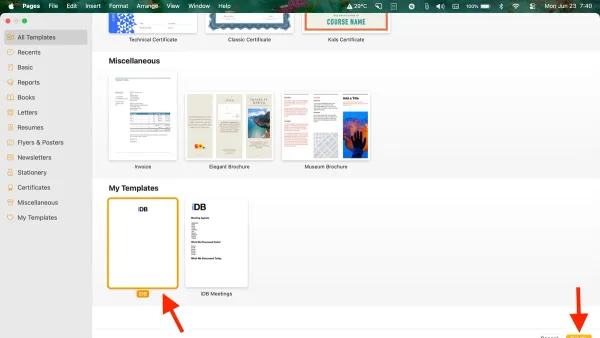
How to Use Pages Templates in Pages: A Step-by-Step Guide
Discover how to efficiently create and apply templates in Pages to streamline your document creation process.

Document Creation
Discover how to efficiently create and apply templates in Pages to streamline your document creation process.
Document Design
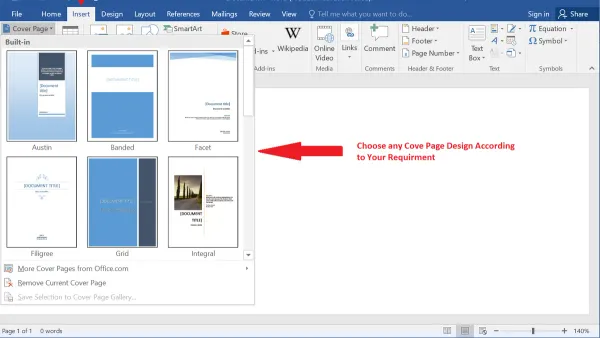
Discover simple steps to add a customized cover page in Pages on Mac, iPhone, and iPad for professional and visually appealing documents.
Document Editing
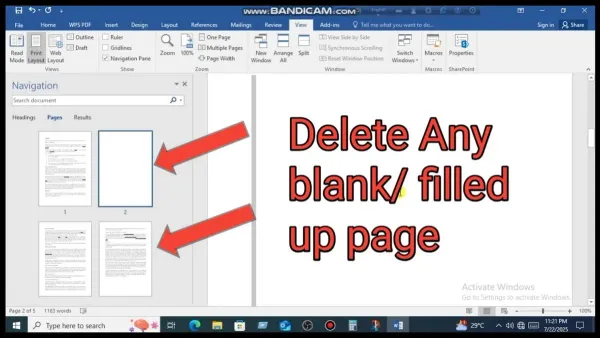
Discover easy steps to delete a blank page in Pages on Mac, iPad, or iPhone and keep your documents clean and professional.
Document Formatting
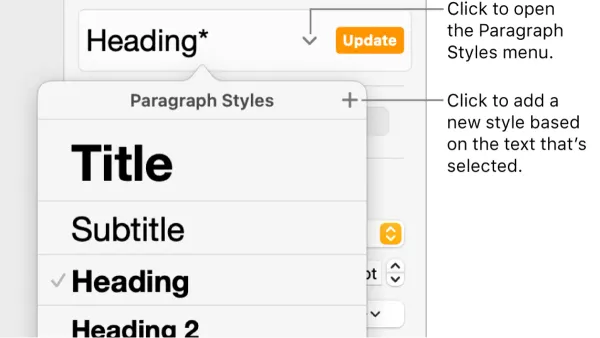
Master paragraph styles in Pages to quickly format and organize your document with consistent headings, body text, and quotes.
Document Formatting
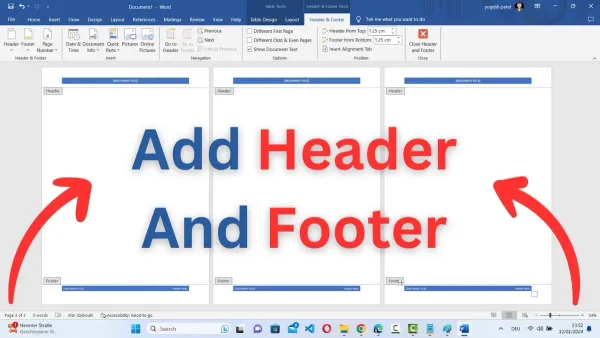
This guide shows you how to add and customize headers and footers in Pages on Mac and iPad for professional-looking documents.
PDF Export
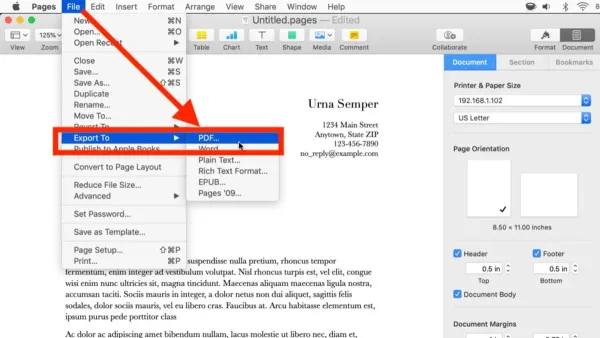
This guide shows you how to export your Pages documents to PDF on Mac and iOS devices quickly and without losing formatting.
Document Formatting
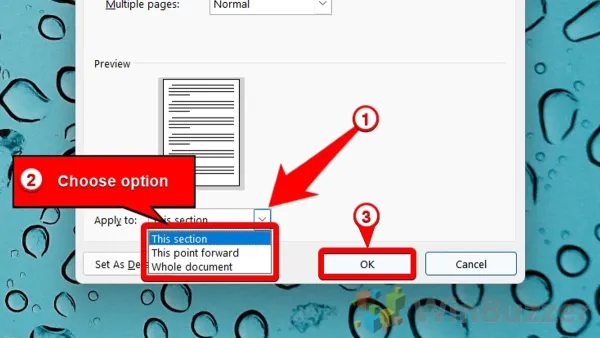
Discover how to adjust page margins in Pages on Mac, iPad, and iPhone to tailor your document layout precisely to your needs.
Apple Pages
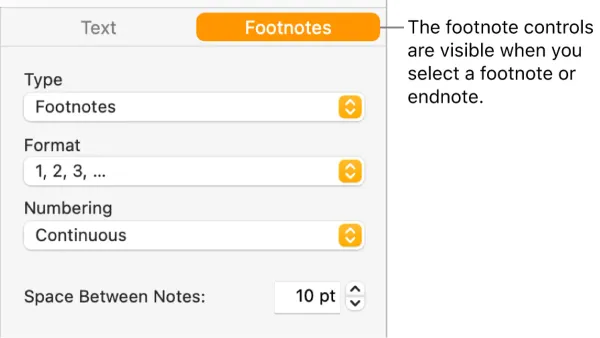
This guide shows you how to add footnotes in Pages, helping you insert and manage references clearly and professionally in your documents.
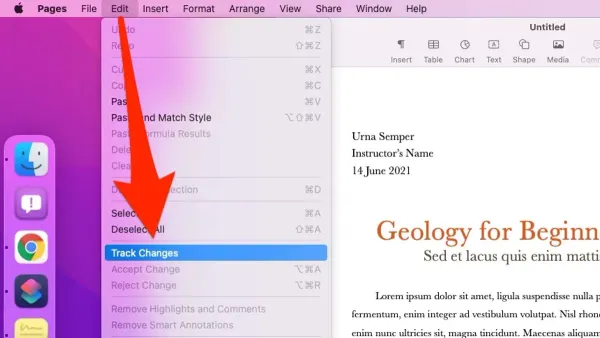
Document Collaboration
Discover how to enable and use track changes in Pages to keep edits organized and improve collaboration.
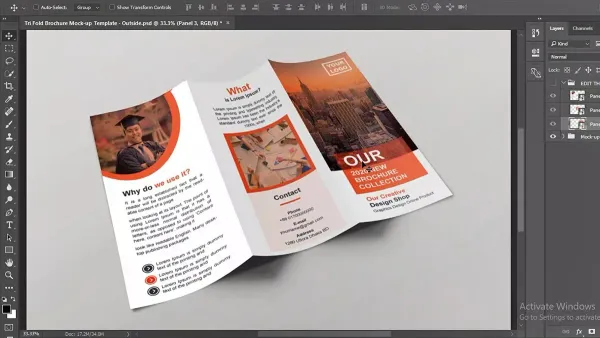
Graphic Design
Create a professional brochure using Pages with step-by-step guidance on layout, text, images, and design tips for a polished final product.
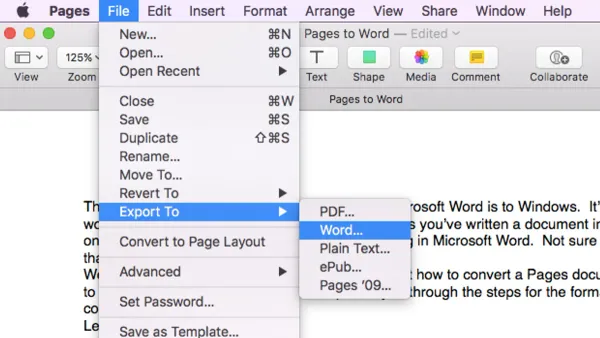
Document Conversion
Follow easy steps to convert Pages documents to Word format on Mac, iPad, or iPhone for seamless sharing and editing.
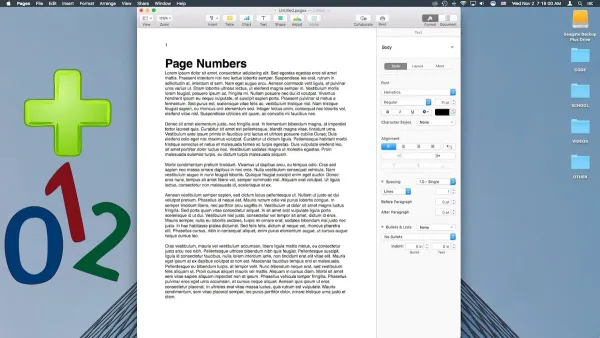
Apple Pages
This guide shows you how to add and format page numbers in Pages on Mac, iPad, and iPhone for polished, professional documents.