Mac Tips
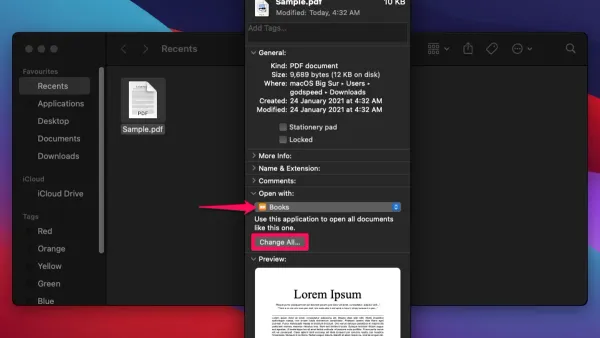
How to Change the Default App for a File Type on Mac
This guide explains how to change the default app for a file type on Mac, including system-wide and per-file settings for smoother file management.

How to organise, find, rename, move and recover files on your Mac.
Mac Tips
This guide explains how to change the default app for a file type on Mac, including system-wide and per-file settings for smoother file management.
Mac Automation
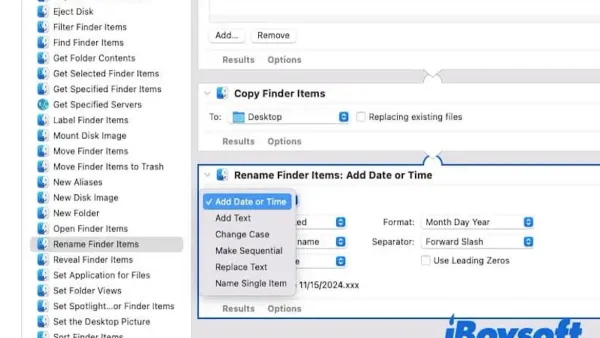
Discover easy steps to auto rename files in Automator on Mac and streamline your batch file management with effective automation.
File Management
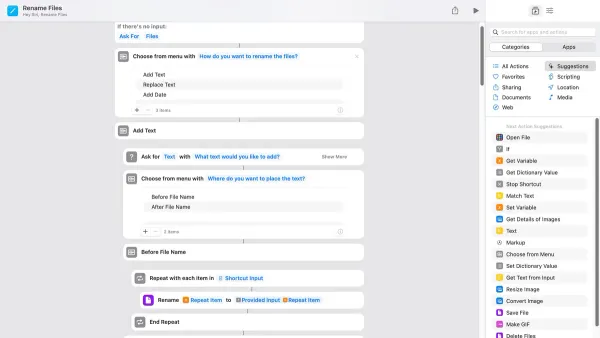
Discover how to rename files automatically in the Shortcuts app with step-by-step methods for batch renaming, dynamic timestamps, and conditional logic.
MacOS
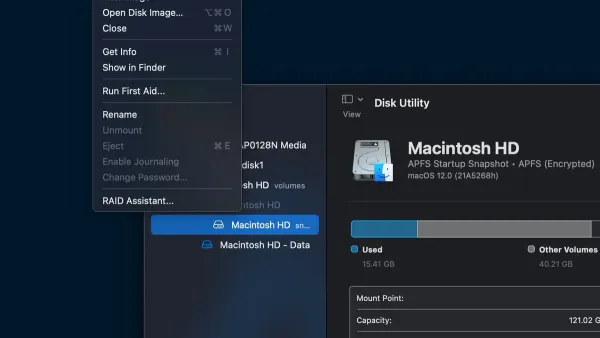
This guide shows you how to mount an ISO file in Disk Utility on macOS, making its contents accessible as a virtual disk.
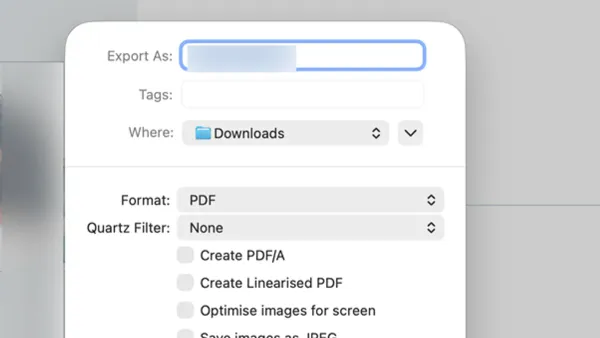
PDF Compression
This guide shows how to compress a PDF in Preview to reduce file size without losing important details or clarity.
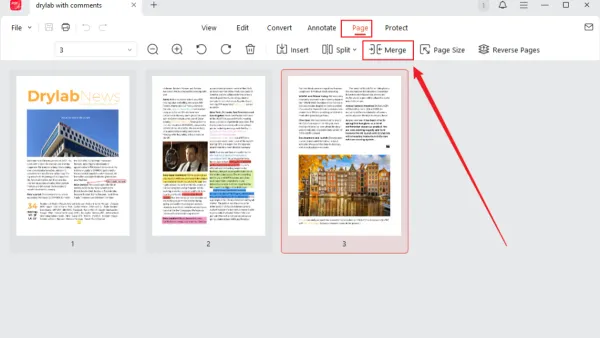
PDF Tips
This guide shows you how to combine PDFs in Preview using clear steps to merge, edit, and save your documents on a Mac.
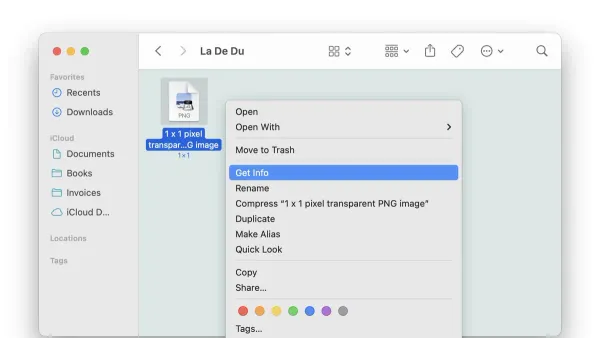
MacOS
This guide shows how to lock a file from editing in Finder on macOS to safeguard your important documents from accidental changes.
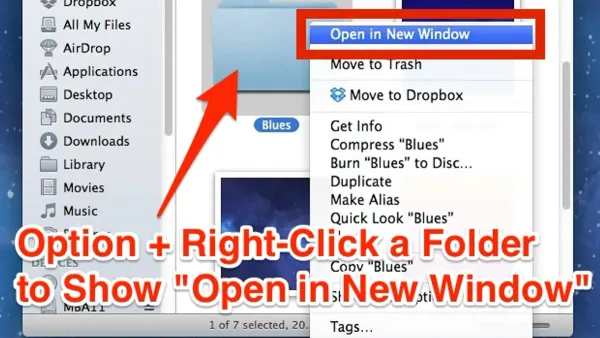
MacOS
Discover how to open folders in new windows instead of tabs in Finder to better organize your macOS workspace.
MacOS
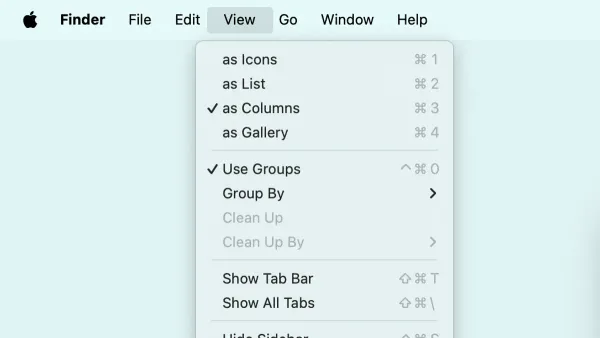
This guide explains how to show the full path in the title bar in Finder on macOS, enhancing navigation clarity and file management efficiency.
MacOS
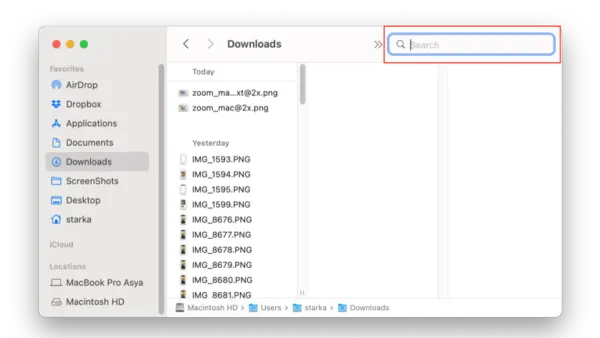
Discover how to effectively search inside file contents in Finder on macOS using Spotlight indexing and metadata filters.
MacOS
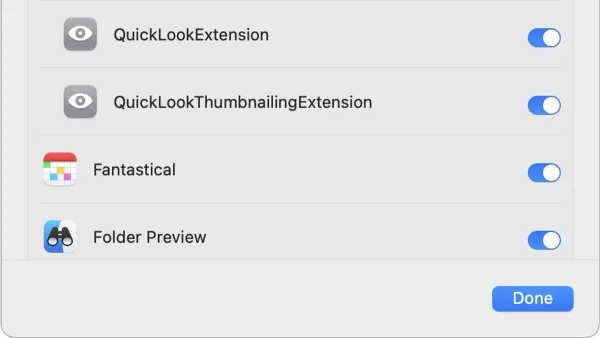
Quick Look in Finder lets you preview files instantly without opening them, saving time and improving file management on your Mac.
MacOS
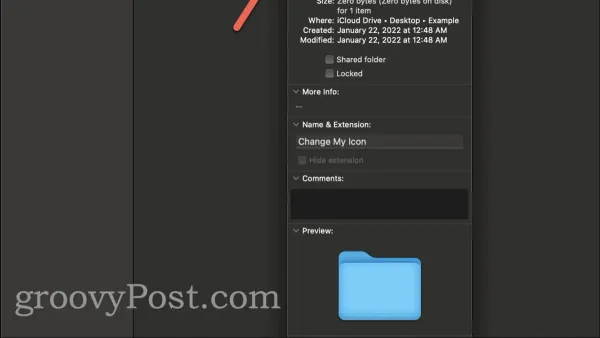
Customize your Mac folders by changing their icons in Finder to improve organization and quickly identify important folders.