Mac Tips
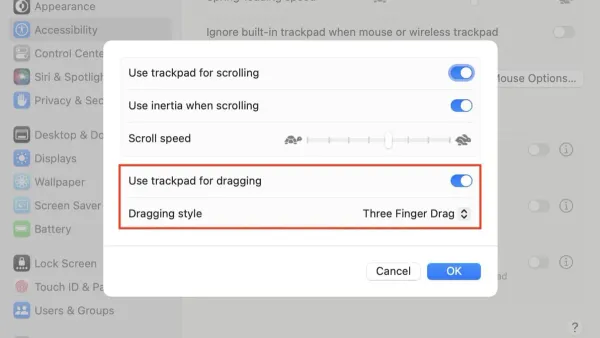
How to Turn On Three Finger Drag on Mac: A Step-by-Step Guide
Discover how to enable three finger drag on Mac to improve trackpad navigation and reduce finger strain with simple steps.

Mac Tips
Discover how to enable three finger drag on Mac to improve trackpad navigation and reduce finger strain with simple steps.
Mac Tips
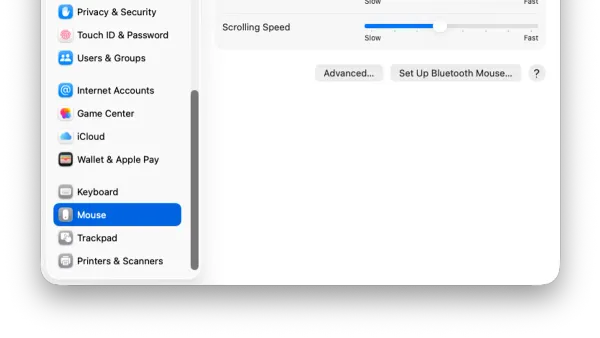
This guide shows how to change the mouse scroll direction on Mac for both built-in trackpads and external mice with simple, clear instructions.
Mac Tips
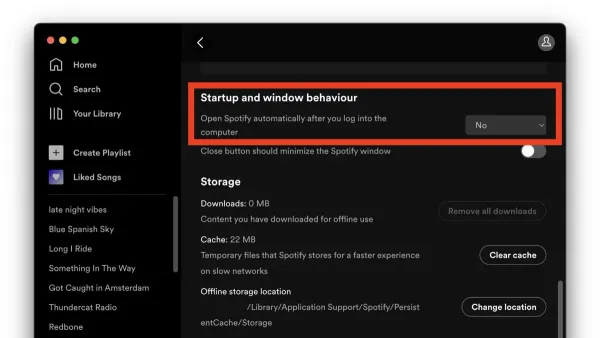
Discover clear steps to stop Spotify from opening automatically at startup on your Mac and keep your workspace distraction-free.
Photography
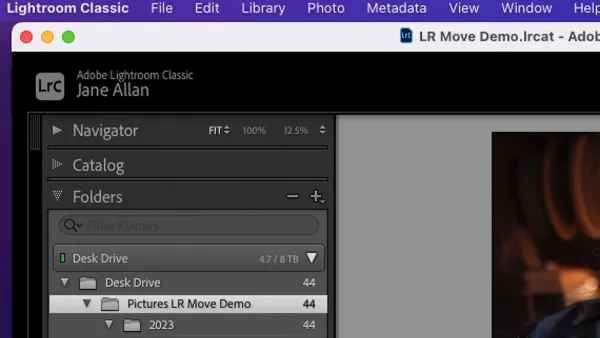
This guide shows how to move your Lightroom Classic catalog to a new Mac, ensuring all photos and previews transfer correctly without errors.
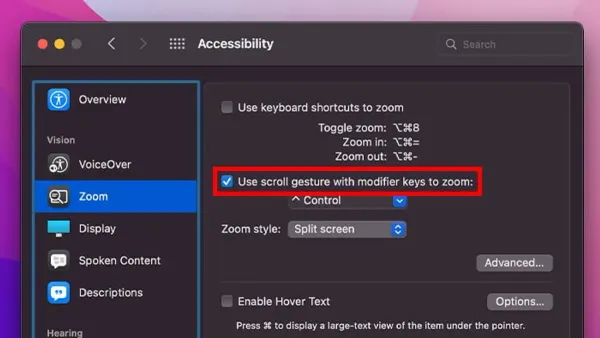
Mac Accessibility
Learn how to enable and control zoom accessibility on your Mac for improved screen visibility and easier navigation.
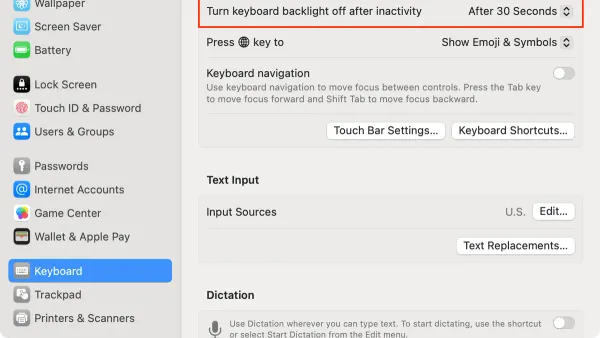
Mac Tips
Discover how to automatically turn off your Mac's keyboard backlight using system settings and third-party apps for better battery life and less distraction.
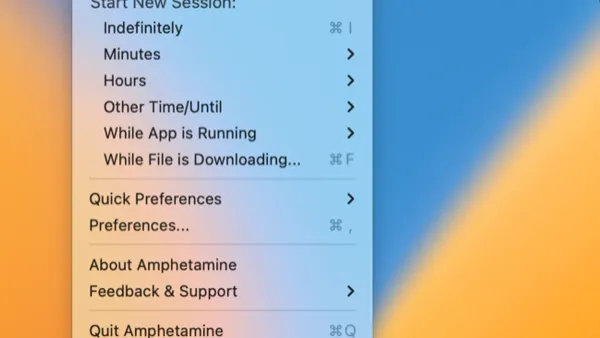
Mac Tips
Discover how to use Amphetamine to keep your Mac awake with customizable sessions, triggers, and battery management for seamless productivity.
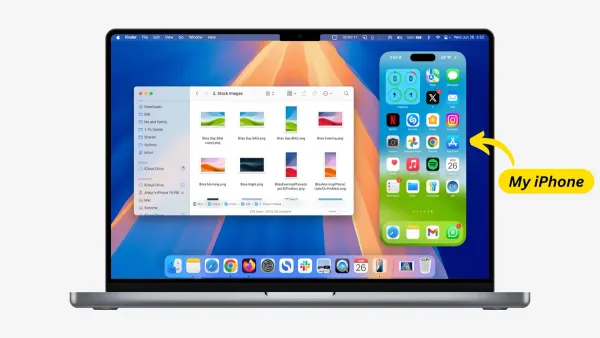
Apple Devices
Discover how to mirror your iPhone screen on a Mac using AirPlay or third-party apps with easy setup and troubleshooting tips.
Apple Devices
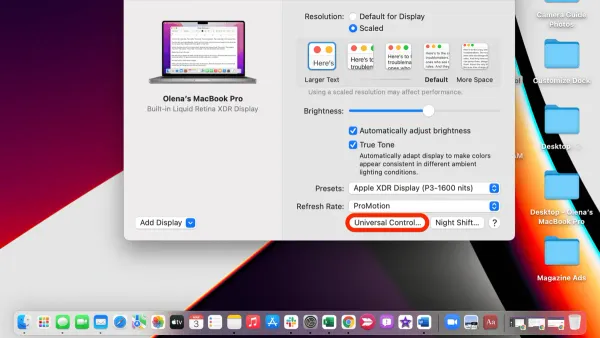
Discover how to set up Universal Control on Mac to use one mouse and keyboard across multiple Apple devices with ease.
Mac Tips
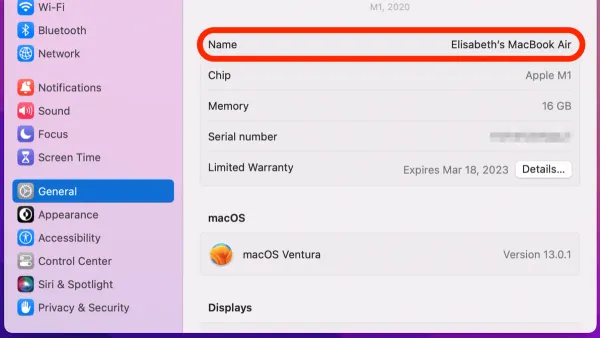
Discover how to change your AirDrop name on Mac with simple steps to customize your device name and improve sharing visibility.
Mac Tips
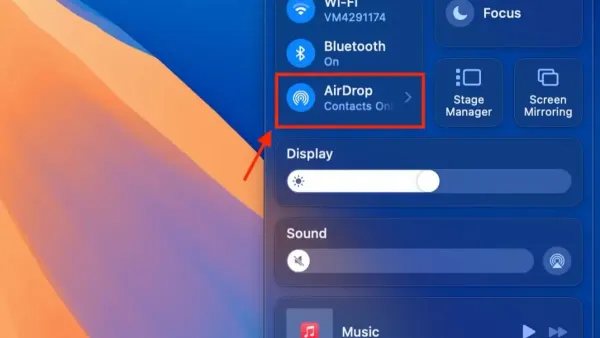
Discover how to enable AirDrop for everyone on your Mac with step-by-step instructions to simplify file sharing with nearby devices.
Mac Tips
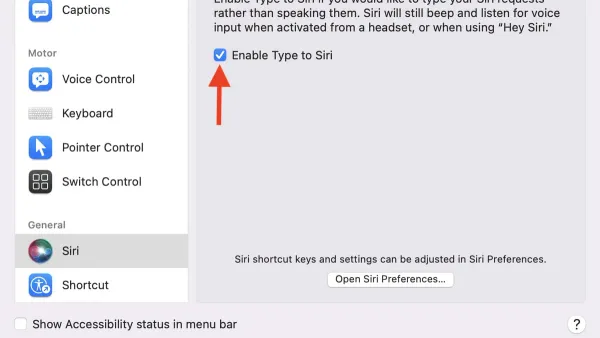
Discover how to enable Type to Siri on your Mac for silent, typed commands that enhance privacy and accessibility.