MacOS
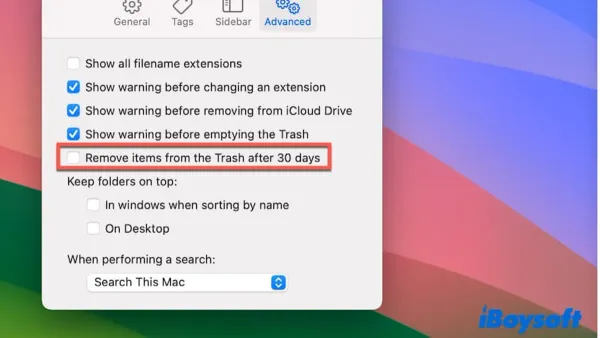
Automate Trash Emptying After 30 Days in Finder on macOS
This guide shows how to empty Trash automatically after 30 days in Finder using macOS features and automation tools to manage disk space efficiently.

MacOS
This guide shows how to empty Trash automatically after 30 days in Finder using macOS features and automation tools to manage disk space efficiently.
MacOS
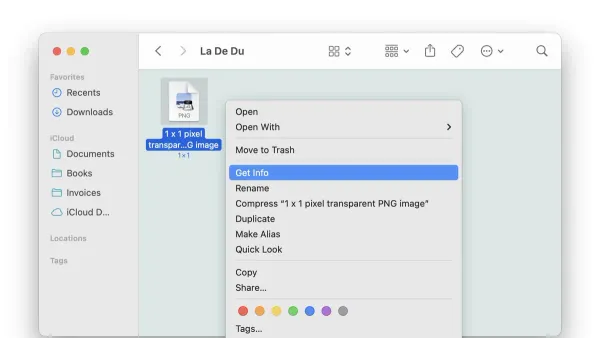
This guide shows how to lock a file from editing in Finder on macOS to safeguard your important documents from accidental changes.
MacOS
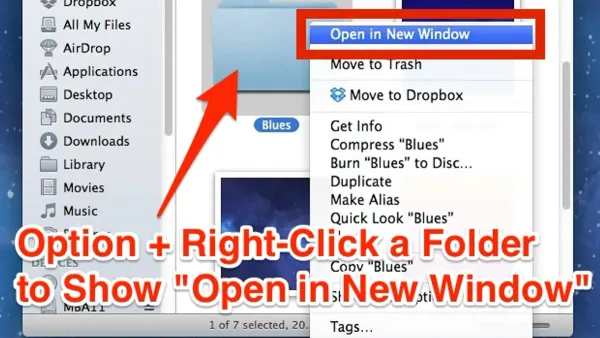
Discover how to open folders in new windows instead of tabs in Finder to better organize your macOS workspace.
MacOS
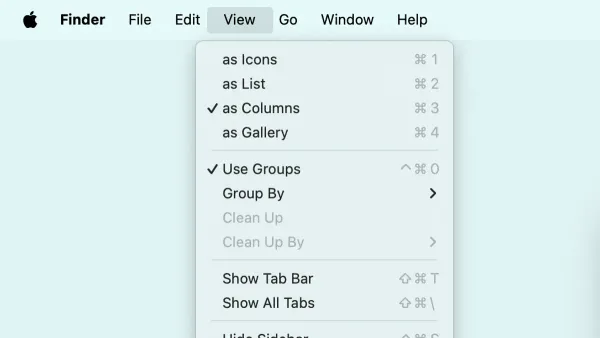
This guide explains how to show the full path in the title bar in Finder on macOS, enhancing navigation clarity and file management efficiency.
MacOS
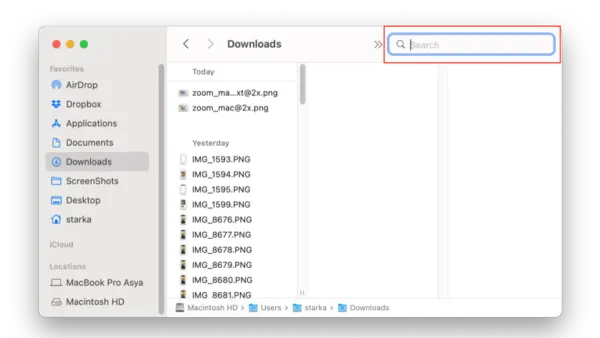
Discover how to effectively search inside file contents in Finder on macOS using Spotlight indexing and metadata filters.
MacOS
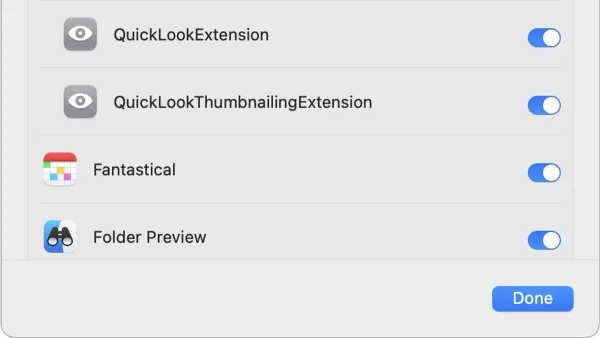
Quick Look in Finder lets you preview files instantly without opening them, saving time and improving file management on your Mac.
MacOS
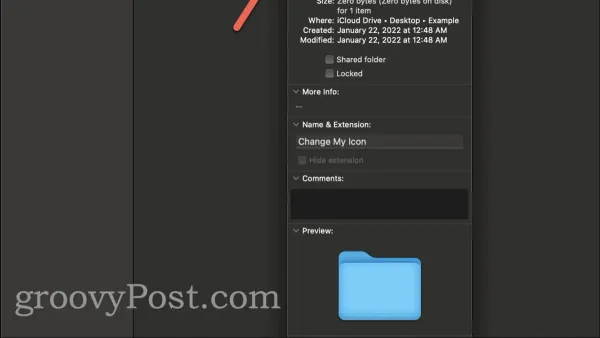
Customize your Mac folders by changing their icons in Finder to improve organization and quickly identify important folders.

Safari
Discover how to fix frequent crashes in Safari safely and effectively to maintain a smooth browsing experience on Mac or iPhone.
Mac
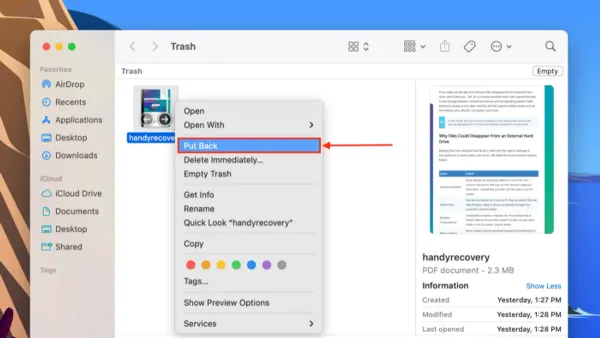
Discover how to put back a file from Trash in Finder to restore deleted Mac files quickly and safely.
MacOS
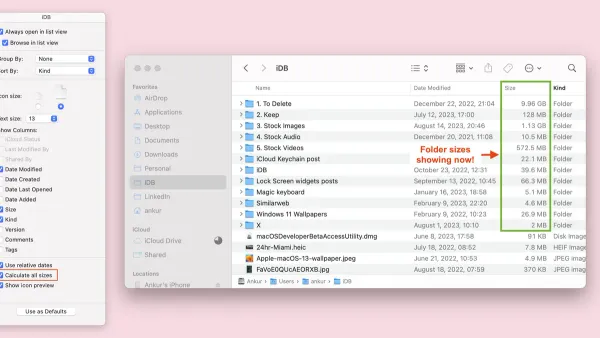
Discover accurate ways to calculate folder size in Finder on macOS, helping you manage disk space with ease and precision.
MacOS
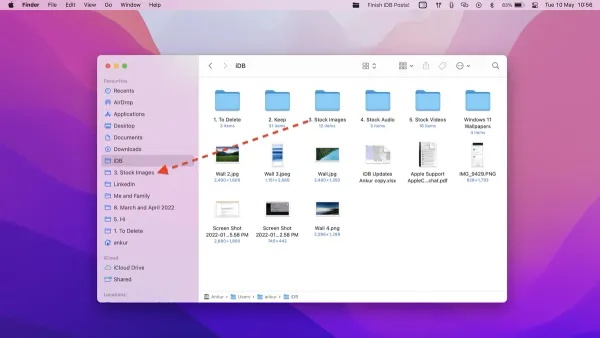
This guide explains how to pin a folder to the sidebar in Finder on macOS for quick and easy access to your important directories.
Web Development
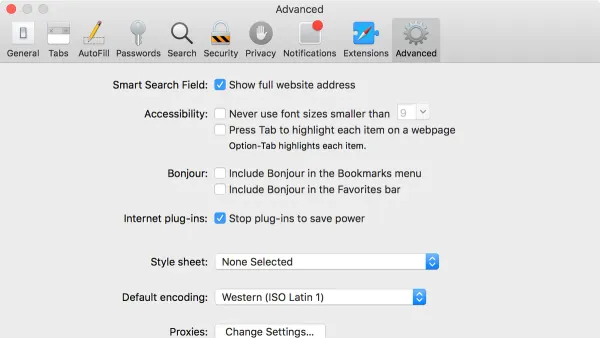
This guide shows how to enable the Develop menu in Safari on macOS to access powerful web development tools.